Printer 600 Machine Programming.pdf - 第17页
0$&+,1 (352*5$0 0,1* 67$*(% 352)/2:6 (783 Software Version 07SP04 User Manual 1.17 ST AGE 4B - PROFLOW SETUP If squeegees were use d when running the last product, carr y out the Squeegees to ProFl ow Replacem…
0$&+,1(352*5$00,1*
67$*($),7648((*((6
1.16 User Manual Software Version 07SP04
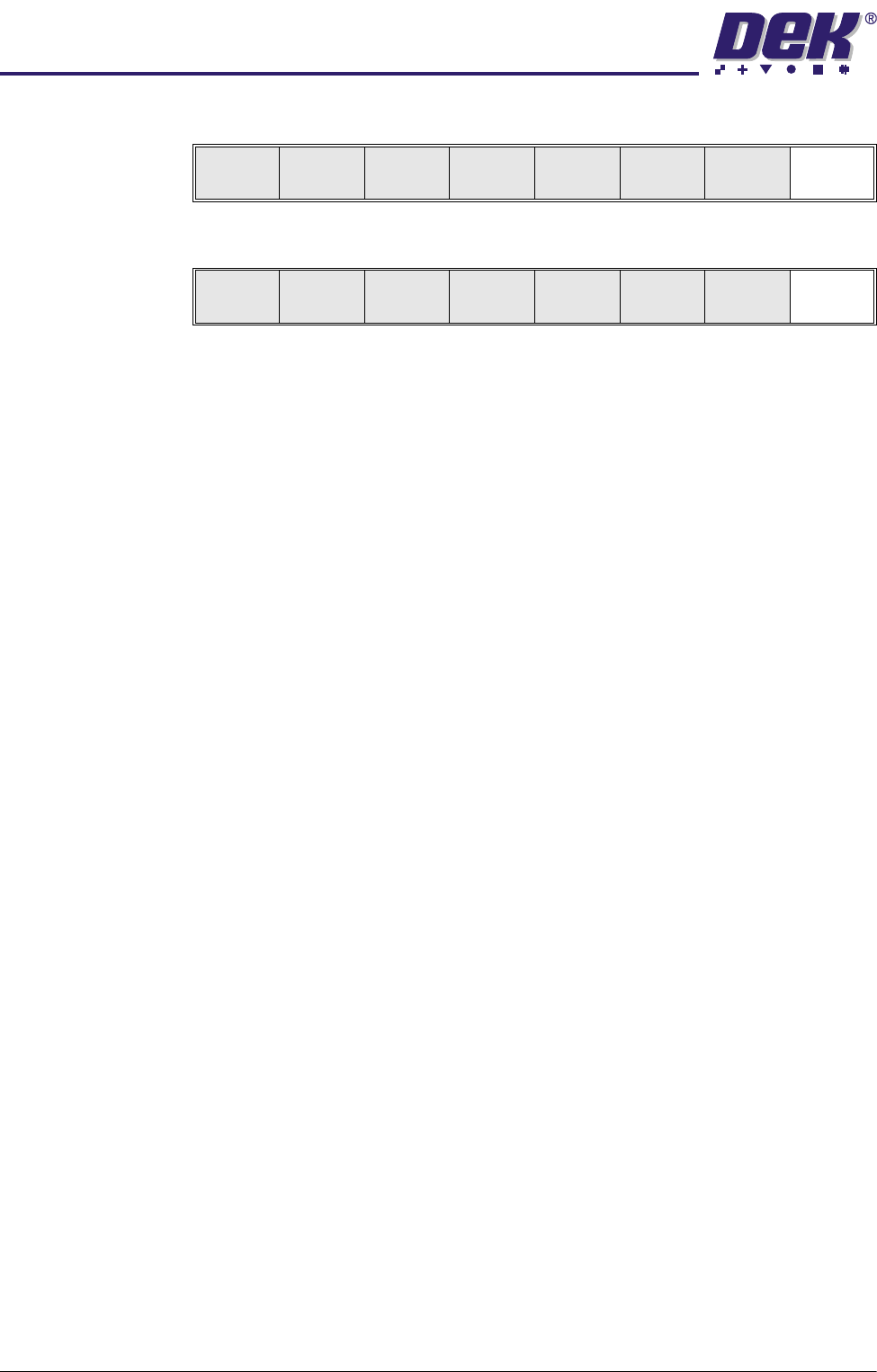
16.Press Exit (F8).
17.Press Exit (F8).
Change
Squeegee
Calibrat
Heights
Exit
Mode
Load
Data
Edit
Data
Setup
Squeegee
Change
Screen
Change
Tool ing
Change
Language
Exit

0$&+,1(352*5$00,1*
67$*(%352)/2:6(783
Software Version 07SP04 User Manual 1.17
STAGE 4B - PROFLOW SETUP
If squeegees were used when running the last product, carry out the Squeegees
to ProFlow Replacement Procedure, see Technical Reference Manual, ProFlow
Module Chapter - Replacement Procedures.
For setting the contact position, carry out the ProFlow Contact Position Setup,
see Technical Reference Manual, ProFlow Module Chapter - Adjustments and
Settings.
0$&+,1(352*5$00,1*
67$*($0$*1(7,&3,//$56722/,1*
1.18 User Manual Software Version 07SP04
STAGE 5A - MAGNETIC PILLARS TOOLING
WARNING
BOARD CLAMPS. EXTREME CARE MUST BE EXERCISED WHEN WORKING IN
THE TOOLING AREA OF THE MACHINE TO AVOID INJURY. THE FOILS ON THE
FRONT AND REAR BOARD CLAMPS ARE VERY SHARP.
CAUTION
BOARD CLAMPS.
Care must be taken to ensure that the board clamps are
not damaged when removing or replacing tooling.
NOTE
Ensure that Generic Tooling is set to Enabled in Set Prefs.
1. If there is a screen loaded continue with Step 2. If there is no screen loaded
go to Step 7.
2. Select Change Screen (F5). The message ‘Open Front Cover and
Remove Screen’ is displayed.
3. Either:
a. Open the front printhead cover.
or
b. Raise the printhead shutter and lower the drop down panel.
4. If fitted, toggle screen clamp switch to up position (off).
5. Remove the stencil from the printer.
6. Either:
a. Close the front printhead cover.
or
b. Raise the drop down panel and lower the printhead shutter.
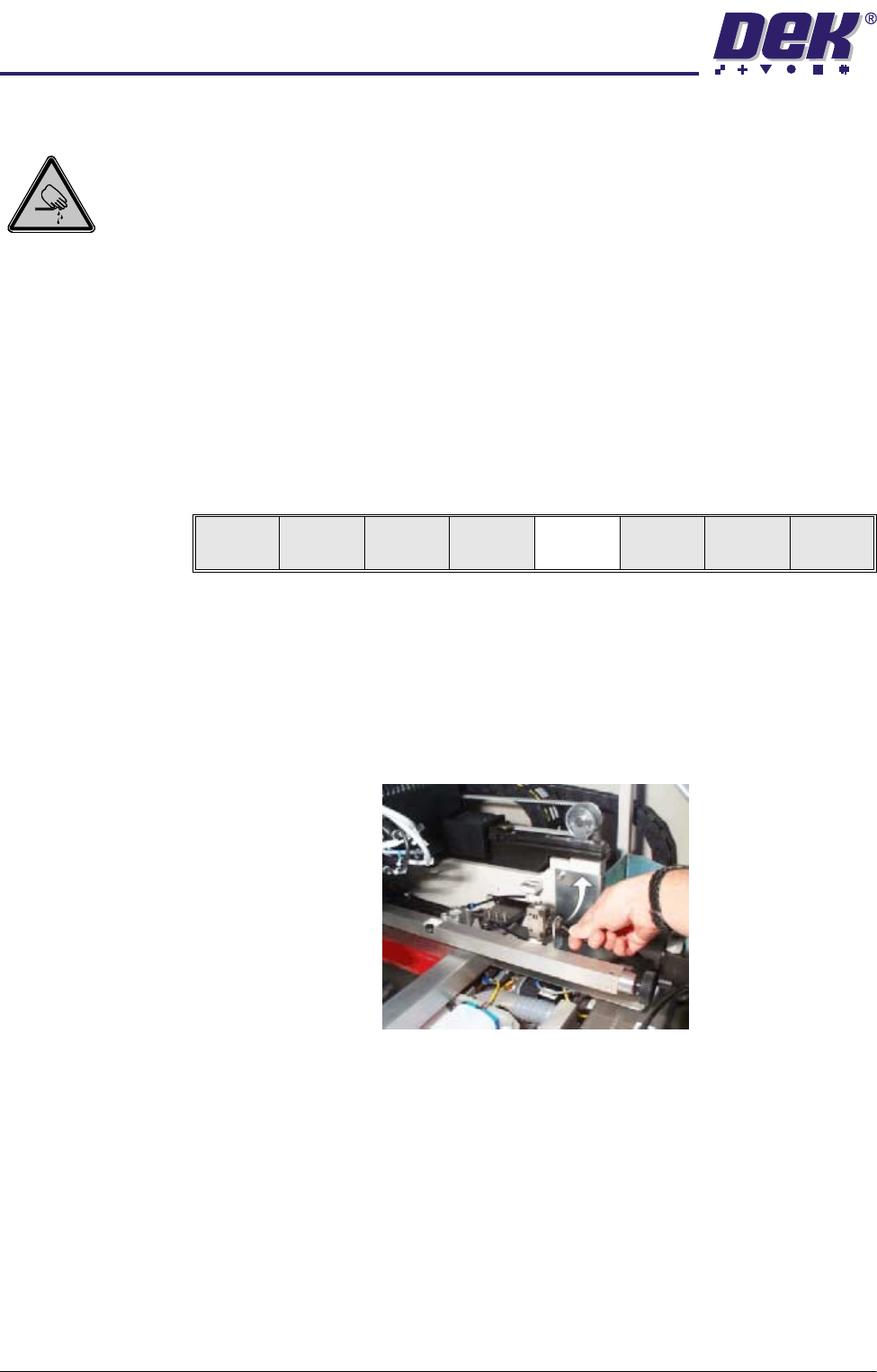
7. Press the System button.
8. Select Change Tooling (F6). The print carriage and the under screen
Mode
Load
Data
Edit
Data
Setup
Squeegee
Change
Screen
Change
Tool ing
Change
Language
Exit