Printer 600 Machine Programming.pdf - 第88页
0$&+,1( 352*5$00 ,1* 67$*( 35,17,1 58102'( 1.88 User Manual Software Ve rsion 07SP04 ST AGE 9 - PRINT IN RUN MODE 1. Select Setup (F6). 2. Select Mode (F1) until Auto is indi cated in the mode op tion o…

0$&+,1(352*5$00,1*
67$*(',6(783
Software Version 07SP04 User Manual 1.87
STAGE 8 - 2DI SETUP
For a complete explanation of 2D inspection and its setup refer to the 2D
Inspection chapter of this manual.
0$&+,1(352*5$00,1*
67$*(35,17,158102'(
1.88 User Manual Software Version 07SP04
STAGE 9 - PRINT IN RUN MODE
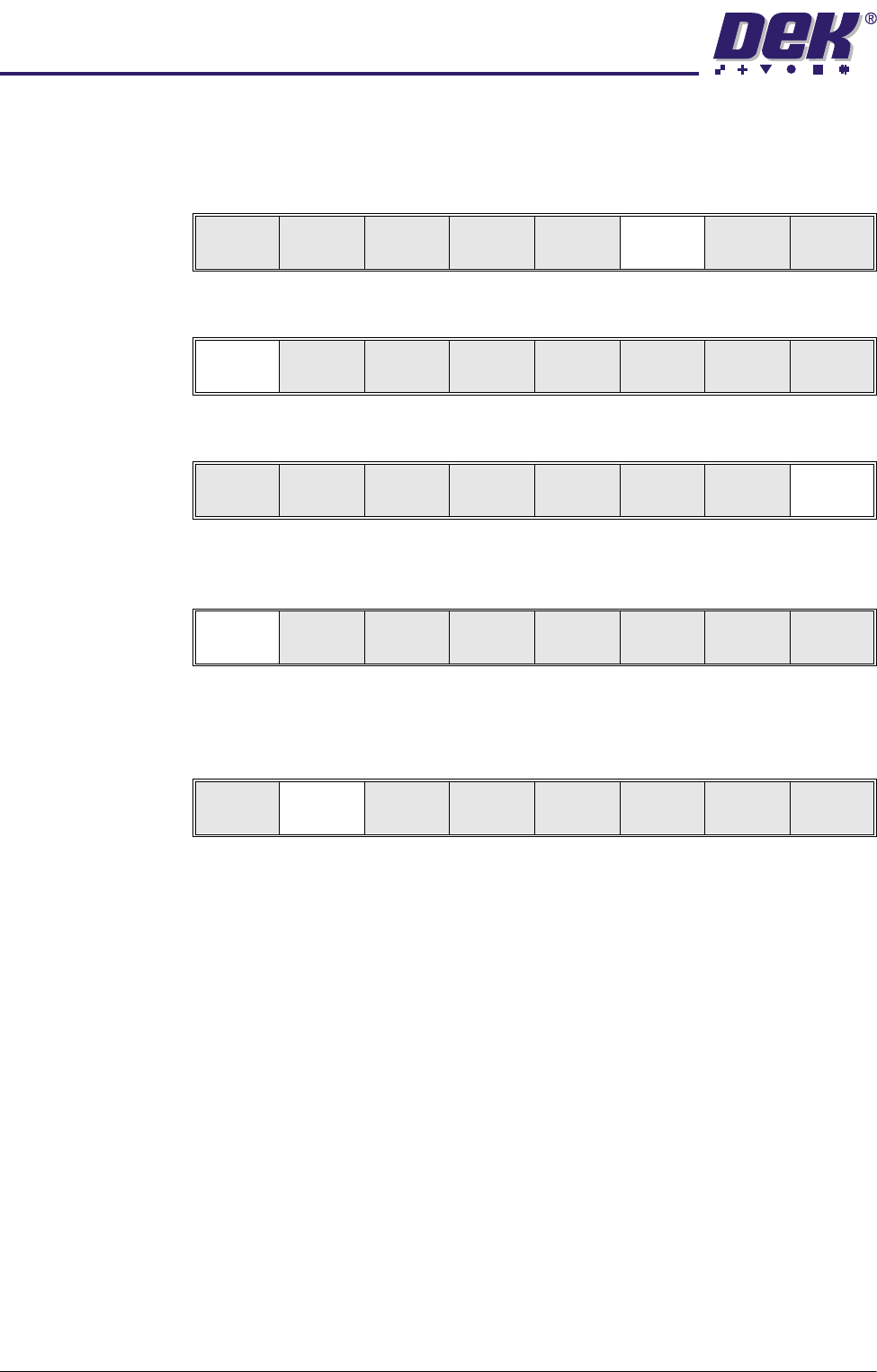
1. Select Setup (F6).
2. Select Mode (F1) until Auto is indicated in the mode option on the monitor.
3. Select Exit (F8).
4. Select Run (F1). If squeegees are being used continue with Step 5, if
ProFlow is being used go to Step 20.
5. During the first print stroke, when the squeegee is down printing on the
board, select Stop Cycle (F2). The print cycle stops and the printer lid bolt
releases allowing access to the print carriage.
6. Either:
a. Open the front printhead cover.
or
b. Raise the printhead shutter and lower the drop down panel.
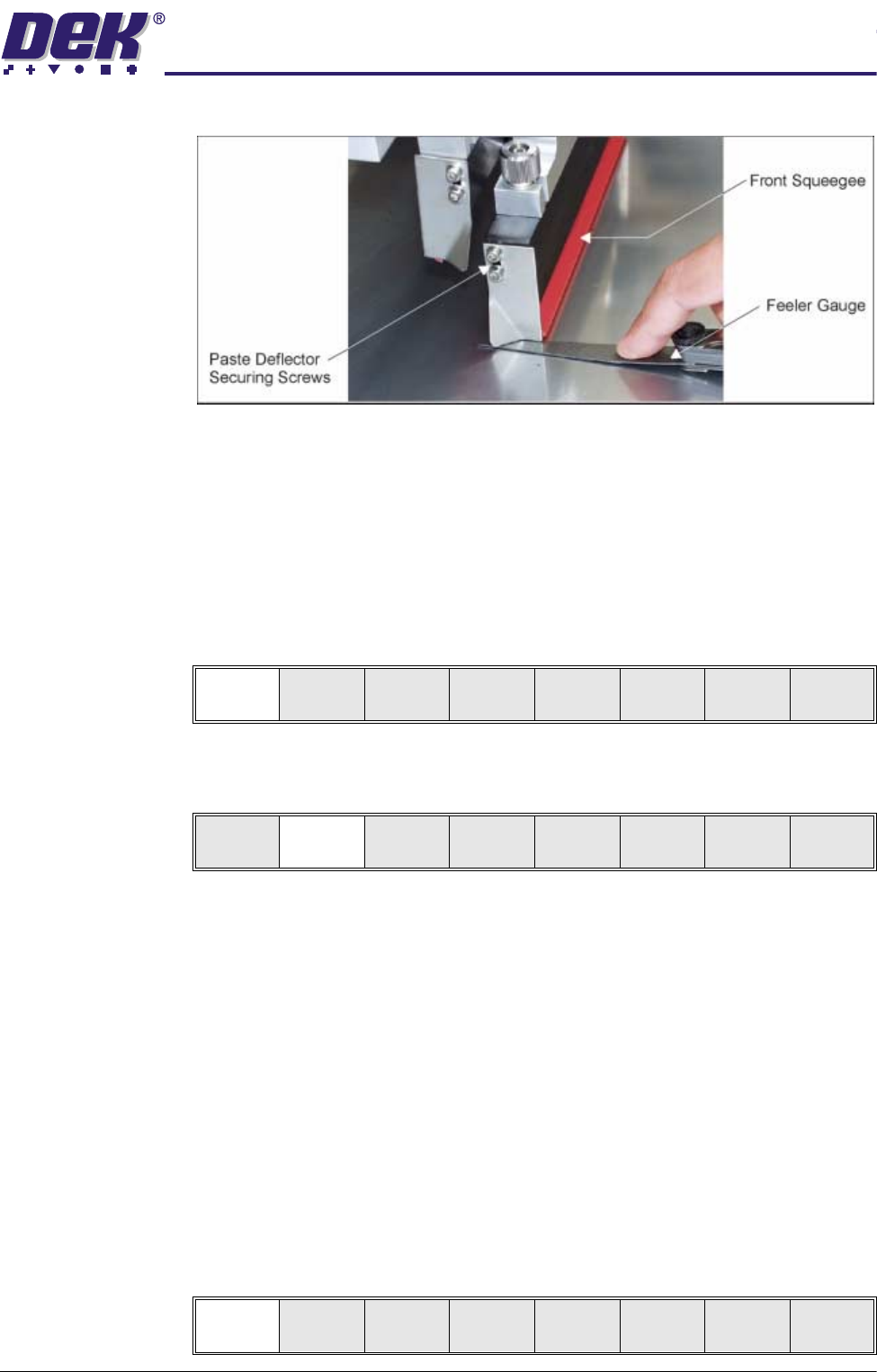
7. Release the screws holding one paste deflector allowing it to drop into
contact with the stencil.
8. Insert a 0.25mm feeler between the deflector and the stencil. Tighten the
Run
Open
Cover
Paste
Load
Clean
Screen
Adjust Setup Monitor Maint.
Mode
Load
Data
Edit
Data
Setup
Squeegee
Change
Screen
Change
Tool ing
Change
Language
Exit
Mode
Load
Data
Edit
Data
Setup
Squeegee
Change
Screen
Change
Tool ing
Change
Language
Exit
Run
Open
Cover
Paste
Load
Clean
Screen
Adjust Setup Monitor Maint.
End
Run
Stop
Cycle
Paste
Load
Clean
Screen
Adjust
Knead
Paste
Adjust
Inspect
0$&+,1(352*5$00,1*
67$*(35,17,158102'(
Software Version 07SP04 User Manual 1.89
screws checking that the 0.25mm gap remains.
9. Repeat Steps 7 and 8 for the other deflector.
10.Either:
a. Close the front printhead cover.
or
b. Raise the drop down panel and lower the printhead shutter.
11. Press the System button.
12.Select Continue (F1).
13.After the squeegee has moved approximately 20mm, select Stop Cycle
(F2).
14.Either:
a. Open the front printhead cover.
or
b. Raise the printhead shutter and lower the drop down panel.
15.Check the deflectors are not touching the stencil.
16.Either:
a. Close the front printhead cover.
or
b. Raise the drop down panel and lower the printhead shutter.
17.Press the System button.
18.Select Continue (F1).
Continue
End
Run
Stop
Cycle
Paste
Load
Clean
Screen
Adjust
Knead
Paste
Adjust
Inspect
Continue