Printer 600 Machine Programming.pdf - 第37页
0$&+,1 (352*5$0 0,1* 67$*(& '(',& $7('722/,1 * Software Version 07SP04 User Manual 1.37 support it whe n prin ting wide boards. 21. Either: a. Close the front pr inthead cover . or b. Ra…
0$&+,1(352*5$00,1*
67$*(&'(',&$7('722/,1*
1.36 User Manual Software Version 07SP04
displayed.
16.Select Open Cover (F2).
17.Either:
a. Open the front printhead cover.
or
b. Raise the printhead shutter and lower the drop down panel.
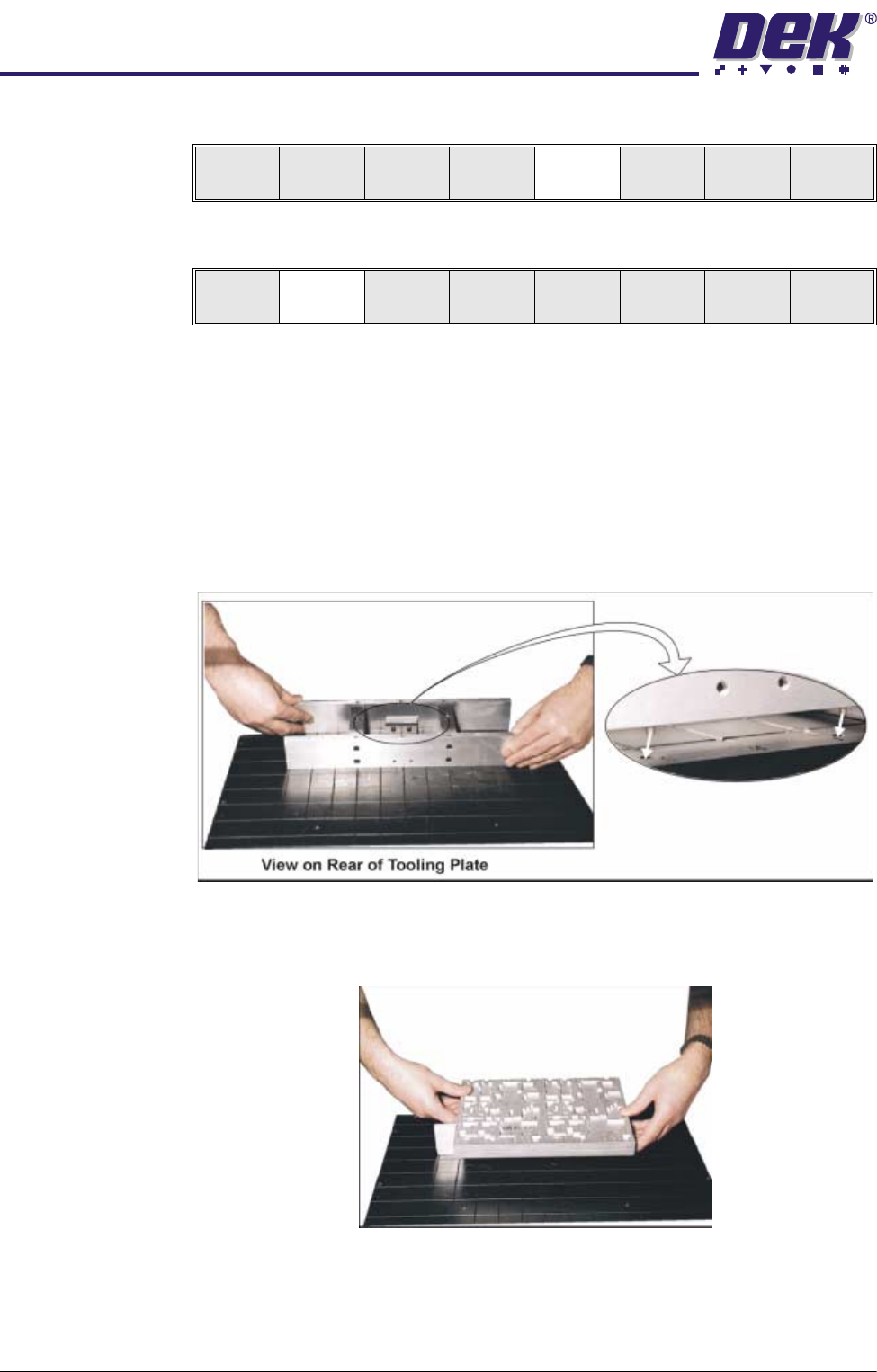
18.Fit the tooling tower to the manual tooling plate. Ensure the dowels on the
front edge of the tooling tower base are correctly seated in the holes in the
front edge of the manual tooling plate.
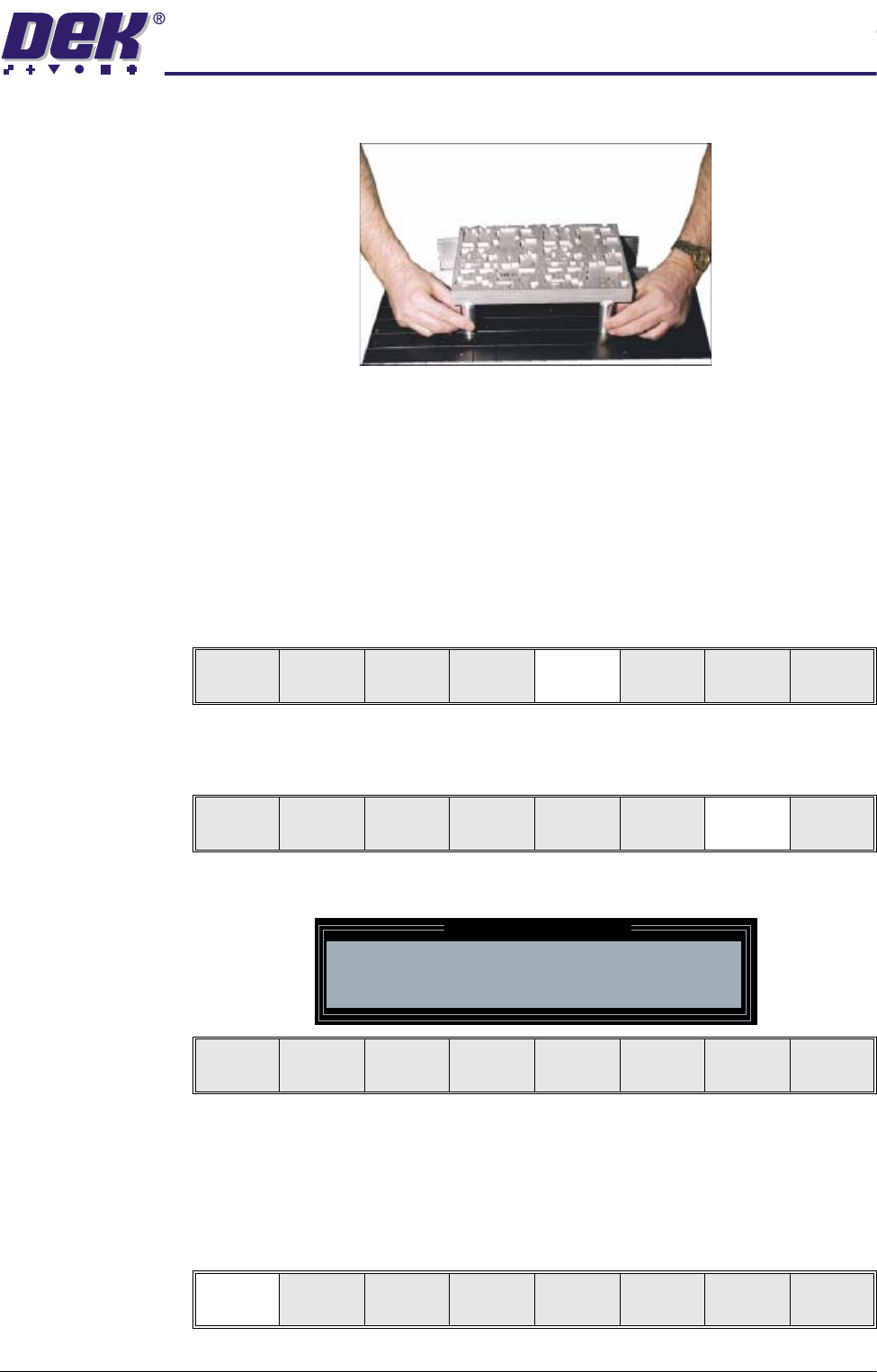
19.Verify the plate assembly orientation and fit the assembly to the tooling
tower. Ensure the dowels of the plate assembly are correctly seated in the
holes in the tooling tower.
20.If required, slide additional magnetic pins beneath the plate assembly to fully
Adjust
Open
Cover
Home
Cleaner
Board
Stop
Full
Width
Load
Width
Generic
Tool ing
Exit
Adjust
Open
Cover
Home
Cleaner
Board
Stop
Board
Width
Load
Width
Generic
Tool ing
Exit
0$&+,1(352*5$00,1*
67$*(&'(',&$7('722/,1*
Software Version 07SP04 User Manual 1.37
support it when printing wide boards.
21.Either:
a. Close the front printhead cover.
or
b. Raise the drop down panel and lower the printhead shutter.
22.Press the System button.
23.Select Board Width (F5). The message ‘Checking for a board on the
belts’ is displayed. Whilst the rear rail is moving the message ‘Rail
Moving...’ is displayed.
24.Select Generic Tooling (F7). The print carriage moves to the front of the
machine.
The following window and menu bar is displayed:
NOTE
If contaminated squeegees are fitted, these should be replaced at this point.
25.Select Continue (F1). Cleaner moves to the Home position and the print
carriage moves to the rear of the machine. The message ‘Table at Home
Height’ is displayed.
Adjust
Open
Cover
Hpme
Cleaner
Board
Stop
Board
Width
Load
Width
Generic
Tool ing
Exit
Adjust
Open
Cover
Home
Cleaner
Board
Stop
Full
Width
Load
Width
Generic
Tooling
Exit
Generic Tooling Warning
WARNING Paste may drip into the machine
Remove Squeegees NOW
Continue
Open
Cover
Exit
Continue
Open
Cover
Exit
0$&+,1(352*5$00,1*
67$*(&'(',&$7('722/,1*
1.38 User Manual Software Version 07SP04
26.Select Transprt Height (F3). The message ‘Table at Transport Height’ is
displayed.
27.Place a board on the input sensor of the upline conveyor of the machine.
28.Select Load (F1).
29.Select Auto Board (F1).
30.Select Vision Height (F3). The message ‘Table at Vision Height. Check
Tooling Clearance’ is displayed.
31.Select Contact Height (F3).
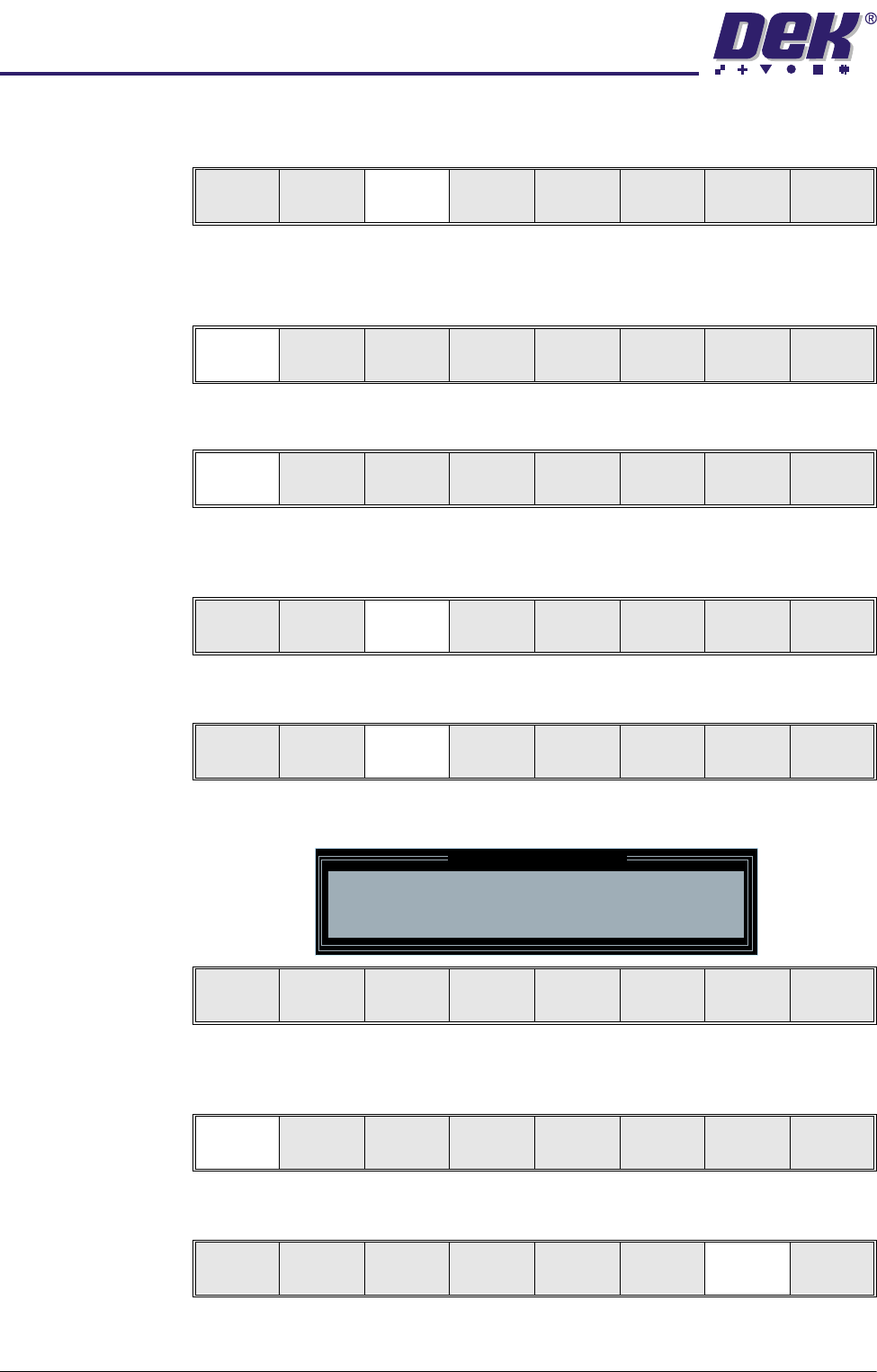
The following window and menu bar is displayed:
32.Select Continue (F1). The message ‘Table at Contact Height. Check
Tooling Clearance’ is displayed.
33.Select Open Cover (F7).
Load
Transprt
Height
Board
Clamps
Change
Screen
Open
Cover
Exit
Load
Vision
Height
Home
Height
Board
Clamps
Change
Screen
Open
Cover
Exit
Auto
Board
Manual
Board
Unload
Vision
Height
Home
Height
Board
Clamps
Change
Screen
Open
Cover
Exit
Contact
Height
Tra nspr t
Height
Change
Screen
Open
Cover
Exit
Contact Height Warning
WARNING Check for obstructions between
the Rails and the Screen
Continue
Open
Cover
Exit
Continue
Open
Cover
Exit
Vision
Height
Open
Cover
Exit