2500_Users_Manual-.pdf - 第301页
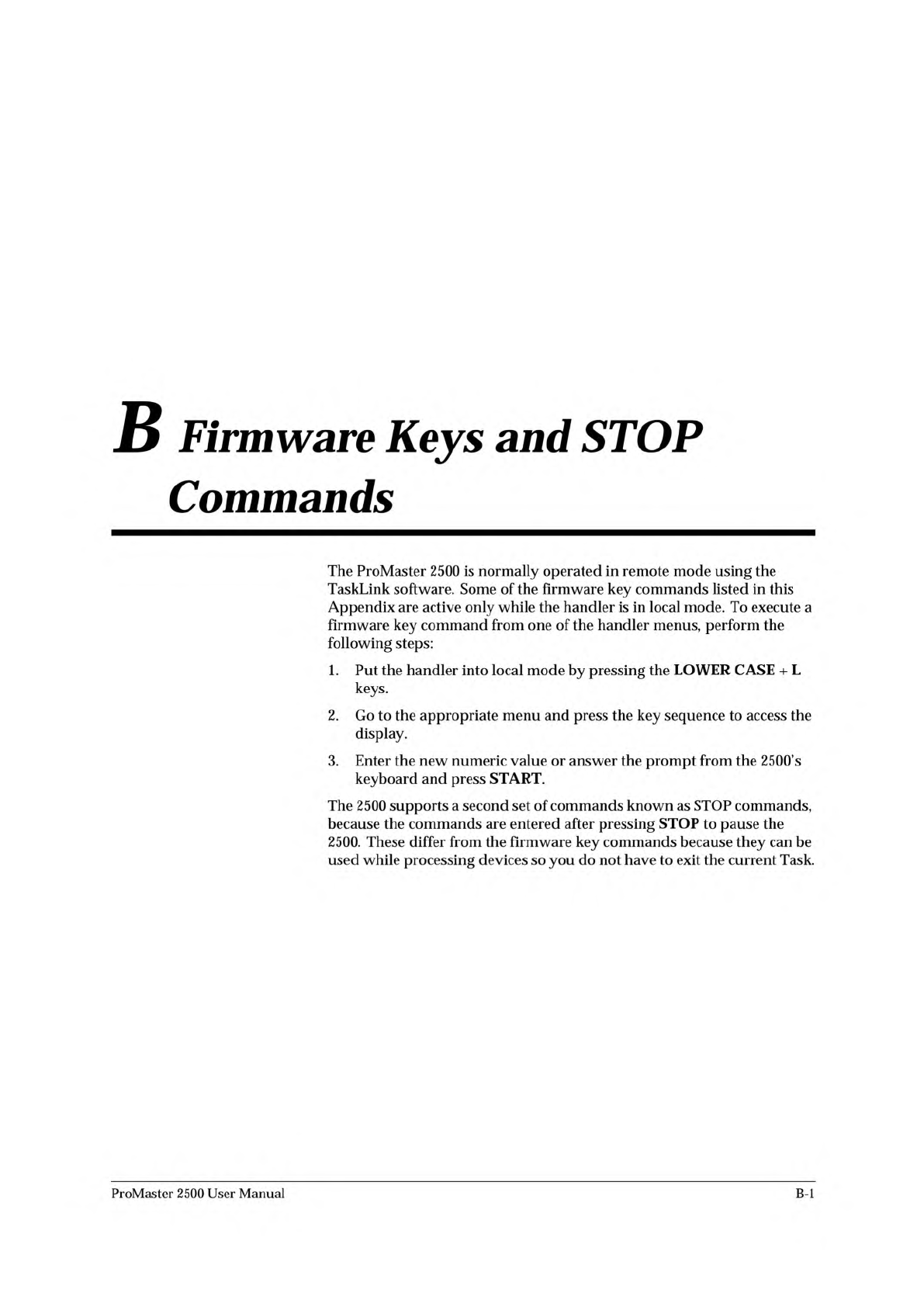
B Firmware Keys and STOP Commands The ProMaster 2500 is normally operated in remote mode using the TaskLink software. Some of the firmware key commands listed in this Appendix are active only while the handler is in loca…
Glossary
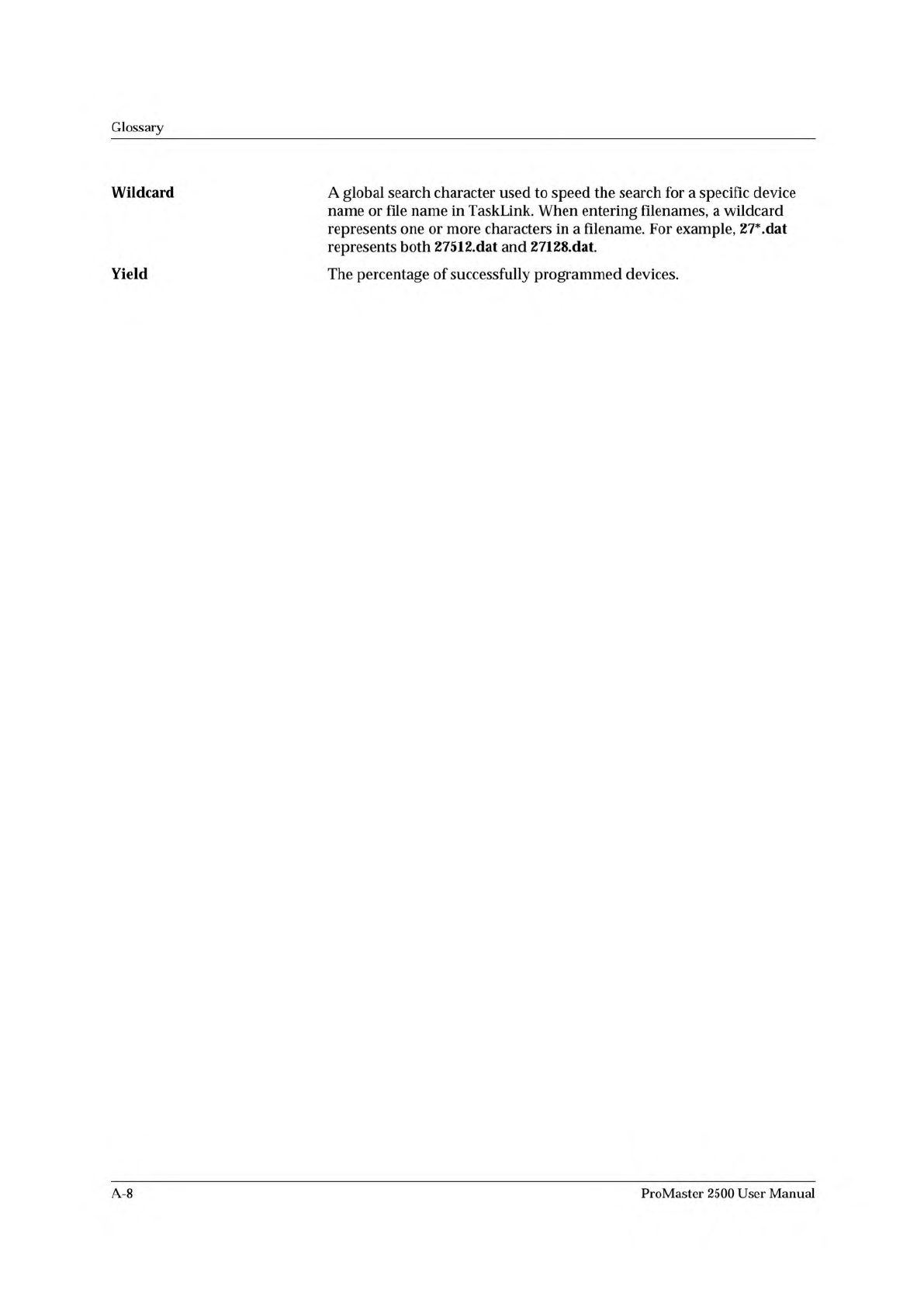
Wildcard
A
global
search
character
used
to
speed
the
search
for
a
specific
device
name
or
file
name
in
TaskLink.
When
entering
filenames,
a
wildcard
represents
one
or
more
characters
in
a
filename.
For
example,
27*.dat
represents
both
27512.dat
and
27128.dat.
Yield
The
percentage
of
successfully
programmed
devices.
A-8
ProMaster
2500
User
Manual
B
Firmware
Keys
and
STOP
Commands
The
ProMaster
2500
is
normally
operated
in
remote
mode
using
the
TaskLink
software.
Some
of
the
firmware
key
commands
listed
in
this
Appendix
are
active
only
while
the
handler
is
in
local
mode.
To
execute
a
firmware
key
command
from
one
of
the
handler
menus,
perform
the
following
steps:
1.
Put
the
handler
into
local
mode
by
pressing
the
LOWER
CASE
+
L
keys.
2.
Go
to
the
appropriate
menu
and
press
the
key
sequence
to
access
the
display.
3.
Enter
the
new
numeric
value
or
answer
the
prompt
from
the
2500's
keyboard
and
press
START.
The
2500
supports
a
second
set
of
commands
known
as
STOP
commands,
because
the
commands
are
entered
after
pressing
STOP
to
pause
the
2500.
These
differ
from
the
firmware
key
commands
because
they
can
be
used
while
processing
devices
so
you
do
not
have
to
exit
the
current
Task.
ProMaster
2500
User
Manual
B-l
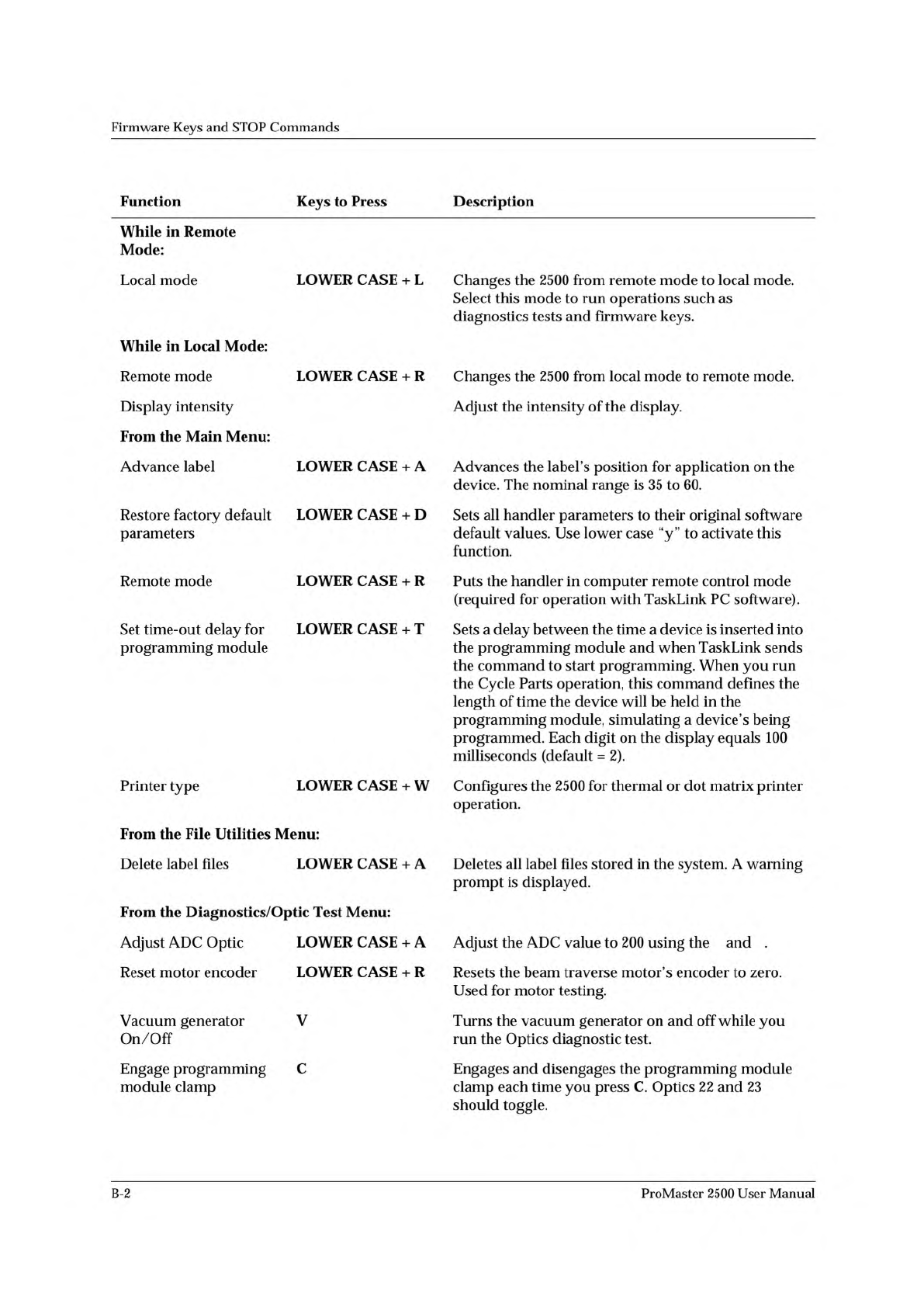
↓ ↑
↑ ↓
Firmware
Keys
and
STOP
Commands
Function
Keys
to
Press
Description
While
in
Remote
Mode:
Local
mode
LOWER
CASE
+
L
Changes
the
2500
from
remote
mode
to
local
mode.
Select
this
mode
to
run
operations
such
as
diagnostics
tests
and
firmware
keys.
While
in
Local
Mode:
Remote
mode
Display
intensity
LOWER
CASE
+
R
Changes
the
2500
from
local
mode
to
remote
mode.
Adjust
the
intensity
of
the
display.
From
the
Main
Menu:
Advance
label
LOWER
CASE
+
A
Advances
the
label's
position
for
application
on
the
device.
The
nominal
range
is
35
to
60.
Restore
factory
default
parameters
LOWER
CASE
+
D
Sets
all
handler
parameters
to
their
original
software
default
values.
Use
lower
case
“y”
to
activate
this
function.
Remote
mode
LOWER
CASE
+
R
Puts
the
handler
in
computer
remote
control
mode
(required
for
operation
with
TaskLink
PC
software).
Set
time-out
delay
for
programming
module
LOWER
CASE
+
T
Sets
a
delay
between
the
time
a
device
is
inserted
into
the
programming
module
and
when
TaskLink
sends
the
command
to
start
programming.
When
you
run
the
Cycle
Parts
operation,
this
command
defines
the
length
of
time
the
device
will
be
held
in
the
programming
module,
simulating
a
device's
being
programmed.
Each
digit
on
the
display
equals
100
milliseconds
(default
=
2).
Printer
type
LOWER
CASE
From
the
File
Utilities
Menu:
+
W
Configures
the
2500
for
thermal
or
dot
matrix
printer
operation.
Delete
label
files
LOWER
CASE
From
the
Diagnostics/Optic
Test
Menu:
+
A
Deletes
all
label
files
stored
in
the
system.
A
warning
prompt
is
displayed.
Adjust
ADC
Optic
LOWER
CASE
+
A
Adjust
the
ADC
value
to
200
using
the
and
.
Reset
motor
encoder
Vacuum
generator
On/Off
Engage
programming
module
clamp
LOWER
CASE
V
C
+
R
Resets
the
beam
traverse
motor's
encoder
to
zero.
Used
for
motor
testing.
Turns
the
vacuum
generator
on
and
off
while
you
run
the
Optics
diagnostic
test.
Engages
and
disengages
the
programming
module
clamp
each
time
you
press
C.
Optics
22
and
23
should
toggle.
B-2
ProMaster
2500
User
Manual