2500_Users_Manual-.pdf - 第446页
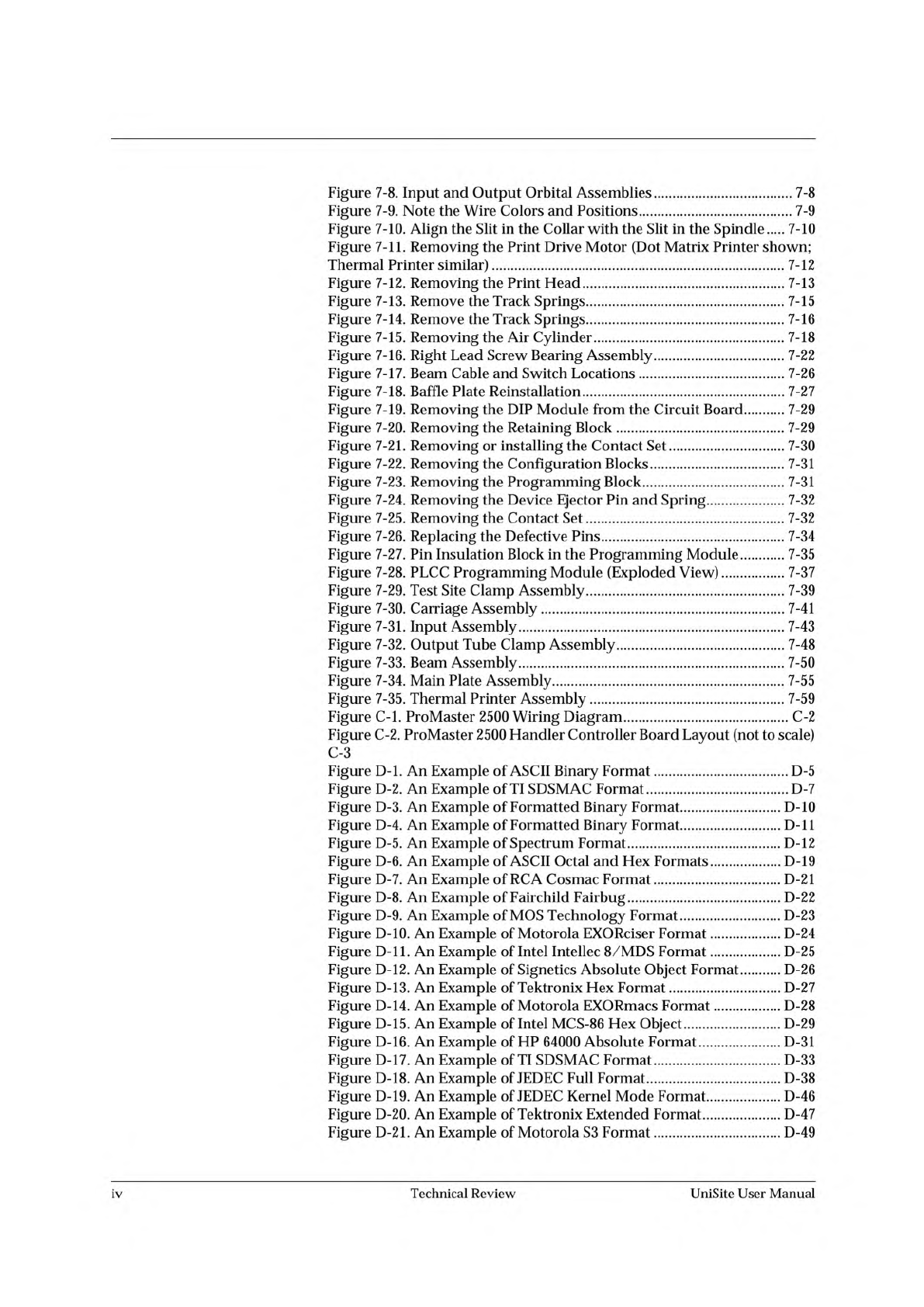
Figure D-22. Hewlett-Packard 64000 Unix Format D-51 Figure D-23. A Sample of the Intel OMF286 Format D-53 Figure D-24. A Close-up of the Intel OMF286 Format D-54 Figure D-25. An Example of the Intel Hex-32 Format D-55 Fi…
Figure
7-8.
Input
and
Output
Orbital
Assemblies
7-8
Figure
7-9.
Note
the
Wire
Colors
and
Positions
7-9
Figure
7-10.
Align
the
Slit
in
the
Collar
with
the
Slit
in
the
Spindle
…
7-10
Figure
7-11.
Removing
the
Print
Drive
Motor
(Dot
Matrix
Printer
shown;
Thermal
Printer
similar)
7-12
Figure
7-12.
Removing
the
Print
Head
7-13
Figure
7-13.
Remove
the
Track
Springs
7-15
Figure
7-14.
Remove
the
Track
Springs
7-16
Figure
7-15.
Removing
the
Air
Cylinder
7-18
Figure
7-16.
Right
Lead
Screw
Bearing
Assembly
7-22
Figure
7-17.
Beam
Cable
and
Switch
Locations
7-26
Figure
7-18.
Baffle
Plate
Reinstallation
7-27
Figure
7-19.
Removing
the
DIP
Module
from
the
Circuit
Board
7-29
Figure
7-20.
Removing
the
Retaining
Block
7-29
Figure
7-21.
Removing
or
installing
the
Contact
Set
7-30
Figure
7-22.
Removing
the
Configuration
Blocks
7-31
Figure
7-23.
Removing
the
Programming
Block
7-31
Figure
7-24.
Removing
the
Device
Ejector
Pin
and
Spring
7-32
Figure
7-25.
Removing
the
Contact
Set
7-32
Figure
7-26.
Replacing
the
Defective
Pins
7-34
Figure
7-27.
Pin
Insulation
Block
in
the
Programming
Module
7-35
Figure
7-28.
PLCC
Programming
Module
(Exploded
View)
7-37
Figure
7-29.
Test
Site
Clamp
Assembly
7-39
Figure
7-30.
Carriage
Assembly
7-41
Figure
7-31.
Input
Assembly
7-43
Figure
7-32.
Output
Tube
Clamp
Assembly
7-48
Figure
7-33.
Beam
Assembly
7-50
Figure
7-34.
Main
Plate
Assembly
7-55
Figure
7-35.
Thermal
Printer
Assembly
7-59
Figure
C-l.
ProMaster
2500
Wiring
Diagram
C-2
Figure
C-2.
ProMaster
2500
Handler
Controller
Board
Layout
(not
to
scale)
C-3
Figure
D-l.
An
Example
of
ASCII
Binary
Format
D-5
Figure
D-2.
An
Example
of
TI
SDSMAC
Format
D-7
Figure
D-3.
An
Example
of
Formatted
Binary
Format
D-10
Figure
D-4.
An
Example
of
Formatted
Binary
Format
D-ll
Figure
D-5.
An
Example
of
Spectrum
Format
D-l
2
Figure
D-6.
An
Example
of
ASCII
Octal
and
Hex
Formats
D-19
Figure
D-7.
An
Example
of
RCA
Cosmac
Format
D-21
Figure
D-8.
An
Example
of
Fairchild
Fairbug
D-22
Figure
D-9.
An
Example
of
MOS
Technology
Format
D-23
Figure
D-10.
An
Example
of
Motorola
EXORciser
Format
D-24
Figure
D-ll.
An
Example
of
Intel
Intellec
8/MDS
Format
D-25
Figure
D-l
2.
An
Example
of
Signetics
Absolute
Object
Format
D-26
Figure
D-13.
An
Example
of
Tektronix
Hex
Format
D-27
Figure
D-14.
An
Example
of
Motorola
EXORmacs
Format
D-28
Figure
D-15.
An
Example
of
Intel
MCS-86
Hex
Object
D-29
Figure
D-16.
An
Example
of
HP
64000
Absolute
Format
D-31
Figure
D-l
7.
An
Example
of
TI
SDSMAC
Format
D-33
Figure
D-18.
An
Example
of
JEDEC
Full
Format
D-38
Figure
D-19.
An
Example
of
JEDEC
Kernel
Mode
Format
D-46
Figure
D-20.
An
Example
of
Tektronix
Extended
Format
D-47
Figure
D-21.
An
Example
of
Motorola
S3
Format
D-49
iv
Technical
Review
UniSite
User
Manual
Figure
D-22.
Hewlett-Packard
64000
Unix
Format
D-51
Figure
D-23.
A
Sample
of
the
Intel
OMF286
Format
D-53
Figure
D-24.
A
Close-up
of
the
Intel
OMF286
Format
D-54
Figure
D-25.
An
Example
of
the
Intel
Hex-32
Format
D-55
Figure
1.
Keep
Current
BBS
Logon
Screen
3
Figure
2.
Keep
Current
Library
Menu
3
UniSite
User
Manual
Technical
Review
v

vi
Technical
Review
UniSite
User
Manual