2500_Users_Manual-.pdf - 第5页
Table of Contents 3. Tasks and Kits What Is a Task? Overview: Creating a Task Creating a Task for a Logic Device Adding a Task Selecting Database Files Naming a Task/Kit Entering a Task Description Selecting a Device Sel…
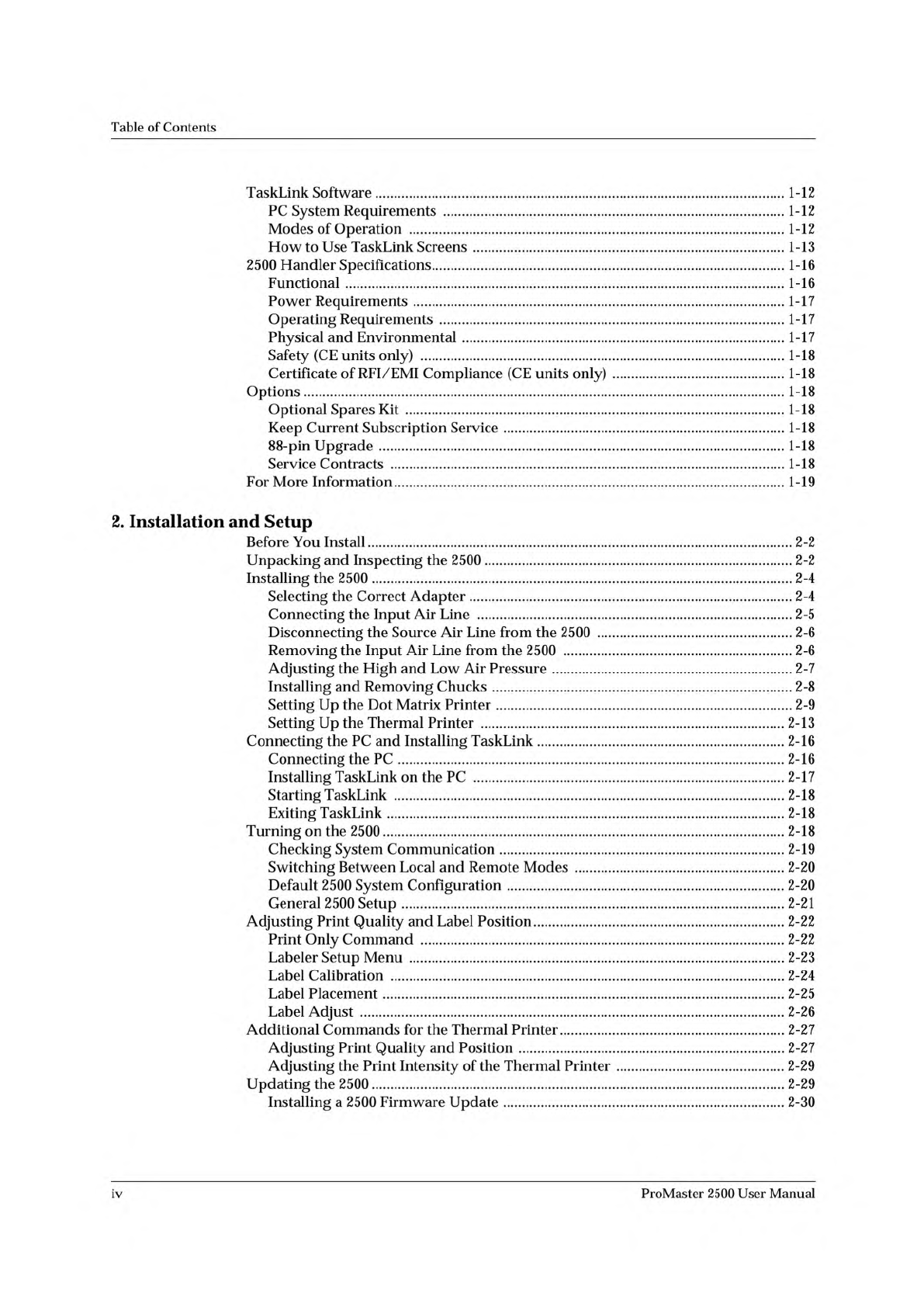
Table
of
Contents
TaskLink
Software
1-12
PC
System
Requirements
1-12
Modes
of
Operation
1-12
How
to
Use
TaskLink
Screens
1-13
2500
Handler
Specifications
1-16
Functional
1-16
Power
Requirements
1-17
Operating
Requirements
1-17
Physical
and
Environmental
1-17
Safety
(CE
units
only)
1-18
Certificate
of
RFI/EMI
Compliance
(CE
units
only)
1-18
Options
1-18
Optional
Spares
Kit
1-18
Keep
Current
Subscription
Service
1-18
88-pin
Upgrade
1-18
Service
Contracts
1-18
For
More
Information
1-19
2.
Installation
and
Setup
Before
You
Install
2-2
Unpacking
and
Inspecting
the
2500
2-2
Installing
the
2500
2-4
Selecting
the
Correct
Adapter
2-4
Connecting
the
Input
Air
Line
2-5
Disconnecting
the
Source
Air
Line
from
the
2500
2-6
Removing
the
Input
Air
Line
from
the
2500
2-6
Adjusting
the
High
and
Low
Air
Pressure
2-7
Installing
and
Removing
Chucks
2-8
Setting
Up
the
Dot
Matrix
Printer
2-9
Setting
Up
the
Thermal
Printer
2-13
Connecting
the
PC
and
Installing
TaskLink
2-16
Connecting
the
PC
2-16
Installing
TaskLink
on
the
PC
2-17
Starting
TaskLink
2-18
Exiting
TaskLink
2-18
Turning
on
the
2500
2-18
Checking
System
Communication
2-19
Switching
Between
Local
and
Remote
Modes
2-20
Default
2500
System
Configuration
2-20
General
2500
Setup
2-21
Adjusting
Print
Quality
and
Label
Position
2-22
Print
Only
Command
2-22
Labeler
Setup
Menu
2-23
Label
Calibration
2-24
Label
Placement
2-25
Label
Adjust
2-26
Additional
Commands
for
the
Thermal
Printer
2-27
Adjusting
Print
Quality
and
Position
2-27
Adjusting
the
Print
Intensity
of
the
Thermal
Printer
2-29
Updating
the
2500
2-29
Installing
a
2500
Firmware
Update
2-30
iv
ProMaster
2500
User
Manual
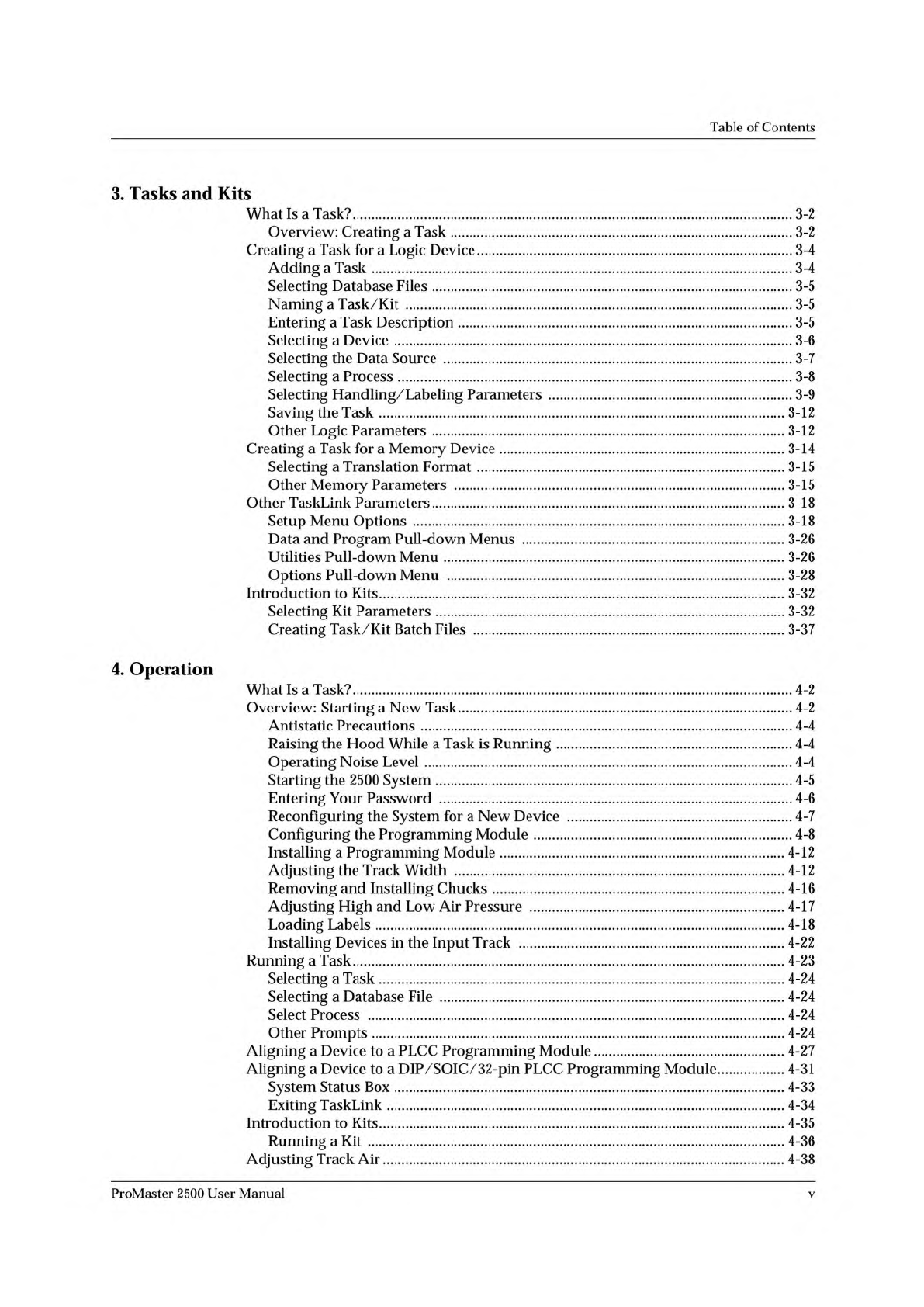
Table
of
Contents
3.
Tasks
and
Kits
What
Is
a
Task?
Overview:
Creating
a
Task
Creating
a
Task
for
a
Logic
Device
Adding
a
Task
Selecting
Database
Files
Naming
a
Task/Kit
Entering
a
Task
Description
Selecting
a
Device
Selecting
the
Data
Source
Selecting
a
Process
Selecting
Handling/Labeling
Parameters
Saving
the
Task
Other
Logic
Parameters
Creating
a
Task
for
a
Memory
Device
Selecting
a
Translation
Format
Other
Memory
Parameters
Other
TaskLink
Parameters
Setup
Menu
Options
Data
and
Program
Pull-down
Menus
Utilities
Pull-down
Menu
Options
Pull-down
Menu
Introduction
to
Kits
Selecting
Kit
Parameters
Creating
Task/Kit
Batch
Files
4.
Operation
What
Is
a
Task?
Overview:
Starting
a
New
Task
Antistatic
Precautions
Raising
the
Hood
While
a
Task
is
Running
Operating
Noise
Level
Starting
the
2500
System
Entering
Your
Password
Reconfiguring
the
System
for
a
New
Device
Configuring
the
Programming
Module
Installing
a
Programming
Module
Adjusting
the
Track
Width
Removing
and
Installing
Chucks
Adjusting
High
and
Low
Air
Pressure
Loading
Labels
Installing
Devices
in
the
Input
Track
Running
a
Task
Selecting
a
Task
Selecting
a
Database
File
Select
Process
Other
Prompts
Aligning
a
Device
to
a
PLCC
Programming
Module
Aligning
a
Device
to
a
DIP/SOIC/32-pin
PLCC
Programming
Module
System
Status
Box
Exiting
TaskLink
Introduction
to
Kits
Running
a
Kit
Adjusting
Track
Air
224445678226782344447134568
4
4
4*
4*
------------------
4
4
4
4
4
4
4
4
4
4
4
4
4
4
4
4
4
4
224455567892245588668227
"1111111222333
33333333333
3333333333333
ProMaster
2500
User
Manual
v
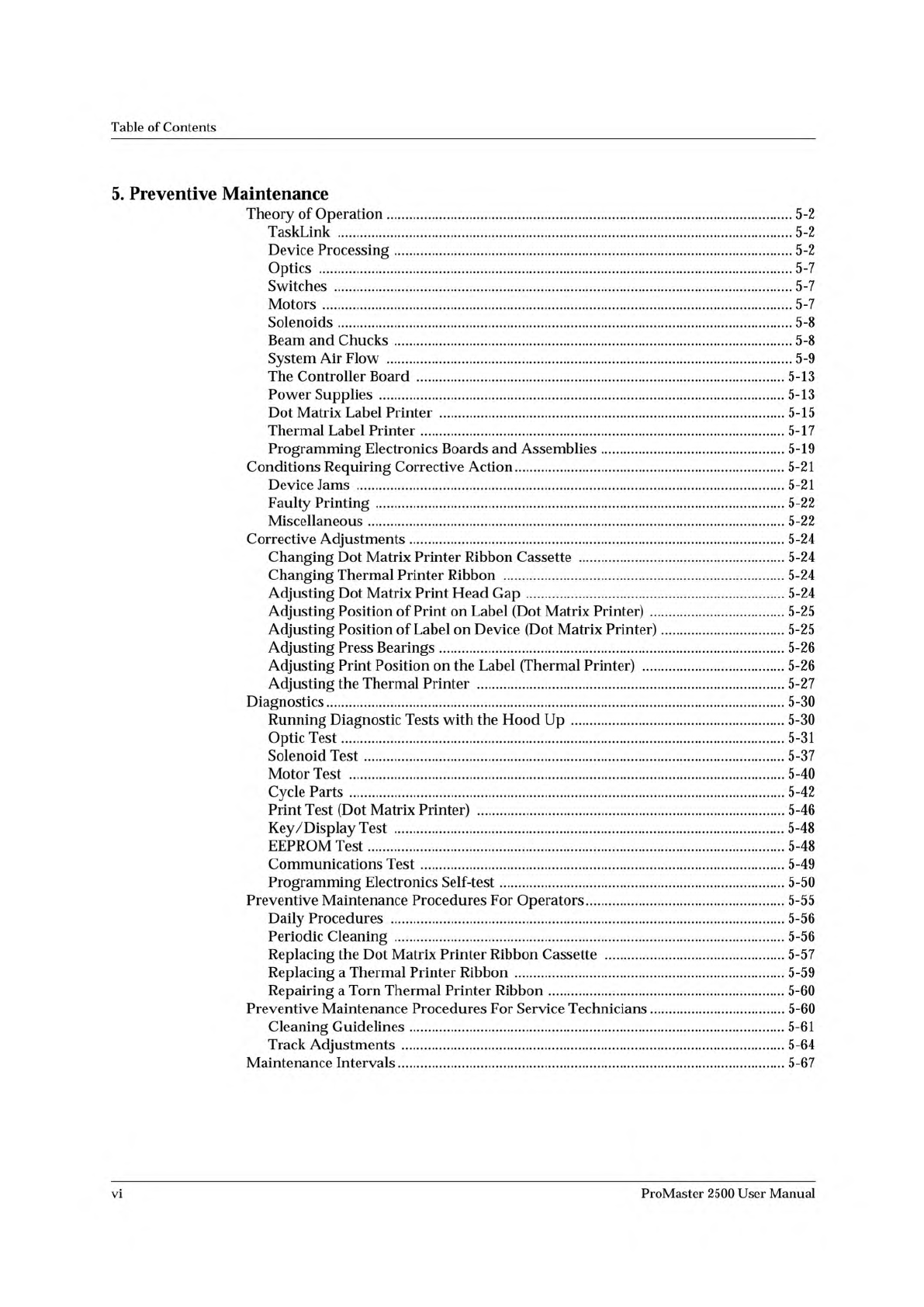
Table
of
Contents
5.
Preventive
Maintenance
Theory
of
Operation
5-2
TaskLink
5-2
Device
Processing
5-2
Optics
5-7
Switches
5-7
Motors
5-7
Solenoids
5-8
Beam
and
Chucks
5-8
System
Air
Flow
5-9
The
Controller
Board
5-13
Power
Supplies
5-13
Dot
Matrix
Label
Printer
5-15
Thermal
Label
Printer
5-17
Programming
Electronics
Boards
and
Assemblies
5-19
Conditions
Requiring
Corrective
Action
5-21
Device
Jams
5-21
Faulty
Printing
5-22
Miscellaneous
5-22
Corrective
Adjustments
5-24
Changing
Dot
Matrix
Printer
Ribbon
Cassette
5-24
Changing
Thermal
Printer
Ribbon
5-24
Adjusting
Dot
Matrix
Print
Head
Gap
5-24
Adjusting
Position
of
Print
on
Label
(Dot
Matrix
Printer)
5-25
Adjusting
Position
of
Label
on
Device
(Dot
Matrix
Printer)
5-25
Adjusting
Press
Bearings
5-26
Adjusting
Print
Position
on
the
Label
(Thermal
Printer)
5-26
Adjusting
the
Thermal
Printer
5-27
Diagnostics
5-30
Running
Diagnostic
Tests
with
the
Hood
Up
5-30
Optic
Test
5-31
Solenoid
Test
5-37
Motor
Test
5-40
Cycle
Parts
5-42
Print
Test
(Dot
Matrix
Printer)
5-46
Key/Display
Test
5-48
EEPROM
Test
5-48
Communications
Test
5-49
Programming
Electronics
Self-test
5-50
Preventive
Maintenance
Procedures
For
Operators
5-55
Daily
Procedures
5-56
Periodic
Cleaning
5-56
Replacing
the
Dot
Matrix
Printer
Ribbon
Cassette
5-57
Replacing
a
Thermal
Printer
Ribbon
5-59
Repairing
a
Torn
Thermal
Printer
Ribbon
5-60
Preventive
Maintenance
Procedures
For
Service
Technicians
5-60
Cleaning
Guidelines
5-61
Track
Adjustments
5-64
Maintenance
Intervals
5-67
vi
ProMaster
2500
User
Manual