2500_Users_Manual-.pdf - 第7页
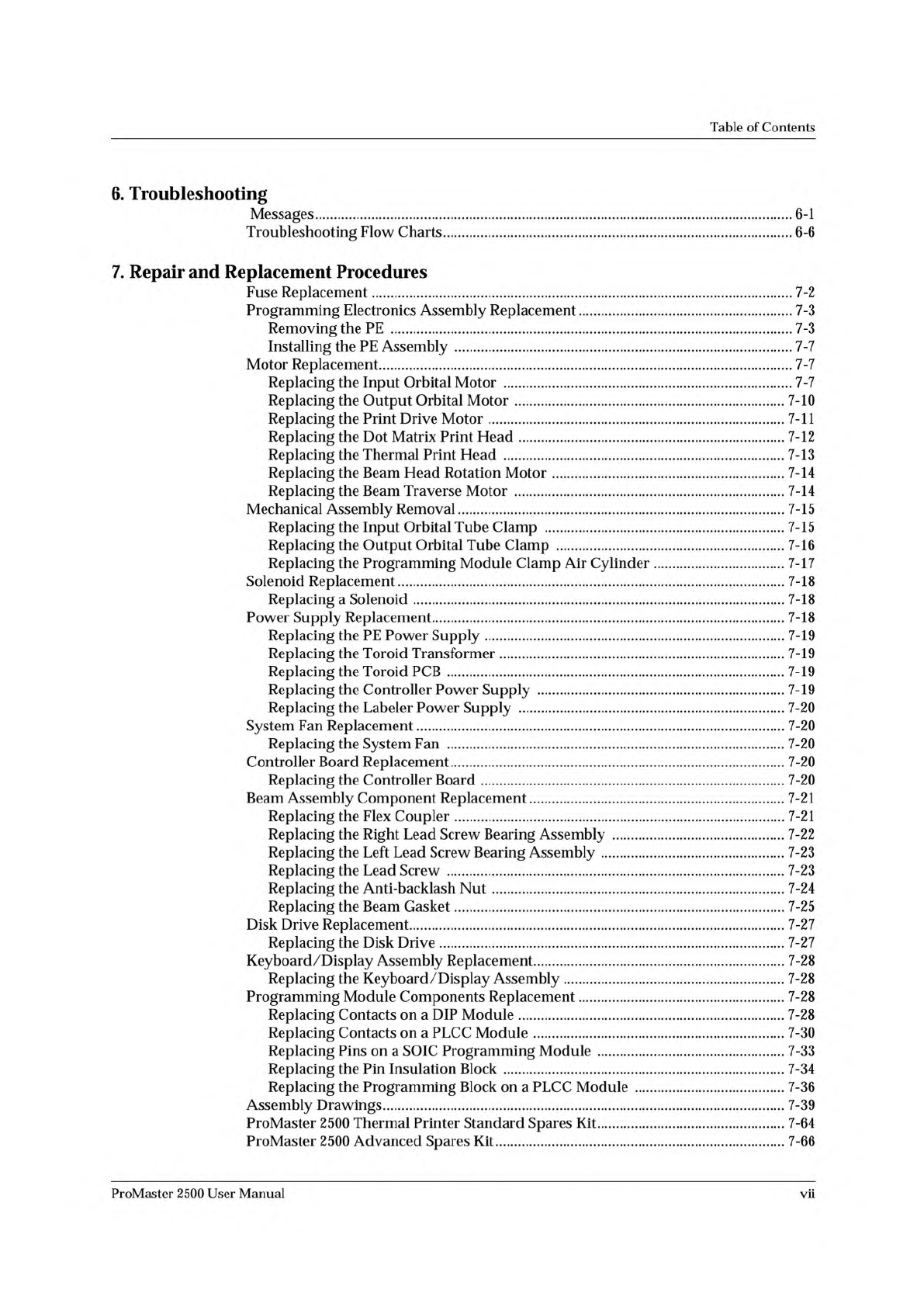
Table of Contents 6. Troubleshooting Messages 6-1 Troubleshooting Flow Charts 6-6 7. Repair and Replacement Procedures Fuse Replacement 7-2 Programming Electronics Assembly Replacement 7-3 Removing the PE 7-3 Installing …
Table
of
Contents
5.
Preventive
Maintenance
Theory
of
Operation
5-2
TaskLink
5-2
Device
Processing
5-2
Optics
5-7
Switches
5-7
Motors
5-7
Solenoids
5-8
Beam
and
Chucks
5-8
System
Air
Flow
5-9
The
Controller
Board
5-13
Power
Supplies
5-13
Dot
Matrix
Label
Printer
5-15
Thermal
Label
Printer
5-17
Programming
Electronics
Boards
and
Assemblies
5-19
Conditions
Requiring
Corrective
Action
5-21
Device
Jams
5-21
Faulty
Printing
5-22
Miscellaneous
5-22
Corrective
Adjustments
5-24
Changing
Dot
Matrix
Printer
Ribbon
Cassette
5-24
Changing
Thermal
Printer
Ribbon
5-24
Adjusting
Dot
Matrix
Print
Head
Gap
5-24
Adjusting
Position
of
Print
on
Label
(Dot
Matrix
Printer)
5-25
Adjusting
Position
of
Label
on
Device
(Dot
Matrix
Printer)
5-25
Adjusting
Press
Bearings
5-26
Adjusting
Print
Position
on
the
Label
(Thermal
Printer)
5-26
Adjusting
the
Thermal
Printer
5-27
Diagnostics
5-30
Running
Diagnostic
Tests
with
the
Hood
Up
5-30
Optic
Test
5-31
Solenoid
Test
5-37
Motor
Test
5-40
Cycle
Parts
5-42
Print
Test
(Dot
Matrix
Printer)
5-46
Key/Display
Test
5-48
EEPROM
Test
5-48
Communications
Test
5-49
Programming
Electronics
Self-test
5-50
Preventive
Maintenance
Procedures
For
Operators
5-55
Daily
Procedures
5-56
Periodic
Cleaning
5-56
Replacing
the
Dot
Matrix
Printer
Ribbon
Cassette
5-57
Replacing
a
Thermal
Printer
Ribbon
5-59
Repairing
a
Torn
Thermal
Printer
Ribbon
5-60
Preventive
Maintenance
Procedures
For
Service
Technicians
5-60
Cleaning
Guidelines
5-61
Track
Adjustments
5-64
Maintenance
Intervals
5-67
vi
ProMaster
2500
User
Manual
Table
of
Contents
6.
Troubleshooting
Messages
6-1
Troubleshooting
Flow
Charts
6-6
7.
Repair
and
Replacement
Procedures
Fuse
Replacement
7-2
Programming
Electronics
Assembly
Replacement
7-3
Removing
the
PE
7-3
Installing
the
PE
Assembly
7-7
Motor
Replacement
7-7
Replacing
the
Input
Orbital
Motor
7-7
Replacing
the
Output
Orbital
Motor
7-10
Replacing
the
Print
Drive
Motor
7-11
Replacing
the
Dot
Matrix
Print
Head
7-12
Replacing
the
Thermal
Print
Head
7-13
Replacing
the
Beam
Head
Rotation
Motor
7-14
Replacing
the
Beam
Traverse
Motor
7-14
Mechanical
Assembly
Removal
7-15
Replacing
the
Input
Orbital
Tube
Clamp
7-15
Replacing
the
Output
Orbital
Tube
Clamp
7-16
Replacing
the
Programming
Module
Clamp
Air
Cylinder
7-17
Solenoid
Replacement
7-18
Replacing
a
Solenoid
7-18
Power
Supply
Replacement
7-18
Replacing
the
PE
Power
Supply
7-19
Replacing
the
Toroid
Transformer
7-19
Replacing
the
Toroid
PCB
7-19
Replacing
the
Controller
Power
Supply
7-19
Replacing
the
Labeler
Power
Supply
7-20
System
Fan
Replacement
7-20
Replacing
the
System
Fan
7-20
Controller
Board
Replacement
7-20
Replacing
the
Controller
Board
7-20
Beam
Assembly
Component
Replacement
7-21
Replacing
the
Flex
Coupler
7-21
Replacing
the
Right
Lead
Screw
Bearing
Assembly
7-22
Replacing
the
Left
Lead
Screw
Bearing
Assembly
7-23
Replacing
the
Lead
Screw
7-23
Replacing
the
Anti-backlash
Nut
7-24
Replacing
the
Beam
Gasket
7-25
Disk
Drive
Replacement
7-27
Replacing
the
Disk
Drive
7-27
Keyboard/Display
Assembly
Replacement
7-28
Replacing
the
Keyboard
/
Display
Assembly
7-28
Programming
Module
Components
Replacement
7-28
Replacing
Contacts
on
a
DIP
Module
7-28
Replacing
Contacts
on
a
PLCC
Module
7-30
Replacing
Pins
on
a
SOIC
Programming
Module
7-33
Replacing
the
Pin
Insulation
Block
7-34
Replacing
the
Programming
Block
on
a
PLCC
Module
7-36
Assembly
Drawings
7-39
ProMaster
2500
Thermal
Printer
Standard
Spares
Kit
7-64
ProMaster
2500
Advanced
Spares
Kit
7-66
ProMaster
2500
User
Manual
vii
Table
of
Contents
A.
Glossary
B.
Firmware
Keys
and
STOP
Commands
STOP
Commands
B-4
C.
Wiring
Diagram
D.
Translation
Formats
Instrument
Control
Codes
D-3
General
Notes
D-4
ASCII
Binary
Format,
Codes
01, 02,
and
03
(or
05,
06,
and
07)
D-5
Texas
Instruments
SDSMAC
Format
(320),
Code
04
D-7
The
5-Level
BNPF
Format,
Codes
08
or
09
D-9
Formatted
Binary
Format,
Code
10
D-10
DEC
Binary
Format,
Code
11
D-ll
Spectrum
Format,
Codes
12
or
13
D-12
POF
(Programmer
Object
File)
Format,
Code
14
D-13
Absolute
Binary
Format,
Code
16
D-16
LOF
Format,
Code
17
D-17
LOF
Field
Syntax
D-17
ASCII
Octal
and
Hex
Formats,
Codes
30-37
and
50-58
D-19
RCA
Cosmac
Format,
Code
70
D-21
Fairchild
Fairbug,
Code
80
D-22
MOS
Technology
Format,
Code
81
D-23
Motorola
EXORciser
Format,
Code
82
D-24
Intel
Intellec
8/MDS
Format,
Code
83
D-25
Signetics
Absolute
Object
Format,
Code
85
D-26
Tektronix
Hexadecimal
Format,
Code
86
D-27
Motorola
EXORmacs
Format,
Code
87
D-28
Intel
MCS-86
Hexadecimal
Object,
Code
88
D-29
Hewlett-Packard
64000
Absolute
Format,
Code
89
D-31
Texas
Instruments
SDSMAC
Format,
Code
90
D-33
JEDEC
Format,
Codes
91
and
92
D-35
Introduction
D-35
BNF
Rules
and
Standard
Definitions
D-35
JEDEC
Full
Format,
Code
91
D-38
JEDEC
Field
Syntax
D-39
Field
Identifiers
D-39
JEDEC
U
and
E
Fields
D-42
JEDEC
Kernel
Mode,
Code
92
D-46
Extended
Tektronix
Hexadecimal
Format,
Code
94
D-47
Motorola
32-Bit
Format,
Code
95
D-49
Hewlett-Packard
UNIX
Format,
Code
96
D-50
Intel
OMF386
Format,
Code
97
D-52
Intel
OMF286
Format,
Code
98
D-53
Intel
Hex-32,
Code
99
D-55
Highest
I/O
Addresses
D-57
viii
ProMaster
2500
User
Manual