3OM-1064-001.pdf - 第180页
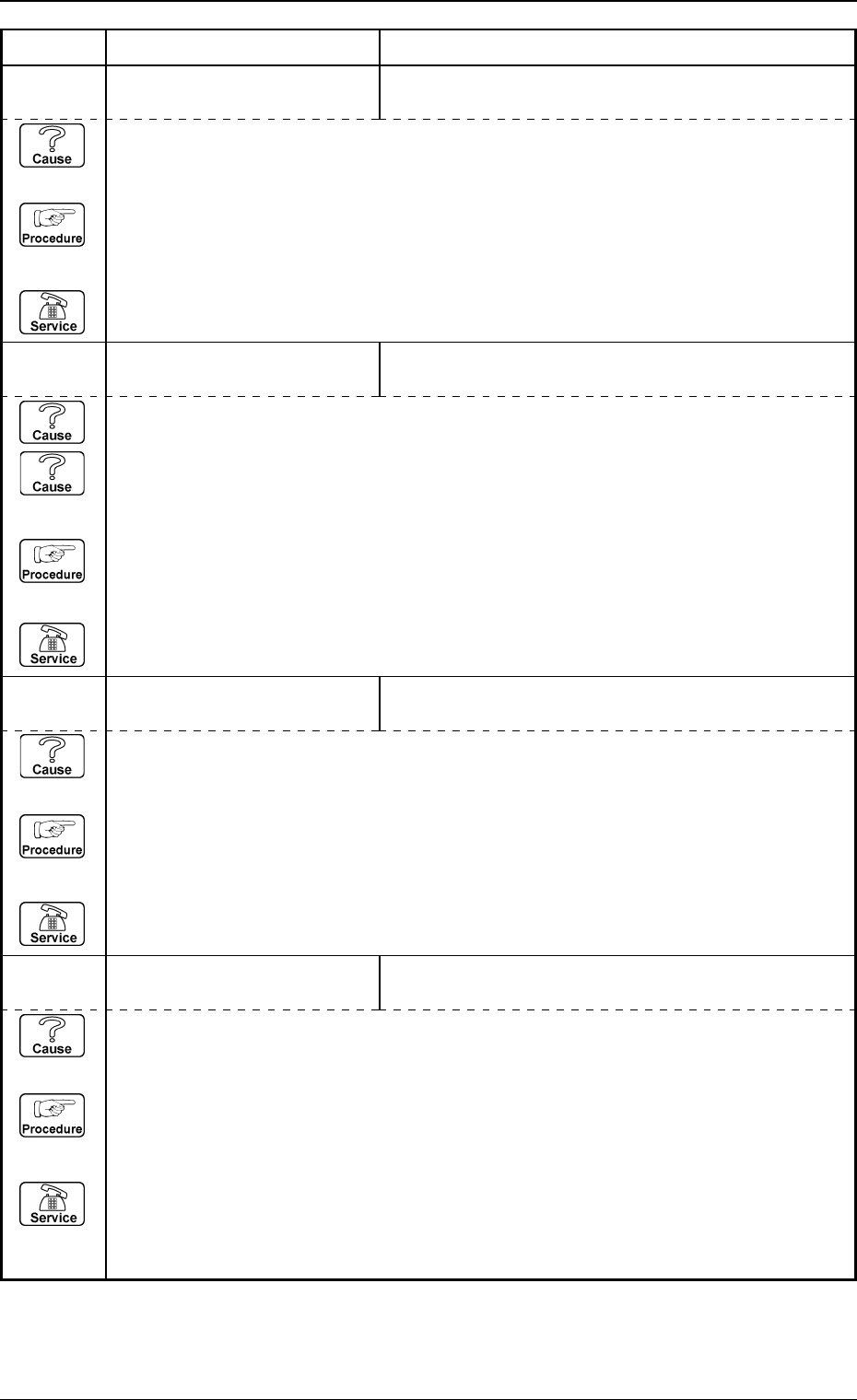
0005-002 2-118 Tg0248-PM-ER Error Code Display A Display B 3. T rouble Shooting after Error Display 6D 0 5 0 3 TEACH COMP . CAMR. OFFSET XXXXXXXX CHECKER MARK NOT RECOGNIZED BETWEEN COMPONENT RECOGNITION CAMERA. (Cause 1…
0005-002 2-117 Tg0248-PM-ER
Error Code Display A Display B
3. Trouble Shooting after Error Display
6D 04 01 TEACH COMP. CAMR. MAG.
XXXXXXXX
JIG COMPONENT NOT RECOGNIZED.
6D 03 02 TEACH BEAM OFFSET
XXXXXXXX
(Cause 1) This is the device’s self-diagnostic message.
(Reset Procedure in the case of Cause 1)
Reset Procedure
(1) Press the [CLEAR ALARM] key and the buzzer stops sounding.
(2) Press the [ZERO] button to return all the axes to their original positions.
(3) Re-start.
(4) If the device can’t be re-started, contact our service personnel.
6D 03 01 TEACH BEAM OFFSET
XXXXXXXX
CHECKER MARK NOT RECOGNIZED ON JIG P.C.B.
(Cause 1) The checkered mark may be dirty.
(Cause 2) The device lighting may be turned on.
(Reset Procedure in the case of Causes 1 and 2)
Reset Procedure
(1) Press the [CLEAR ALARM] key and the buzzer stops sounding.
(2) Press the [ZERO] button to return all the axes to their original positions.
(3) Re-start.
(4) If the device can’t be re-started, contact our service personnel.
6D 02 01 TEACH P.E.C. CAMERA OFFSET
XXXXXXXX
ROUND MARK NOT RECOGNIZED ON JIG P.C.B.
(Cause 1) The jig P.C.B. may be dirty.
(Reset Procedure in the case of Cause 1)
Reset Procedure
(1) Press the [CLEAR ALARM] key and the buzzer stops sounding.
(2) Press the [ZERO] button to return all the axes to their original positions.
(3) Re-start.
(4) If the device can’t be re-started, contact our service personnel.
(Cause 1) This is the device’s self-diagnostic message.
(Reset Procedure in the case of Cause 1)
Reset Procedure
(1) Press the [CLEAR ALARM] key and the buzzer stops sounding.
(2) Press the [ZERO] button to return all the axes to their original positions.
(3) Re-start.
(4) If the device can’t be re-started, contact our service personnel.
Note: Refer to “Section 4 Recognition Error Codes”.
0005-002 2-118 Tg0248-PM-ER
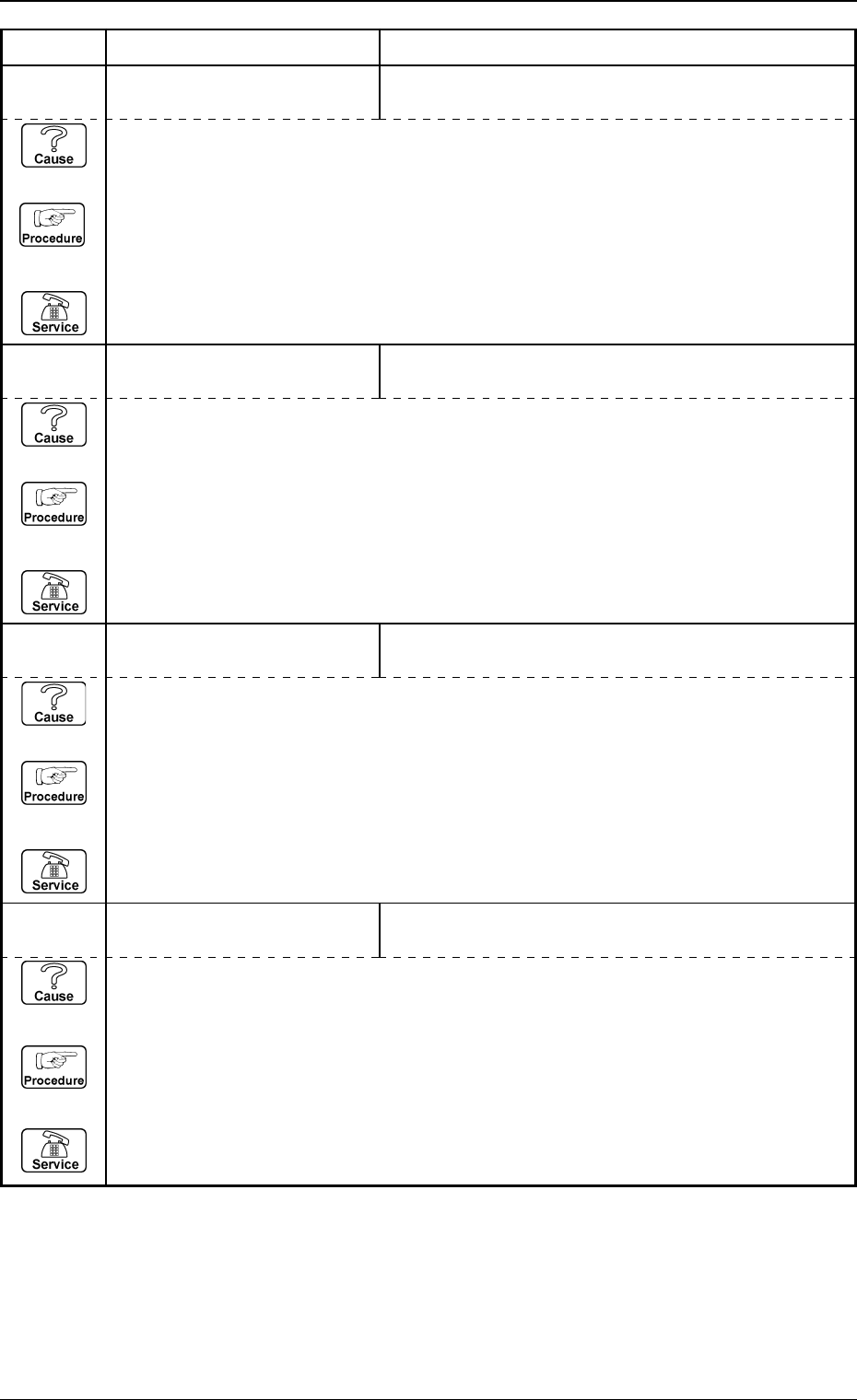
Error Code Display A Display B
3. Trouble Shooting after Error Display
6D 05 03 TEACH COMP. CAMR. OFFSET
XXXXXXXX
CHECKER MARK NOT RECOGNIZED BETWEEN
COMPONENT RECOGNITION CAMERA.
(Cause 1) This is the device’s self-diagnostic message.
(Reset Procedure in the case of Cause 1)
Reset Procedure
(1) Press the [CLEAR ALARM] key and the buzzer stops sounding.
(2) Press the [ZERO] button to return all the axes to their original positions.
(3) Re-start.
(4) If the device can’t be re-started, contact our service personnel.
6D 05 02 TEACH COMP. CAMR. OFFSET
XXXXXXXX
JIG COMPONENT NOT RECOGNIZED THROUGH
P.E.C. RECOGNITION CAMERA.
(Cause 1) This is the device’s self-diagnostic message.
(Reset Procedure in the case of Cause 1)
Reset Procedure
(1) Press the [CLEAR ALARM] key and the buzzer stops sounding.
(2) Press the [ZERO] button to return all the axes to their original positions.
(3) Re-start.
(4) If the device can’t be re-started, contact our service personnel.
6D 05 01 TEACH COMP. CAMR. OFFSET
XXXXXXXX
JIG COMPONENT NOT RECOGNIZED THROUGH
COMPONENT RECOGNITION CAMERA.
(Cause 1) This is the device’s self-diagnostic message.
(Reset Procedure in the case of Cause 1)
Reset Procedure
(1) Press the [CLEAR ALARM] key and the buzzer stops sounding.
(2) Press the [ZERO] button to return all the axes to their original positions.
(3) Re-start.
(4) If the device can’t be re-started, contact our service personnel.
6D 04 02 TEACH COMP. CAMR. MAG.
XXXXXXXX
(Cause 1) This is the device’s self-diagnostic message.
(Reset Procedure in the case of Cause 1)
Reset Procedure
(1) Press the [CLEAR ALARM] key and the buzzer stops sounding.
(2) Press the [ZERO] button to return all the axes to their original positions.
(3) Re-start.
(4) If the device can’t be re-started, contact our service personnel.
Note: Refer to “Section 4 Recognition Error Codes”.
0005-002 2-119 Tg0248-PM-ER
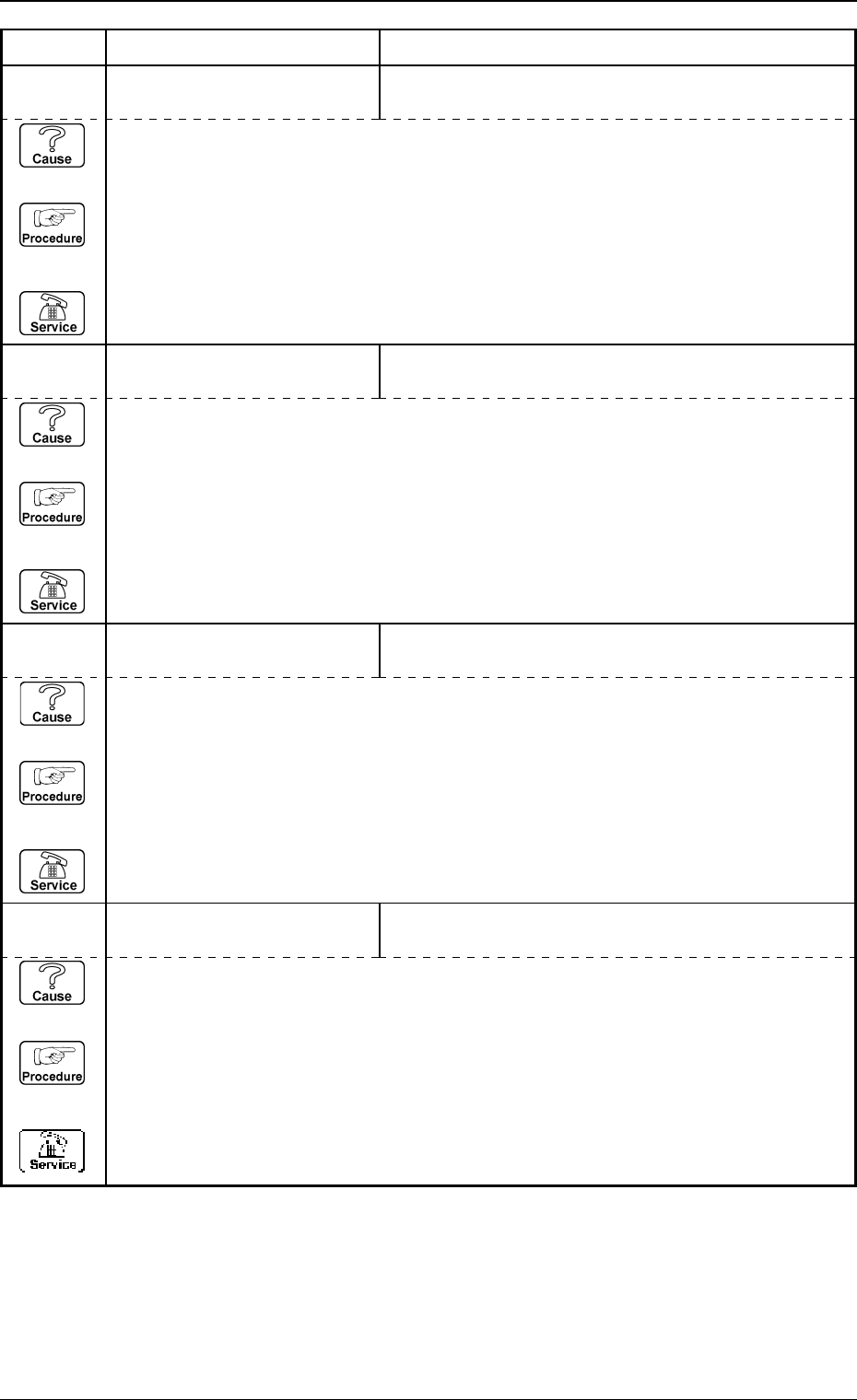
Error Code Display A Display B
3. Trouble Shooting after Error Display
6D 08 01 HEAD ROTATION OFFSET
XXXXXXXX
JIG NOZZLE NOT RECOGNIZED THROUGH COMPO-
NENT RECOGNITION CAMERA.
(Cause 1) This is the device’s self-diagnostic message.
(Reset Procedure in the case of Cause 1)
Reset Procedure
(1) Press the [CLEAR ALARM] key and the buzzer stops sounding.
(2) Press the [ZERO] button to return all the axes to their original positions.
(3) Re-start.
(4) If the device can’t be re-started, contact our service personnel.
Note: Refer to “Section 4 Recognition Error Codes”.
6D 07 02 TEACH HEAD OFFSET
XXXXXXXX
JIG COMPONENT NOT RECOGNIZED THROUGH
P.E.C. RECOGNITION CAMERA.
(Cause 1) This is the device’s self-diagnostic message.
(Reset Procedure in the case of Cause 1)
Reset Procedure
(1) Press the [CLEAR ALARM] key and the buzzer stops sounding.
(2) Press the [ZERO] button to return all the axes to their original positions.
(3) Re-start.
(4) If the device can’t be re-started, contact our service personnel.
6D 07 01 TEACH HEAD OFFSET
XXXXXXXX
JIG COMPONENT NOT RECOGNIZED THROUGH
COMPONENT RECOGNITION CAMERA.
(Cause 1) This is the device’s self-diagnostic message.
(Reset Procedure in the case of Cause 1)
Reset Procedure
(1) Press the [CLEAR ALARM] key and the buzzer stops sounding.
(2) Press the [ZERO] button to return all the axes to their original positions.
(3) Re-start.
(4) If the device can’t be re-started, contact our service personnel.
6D 06 01 TEACH HEAD ROTATION CTR
XXXXXXXX
JIG COMPONENT NOT RECOGNIZED THROUGH
COMPONENT RECOGNITION CAMERA.
(Cause 1) This is the device’s self-diagnostic message.
(Reset Procedure in the case of Cause 1)
Reset Procedure
(1) Press the [CLEAR ALARM] key and the buzzer stops sounding.
(2) Press the [ZERO] button to return all the axes to their original positions.
(3) Re-start.
(4) If the device can’t be re-started, contact our service personnel.