3OM-1064-001.pdf - 第305页
13. Control Side Error Code and List of Error Mes- sages (Referential) Shown below are the contents of error codes which might be issued in the control side error code processing. Detail Code ID Code of Recognition Funct…
0005-002 4-73 Tg0248-PM-ER
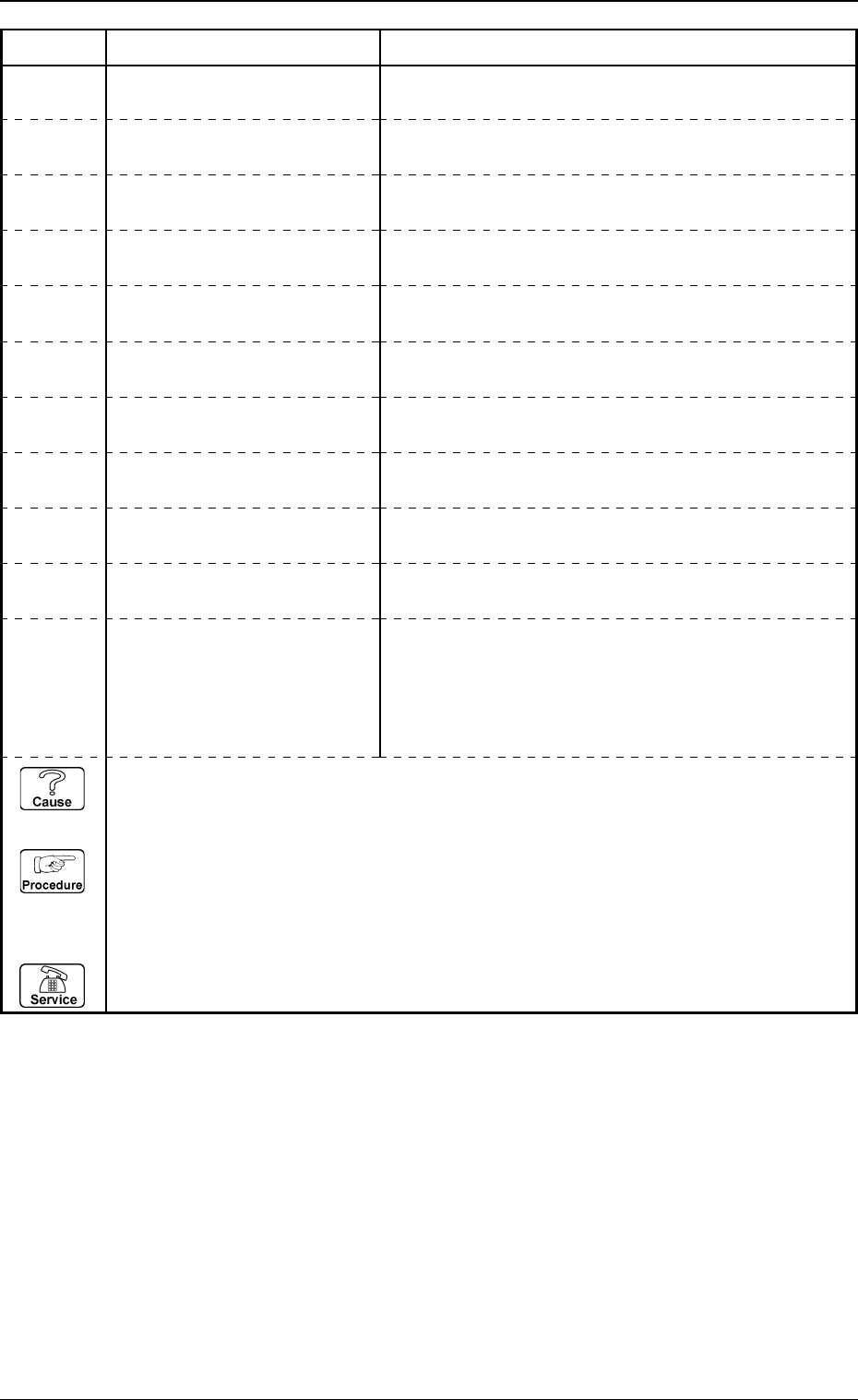
12. Lighting Teaching Error Code and List of Error Messages
Error Code Display A Display B
63000000 TEACH LIGHTING ERROR RESULT WAS OUT OF TOLERANCE.
NOZZLE OUTWARD WAS OUT OF TOLERANCE.
63010003 TEACH LIGHTING ERROR SIDE #1 LIGHTING OFF.
63010004 TEACH LIGHTING ERROR SIDE #2 LIGHTING OFF.
63010005 TEACH LIGHTING ERROR SIDE #3 LIGHTING OFF.
63010006 TEACH LIGHTING ERROR SIDE #4 LIGHTING OFF.
63010007 TEACH LIGHTING ERROR
63010001 TEACH LIGHTING ERROR THE TEACHING OPERATION DID NOT END WITHIN
THE SPECIFIED NUMBER OF TIME.
63010002 TEACH LIGHTING ERROR
HEAD LIGHTING OFF.
BACKLIGHT STAGE LIGHTING OFF.
63XXXXXX TEACH LIGHTING ERROR
except the
above-
described
codes
ETC.
63010000 TEACH LIGHTING ERROR
63010008 TEACH LIGHTING ERROR BRIGHTNESS EXCEEDS THE RANGE OF TUNING.
(Cause 1) This is the device’s self-diagnostic message.
(Reset Procedure in the case of Cause 1)
Reset Procedure
(1) Press the [CLEAR ALARM] key and the buzzer stops sounding.
(2) Press the [ZERO] button to return all the axes to their original positions.
(3) Re-start.
(4) If the device can’t be re-started, contact our service personnel.
13. Control Side Error Code and List of Error Mes-
sages (Referential)
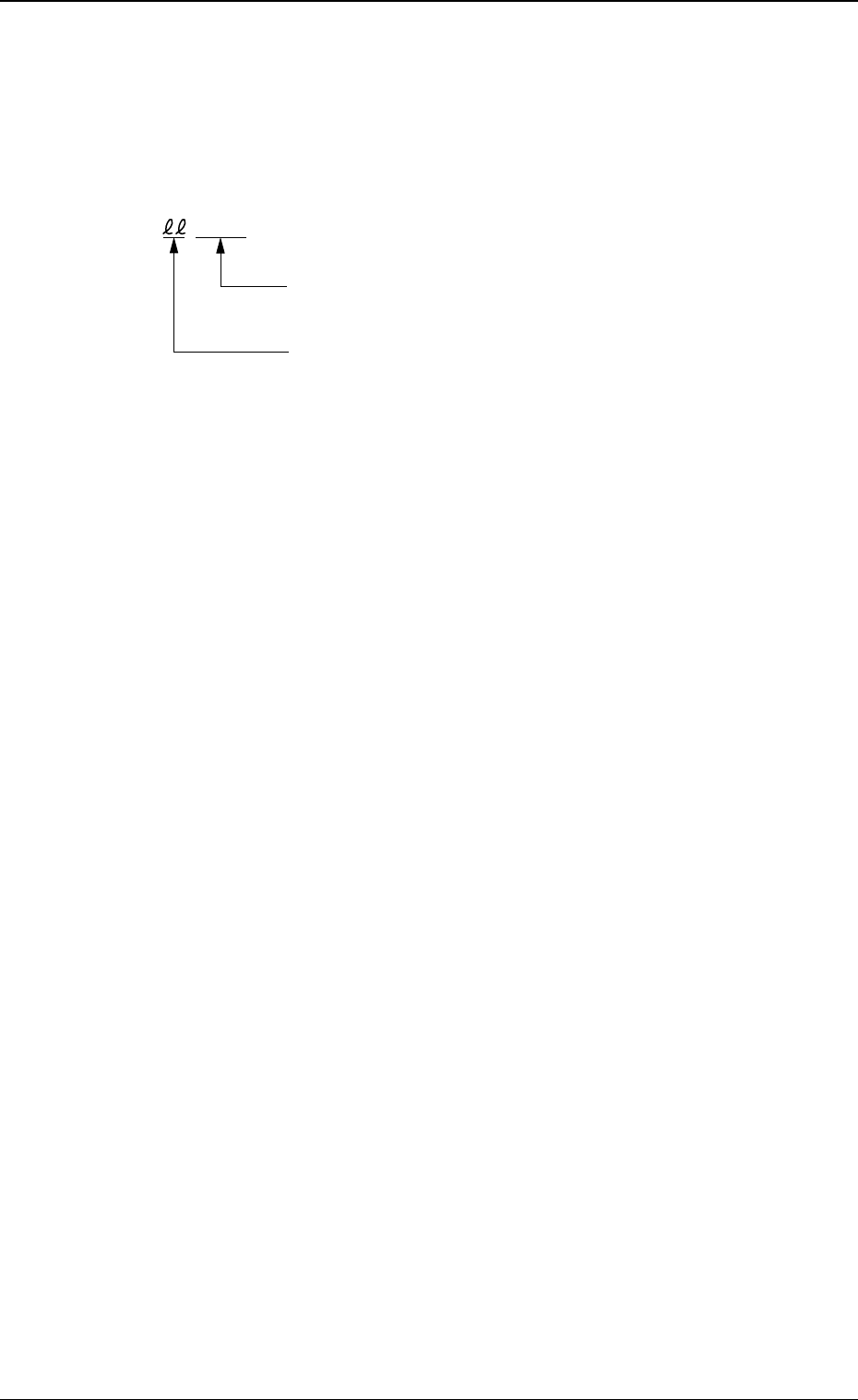
Shown below are the contents of error codes which might be issued in the
control side error code processing.
Detail Code
ID Code of Recognition Function (90)
cccccc
13. Control Side Error Code and List of Error Messages (Referential)
0005-002 4-74 Tg0248-PM-ER
0005-002 4-75 Tg0248-PM-ER
13. Control Side Error Code and List of Error Messages (Referential)
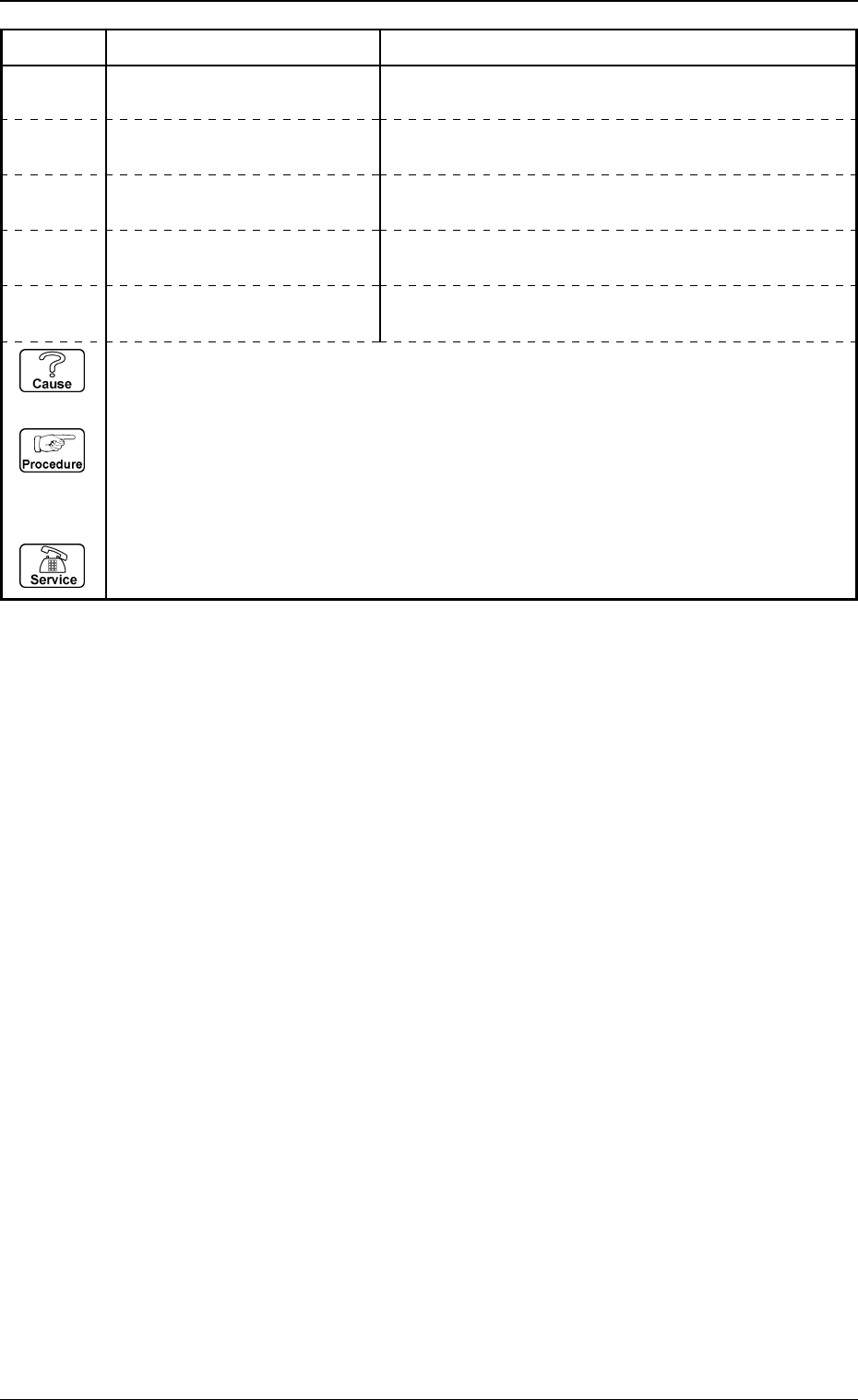
Error Code Display A Display B
90000001 INSIDE RECOGNITION COMMUNICATION WITH RECOGNITION UNIT FAILED.
PRESS THE [SYS CLR] BUTTON.
90000002 INSIDE RECOGNITION BUFFER OF COMMUNICATION WITH RECOGNITION
UNIT BECAME FULL. PRESS THE [SYS CLR] BUTTON.
90000010 INSIDE RECOGNITION
COMPONENT TYPES DATA IS TOO LARGE FOR AVAIL-
ABLE MEMORY SPACE.
90000003 INSIDE RECOGNITION
TIME-OUT OCCURRED IN COMMUNICATION WITH
RECOGNITION UNIT. PRESS THE [SYS CLR] BUTTON.
90000004 INSIDE RECOGNITION
RECOGNITION IMPLEMENTING PARAMETER ERROR
OCCURRED. PRESS THE [SYS CLR] BUTTON.
(Cause 1) This is the device’s self-diagnostic message.
(Reset Procedure in the case of Cause 1)
Reset Procedure
(1) Press the [CLEAR ALARM] key and the buzzer stops sounding.
(2) Press the [ZERO] button to return all the axes to their original positions.
(3) Re-start.
(4) If the device can’t be re-started, contact our service personnel.