DECAN_S1_Administrator′s_Guide(Eng_Ver1.5)_Print.pdf - 第512页
15-46 Next Generation, Multi-Functional Plac er DECAN S1 Administrator’s Guide Ref. The reference value of the inner lig hting of the fiducial camera is as follows: Outer Inner 0- 0 1- 2 0 2- 3 5 3- 5 0 4- 6 5 5- 8 0 6- …
15-45
System Setup
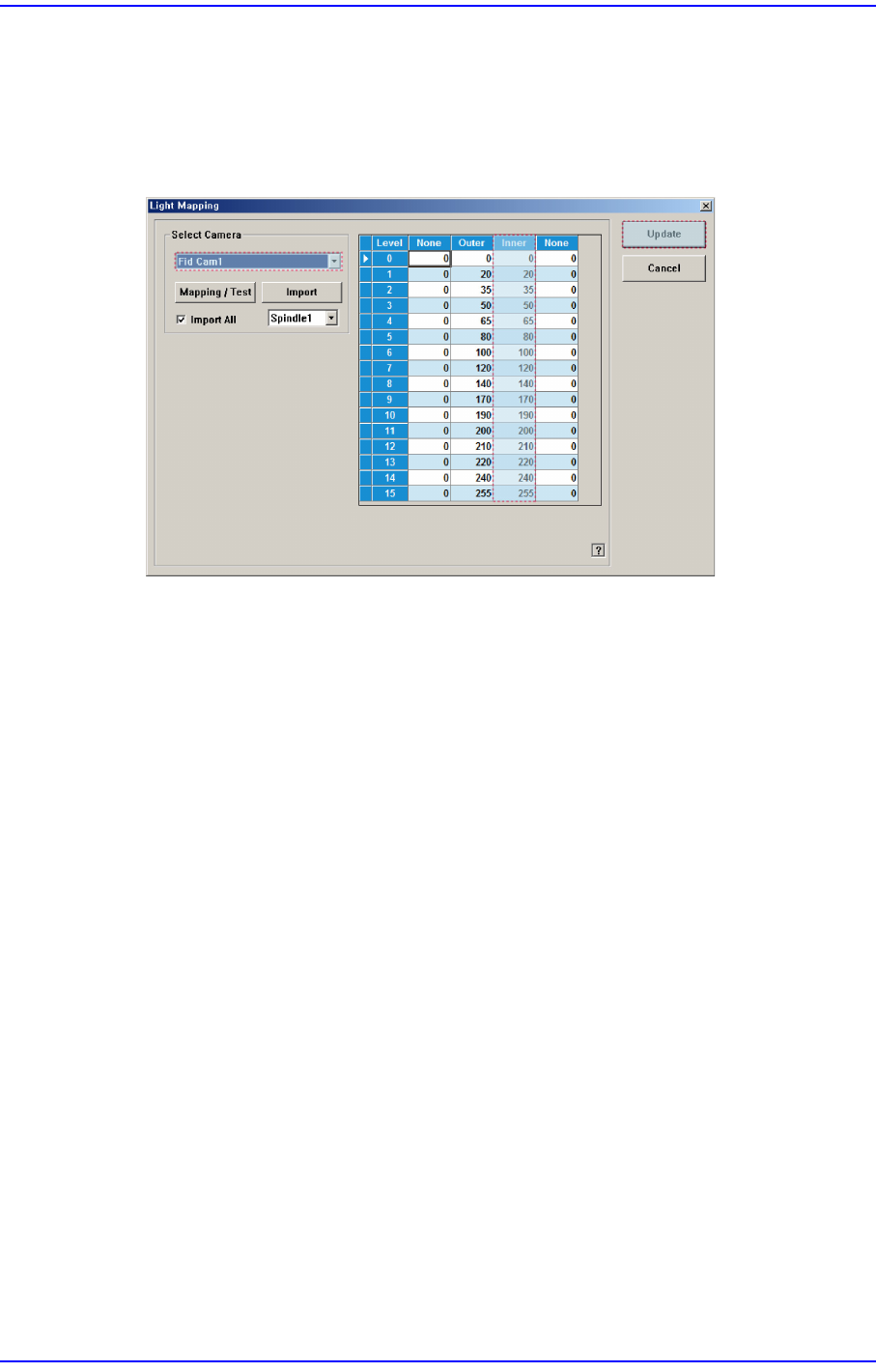
The procedure to set the fiducial camera is as follows. For the inner lighting of the fiducial
camera, input the defined reference value without performing light mapping.
1. Select the Fid Cam in the <Select Camera> group. If the inner lighting value is
different from the reference value, input the value manually and then click the
<Update> button.
15-46
Next Generation, Multi-Functional Placer DECAN S1 Administrator’s Guide
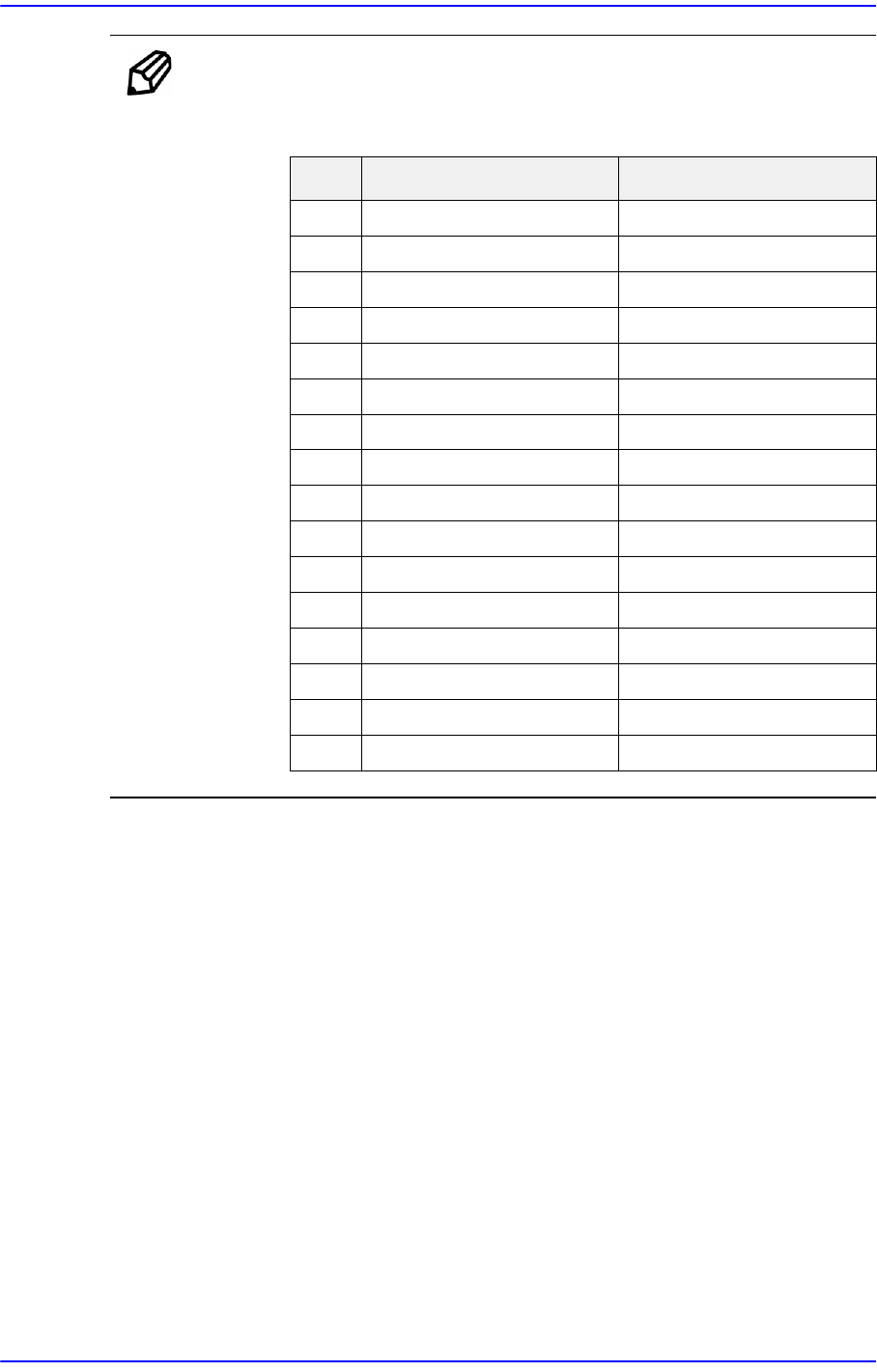
Ref. The reference value of the inner lighting of the fiducial camera is as
follows:
Outer Inner
0- 0
1- 20
2- 35
3- 50
4- 65
5- 80
6- 110
7 - 120
8 - 140
9 - 170
10 - 190
11 - 200
12 - 210
13 - 220
14 - 240
15 - 255
15-47
System Setup
15.5. Pref. [F10]
Sets various options needed for equipment operation. When this button is clicked on, the
following dialog box is displayed.
15.5.1. <General> tab dialog
Sets general items related to the equipment operation.
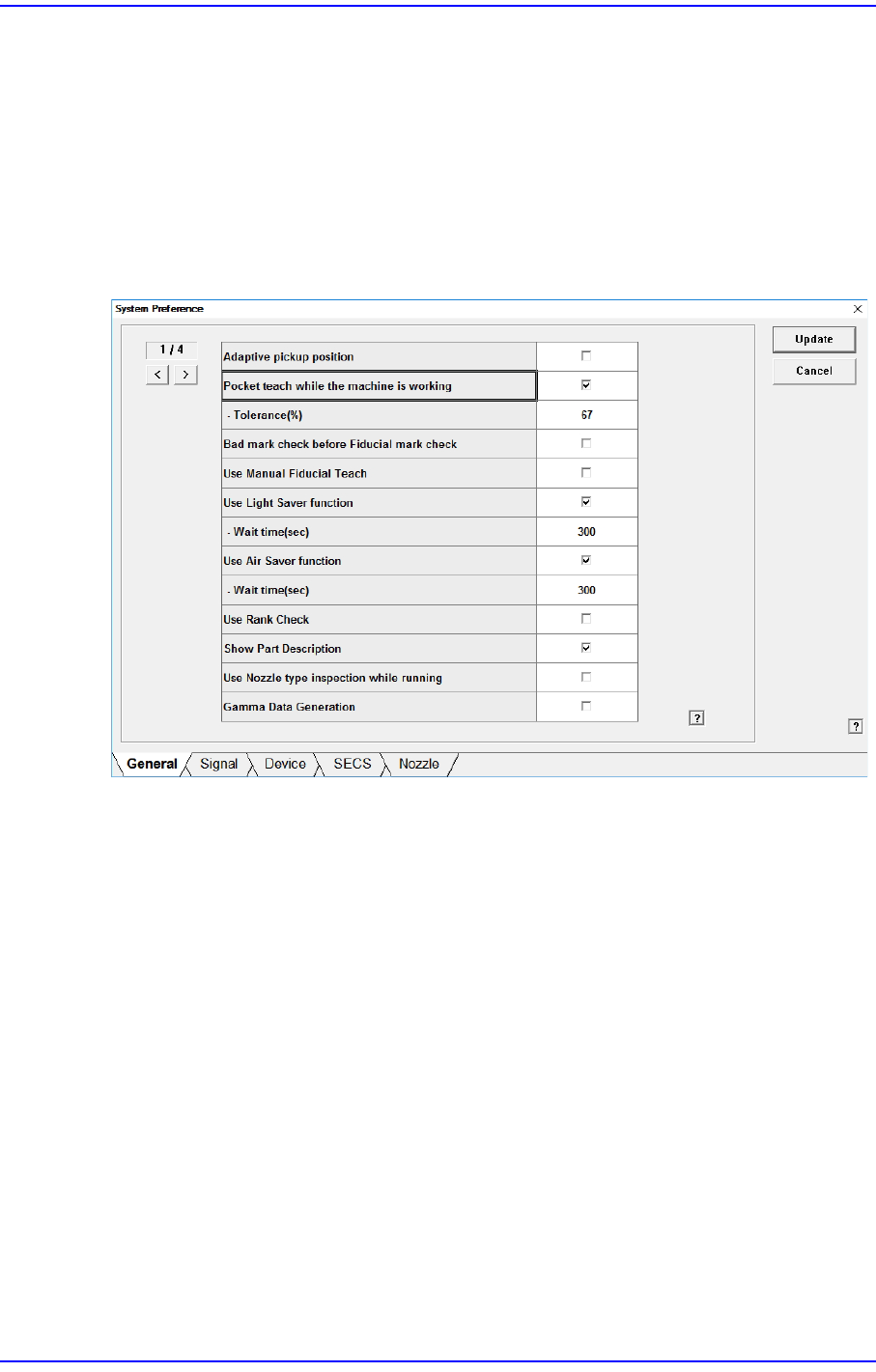
Figure15.17 “General” tab dialog
<Adaptive pickup position> check box
If this check box is selected, when the equipment stops due to pickup error, the
coordinate calibrated to the pickup point of the corresponding feeder is reflected when
restarting the work.
The offset between the center of the part recognized through the vision system and the
center of the head that performed pickup is reflected automatically.
If this check box is selected, the edit box of the selected items is enabled right below it.
This edit box is used to adjust the tolerance when performing synchronized pickup.
At this time, the tolerance for the synchronized pickup is as follows:
Tolerance for synchronized pickup =Sync Pickup Tol +[Sync Pickup Tol X (a /100 )]
Sync Pickup Tolerance is that of the common data for the corresponding part.
'a' is the value entered into the edit box.