DECAN_S1_Administrator′s_Guide(Eng_Ver1.5)_Print.pdf - 第585页
18-7 Production Information Management <Part NG> column Indicates the number of part recognition failures using ‘V ision’ after pickup of parts. <Dump> column Indicates the number of times part d u mping …
18-6
Next Generation, Multi-Functional Placer DECAN S1 Administrator’s Guide
<Close> button
Closes the screen.
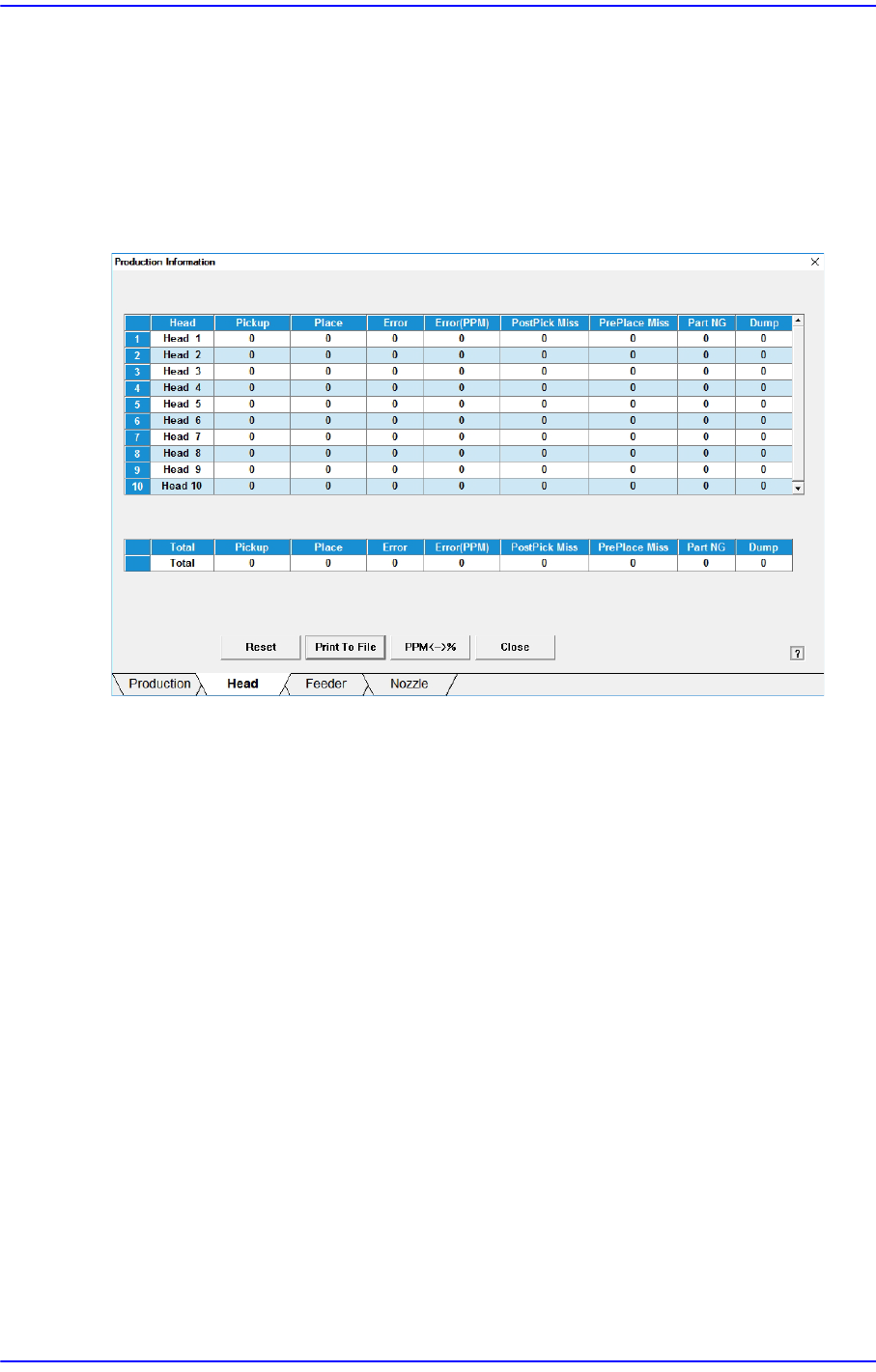
18.1.2. Head
Displays the operation data for each head. Shows the overall statistics information related
with placement.
<Head> column
Displays the total head number.
<Pickup> column
Displays the total number of components picked up.
<Place> column
Displays the total number of components placed.
<Error> column
Indicates the number of part placement failures after recognizing the picked up parts
using ‘Vision’.
<Error (PPM)> column
Recognize the picked part by using the vision system and indicate the non-placement
error in PPM unit.
<PostPick Miss> column
After parts are adsorbed, the number of failures to mount the parts is displayed.
<PrePlace Miss> column
Before parts are adsorbed, the number of failures to mount the parts is displayed.
18-7
Production Information Management
<Part NG> column
Indicates the number of part recognition failures using ‘Vision’ after pickup of parts.
<Dump> column
Indicates the number of times part dumping has been performed by the corresponding
head.
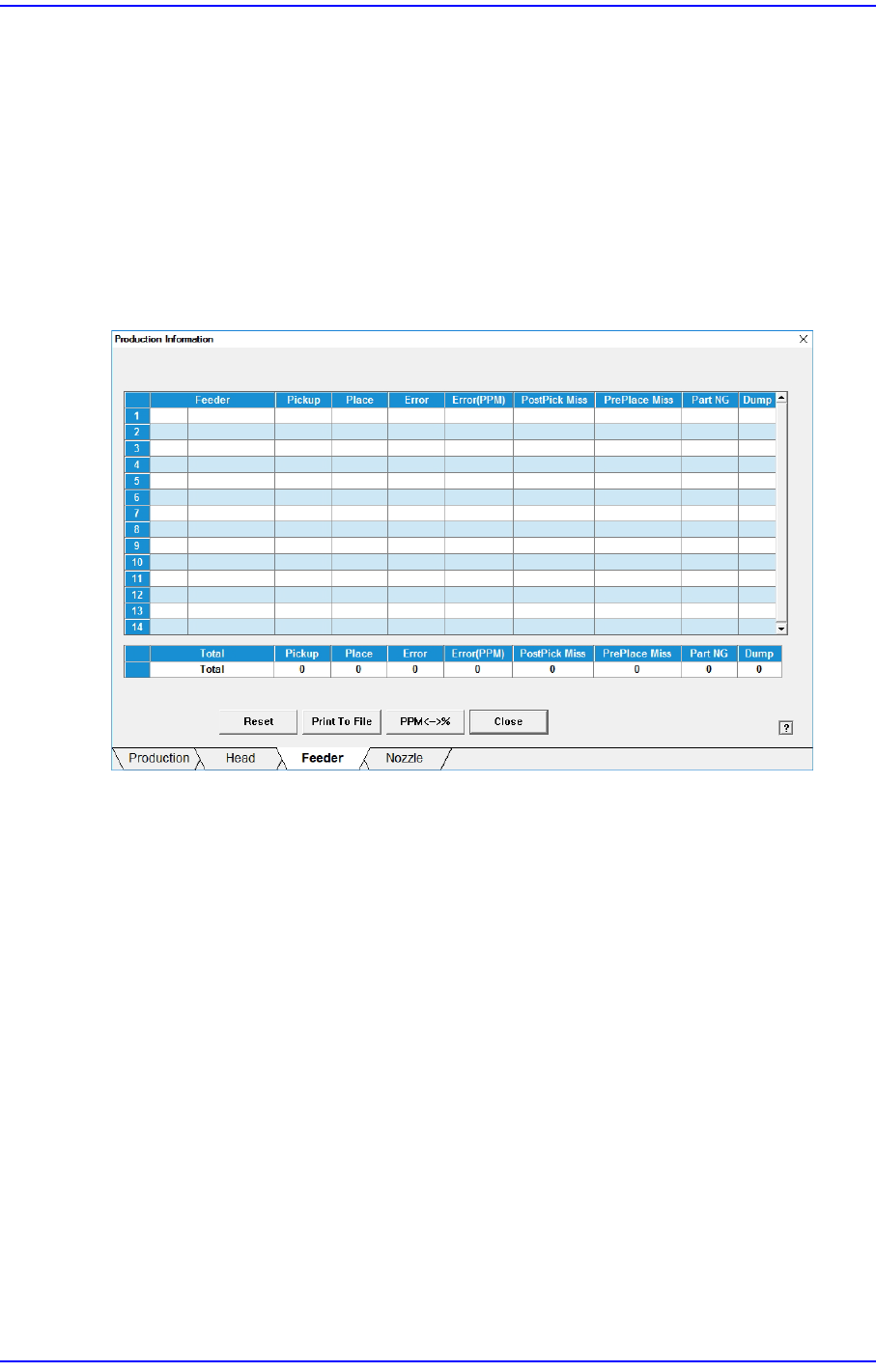
18.1.3. Feeder
Displays the operation information of each feeder.
<Feeder> column
Indicates the information on the slot where the feeder is installed and the parts are
supplied.
<Pickup> column
Displays the number of components picked up from the corresponding feeder.
<Place> column
Displays the number of components placed from the corresponding feeder.
<Error> column
Displays the number of components placed from the corresponding feeder.
<Error (PPM)> column
Indicate the feeder error, which caused the fed parts not to be placed, in the PPM unit.
<PostPick Miss> column
After parts are adsorbed, the number of failures to mount the parts is displayed.
<PrePlace Miss> column
18-8
Next Generation, Multi-Functional Placer DECAN S1 Administrator’s Guide
Before parts are adsorbed, the number of failures to mount the parts is displayed.
<Part NG> column
Indicates the number of part recognition failures using ‘Vision’ after pick up by the
feeder.
<Dump> column
Indicates the number of times part dumping has been performed by the corresponding
head.
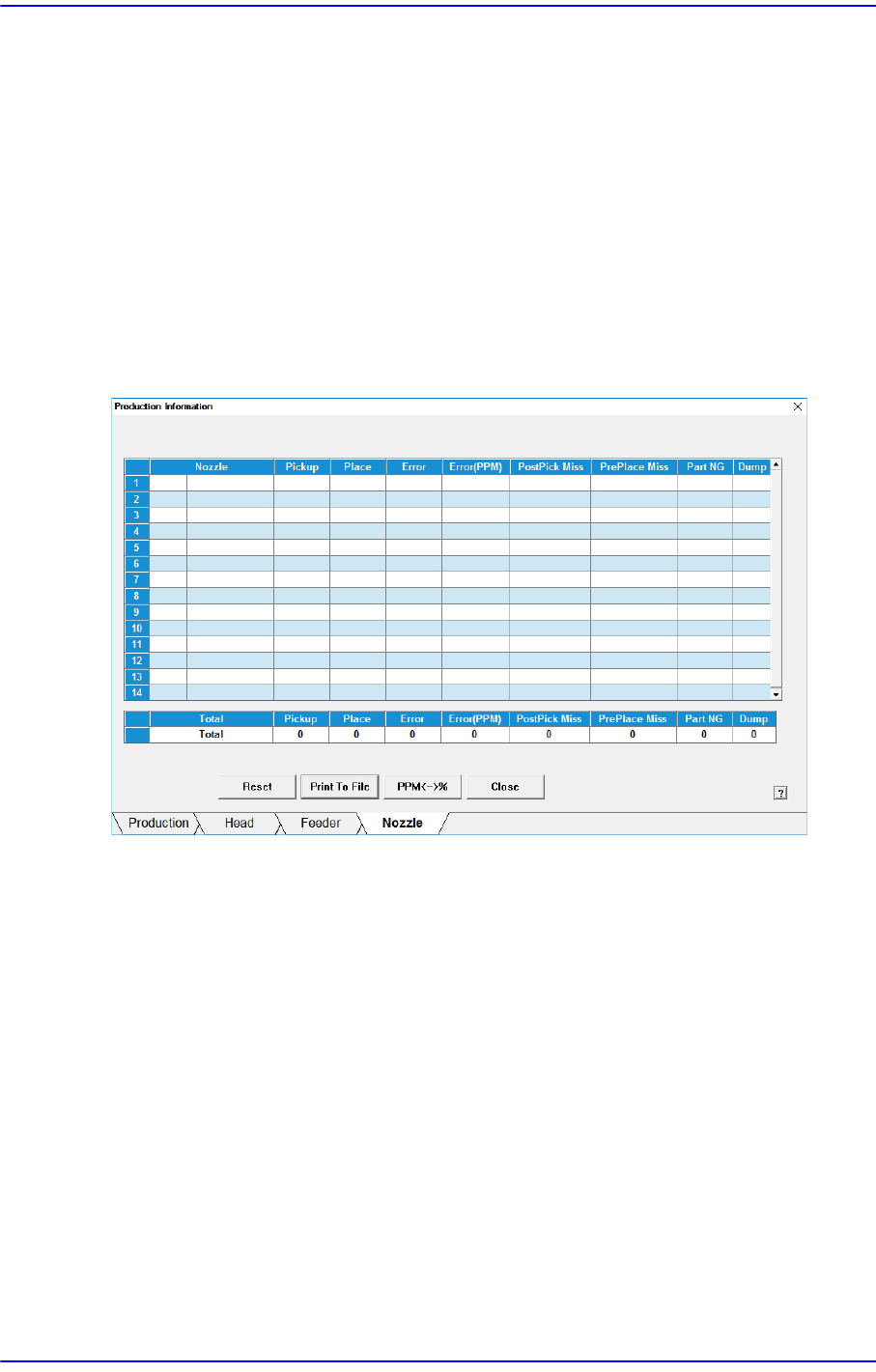
18.1.4. Nozzle
Displays the operation information of each nozzle.
<Nozzle> column
Indicates the type of nozzles and number of holes where nozzles are arranged in the
ANC.
<Pickup> column
Displays the number of components picked up by the corresponding nozzle.
<Place> column
Displays the number of components placed by the corresponding nozzle.
<Error> column
Indicates the number of failures in placing the parts by nozzle.
<Error (PPM)> column
Indicate the nozzle error, which caused the parts not to be placed, in the PPM unit.
<PostPick Miss> column
After parts are adsorbed, the number of failures to mount the parts is displayed.