00191024-01.pdf - 第564页
Betriebsanleitung SIPLACE 80 15 Software Installation Ausgabe 12/96 ab Softwareversion SR.009.xx 15.1 Stationsrechner Software Version ab 8.x Einric hter 15 - 5 Abb. 15.1.3 15.1.2.1 Install Revision of SIPL ACE Software …
15 Software Installation Betriebsanleitung SIPLACE 80
15.1 Stationsrechner Software Version ab 8.x Ausgabe 12/96 ab Softwareversion SR.009.xx
15 - 4 Einrichter
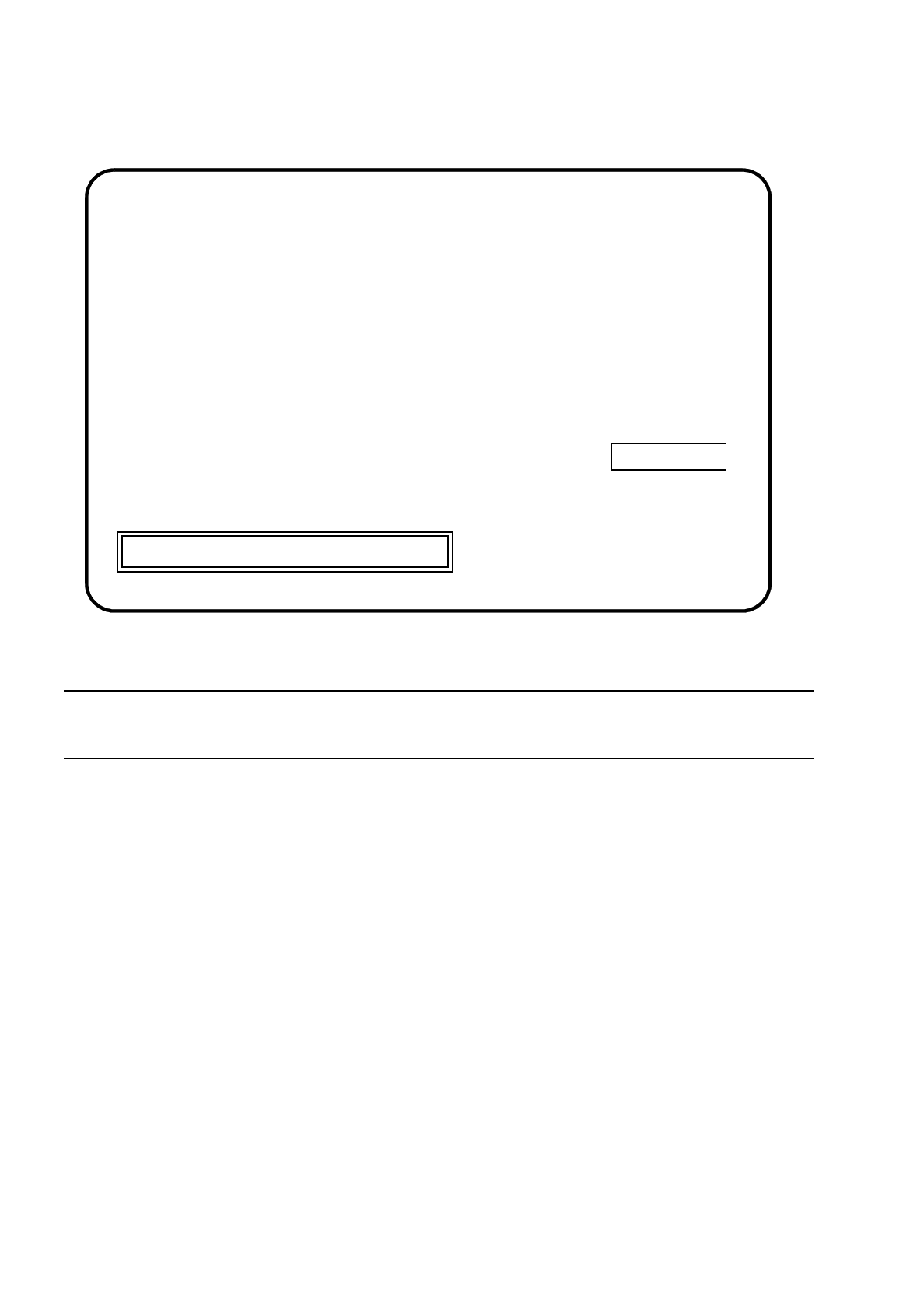
Abb. 15.1.2
HINWEIS
Im rechten Anzeigefenster wird der Maschinentyp und die Softwareversion angezeigt.
●
Falls Sie die Installation abbrechen wollen, drücken Sie die Esc-Taste.
●
Drücken Sie eine beliebige Taste, um in der Installation fortzufahren.
Das Hauptmenü erscheint:
Press [Esc] to quit, any other key to continue
SIPLACE
SIEMENS AG
***
INSTALLATION
SI80X007.xxx
Betriebsanleitung SIPLACE 80 15 Software Installation
Ausgabe 12/96 ab Softwareversion SR.009.xx 15.1 Stationsrechner Software Version ab 8.x
Einrichter 15 - 5
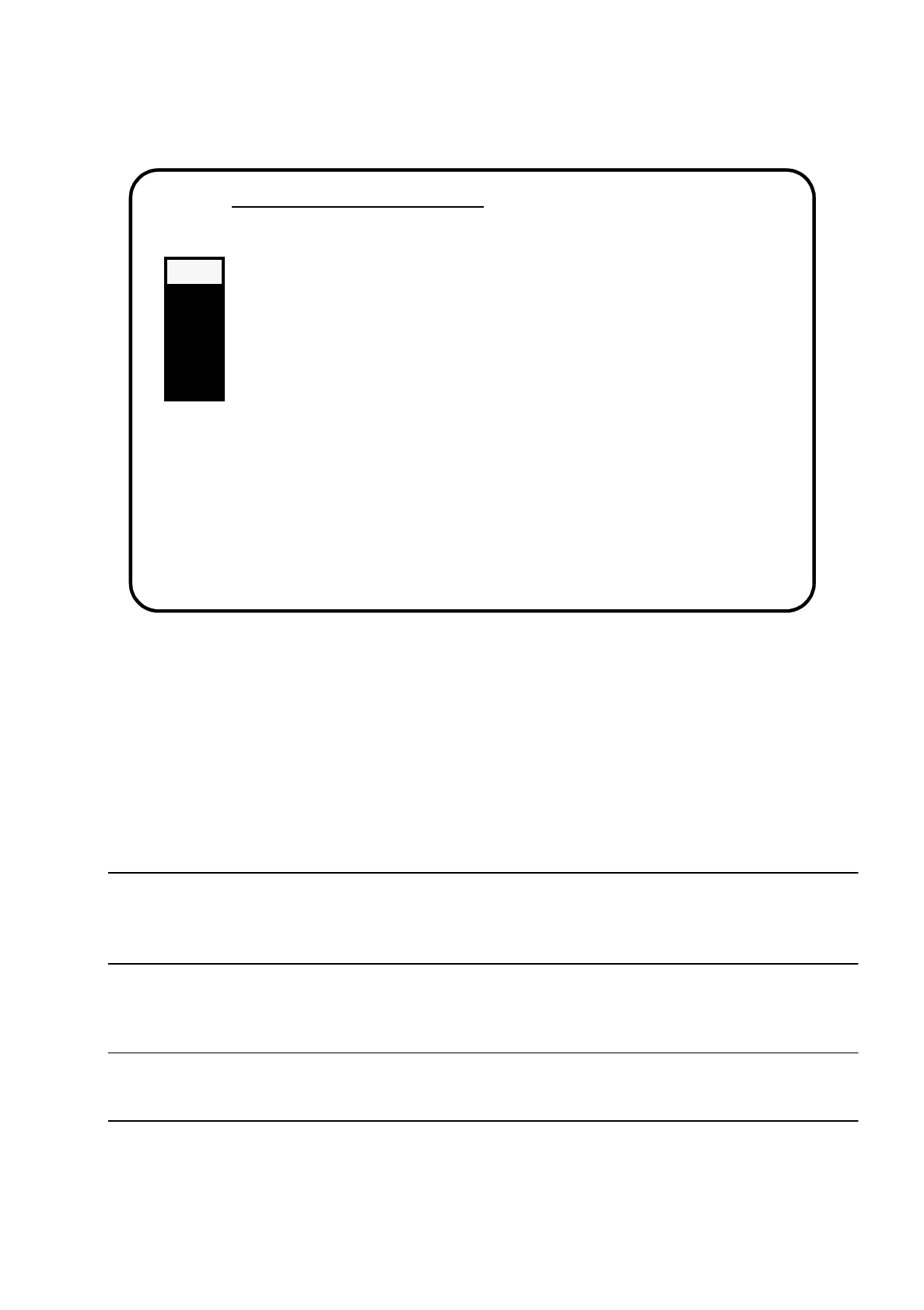
Abb. 15.1.3
15.1.2.1 Install Revision of SIPLACE Software
In diesem Untermenü wird die komplette Installation der Software durchgeführt. Alle zur Installation erforderli-
chen Schritte werden dort automatisch ausgeführt.
Alle restlichen Menüfunktionen können als Einzelfunktionen, unabhängig von der Installation, durchgeführt
werden.
HINWEIS
Maschinendaten werden automatisch gesichert und zurückgesichert, und müssen nicht aus dem Hauptmenü
heraus gesichert werden.
●
Wählen Sie mit den Cursortasten das Untermenü "Install Revision of SIPLACE Software" an.
HINWEIS
Wird ein Untermenü angewählt, blinkt es grau.
●
Bestätigen Sie mit der Return-Taste.
Die Installation wird gestartet, und die nachfolgende Bildschirmanzeige erscheint.
Main Menue of SIPLACE Installation
>>> -----------------------------Install Revision of SIPLACE Software
>>> -----------------------------Set Language Configuration of SIPLACE System
>>> -----------------------------Set Address of IEC Bus of SIPLACE System
>>> -----------------------------Save Machine Data (
⇒
Partition "D:")
>>> -----------------------------Install Saved Machine Data(
⇐
Partition "D:")
>>> -----------------------------Terminate SIPLACE Installation Programm
Use the [Up Arrow] [Down Arrow] [Pg Up] [Pg Dn] keys to move the highlight bar to select the
button you prefer.
Press [Enter] to activate your selection
15 Software Installation Betriebsanleitung SIPLACE 80
15.1 Stationsrechner Software Version ab 8.x Ausgabe 12/96 ab Softwareversion SR.009.xx
15 - 6 Einrichter
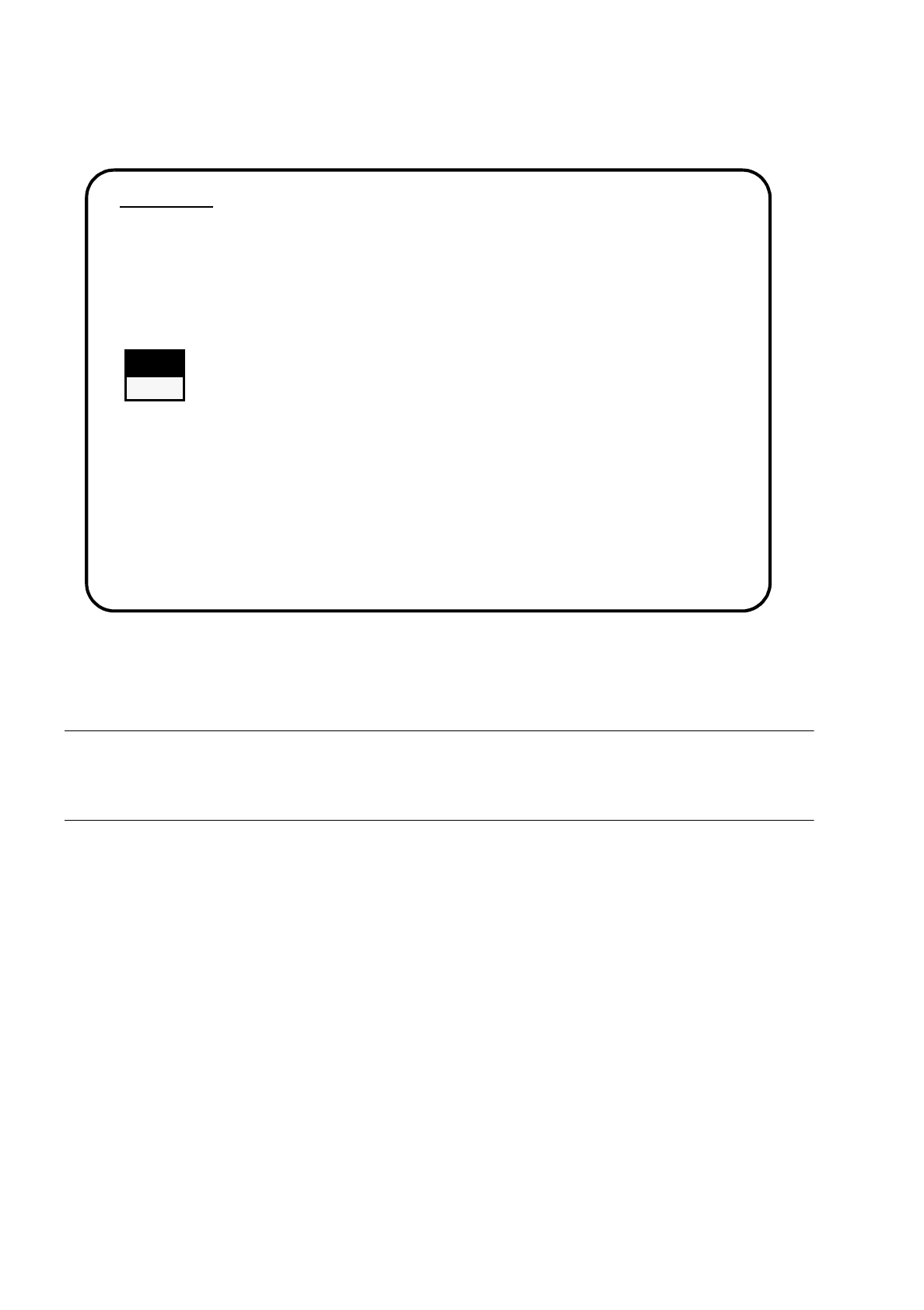
Abb. 15.1.4
●
Wählen Sie mit den Cursortasten, ob Sie die Installation fortsetzen oder abbrechen wollen.
WARNUNG
∆
!
∆
!
Alle Benutzerdaten werden gelöscht. Sichern Sie ggf. ihre Benutzerdaten auf Diskette.
●
Bestätigen Sie mit der Return-Taste.
Die Installation wird fortgesetzt, und die nachfolgende Bildschirmanzeige erscheint.
1. WARNING
SIPACE installation will only save files keeping machine data. All other files of user’s
interest have to be saved on floppy disc by user manually. Otherwise these files will be
deleted.
Continue SIPLACE Installation Job?
>>> -----------------------------Install Revision of SIPLACE Software
>>> ----- No
>>> ----- Yes
Use the [Up Arrow] [Down Arrow] [Pg Up] [Pg Dn] keys to move the highlight bar to select the
button you prefer.
Press [Enter] to activate your selection