DEK INFINITY USER MANUAL.pdf.pdf - 第219页
INFINITY +286 (.( (3, 1* '(/(7( '$7$ Soft ware Ver sion 7 User Manual 7.9 DELETE DA T A The Delete Data function allows the oper ator to delete various data types. On selecting the Delete Data key the f ollow…
INFINITY
+286(.((3,1*
&23<'$7$
7.8 User Manual Software Version 7
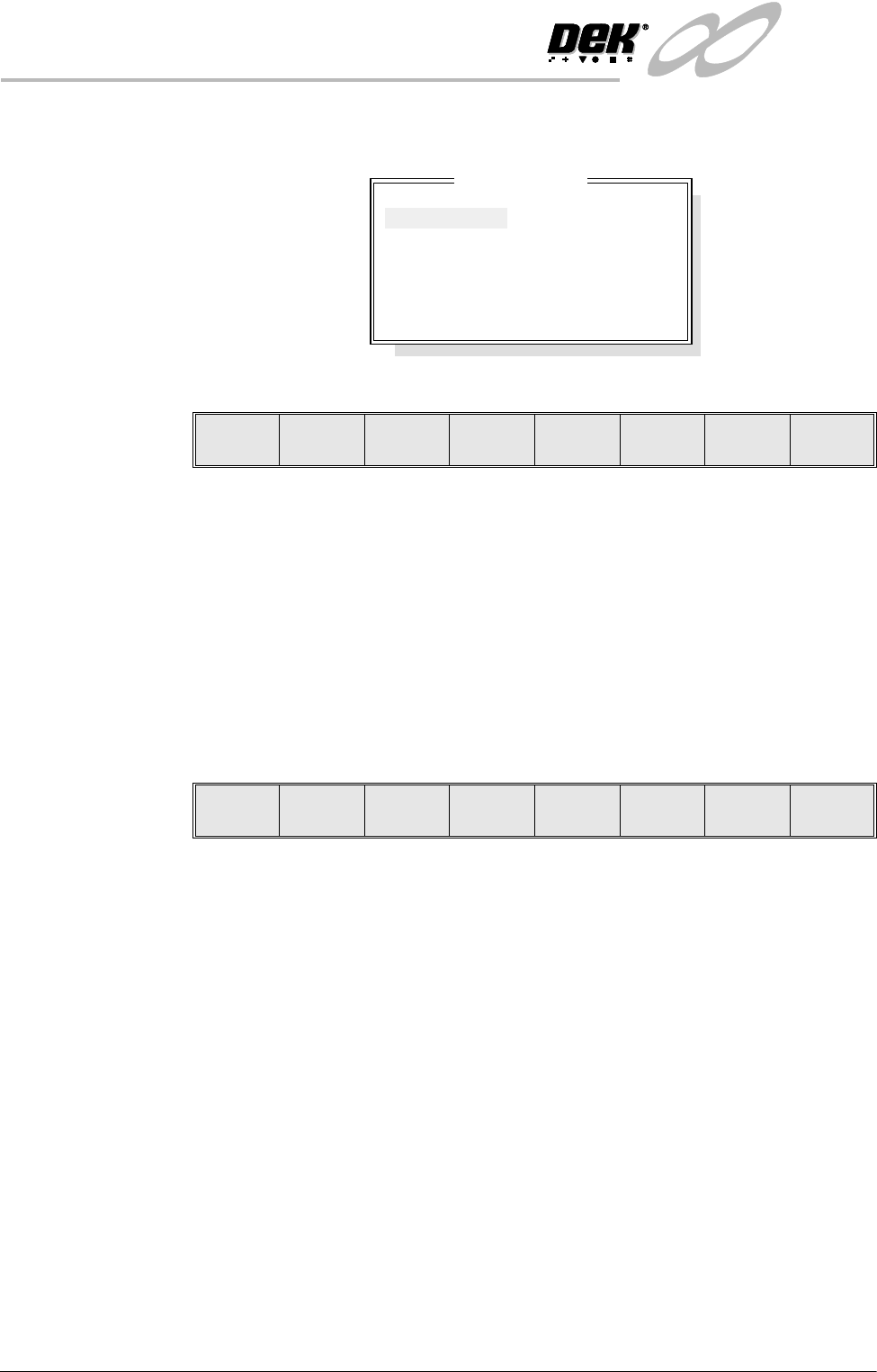
If the Copy Data key is pressed when Image Data is highlighted, the following
window is displayed:
The menu bar changes to the following:
The Copy File key copies the selected product data file from the source to the
destination.
The Left and Right keys move the cursor between product file columns (if
displayed).
The Up and Down keys move the cursor between the various product data files.
The Exit key returns to the previous menu.
If the Copy All key is pressed when Product data is highlighted, the message
‘Do you also want to create a copy of the inspection data associated with
each process program that is to be copied?’ is displayed. The menu bar
changes to the following:
The Ye s key copies all the product data files between the drives as indicated,
with all the inspection data that is associated with it. The message ‘Copying All
Files Please Wait’ is displayed.
The No key copies all the product data files between the drives as indicated,
without the inspection data that is associated with it. The message ‘Copying All
Files Please Wait’ is displayed.
Copy Data File
Insp0000
Insp0001
Insp0002
Insp0003
Insp0004
Insp0005
Copy
File
Left Right Up Down Exit
Yes No
INFINITY
+286(.((3,1*
'(/(7('$7$
Software Version 7 User Manual 7.9
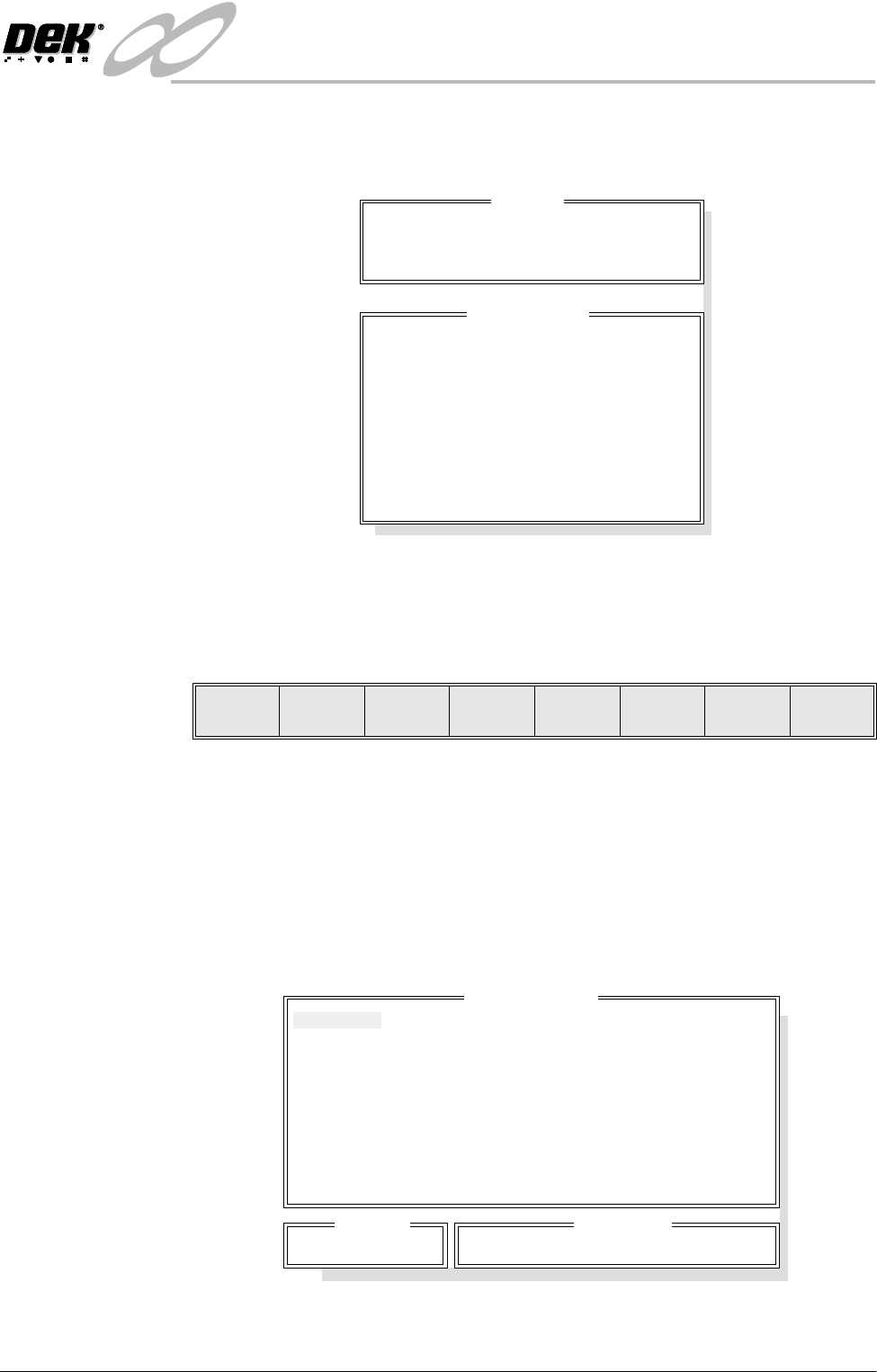
DELETE DATA The Delete Data function allows the operator to delete various data types.
On selecting the Delete Data key the following window is displayed:
NOTE
Image Data is available with 2D Inspection only. Deviation Data is only
available on machines with Tooling Monitoring authorized.
The menu bar changes to the following:
The Up and Down keys move the cursor through the data types.
The function of the Delete Data option depends on the type of data selected, the
options are:
Product Data; Event Log; Test Data; SPC Data; Config Data; Service Data;
Deviation Data; Image Data
Product Data If the Delete Data key is pressed when Product Data is highlighted the following
window is displayed:
Drive
Delete From: Local Drive
Delete Data
Product Data
Event Log
Test Data
SPC Data
Config Data
Service Data
Deviation Data
Image Data
Delete
Data
Up Down Exit
Delete Data File
265TEST1
CALIBRA
DEFAULT
Search
265TEST1
Product ID
265TEST1-
INFINITY
+286(.((3,1*
'(/(7('$7$
7.10 User Manual Software Version 7
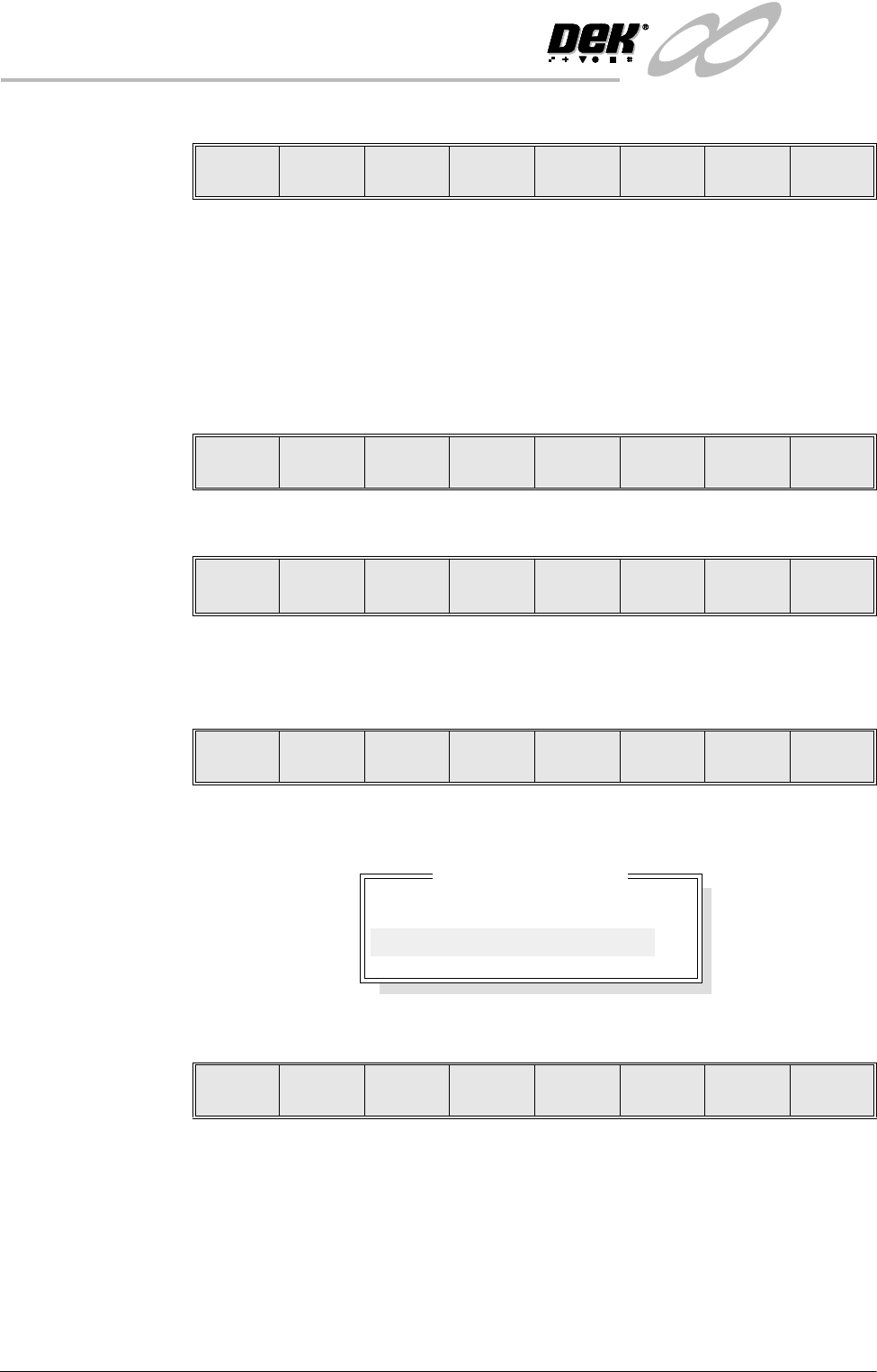
The menu bar changes to the following:
The Left and Right keys move the cursor between columns of Product Data
Files.
The Up and Down keys move the cursor between the Product Data Files.
The Exit key returns to the previous menu.
On pressing the Delete key, the message ‘Confirm deletion of selected product
data’ is displayed in the message prompt box, asking the user to confirm the
deletion request, the menu bar changes displaying the ‘Ye s’ and ‘No’ options:
Event Log When the Event Log is highlighted, the menu bar changes to the following:
On pressing the Delete All key, the message ‘Confirm deletion of All Event
Data’ is displayed in the message prompt box, asking the user to confirm the
deletion request, the menu bar changes displaying the ‘Ye s’ and ‘No’ options.
On pressing the Delete Date key the following window is displayed:
The menu bar changes to the following:
The Incr. and Decr. keys change the highlighted date.
The Delete key deletes all event files prior to the indicated date, the message
‘Deleting Events...’ is displayed in the message prompt box.
The Exit key returns to the previous menu.
Delete Left Right Up Down Exit
Yes No
Delete
All
Delete
Date
Delete
Number
Up Down Exit
Yes No
Delete event to date
Delete all event records
prior to : Fri Jan 28 2000
Delete Incr. Decr. Exit