DEK INFINITY USER MANUAL.pdf.pdf - 第76页
INFINITY 0$&+,1( 352*5$ 00,1* 67$*( 9,6,21 6<67(0 6(783 1.74 User Manual Software Versi on 7 14. Use the Next , Previous , Incr . and Decr . ke ys (F4 - F7), to highlig ht and adjust the lighting paramete …
INFINITY
0$&+,1(352*5$00,1*
67$*(9,6,216<67(06(783
Software Version 7 User Manual 1.73
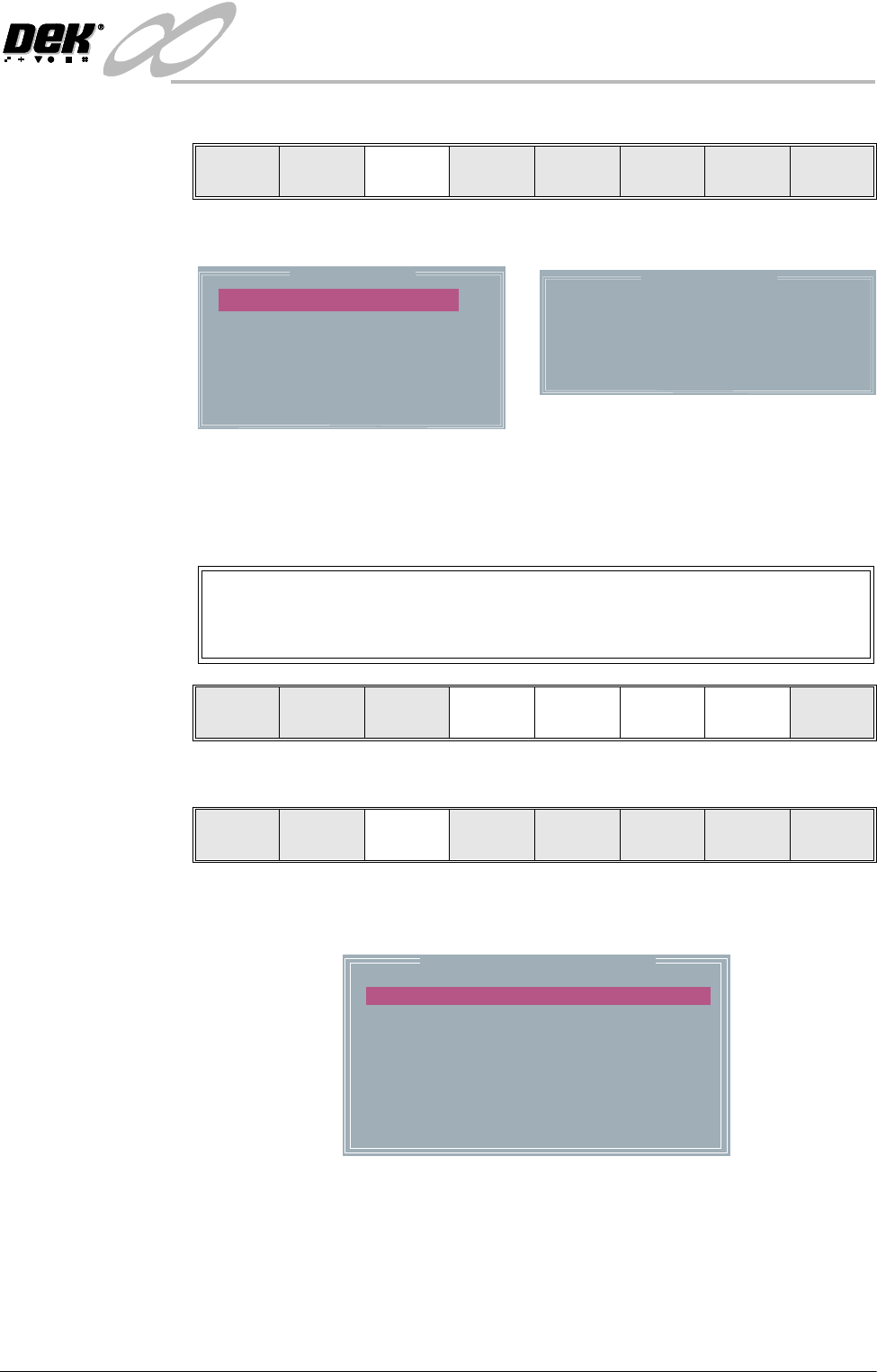
11. Select Fiducial Setup (F3).
The screen displays the following:
12.Use the Next, Previous, Incr. and Decr. keys (F4 - F7), to highlight and
adjust each of the parameters in the left hand box, to set the fiducial type,
background, accept score and to position the fiducial in the approximate
centre of the monitor.
13.Select Set Light (F3).
A histogram is displayed on the monitor and the Fiducial Lighting Parame-
ters window is displayed on the status page.
Step Head
Fiducial
Setup
Adjust
Search
Step
Search
Reset
Single Exit
Background
Dark
AcceptScore
FiducialX
FiducialY
800
184.4
77.9
Circle Parameters
BoardFiducial1
mm
mm
mm
Diameter
InnerContour
OuterContour
1.80
0.40
0.40
FiducialType
Circle
Video Model
To setup a video model, choose Video Model from the Fiducial Type
Parameter.
Learn
Fiducial
Locate
Fiducial
Set
Light
Next Previous Incr. Decr. Exit
Learn
Fiducial
Locate
Fiducial
Set
Light
Next Previous Incr. Decr. Exit
Fiducial Lighting Parameters
SCREEN VERTICAL
SCREEN OBLIQUE
BOARD VERTICAL
BOARD OBLIQUE
WINDOW LEFT
WINDOW TOP
WINDOW WIDTH
WINDOW HEIGHT
8
8
8
8
-1.0
-1.5
2.0
2.0
INFINITY
0$&+,1(352*5$00,1*
67$*(9,6,216<67(06(783
1.74 User Manual Software Version 7
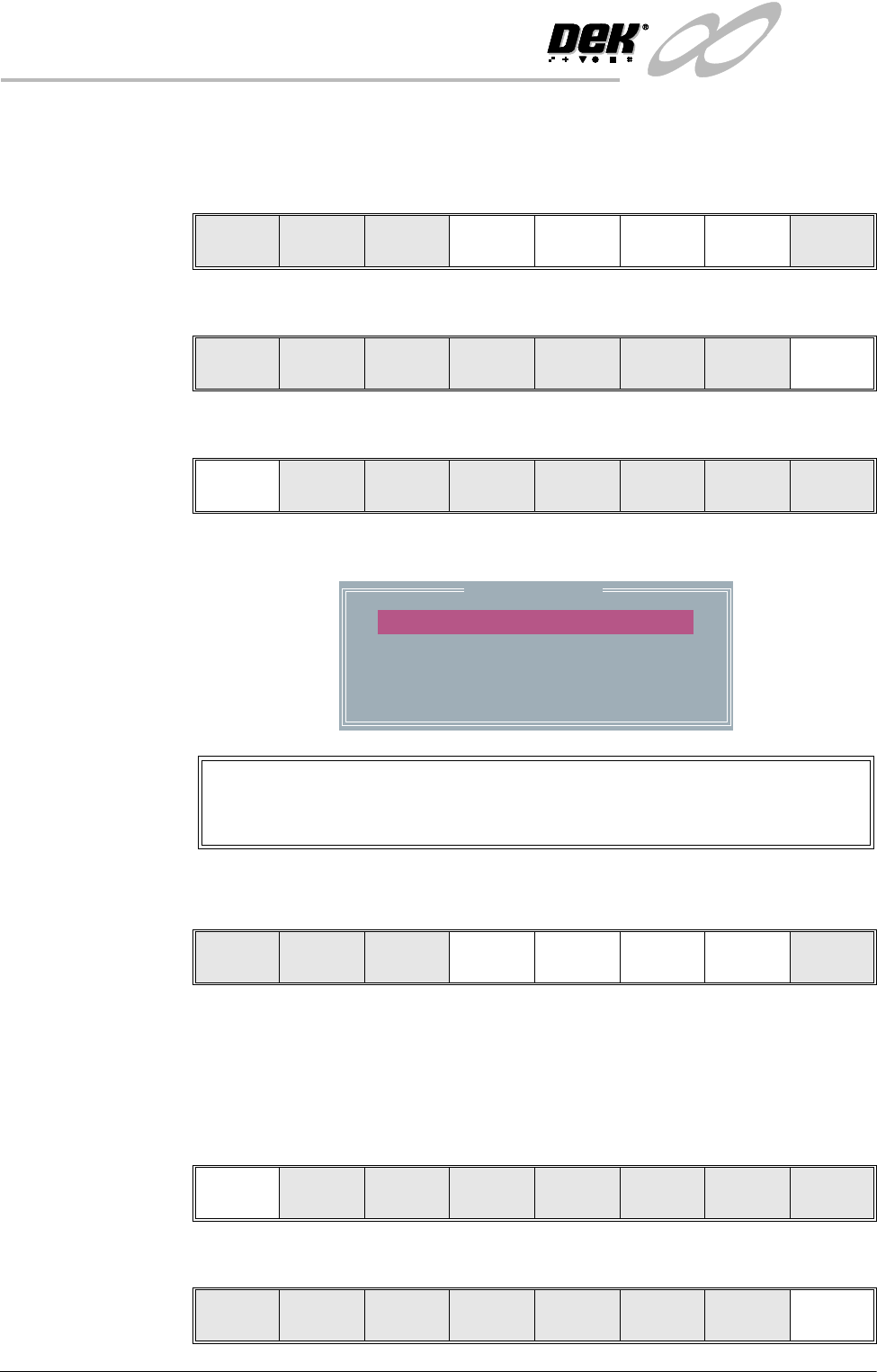
14.Use the Next, Previous, Incr. and Decr. keys (F4 - F7), to highlight and
adjust the lighting parameters to a level whereby the fiducials are just
whiting out, without blooming, default level 8 is usually adequate for the
majority of setups.
15.Select Exit (F8).
16.Select Learn Fiducial (F1).
Setup the fiducials appearing in the right hand box on the monitor.
17.Use the Next, Previous, Incr. and Decr. keys (F4 - F7), to highlight and
adjust each circle parameter in turn to obtain the best fit over the fiducial.
NOTE
Once aligned it may be necessary to change the line fiducial dimension to
achieve a better fit.
18.Select Learn Fiducial (F1). The message ‘Learning Fiducial - Please
Wait’ is displayed in the message prompt bar.
19.Select Exit (F8).
Next Previous Incr. Decr. Exit
Next Previous Incr. Decr. Exit
Learn
Fiducial
Locate
Fiducial
Set
Light
Next Previous Incr. Decr. Exit
Circle Parameters
mm
mm
mm
mm
mm
xxx
xxx
xxx
xxx
xxx
Position X
Position Y
Diameter
InnerContour
OuterContour
Video Model
When using video model the parameters are as follows:
Video Model, Position X, Position Y, Fiducial X, Fiducial Y
Learn
Fiducial
Next Previous Incr. Decr. Exit
Learn
Fiducial
Next Previous Incr. Decr. Exit
Learn
Fiducial
Next Previous Incr. Decr. Exit
INFINITY
0$&+,1(352*5$00,1*
67$*(9,6,216<67(06(783
Software Version 7 User Manual 1.75
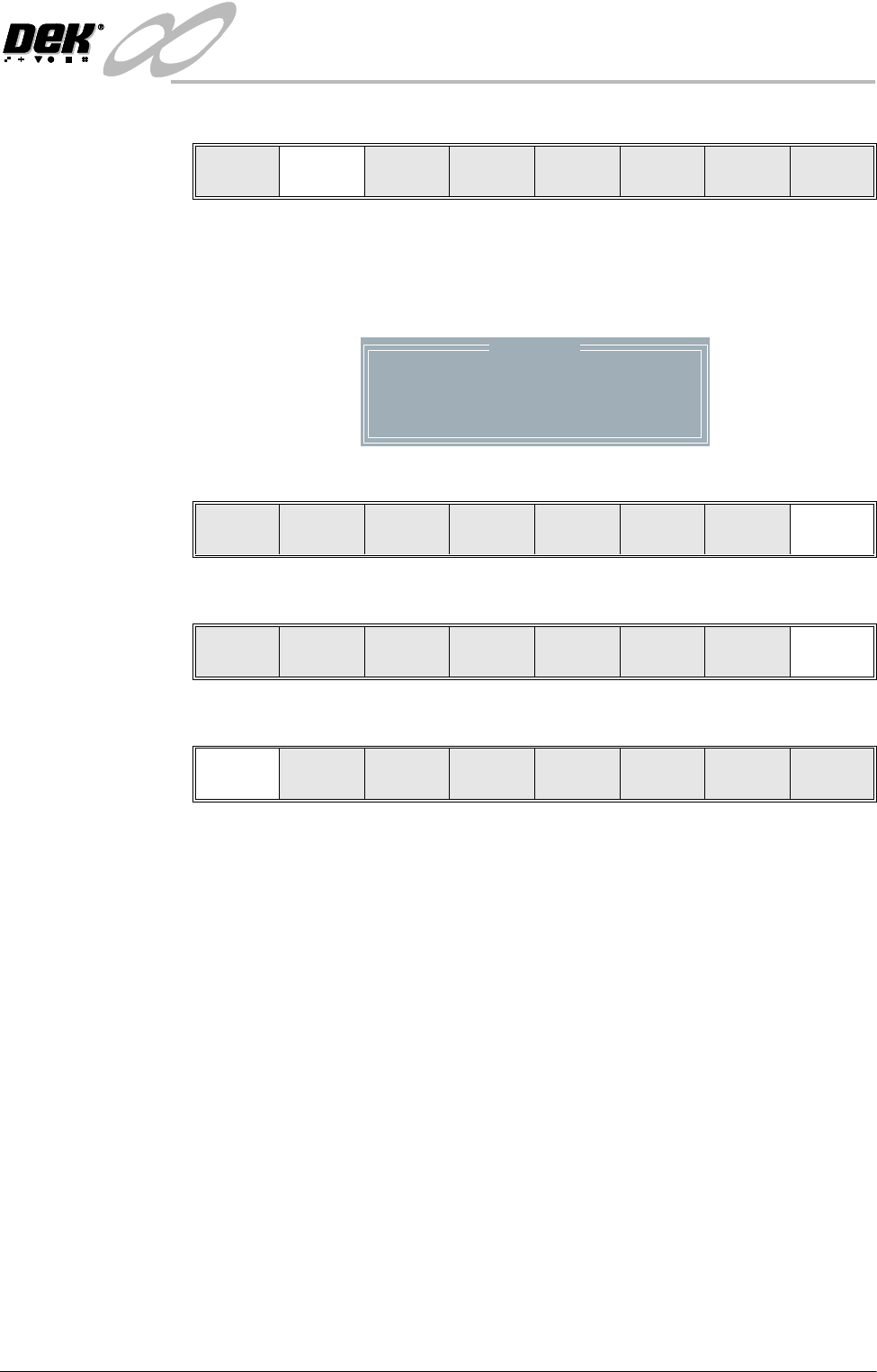
20.Select Locate Fiducial (F2).
A figure appears on the monitor indicating the score of the fit between the
synthetic fiducial and the actual fiducial. The synthetic fiducial parameters
may need resetting and re-learning to obtain a better figure if there are other
features in the camera window.
21.Select Exit (F8).
22.Select Exit (F8).
23.Select Step (F1).
NOTE
If selective print/pass through is enabled, the first board fiducial should now
be displayed on the monitor. In this case repeat Steps 11 - 23 for this fiducial.
The first screen fiducial should now be displayed on the monitor.
24.Repeat Steps 11 - 22 for this fiducial.
25.Continue for other selected fiducials by selecting Step at the end of each
fiducial setup.
Learn
Fiducial
Locate
Fiducial
Set
Light
Next Previous Incr. Decr. Exit
Location
Fiducial
1
X
0.038
Y
-0.017
Score
984
Locate
Fiducial
Exit
Learn
Fiducial
Locate
Fiducial
Set
Light
Next Previous Incr. Decr. Exit
Step Head
Fiducial
Setup
Adjust
Search
Step
Search
Reset
Single Exit