4OM-1505-004_w.pdf - 第120页
4OM-1505 2-5 2. T roubleshooting on Each Section : Chap.2 2.1.2 No Display on T ouch Screen T4B3 Symptom Nothing is displayed on the touch screen. Cause (Cause 1) The screen saver function is activated. (Cause 2) Power i…
4OM-1505
2-4
2. Troubleshooting on Each Section : Chap.2
T4B2
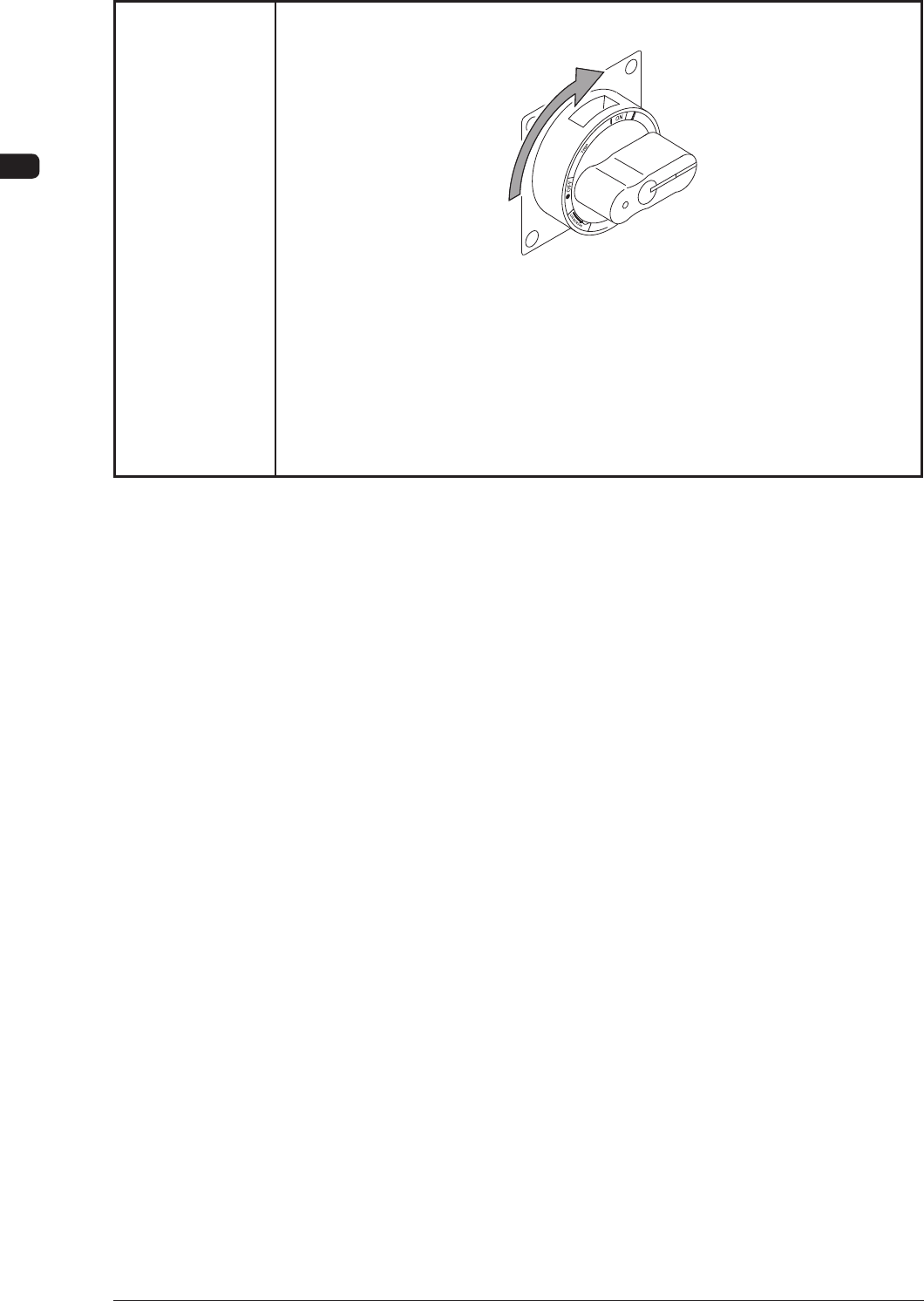
(Remedy 2) Set the power breaker to "ON".
F4B3
(Remedy 3) Supply air to the machine, referring to the "1.1.1 Power Supply" and
"Air Pressure" in Chapter 3, Volume 1.
When adequate pressures are not obtained, refer to "Chapter 1
Maintenance" and adjust the pressures.
1002-002
4OM-1505
2-5
2. Troubleshooting on Each Section : Chap.2
2.1.2 No Display on Touch Screen
T4B3
Symptom Nothing is displayed on the touch screen.
Cause (Cause 1) The screen saver function is activated.
(Cause 2) Power is not supplied from the source.
Remedy (Remedy 1) Touc
h a part of the touch screen. The foreground activities will occur
in any running application.
(Remedy 2) Refer to "2.1.1 Power Operation Impossible" and follow the remedial
procedure.
0906-001
4OM-1505
2-6
2. Troubleshooting on Each Section : Chap.2
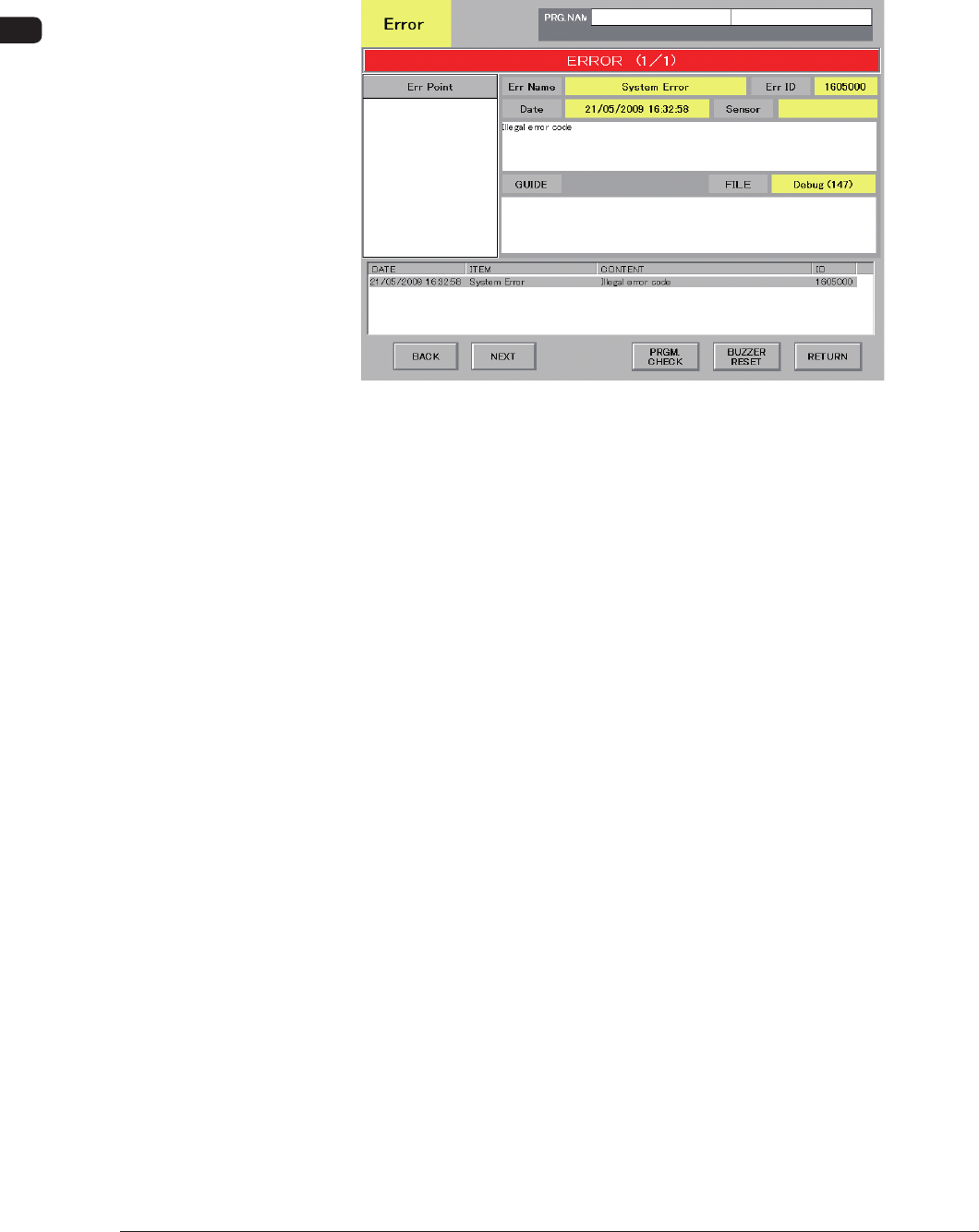
2.2 Troubleshooting after Error Display
Assuming "ID/ITEM/CONTENT" in the "ERROR" window as an index, the
system retrieves the related page of the instruction manual.
Refer to "2.2.1 Typical Description" for the detailed description.
F4B4 Example of "ERROR" Window
0906-001