CP6S-PAM操作手册.pdf - 第19页
2. Boot-up in P AM Mode Insert the PAM software ROM card and reset start the machine. The machine will boot up in the PAM mode. Transmit the Proper data, status data, and the programs once the machine reboots. Reboot the…

Notes:
1. Using PAM
Version 3.0 1-6 CP-6 Series PAM Operation
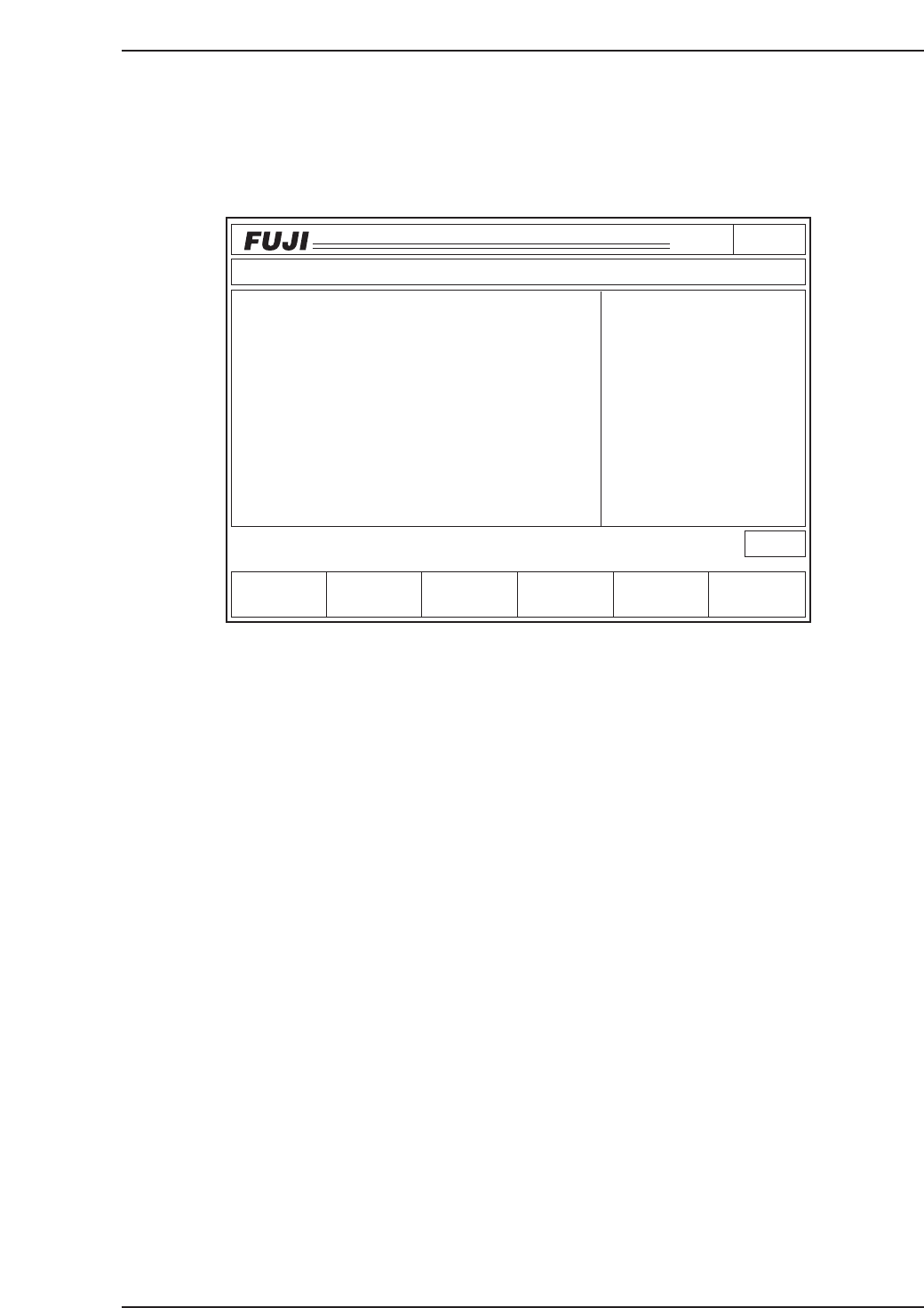
2. Boot-up in PAM Mode
Insert the PAM software ROM card and reset start the machine. The machine will boot
up in the PAM mode. Transmit the Proper data, status data, and the programs once the
machine reboots. Reboot the machine after transmitting the data.
• The display shown above is the first screen in the PAM mode. "PAM Mode"
displays on the screen if the machine boots up in the PAM mode.
• The Proper data measurements for the machine and the Mark camera (excluding
those for station 11) must be complete prior to using the PAM software.
Page000
CP_6.PROGRAM
000000000000
000000000000
Prod 00000 Sche 00000
P1.00 off line
ST 1N
ST 2N
ST 3N
ST 6N
ST 7N
ST 8N
ST10N
ST11N
3D 5Er****
3D 5Er****
3D 5Er****
3D 5Er****
3D 5Er 0
3D 5Er 0
3D 5Er 0
3D 5Er 0
Machine Not Zero-Set
✽
Press START
jog
XY
C
PAM
LOADER PROGRAM SET
STATUS
P Mode
Recovery
T Mode
PAM Mode
Product
E Pass
Joint
C6PM2001
2. Boot-up in PAM Mode
Version 3.0 2-1 CP-6 Series PAM Operation

Notes:
2. Boot-up in PAM Mode
Version 3.0 2-2 CP-6 Series PAM Operation