CP6S-PAM操作手册.pdf - 第59页
Output Format (accuracy per head) With [All deg.] selected: Placing Accuracy Nozzle type 1 All deg. dX, dY [1/1000 mm] dQ [1/1000 deg] 3 sig.X 3 sig.Y 3 sig.Q HEAD A 3 11 0 ↓ HEAD T 2 11 2 With [0 deg.], [90 deg.], [180 …
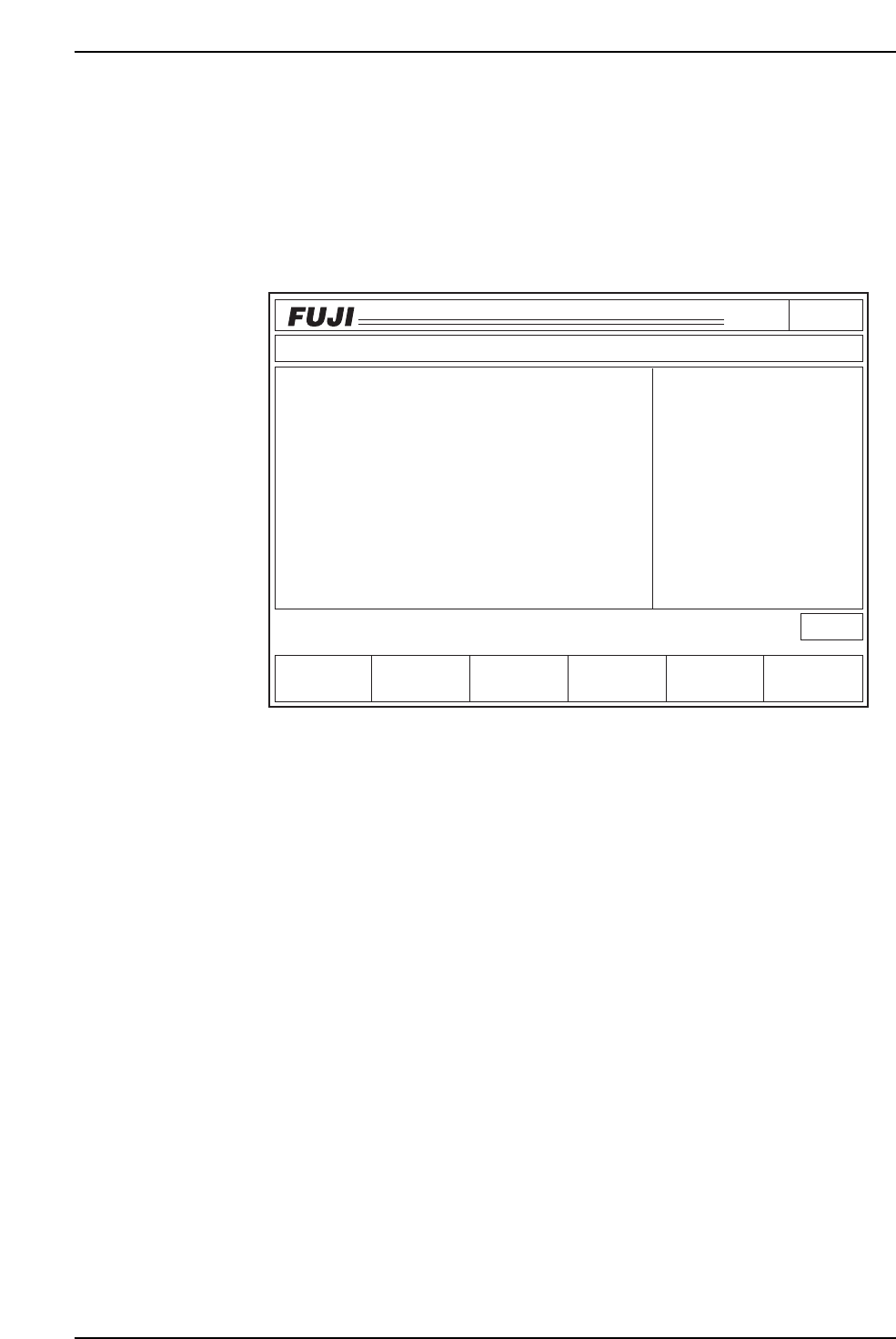
Head: The X, Y and Q-axis accuracy for of all sequences placed with the nozzle type
selected on command page 141 is displayed when [All deg.] is selected.
The accuracy for the X, Y and Q-axes of all sequences placed with the selected
nozzle types and placement angles is displayed when [0 deg.], [90 deg.], [180
deg.] or [270 deg.] is selected.
The monitor display is shown below.
• The data displayed is for the nozzle and angle(s) listed in the upper right region of
the 1st display area under the heading "Nozzle Type".
• The data used to calculate accuracy (3σ) is displayed in the middle of the right side
in the 1st display area.
• Pressing [+PAGE] or [-PAGE] displays the placing accuracy data for the X, Y and
Q-axes not displayed on the current page.
• Press [Data Save] to print out the current display. The format is shown on the
following page.
• Press [RETURN] to clear the monitor and return to the initial screen to select either
[Axis] or [Head].
RETURN: Returns to page 141-1. To page 141-1
Page141
CP_6.PROGRAM
000000000000
000000000000
Prod 00000 Sche 00000
P1.00 off line
Operation : Front
Ready
RETURN
jog
XY
C
-PAGE Data Save
3sig. X
3
1
3
0
7
3
4
2
1
0
HEAD
HEAD A
HEAD B
HEAD C
HEAD D
HEAD E
HEAD F
HEAD G
HEAD H
HEAD I
HEAD J
3sig. Q
0
13
27
4
33
1
1
24
4
7
11
10
12
7
9
10
8
10
11
12
3sig. Y
ACCURACY
Placing Accuracy for Each Head
Nozzle Type
No. 1
All Deg
Data
5000
+PAGE
C6PM6035
6. Description of Commands
Version 3.0 6-26 CP-6 Series PAM Operation

Output Format (accuracy per head)
With [All deg.] selected:
Placing Accuracy Nozzle type 1
All deg.
dX, dY [1/1000 mm] dQ [1/1000 deg]
3 sig.X 3 sig.Y 3 sig.Q
HEAD A 3 11 0
↓
HEAD T 2 11 2
With [0 deg.], [90 deg.], [180 deg.] or [270 deg] selected:
Placing Accuracy Nozzle type 1
dX, dY [1/1000 mm] dQ [1/1000 deg]
0 deg. 90 deg. 180 deg. 270 deg.
HEAD 3sigX 3sigY 3sigQ 3sigX 3sigY 3sigQ 3sigX 3sigY 3sigQ 3sigX 3sigY 3sigQ
A 18 12 57 15 18 189 12 9 45 21 12 243
↓
T 9 6 21 15 21 102 8 18 210 9 21 159
6. Description of Commands
Version 3.0 6-27 CP-6 Series PAM Operation
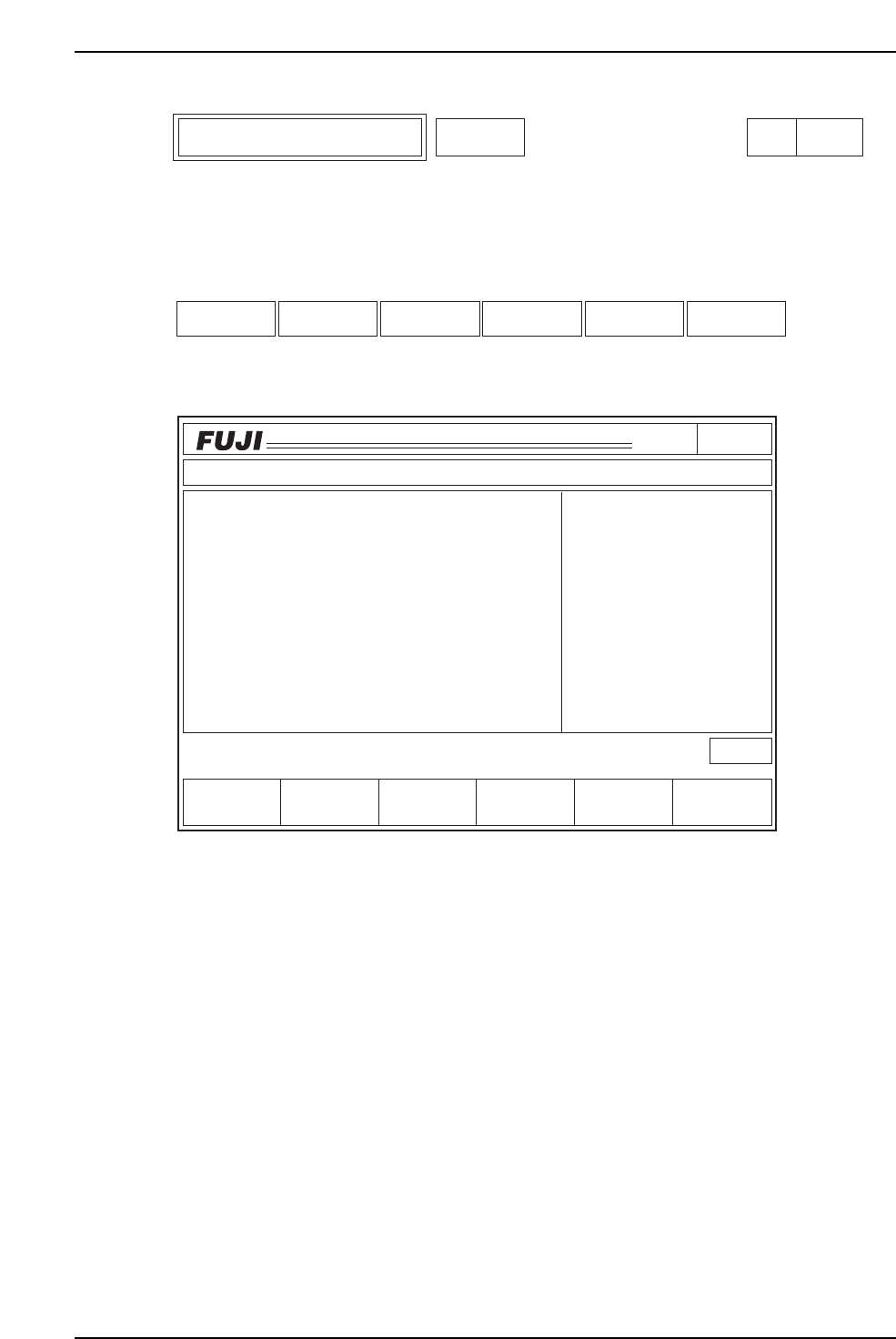
Select the corresponding nozzle size editor to edit Station 11 Proper data for that nozzle.
Function Key Menu
Monitor Display
Second Display Area
: READY
First Status Area : EDITOR
Function Key Operation
SIZE: Select the nozzle type for which the Station 11 Proper data is to be
edited. The message "Nozzle No.?" is displayed on the screen. Enter
the nozzle number for editing. To page 151
SAVE: The average deviation is added in a batch to all ST11 Proper data.
This occurs each time SAVE is executed.
RETURN: Returns to page 100. To page 100
Page150
CP_6.PROGRAM
000000000000
000000000000
Prod 00000 Sche 00000
P1.00 off line
ST 1N
ST 2N
ST 3N
ST 6N
ST 7N
ST 8N
ST10N
ST11N
3D 5Er****
3D 5Er****
3D 5Er****
3D 5Er****
3D 5Er 0
3D 5Er 0
3D 5Er 0
3D 5Er 0
Operation : Front
RETURN
Ready
jog
XY
C
SAVE
STATUS
P Mode
Recovery
T Mode
PAM Mode
Product
E Pass
Joint
EDITOR
SIZE
C6PM6037
SIZE SAVE RETURN
Station 11 Proper Data Editor Editor Page 150
6. Description of Commands
Version 3.0 6-28 CP-6 Series PAM Operation