CP6S-PAM操作手册.pdf - 第52页
Function Key Operation Axis: This displays the X, Y and Q-axis minimum and maximum deviation values for all of the heads (A ~T). The monitor displays what is shown below. • The data displayed is for the nozzle and angle(…
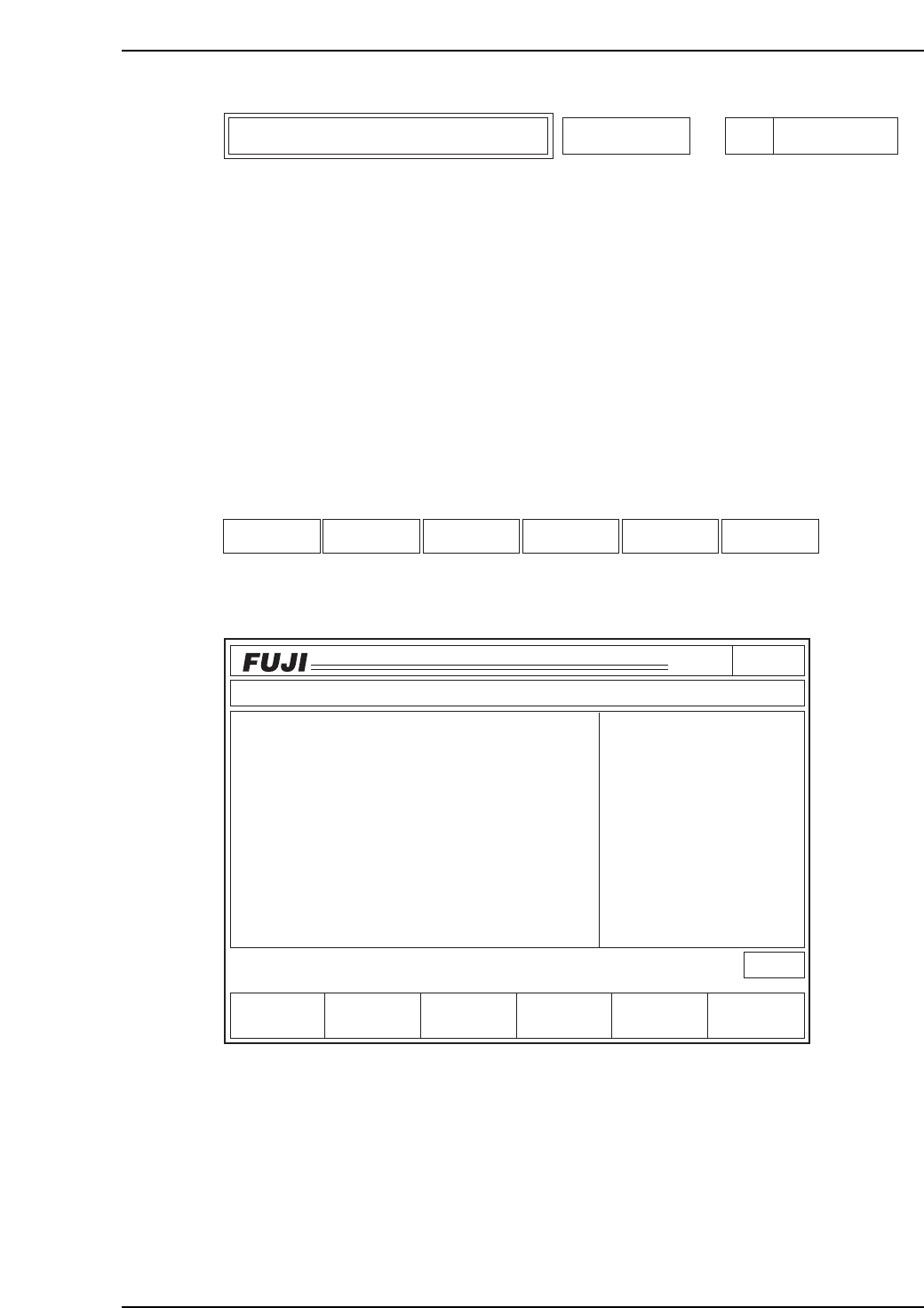
This function displays the minimum and maximum deviation for the X, Y and Q- axes
for each head (A~T).
The X, Y, and Q-axis deviation averages for all of the sequences placed with the nozzle
type specified on command page 141 will display after selecting "All deg.".
The X, Y and Q-axis deviation averages for all sequences placed with the selected nozzle
types and placement angles are displayed when [0 deg.], [90 deg.], [180 deg.], or [270
deg.] are selected.
If a vision processing error occurs while reading placement coordinates, that sequence
data cannot be used for the calculations.
A "0" displays for the placing positions not yet calculated.
Function Key Menu
Monitor Display
Second Display Area
: READY
First Status Area : MAX/MIN DEV.
Page141
CP_6.PROGRAM
000000000000
000000000000
Prod 00000 Sche 00000
P1.00 off line
ST 1N
ST 2N
ST 3N
ST 6N
ST 7N
ST 8N
ST10N
ST11N
3D 5Er****
3D 5Er****
3D 5Er****
3D 5Er****
3D 5Er 0
3D 5Er 0
3D 5Er 0
3D 5Er 0
Operation : Front
RETURN
Ready
jog
XY
C
Head
STATUS
P Mode
Recovery
T Mode
PAM Mode
Product
E Pass
Joint
MAX/MIN DEV.
Axis
C6PM6029
Axis RETURNHead
Specific Nozzle Max/Min Deviation Display Max/Min Dev. Page
141-1-3
6. Description of Commands
Version 3.0 6-19 CP-6 Series PAM Operation
Function Key Operation
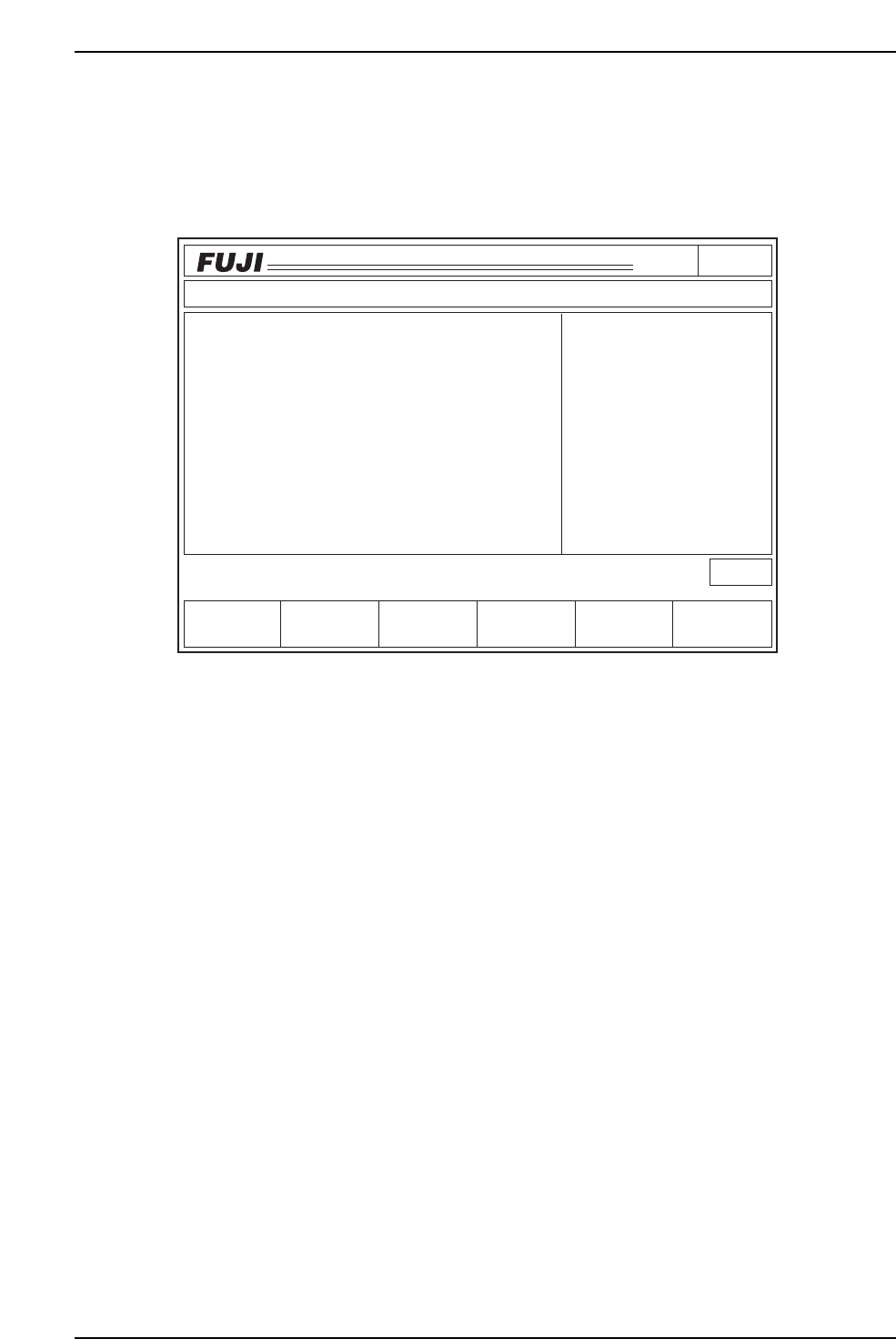
Axis: This displays the X, Y and Q-axis minimum and maximum deviation values
for all of the heads (A ~T).
The monitor displays what is shown below.
• The data displayed is for the nozzle and angle(s) listed in the upper right region of
the 1st display area under the heading "Nozzle Type".
• The unit of measurement displayed is 1/1000 mm for the Min/Max dX, dY and
1/1000° for the Min/Max dQ.
• The data used to calculate Min/Max deviation amount is displayed in the middle
of the right side in the 1st display area.
• The current display is sent to the printer if [Data Save] is selected. The output is
shown below.
• When [RETURN] is pressed, the screen is cleared and the monitor will return to
the initial display where [Axis] or [Head] can be selected.
Page141
CP_6.PROGRAM
000000000000
000000000000
Prod 00000 Sche 00000
P1.00 off line
Operation : Front
Ready
RETURN
jog
XY
C
Data Save
Max.dX
26
Max.dX
- 13
Max.dQ
476
Max.dQ
- 278
19
Max.dY
- 9
Max.dY
MAX/MIN DEV.
Max/Min Deviation for Each Axis
Nozzle Type
No. 1
All Deg.
Data
5000
dXdY
[1/1000 mm]
dQ
[1/1000 deg]
C6PM6048
6. Description of Commands
Version 3.0 6-20 CP-6 Series PAM Operation

Output Format (deviation average per axis)
With [All deg.] selected:
Average Deviation Nozzle type 1
All deg.
dX, dY [1/1000 mm] dQ [1/1000 deg]
Max. dX 26 Avg. dY 19 Avg. dQ -476
Min. dX -13 Avg. dY -9 Avg. dQ -278
With [0 deg.], [90 deg.], [180 deg.], or [270 deg.] selected:
Maximum and Minimum Deviation Nozzle type 1
dX, dY [1/1000 mm] dQ [1/1000 deg]
0 deg. 90 deg. 180 deg. 270 deg.
dX dY dQ dX dY dQ dX dY dQ dX dY dQ
Max. 29 11 61 26 11 -35 27 11 73 23 11 -22
Min. 12 -9 -123 8 -8 -332 7 -10 -121 8 -4 -390
6. Description of Commands
Version 3.0 6-21 CP-6 Series PAM Operation