CP6S-PAM操作手册.pdf - 第33页
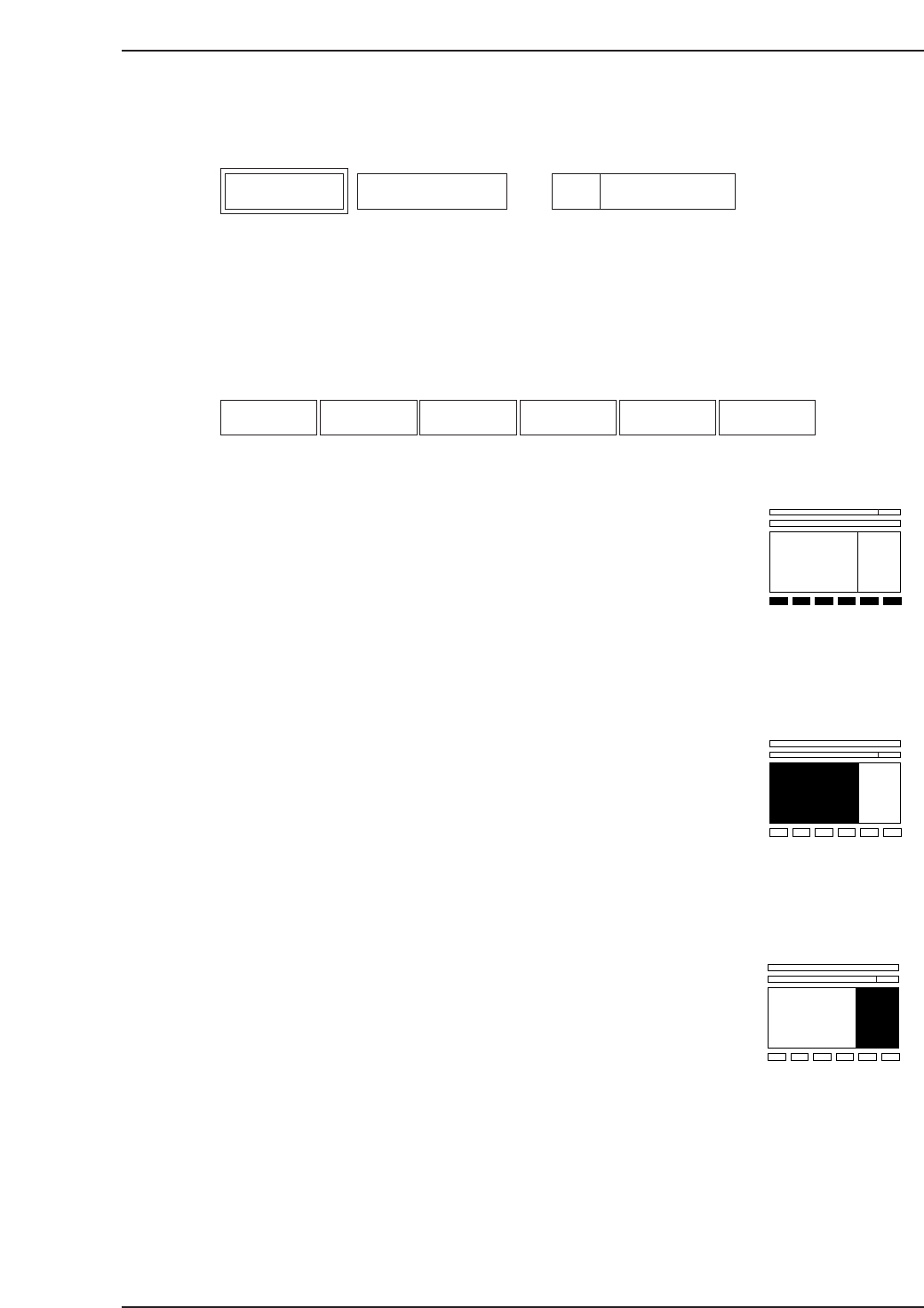
6. Description of Commands This chapter describes each of the commands. The layout of each page is the same as this one. The box on the left describes the command, the center box lists the command name, and the box on th…

Notes:
5. Command Index
Version 3.0 5-2 CP-6 Series PAM Operation
6. Description of Commands
This chapter describes each of the commands.
The layout of each page is the same as this one.
The box on the left describes the command, the center box lists the command name, and
the box on the right specifies the command page number.
Function Key Menu
Each command listed here corresponds with the function key on the screen.
Monitor Display Area
This area explains any messages that display in the monitor display area.
Second Display Area
This area explains any messages that display in the second display area.
F1 F2 F3 F4 F5 F6
Description Command Name
Page
Command Page
6. Description of Commands
Version 3.0 6-1 CP-6 Series PAM Operation
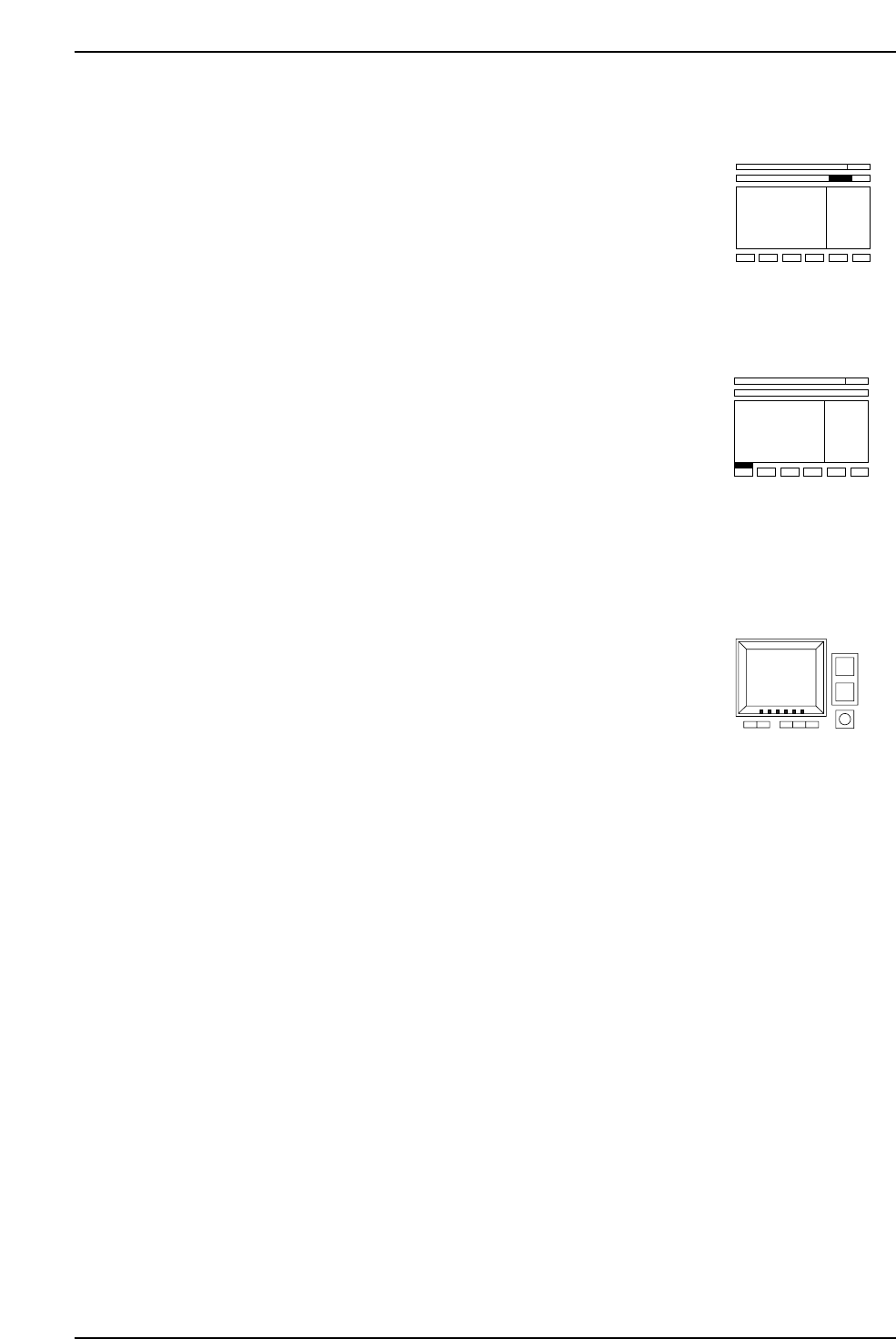
First Status Area
This area explains any messages that display in the first status area.
Second Status Area
This area explains any messages that display in the second status area.
After Pressing the Function Key
This area explains what happens upon selection of the function keys (1~6). It also states
the command page where more information can be found.
6. Description of Commands
Version 3.0 6-2 CP-6 Series PAM Operation