CP6S-PAM操作手册.pdf - 第48页
Function Key Operation Axis: Press to display average deviation for each of the X, Y and Q-axes. The monitor displays what is shown below. • The data displayed is for the nozzle and angle(s) listed in the upper right reg…
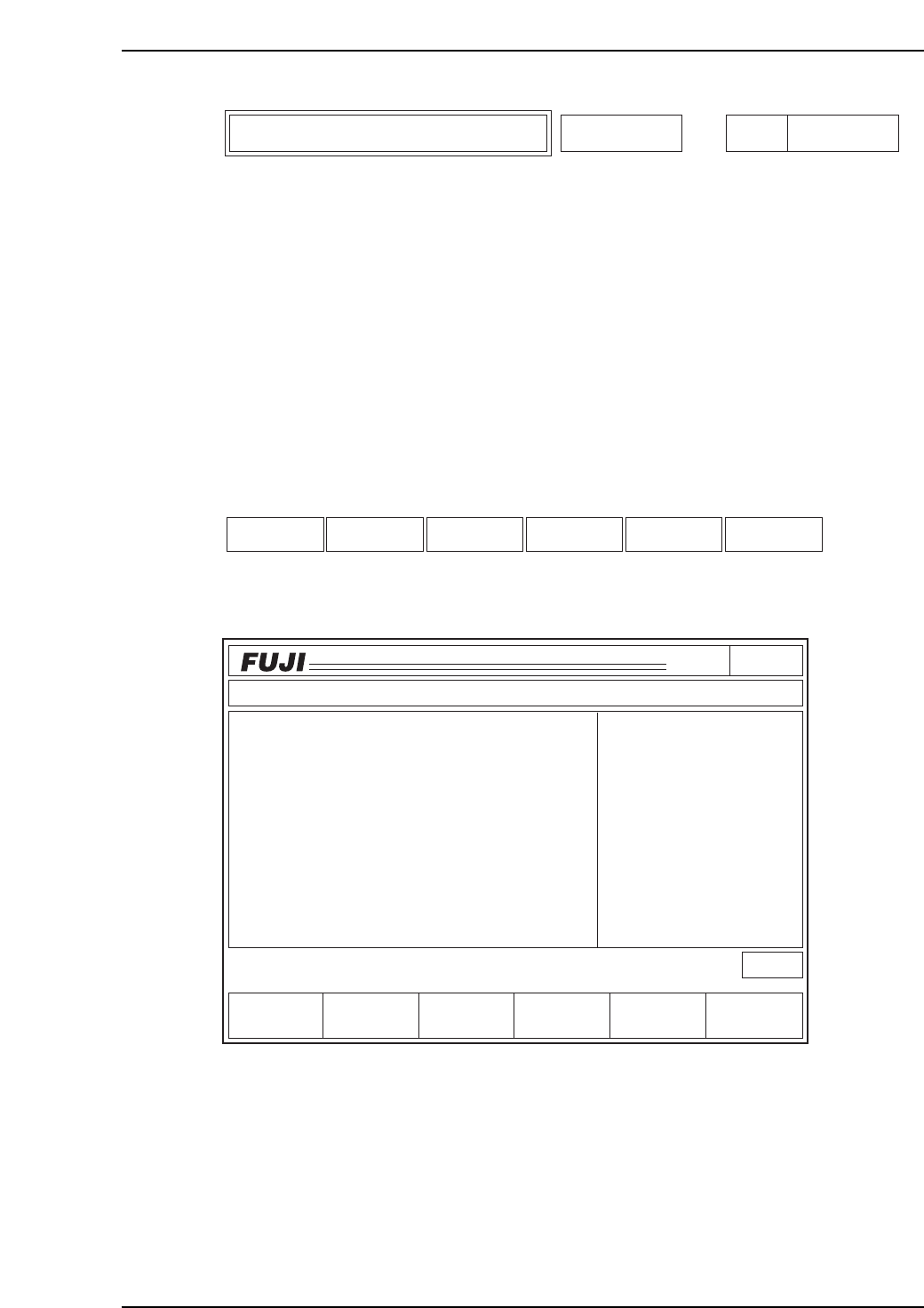
This function displays the deviation average for the X, Y and Q-axes for all heads (A~T).
The X, Y, and Q-axis deviation averages for all of the sequences placed with the nozzle
type specified on command page 141 will display after selecting "All deg.".
The X, Y and Q-axis deviation averages for all sequences placed with the selected nozzle
types and placement angles are displayed when [0 deg.], [90 deg.], [180 deg.], or [270
deg.] are selected.
If a vision processing error occurs while reading placement coordinates, that sequence
data cannot be used for the calculations.
A "0" displays for the placing positions not yet calculated.
Function Key Menu
Monitor Display
Second Display Area
: READY
First Status Area : DEV. AVG.
Page141
CP_6.PROGRAM
000000000000
000000000000
Prod 00000 Sche 00000
P1.00 off line
ST 1N
ST 2N
ST 3N
ST 6N
ST 7N
ST 8N
ST10N
ST11N
3D 5Er****
3D 5Er****
3D 5Er****
3D 5Er****
3D 5Er 0
3D 5Er 0
3D 5Er 0
3D 5Er 0
Operation : Front
RETURN
Ready
jog
XY
C
Head
STATUS
P Mode
Recovery
T Mode
PAM Mode
Product
E Pass
Joint
DEV. AVG.
Axis
C6PM6029
Axis RETURNHead
Specific Nozzle Deviation Average
Deviat'n avg.
Page
141-1-2
6. Description of Commands
Version 3.0 6-15 CP-6 Series PAM Operation
Function Key Operation
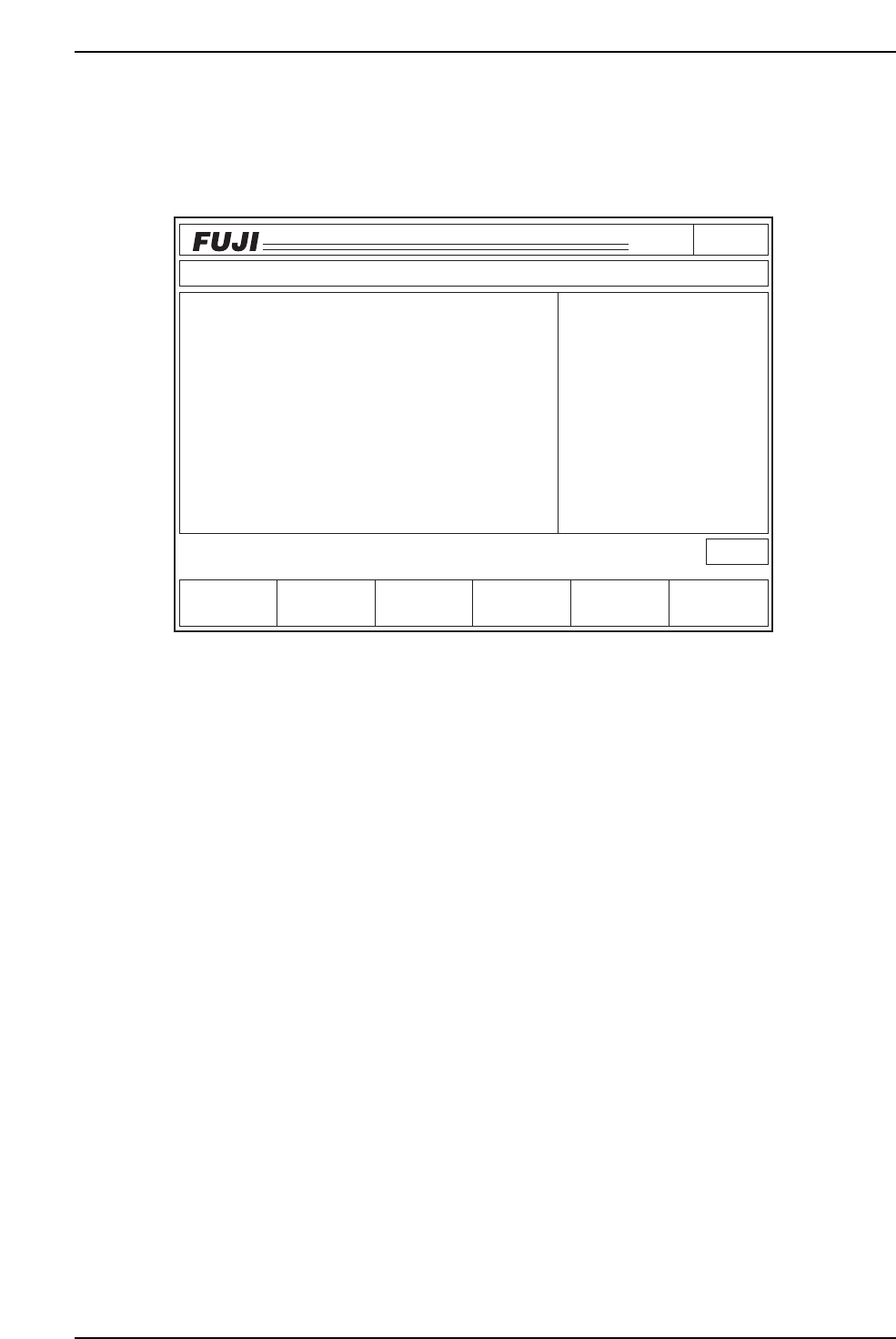
Axis: Press to display average deviation for each of the X, Y and Q-axes.
The monitor displays what is shown below.
• The data displayed is for the nozzle and angle(s) listed in the upper right region of
the 1st display area under the heading "Nozzle Type".
• The units of measurement displayed are 1/1000 mm for dX, dY, and 1/1000 deg
for dQ.
• The data used to calculate the deviation amount displays in the middle right side
of the 1st display area.
• All of the data displayed on the screen prints when [Data Save] is pressed if [All
deg.] is selected. Selecting [0 deg.], [90 deg.], [180 deg.], or [270 deg.], prints the
deviation data for all of the other angles as well.
The print format is shown on the following page.
• After selecting [RETURN], the display clears and the monitor returns to the initial
screen where either [Axis] or [Head] may be selected.
Output Format (deviation average per axis)
With [All deg.] selected:
Average Deviation Nozzle type 1
All deg.
dX, dY [1/1000 mm] dQ [1/1000 deg]
Avg. dX -13 Avg. dY -9 Avg. dQ -278
Page141
CP_6.PROGRAM
000000000000
000000000000
Prod 00000 Sche 00000
P1.00 off line
Operation : Front
Ready
RETURN
jog
XY
C
Data Save
Avg.dX
- 13
Avg.dQ
- 278- 9
Avg.dY
DEV. AVG.
Mesurement Results
Nozzle Type
All Deg
Data
5000
dXdY
[1/1000 mm]
dQ
[1/1000 deg]
C6PM6030
6. Description of Commands
Version 3.0 6-16 CP-6 Series PAM Operation
With [0 deg.], [90 deg.], [180 deg.], or [270 deg.] selected:
Average Deviation Nozzle type 1
dX, dY [1/1000 mm] dQ [1/1000 deg]
0 deg. 90 deg. 180 deg. 270 deg.
dX dY dQ dX dY dQ dX dY dQ dX dY dQ
17 2 -24 17 0 -5 5 0 -30 16 3 -19
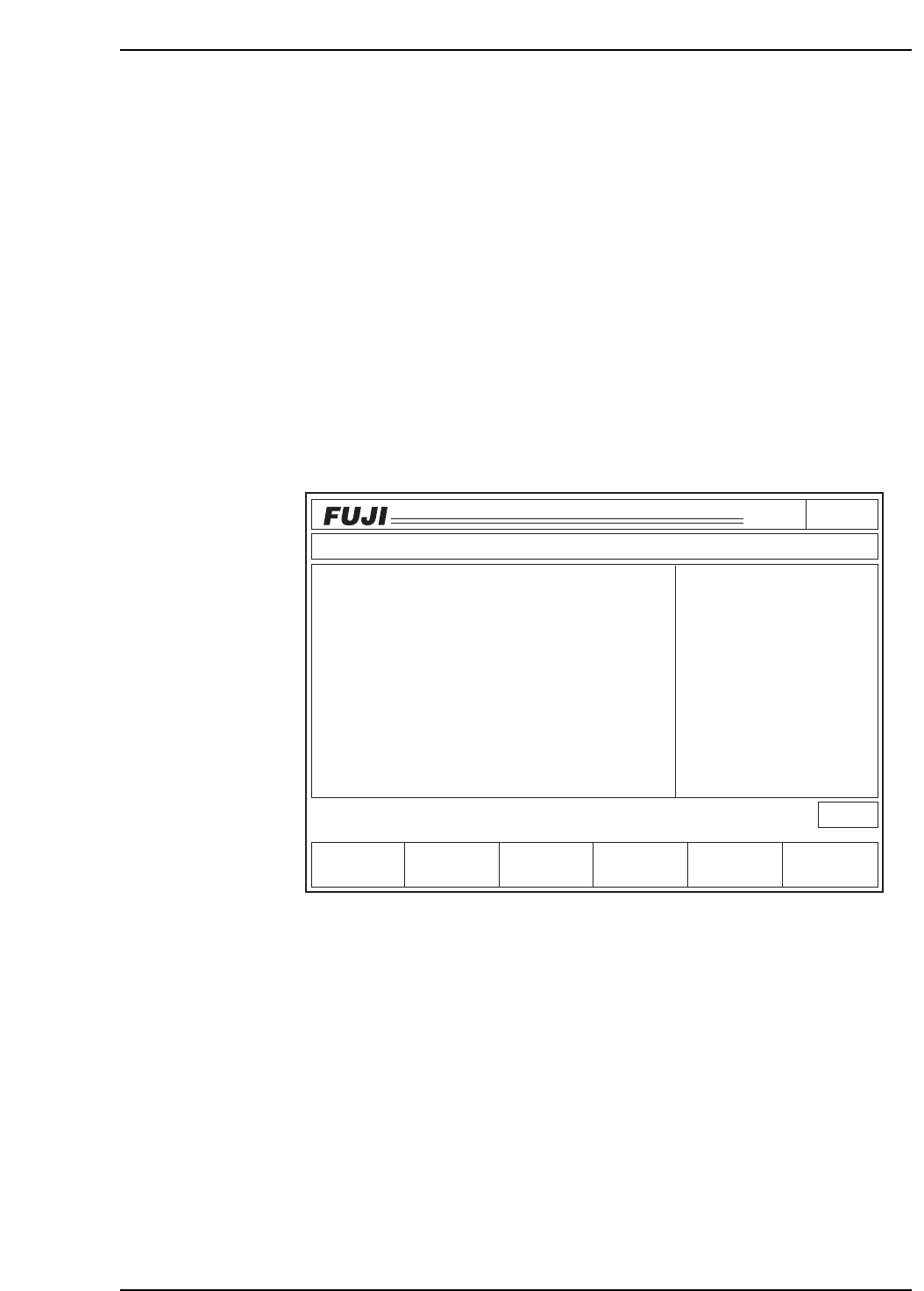
Head: The X, Y and Q-axis deviation averages for all the sequences placed with the
nozzle type selected on command page 141 display upon selection of [All deg.].
Selection of [0 deg.], [90 deg.], [180 deg.] or [270 deg.] calculates the deviation
averages for the X, Y and Q-axes, from the data of the sequences placed with
the selected nozzle types and placement angles.
It will be necessary to refer to this data when editing the Station 11 Proper data.
The monitor displays what is shown below. The screen will not display the
head information all at once.
• The data displayed is for the nozzle and angle(s) listed in the upper right region of
the 1st display area, under the heading "Nozzle Type".
• The units of measurement displayed are 1/1000 mm for dX, dY, and 1/1000° for dQ.
• The data used to calculate the deviation amount displays in the middle right side of
the 1st display area.
• Pressing [+PAGE] or [-PAGE] displays the data for the X, Y and Q-axes not
displayed on the current page.
• All of the data displayed on the screen prints when [Data Save] is pressed if [All
deg.] is selected. With [0 deg.], [90 deg.], [180 deg.], or [270 deg.] selected, the data
for each of the angles prints side by side.
The print format is shown on the following page.
• After selecting [RETURN], the display clears and the monitor returns to the initial
screen where either [Axis] or [Head] may be selected.
RETURN: Returns to page 141-1. To page 141-1
Page141
CP_6.PROGRAM
000000000000
000000000000
Prod 00000 Sche 00000
P1.00 off line
Operation : Front
Ready
RETURN
jog
XY
C
-PAGE Data Save
Avg.dX
- 13
- 23
12
9
- 1
- 4
1
- 10
7
- 3
HEAD
HEAD A
HEAD B
HEAD C
HEAD D
HEAD E
HEAD F
HEAD G
HEAD H
HEAD I
HEAD J
Avg.dQ
- 278
- 543
324
765
89
87
- 65
213
68
324
- 9
- 12
9
11
3
4
- 10
5
3
2
Avg.dY
DEV. AVG.
Average Deviation for each Head
Nozzle Type
No. 1
All Deg
Data
5000
dXdY
[1/1000 mm]
dQ
[1/1000 deg]
+PAGE
C6PM6031
6. Description of Commands
Version 3.0 6-17 CP-6 Series PAM Operation