CP6S-PAM操作手册.pdf - 第61页
SA VE Command Supplement Press the [SAVE] command to check the data. Use the following steps to process the data check results. 1. If the data check is OK: The deviation average data is within the correct range (-0.45 mm…
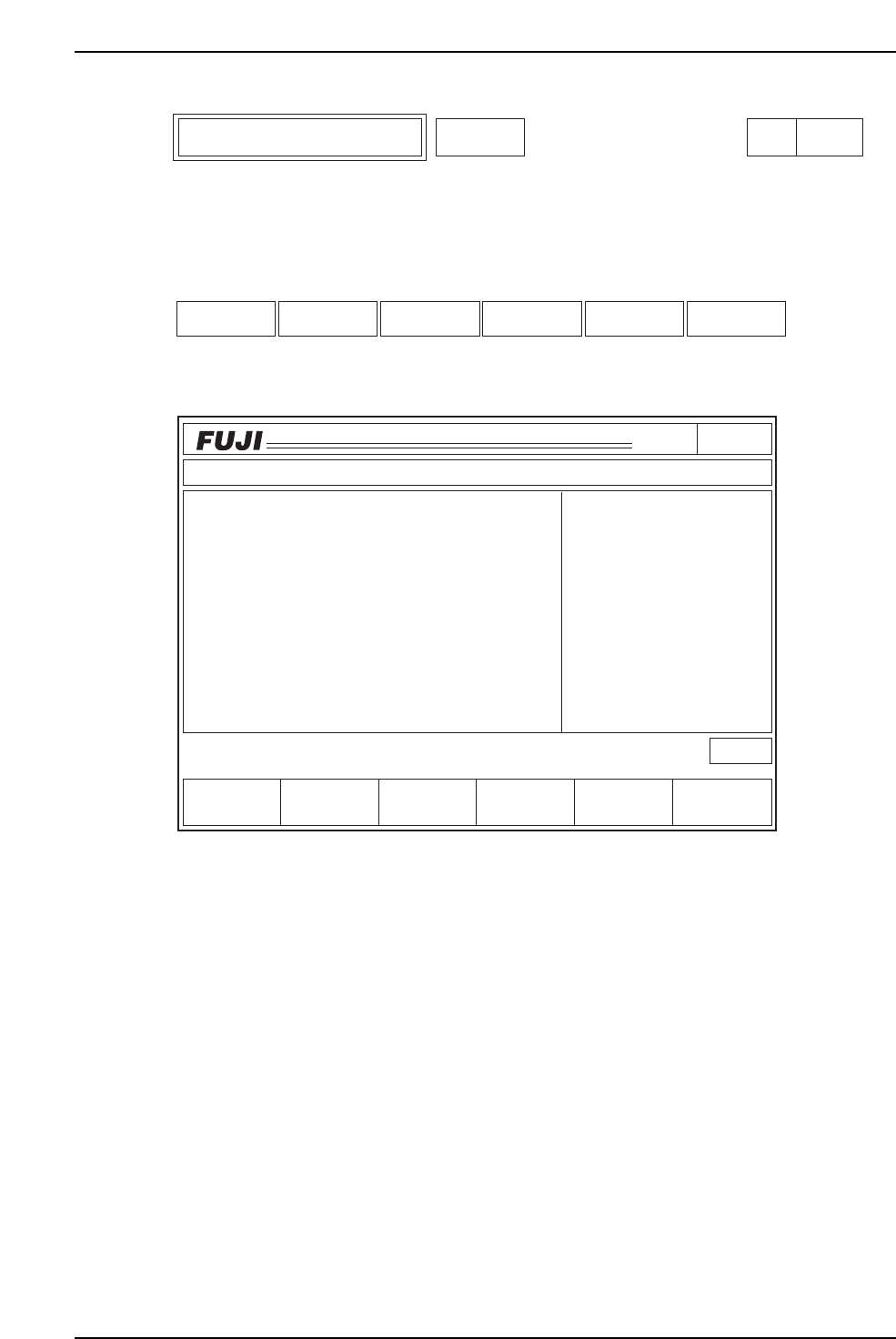
Select the corresponding nozzle size editor to edit Station 11 Proper data for that nozzle.
Function Key Menu
Monitor Display
Second Display Area
: READY
First Status Area : EDITOR
Function Key Operation
SIZE: Select the nozzle type for which the Station 11 Proper data is to be
edited. The message "Nozzle No.?" is displayed on the screen. Enter
the nozzle number for editing. To page 151
SAVE: The average deviation is added in a batch to all ST11 Proper data.
This occurs each time SAVE is executed.
RETURN: Returns to page 100. To page 100
Page150
CP_6.PROGRAM
000000000000
000000000000
Prod 00000 Sche 00000
P1.00 off line
ST 1N
ST 2N
ST 3N
ST 6N
ST 7N
ST 8N
ST10N
ST11N
3D 5Er****
3D 5Er****
3D 5Er****
3D 5Er****
3D 5Er 0
3D 5Er 0
3D 5Er 0
3D 5Er 0
Operation : Front
RETURN
Ready
jog
XY
C
SAVE
STATUS
P Mode
Recovery
T Mode
PAM Mode
Product
E Pass
Joint
EDITOR
SIZE
C6PM6037
SIZE SAVE RETURN
Station 11 Proper Data Editor Editor Page 150
6. Description of Commands
Version 3.0 6-28 CP-6 Series PAM Operation

SAVE Command Supplement
Press the [SAVE] command to check the data. Use the following steps to process the
data check results.
1. If the data check is OK:
The deviation average data is within the correct range (-0.45 mm ~ 0.45 mm).
Press the [YES] command to save the data, and the [NO] command to cancel the
operation.
The software will return a prompt to transmit the Proper to the host computer
after [YES] command input, when the data is saved.
2. If there is data that cannot be processed:
Data that cannot be processed is the data for a nozzle whose calculated deviation
average is unacceptable. All the parts placed with that nozzle produced vision
processing errors.
The software will display up to sixty-four nozzle number/head number data items
(including the message) whose deviation average cannot be calculated because of
vision processing errors.
The message “No nozzle data due to VP error(s)” will display.
Following that message, the software displays [YES] which starts the saving
process, and [NO] which cancels the process if selected.
In cases where the data cannot be calculated, the original proper data is saved as
is. When the [SAVE] command is executed, a message displays prompting a data
transmission from the machine to the host computer.
3. When the data is out of the range:
The software displays up to sixty-four nozzle number/head number data items
(including the message) whose calculated deviation average is unacceptable.
The message “Data out of range” will display.
The data-save command will not be completed if this error occurs.
An effective range for the deviation average is -0.45 ~ 0.45 mm.
4. When there is no data:
Selecting a command during the measurements or after pressing the RESET button
will display the following message:
“No nozzle Data”
The data-save command will not be completed if this error occurs.
6. Description of Commands
Version 3.0 6-29 CP-6 Series PAM Operation
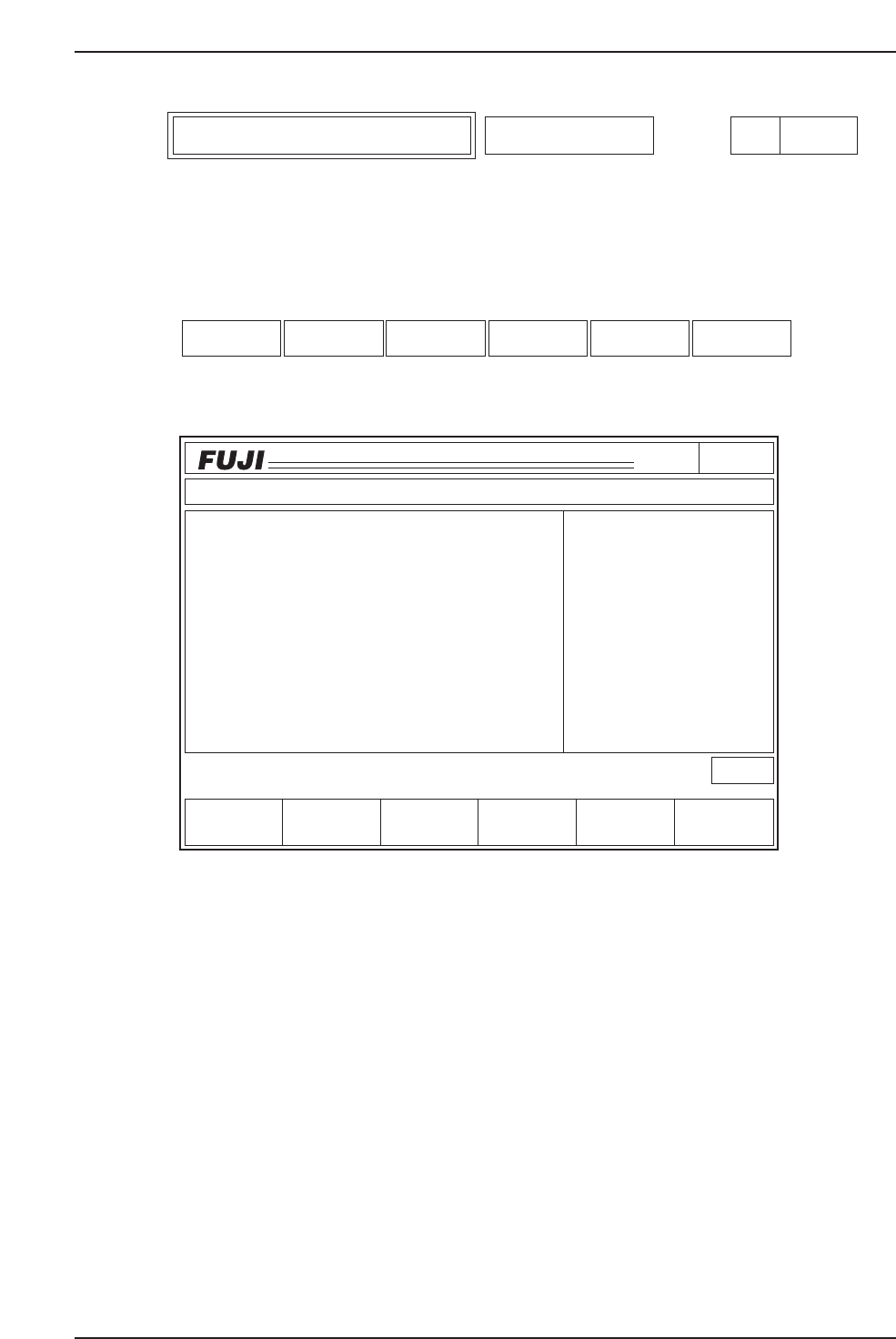
The Station 11 Proper data for the nozzle selected on command page 150 is edited with
this function.
Function Key Menu
Monitor Display
• The monitor displays the current Station 11 Proper data and the average deviation
results for all heads and angles.
• The cursor will not move into the average deviation field. This is due to the fact
that averages are calculated values and therefore cannot be edited.
• The unit of measurement is 1/100 mm. The average deviation is rounded up to
the nearest 1/100 mm from an initial precision of 1/1000 mm.
• The selected nozzle of which Station 11 Proper data is to be edited is displayed in
the 1st status area.
Second Display Area : READY
First Status Area : "No. 1 NOZZLE", "No. 2 NOZZLE", "No. 3 NOZZLE",
"No. 4 NOZZLE", "No. 5 NOZZLE", "No. 6 NOZZLE"
Page151
CP_6.PROGRAM
000000000000
000000000000
Prod 00000 Sche 00000
P1.00 off line
Operation : Front
Ready
RETURN
jog
XY
C
▼ Data Save
Proper X
- 10
9
12
8
5
- 11
9
15
- 10
- 3
HEAD
HEAD A
HEAD B
HEAD C
HEAD D
HEAD E
HEAD F
HEAD G
HEAD H
HEAD I
HEAD J
Avg.dX
- 15
- 7
20
- 18
1
- 3
- 0
5
- 4
- 8
Avg.dY
- 5
- 2
13
- 8
2
- 5
- 1
26
- 19
- 4
25
- 7
10
9
12
- 14
3
- 24
- 7
16
Proper Y
No.1 NOZZLE
Station 11 Proper Settings
▲ Data inputProper
C6PM6050
▲▼Proper Data input Data Save RETURN
Proper Data Editor for Specific Nozzle No.1~No.6 Nozzle Page
151
6. Description of Commands
Version 3.0 6-30 CP-6 Series PAM Operation