CP6S-PAM操作手册.pdf - 第24页
3. Select the [DATA SAVE] command. Continue with the Proper data corrections for all the other nozzles. 10. T ransmitting Proper Data From Machine to Host Transmit (and back-up) the Proper data from the machine to the ho…

7. Dummy Parts Measurement
After the dummy parts have been placed, use the measurement command to measure
them with the board still on the XY table. This procedure consists of measuring the
amount of deviation from the program coordinate values (nozzle center measurement
values).
1. Select [MEASUREMENT]
The XY table begins to move, and the fiducial mark camera acquires images of the
actual positions where the parts have been placed. This is followed by statistical
processing.
2. Deviation display
(1) Select the following commands:
[EDITOR] —> [NOZZLE TYPE] —> [SELECT NZL.]
(select the number of the nozzle being measured).
(2) Check the Avg. dx, and dy values.
Note: A correction is required if the deviation exceeds 10 (0.1).
3. Proper data correction
The following is the correction procedure which must be performed at placing
heads where the deviation (Avg. dx, dy) exceeds 10.
(1) When the Avg. dx, and dy values exceed 10, add half their value to the
Proper X, Y values.
Example:
Note: The deviation in the placement position is corrected by correcting the proper data.
Attempts to perform a 100% correction will result in an over-correction, and will
cause an even greater deviation (overshoot). Therefore, only 1/2 of the calculated
value should be added (never add the full value).
(2) If the deviation (Avg. dx, dy) is 10 or less, repeat the step 6 “Placing
Dummy Parts” to step 7 “Dummy Part Measurement, 3. Proper data
correction” procedures shown above.
8. Results Display
9. sig.X,Y,Q (3-Sigma) Check
1. Select the [RESULTS] command.
2. The correction procedure is complete if all the sig. X, Y, Q values are 100 or less. If
any values exceed 100, repeat step 6 “Placing Dummy Parts”, then check the sig. X,
Y, Q values again.
Proper X
6
Proper X
12
Proper Y
-7
Proper Y
-15
Avg.dx
12
Avg.dy
-16
C6PM3002
3. ST 11 Proper Data Setting Procedure
Version 3.0 3-3 CP-6 Series PAM Operation
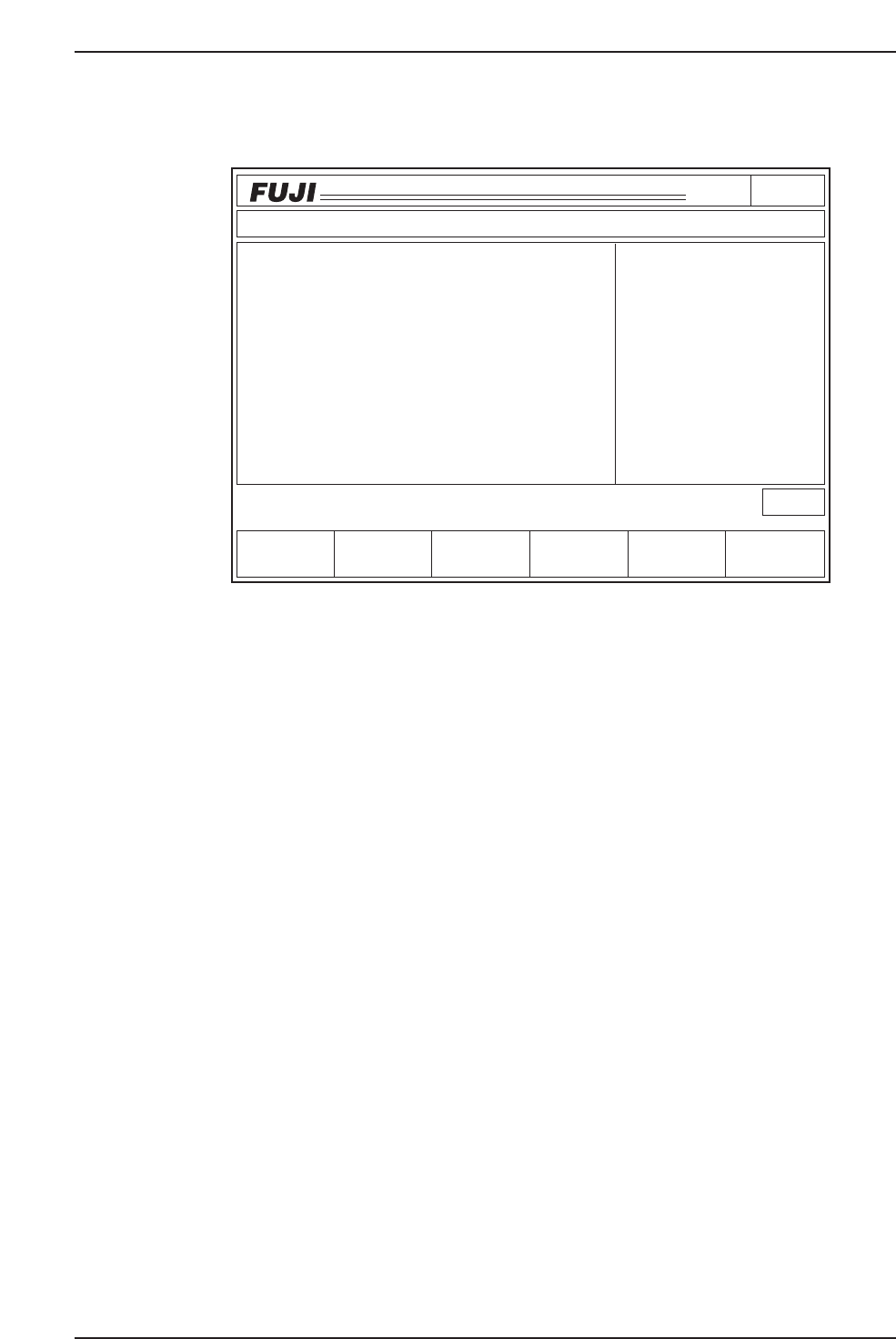
3. Select the [DATA SAVE] command.
Continue with the Proper data corrections for all the other nozzles.
10. Transmitting Proper Data From Machine to Host
Transmit (and back-up) the Proper data from the machine to the host (F4G or MCS).
This completes the ST11 Proper data adjustments using PAM.
* Tolerance range
After the PAM measurement is completed, the following information can be output (to
printer if connected) for all the number 1 to 6 nozzles: deviation amount, deviation
average, max./min. deviation, accuracy result.
Fuji guarantees a CP-6 placing accuracy of ± 0.1 mm. However, because machine
efficiency can vary due to maintenance and operating conditions, it is impossible to
group all machines into one tolerance range. Keep this in mind when deciding the best
placing accuracy for your specific machine in order to obtain better results from the
calibration process.
Using PAM at Pin Reference Boards
1. Use a mark reference board to adjust the ST11 Proper data.
2. With the Proper data set (step 1 above), perform the part placement and
measurement operations using a pin reference program. Verify that the accuracy
is acceptable.
Page140
CP_6.PROGRAM
000000000000
000000000000
Prod 00000 Sche 00000
P1.00 off line
Operation : Front
Ready
RETURN
jog
XY
C
SIZE
Data Save
Avg.dX
- 13
Max.dX
26
Max.dX
- 13
3sig.X
- 18
Avg.dQ
- 278
Max.dQ
476
Max.dQ
- 278
3sig.Q
483
- 9
Avg.dY
19
Max.dY
- 9
Max.dY
4
3sig.Y
Data Display
Measurement Result
Nozzle Type
All Nozzle
All degrees
All data
5000
dXdY
[1/1000mm]
dQ
[1/1000deg]
C6PM3003
Data SaveData Save
3. ST 11 Proper Data Setting Procedure
Version 3.0 3-4 CP-6 Series PAM Operation
Downloading Measurement Results to a PC
This procedure consists of downloading data lines, and it requires the following
environment.
• A Windows computer with NTCC installed.
• The Digi board (RS232C expansion port recommended by Fuji).
• Machine <—> PC transmission cable (Dwg. No. EEHH1061 or EEHH1071).
Procedure at Machine
1. Using the machine commands, proceed to “Page: Data Save-3”, then select the
[Change Port] command to specify the port (CH1 or CH2) where the data is to be
output.
2. Connect the transmission cable to the specified port.
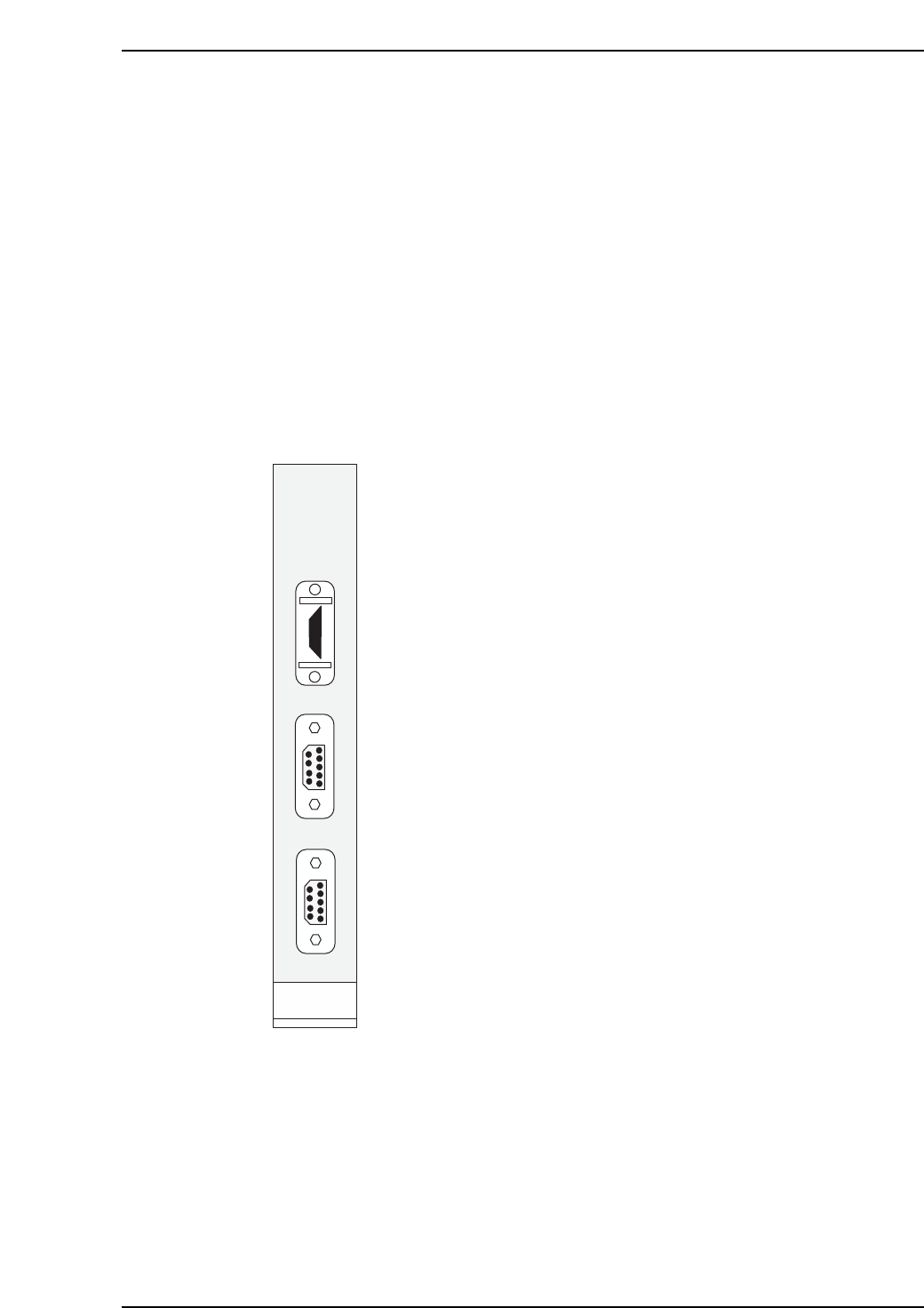
The machine’s CPU board is equipped with a printer port and 2
RS232C ports as shown at left.
The “RS232C 1” port is CH1.
The “RS232C 2” port is CH2.
When transmitting Proper data using an RS232C port, the data
line is connected from the machine’s side-face connector to CH1
by internal wiring. In this case, production information (PT) is
also sent to the host from CH1. The connector should therefore
be connected to CH2.
(Use the [Change Port] command to specify CH2)
When using the internal CC, either CH1 or CH2 may be used. In
this case, the machine <—> PC transmission cable must be
connected to the machine’s side-face connector. (Transmission
cable Dwg. No.: EEHH1061 or EEHH1071).
PRINTER
RS232C 1
RS232C 2
HIMV-134
C6PM3004
3. ST 11 Proper Data Setting Procedure
Version 3.0 3-5 CP-6 Series PAM Operation