LmrXP142机械手册.pdf - 第135页
4. Connecting the Data T ransmission Cable <RS-232C> Point The machine is connected to the host computer by means of an RS-232C communication cable, which permits program transmissions and production log collection…
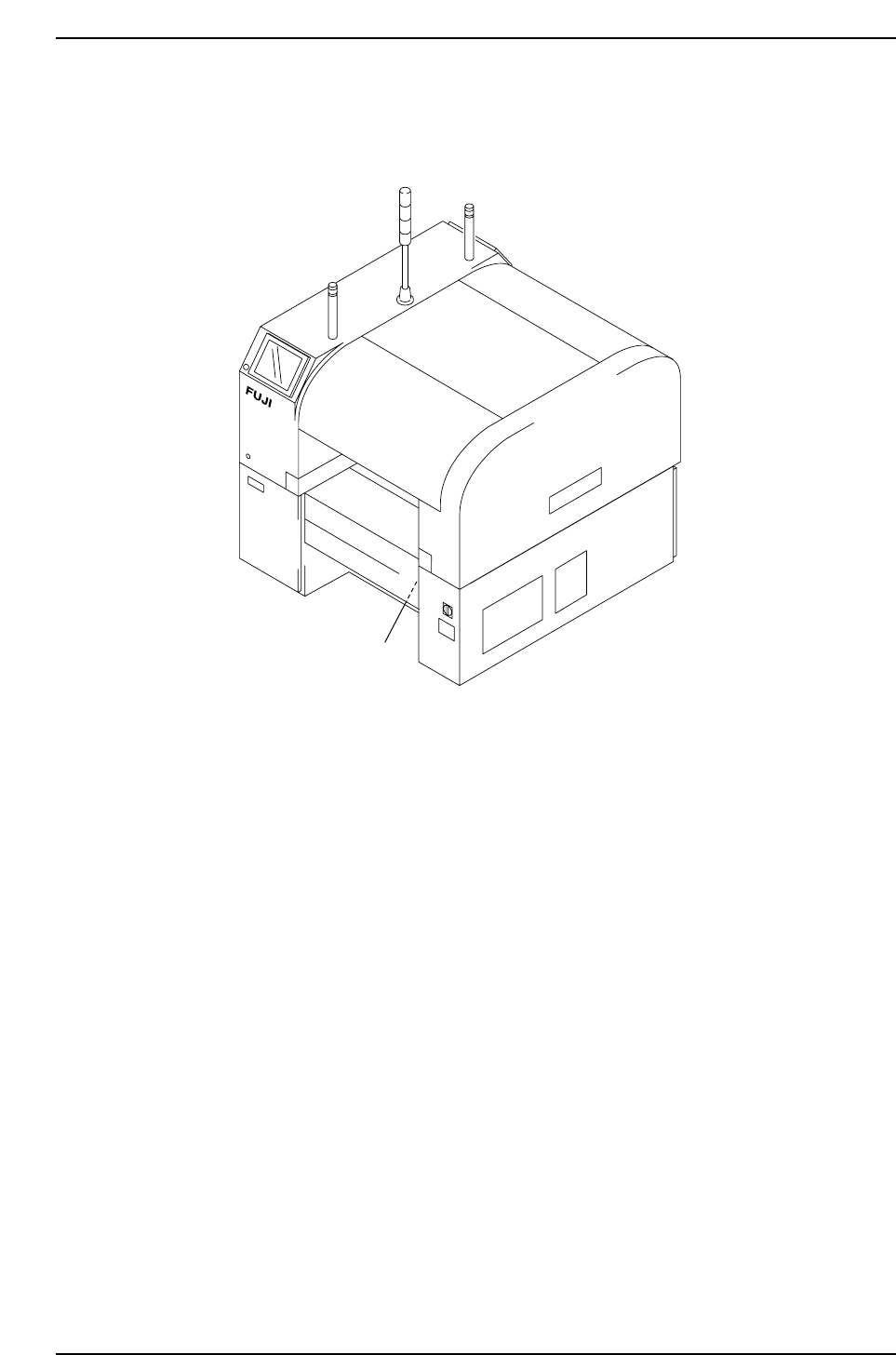
Wiring the Transformer
1. Remove the transformer box cover.
2. Wire the primary taps to match the supplied voltage.
Transformer box
XP1MS205E
Part 6 Chapter 3 Electrical Power Supply & Transformer Wiring
Edition 3.0 6-3-2 XP-142E Mechanical Reference
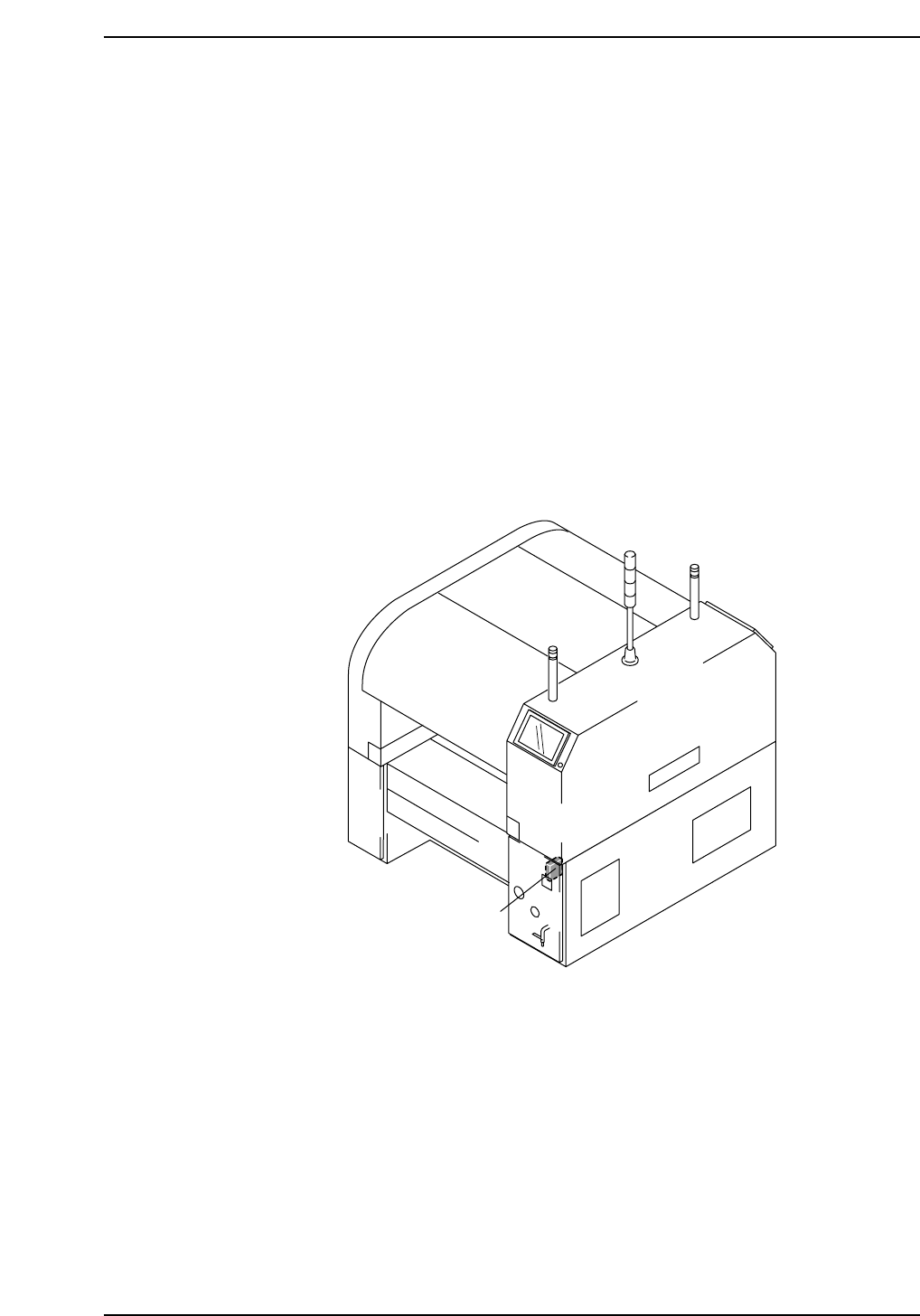
4. Connecting the Data Transmission Cable
<RS-232C>
Point
The machine is connected to the host computer by means of an RS-232C communication
cable, which permits program transmissions and production log collection.
Procedure
1. Register the machine in the line descriptor file at the host.
Note: Refer to the host computer manual for details regarding the registration procedure.
2. Connect one end of the transmission cable to the designated port at the host, and
connect the other end to the connector on the machine.
Note: Shielded cables are recommended if cable types other than Ethernet are used.
Data cable port
XP1MS206E
Part 6 Chapter 4 Connecting the Data Transmission Cable <RS-232C>
Edition 3.0 6-4-1 XP-142E Mechanical Reference

Notes:
Part 6 Chapter 4 Connecting the Data Transmission Cable <RS-232C>
Edition 3.0 6-4-2 XP-142E Mechanical Reference