LmrXP142机械手册.pdf - 第38页
Part 2 Basic Operation 1. Changing the Conveyor Width . . . . . . . . .2-1-1 2. Changing the Position of the Back-up Pins . . . . . . . . . . . . . . . . . . . . . . . . . . . . . . . . .2-2-1 3. Using the Maintenance Ke…
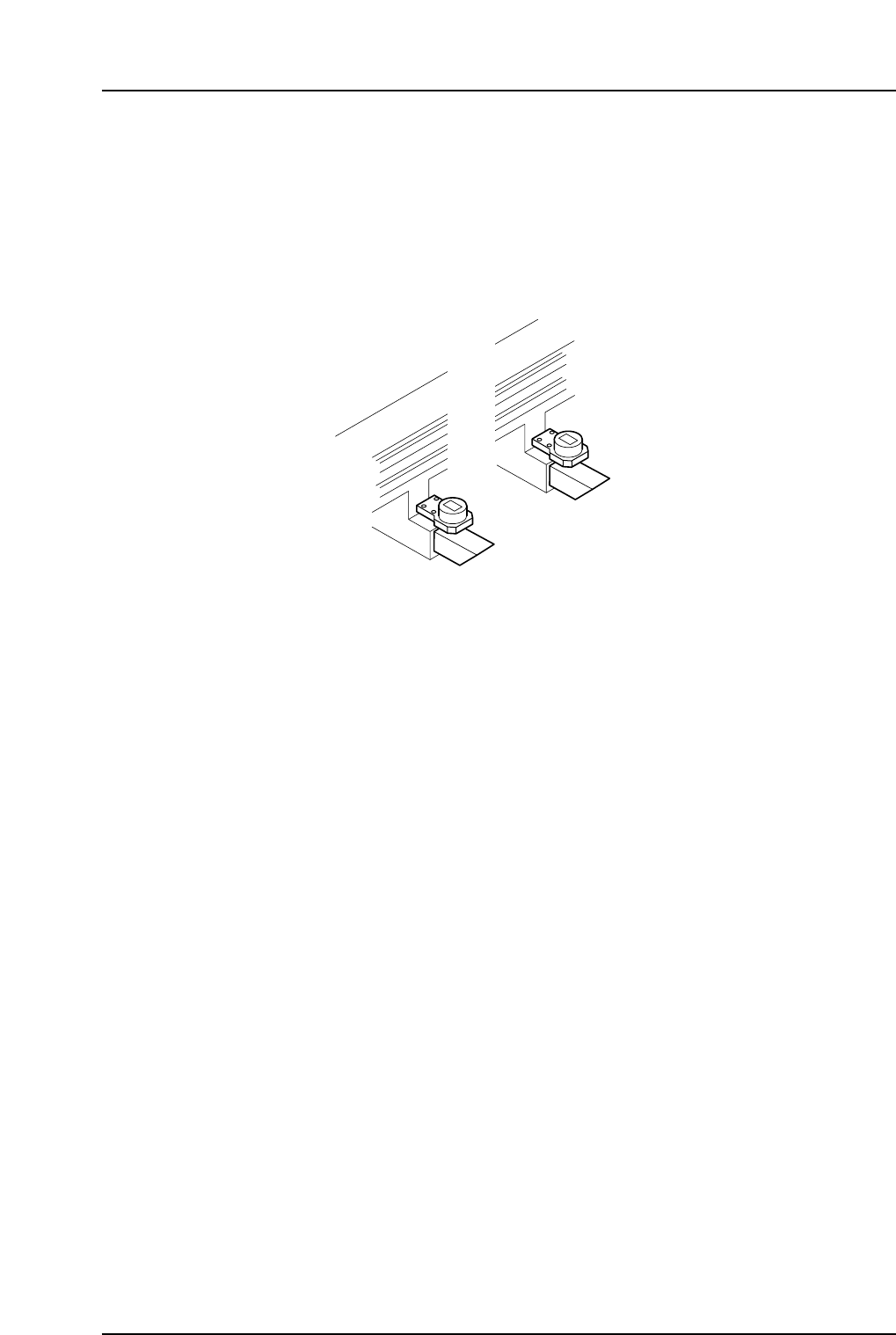
Vision System
Parts Camera
The parts camera is used to identify the shape and size of parts which have been picked
up by the nozzles. The machine is equipped with a single CCD camera.
Lighting
A frontlight system is used, featuring a strobe light.
Mark camera
This camera reads the fiducial marks on panels being produced so that the coordinates
can be corrected.
Panel Conveyance
Conveyor
The conveyor loads panels from the previous machine, and unloads panels to the next
machine following production.
Electrical Control System
Control Panel
The control panel is equipped with the buttons and touch-screen functions used to
operate the machine.
Control Box
The control box contains the boards and circuitry required to control the machine, as
well as the 3.5-inch floppy drive and hard drive storage devices.
Servo Boxes 1 and 2
Servo box 1 is located on Side 1, inside the door beneath the waste tape cutter. Servo box
2 is located on Side 2, inside the door beneath the waste tape cutter.
Note: Except for servo amplifier battery replacement, refrain from performing any maintenance
operations inside these boxes.
Side 1
Side 2
XP1MN207
Part 1 Chapter 2 Functions of Each Component
Edition 3.0 1-2-2 XP-142E Mechanical Reference

Part 2
Basic Operation
1. Changing the Conveyor Width . . . . . . . . .2-1-1
2. Changing the Position of the Back-up Pins
. . . . . . . . . . . . . . . . . . . . . . . . . . . . . . . . .2-2-1
3. Using the Maintenance Key . . . . . . . . . . . .2-3-1
This section explains the basic
machine operation procedures.

1. Changing the Conveyor Width
Point
The machine has a function that automatically changes the conveyor width by motor
drive, in accordance with the production program being used.
Procedure
1. At the [Main] screen, select [Production], then [Conveyor Width].
CAUTION
Before changing the conveyor width, ensure that there are
no back-up pins that may interfere with the adjustable rail.
2. If a production program has already been loaded, the program panel width is
displayed in the [Program Value] field. To change this value, select [Program
Value] to display a numerical keypad. To return to the production program value,
select [Set to Program Value].
3. Select [Move] and the START button flashes.
4. Push the START button to change the conveyor width to the specified value.
5. Select [OK].
6. Raise and lower the panel lifter to confirm that the back-up pins on the table do
not interfere with the conveyor rail.
Part 2 Chapter 1 Changing the Conveyor Width
Edition 3.0 2-1-1 XP-142E Mechanical Reference