00197382-02_IM_SetupCenter6.3_EN.pdf - 第5页
Introduction Explanation of symbols Installation Manual SIPLACE Setup Center 6.3 5 1 1 I n t r o d u c t io n Introduction Please read chapters 2 throu gh 4 before you install SIPLACE Set up Ce nter. Cha pter 5 des cribe…
Inhaltsverzeichnis
4 Installation Manual SIPLACE Setup Center 6.3
4.4.2 Settings in the Station Software 77
4.4.3 Datalogic Scanner Configuration 77
4.4.3.1 Verify the Firmware Status for the Datalogic Scanner 77
4.4.3.2 Firmware Upgrade of Datalogic Scanner 78
4.4.4 Datalogic Scanner Connection 82
4.4.4.1 Narrowband Scanner 83
4.4.4.2 Bluetooth Scanner 85
4.4.5 Motorola / Symbol Scanner Configuration 87
4.4.5.1 Configurate Setup Center 87
4.4.5.2 Configure Setup Center Client 88
4.4.5.3 Establishing Connection 90
4.4.5.4 SIPLACE Scanner Config Tool 91
4.4.6 SIPLACE Setup Center Configuration 93
4.4.7 Settings on the SIPLACE Pro 93
4.4.8 Barcode Label Wizard 93
4.5 Troubleshooting 94
4.5.1 Relevant Files to Analyze Installation Problems 94
4.5.2 Conflicting old SIPLACE Setup Center Installations 94
4.5.3 Conflicts with old SIPLACE Setup Center Configurations 94
4.5.4 Remote Installation with Windows XP Clients 95
4.5.5 Conflicting Applications 95
5Modify 97
5.1 Modify Setup Center 97
5.2 Modify Forced Setup Center 97
6 Uninstalling 99
6.1 Backup Configuration Files 99
6.2 Uninstalling Setup Center GUI 99
6.3 Uninstalling Setup Center Database 100
6.3.1 Uninstalling SQL Server Express Installations 100
6.4 Uninstalling Forced Setup Verification 101
6.5 Optional: Uninstalling the SIE MultiThread API SIECA 132 Software Package 101
Introduction
Explanation of symbols
Installation Manual SIPLACE Setup Center 6.3 5
1
1 Introduction
Introduction
Please read chapters 2 through 4 before you install SIPLACE Setup Center. Chapter 5 describes the
installation sequence for SIPLACE Setup Center as well as the related setup types and important infor
-
mation regarding the installation.
1.1
1.1 Explanation of symbols
Explanation of symbols
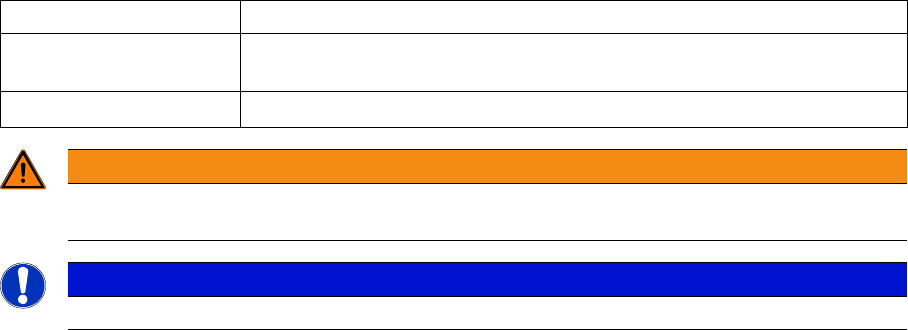
Various symbols and notes are used for making this document easier to read.
Words in bold These are dialog boxes and menu commands.
Step … An installation step includes all the actions relating to a specific dialog box.
An installation step may be composed of several actions.
► Requires an action (e.g. mouse click, open file)
WARNING
Corresponds to a warning. The information is critical to the success of the installation process.
The installation will be cancelled if you do not comply with the warning.
NOTICE
Explanatory information about the installation sequence.
Introduction
Explanation of symbols
6 Installation Manual SIPLACE Setup Center 6.3