00197382-02_IM_SetupCenter6.3_EN.pdf - 第58页
Installation Software Installation 4.3.1 Setup Center 58 Installation Manual SIPLACE Setup Center 6.3 Setup Type – SIPLACE Setup Center GUI This setup type will install the GUI applic ation of SIP LACE Set up Center. It …
Installation
4.3.1 Setup Center Software Installation
Installation Manual SIPLACE Setup Center 6.3 57
Step 6
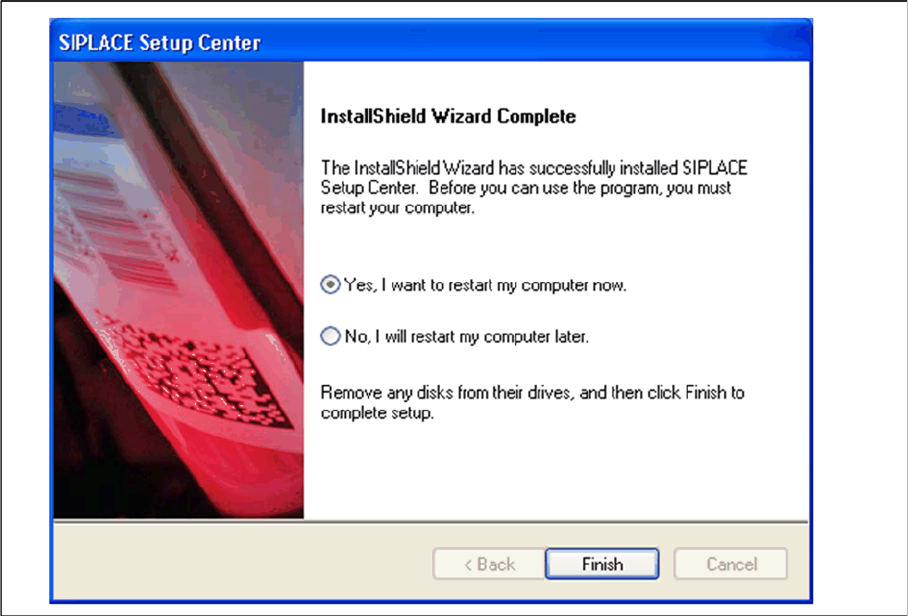
► The "Setup Complete" window appears if the installation has been completed successfully.
► Click Finish.
Installation
Software Installation 4.3.1 Setup Center
58 Installation Manual SIPLACE Setup Center 6.3
Setup Type – SIPLACE Setup Center GUI
This setup type will install the GUI application of SIPLACE Setup Center. It is used to setup up a client
system while the database is located on a remote system.
Step 1
► Run through the steps in chapter "General Settings".
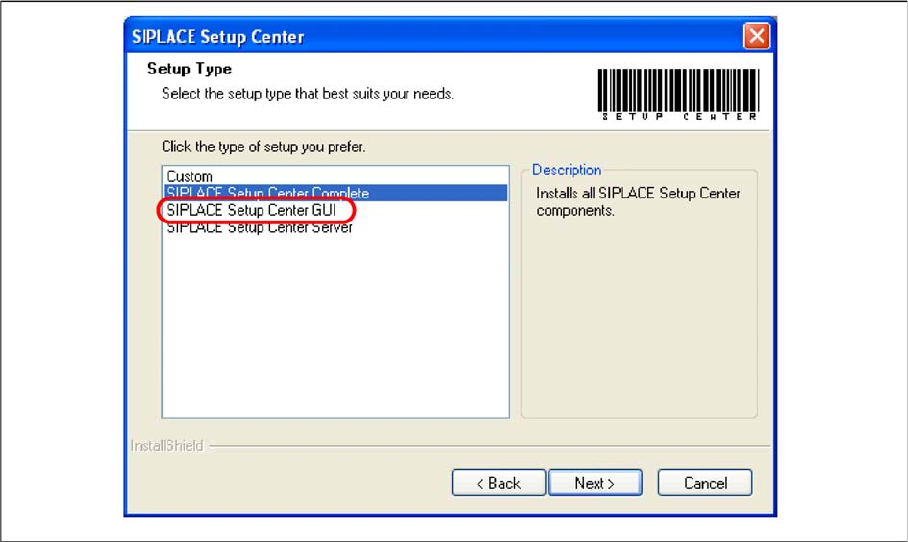
► Select the SIPLACE Setup Center GUI setup type.
► Click Next.
Installation
4.3.1 Setup Center Software Installation
Installation Manual SIPLACE Setup Center 6.3 59
Step 2
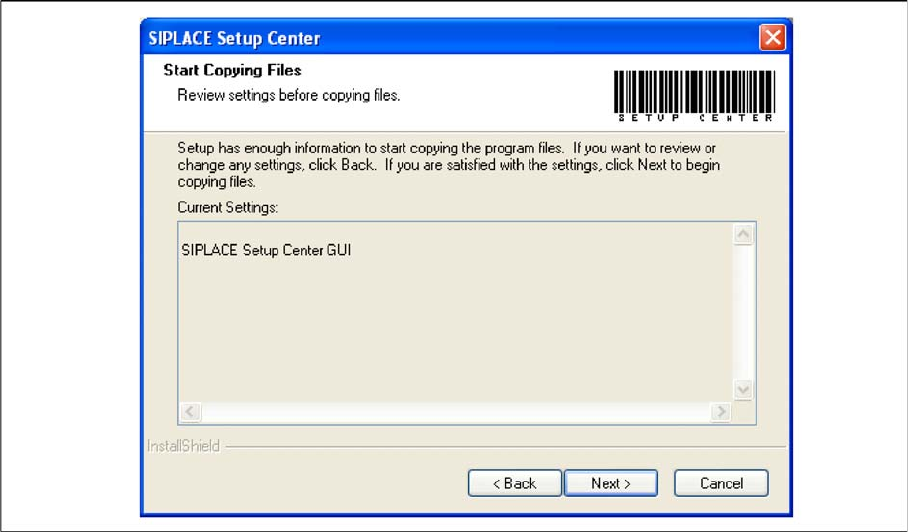
► The Start Copying Files dialog box gives you a chance to check the information again, which you
have entered during the previous steps.
► Click Next if you accept all the information entered so far.
► If you want to alter one or more details, click the Back button until you get back to the dialog box in
question.
► There, enter your changes and click Next to continue as usual.
⇨ The installation routine starts.