Micron Technical Reference V9 Volume 4.pdf - 第48页
STINGER CALIBRATIONS 38.24 Technical Reference Manual Chapter Issue 2, Aug 14 S tinger Laser Offset s X and Y This parameter set s a factor to compensate for any of fsets of the nozzle to laser , in the X and Y planes, a…
STINGER
CALIBRATIONS
Chapter Issue 2, Aug 14 Technical Reference Manual 38.23
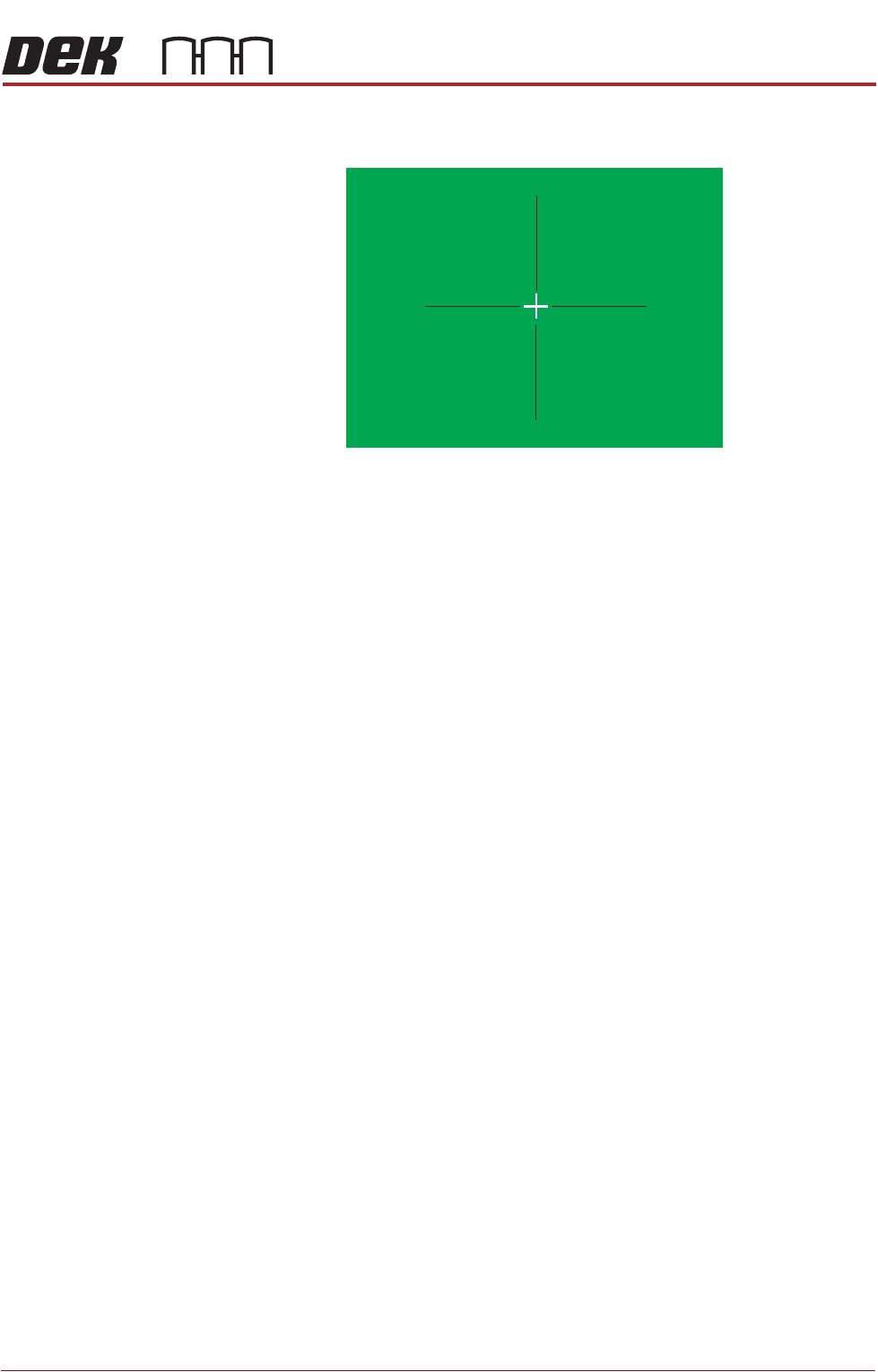
Remove the product from the printer and measure the offsets. The offset
quadrants are shown below. Amend the X and Y calibrated offset parameters.
9. Select Stinger Calibrated Offset Y to set the parameter initially to 0 (zero
offset).
10. Select Back four times to access the Ready page.
11. Select Setup Product.
12. Select Options.
13. Select Stinger Dispenser.
14. Select Load Board. Choose the preferred load board method, auto or
manual.
15. Select Dispense Sweep.
The system dispenses at the programmed site. Any offset between the pro-
grammed site and the material is the equivalent offset in the Y plane. Program
the parameter to compensate for this; it can be any value between
-5mm and +5mm.
X Offset +
X Offset +
Y Offset - Y Offset -
X Offset -
X Offset -
Y Offset +YOffset +
STINGER
CALIBRATIONS
38.24 Technical Reference Manual Chapter Issue 2, Aug 14
Stinger Laser
Offsets X and Y
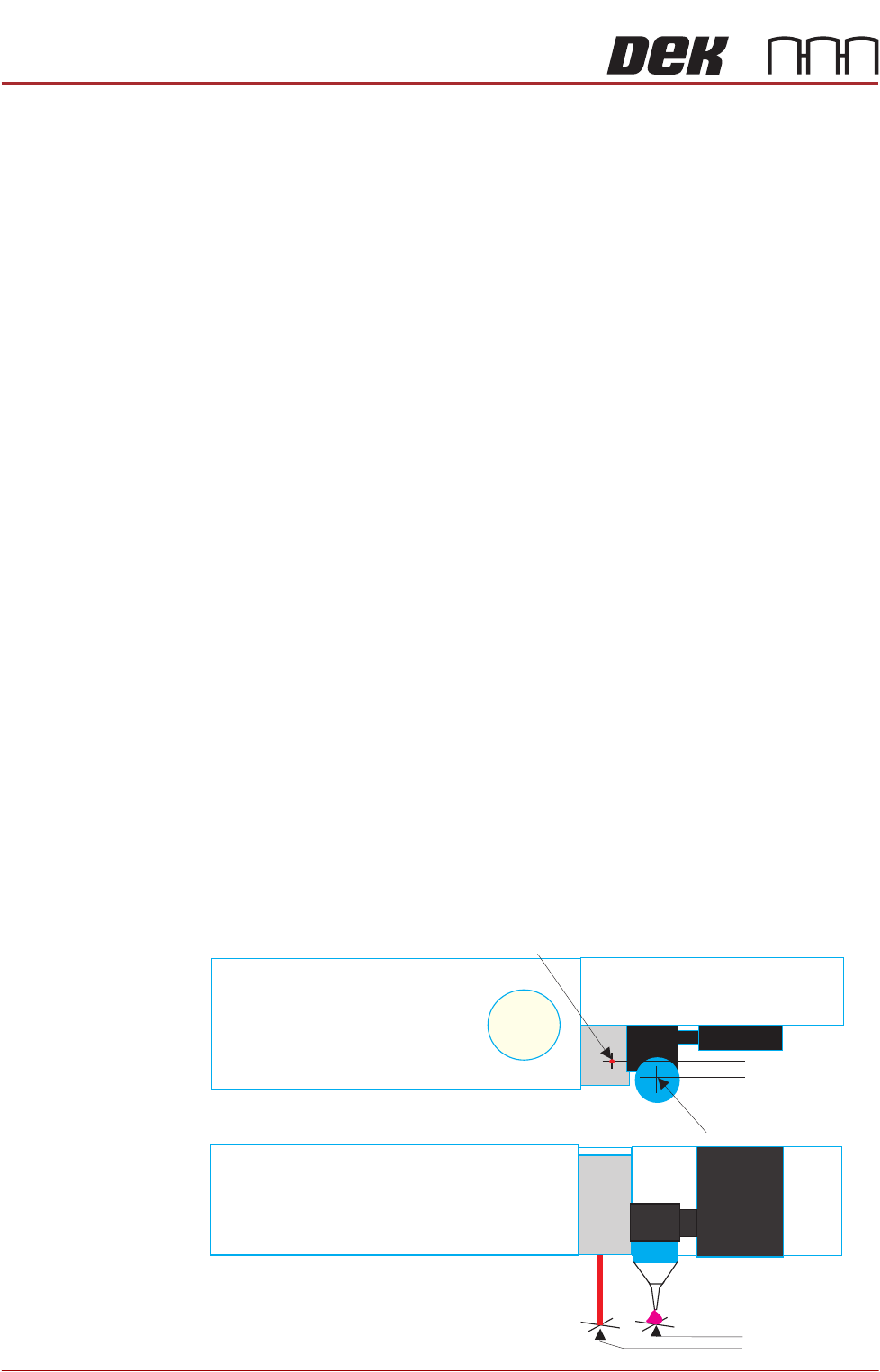
This parameter sets a factor to compensate for any offsets of the nozzle to laser,
in the X and Y planes, at the point where the laser actually measures. This can
be any value between -5mm and +5mm. As with the calibrated offsets, a deposit
point is marked on the calibration board. The offset is set to zero and a deposit
is made; the difference between the deposit centre and the laser centre is the
amount of compensation to be set.
Set the measurement option to measure only (on a single site).
1. Select Setup.
2. Select Options.
3. Select Stinger Dispenser.
4. Select Setup Sites.
5. Select Adjust Site, set the dispense mode to Measure Only.
6. Select Confirm.
7. Select Back four times.
8. Cover the screen sensor and select Load Screen. The screen clamps
actuate.
9. Select Setup Product.
10. Select the following: Fiducials, Global Settings, Alignment Mode and
change to None Vision.
11. Select Accept,
12. Select Back four times.
13. Select Setup Product.
14. Select Options.
15. Select Stinger Dispenser.
16. Select Load Board. Choose the preferred load board method, auto or
manual.
17. Select Dispense Sweep.
Laser Centre
Nozzle Centre
Top View
Front View
X Offset
Y Offset

STINGER
CALIBRATIONS
Chapter Issue 2, Aug 14 Technical Reference Manual 38.25
Measure the Laser Offset X and Y between the dispensed dot and the laser
beam position. The object must have the laser beam shining on the dot centre.
Edit the Laser X and Y offsets as required.
18. Select Adjust Site, set the dispense mode to its original state.
19. Select the following: Fiducials, Global Settings, Alignment Mode and
change to Fiducial.