Micron Technical Reference V9 Volume 4.pdf - 第50页
STINGER CALIBRATIONS 38.26 Technical Reference Manual Chapter Issue 2, Aug 14

STINGER
CALIBRATIONS
Chapter Issue 2, Aug 14 Technical Reference Manual 38.25
Measure the Laser Offset X and Y between the dispensed dot and the laser
beam position. The object must have the laser beam shining on the dot centre.
Edit the Laser X and Y offsets as required.
18. Select Adjust Site, set the dispense mode to its original state.
19. Select the following: Fiducials, Global Settings, Alignment Mode and
change to Fiducial.

STINGER
CALIBRATIONS
38.26 Technical Reference Manual Chapter Issue 2, Aug 14
DIAGNOSTICS
INTRODUCTION
Chapter Issue 4, Aug 14 Technical Reference Manual 39.1
CHAPTER 39 DIAGNOSTICS
INTRODUCTION The diagnostic function is an aid to the user to allow individual access and
control of motors and modules. It allows the user to control the sequence of the
machine so that a particular module can be exercised.
To enter diagnostics:
Select Maintenance.
Select Diagnostics.
NOTE
If diagnostics is password protected, the correct password must be entered
before access is allowed.
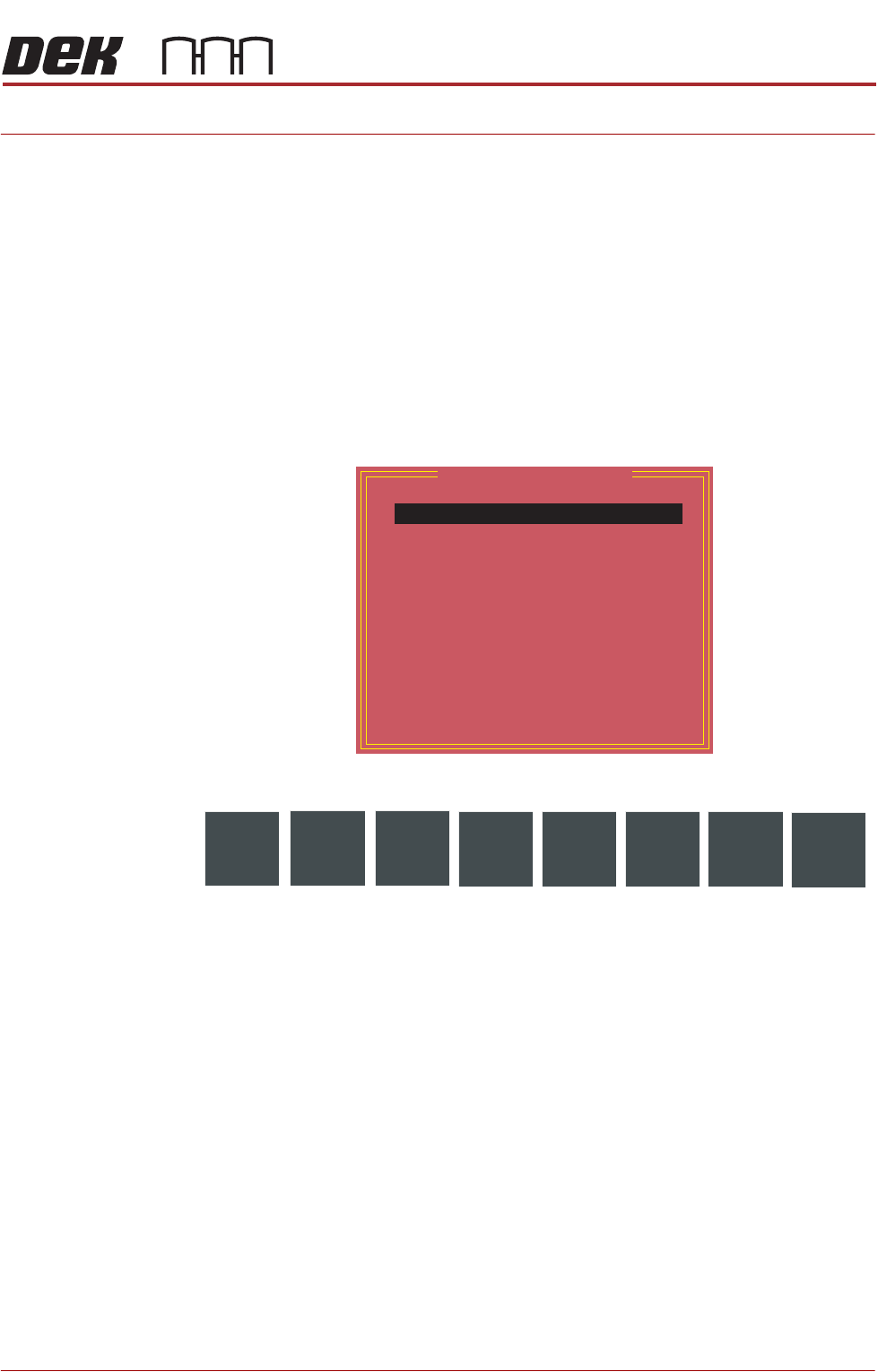
The following window is displayed:
The following icons are displayed:
Next/Previous moves the highlight bar up and down the list of diagnostic
modules.
Select Module opens a new window displaying the diagnostic functions avail-
able for the selected module.
Machine Setup is a password protected function for ASM engineers only.
Exit closes the diagnostics page, initialises the machine and returns the display
to the maintenance page.
Select Back to return to the Ready page.
NOTE
Before any diagnostic function is used in any of the modules they must be
homed first or they are not able to initiate a command.
Module Diagnostic Page
System
Print Carriage
ProFlow / Squeegee
Camera Axes
Rail System
Paste Dispense System
Screen Alignment
Screen Change
Screen Cleaner
Rising Table
MIU
Vacuum Tooling
Pass Through Rails
Select
Module
Machine
Setup
Next
Previous
Exit