DEK INFINITY USER MANUAL.pdf.pdf - 第130页
INFINITY 6(735()(5(1 &(6 35()(5(1&(6 2.4 User Manual Software Version 7 Even t Reco rding Sets which events are recorde d in the event log file, options are: Over 200 possible events may be recorded. On selectin…
INFINITY
6(735()(5(1&(6
35()(5(1&(6
Software Version 7 User Manual 2.3
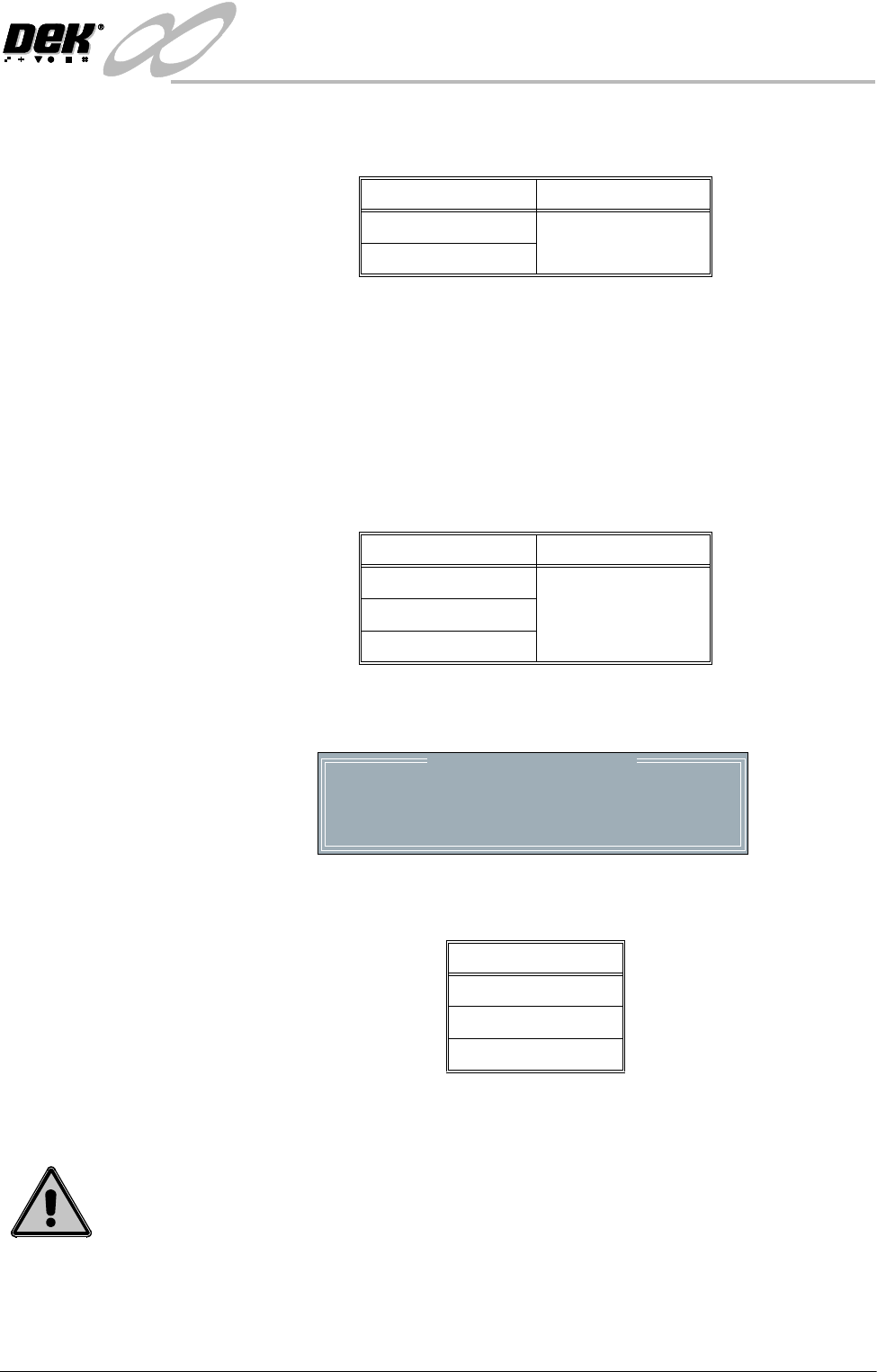
Selective Print/Pass Sets whether the facility to selective print or pass through a board is to be used,
options are:
This feature is protected by Feature Licence Authentication.
When enabled the identity of the incoming board is checked using a separate
fiducial on the board only, called a Select Mark. If the identity of the board
matches the current product file the board is printed. If the board is different or
cannot be recognized, it is passed through without printing.
Paste Dispense
Position
Sets the position from which paste is dispensed, in relation to the screen image,
options are:
When exiting set preferences after setting option to either Rear or Auto the
following window is displayed:
Comms Protocol Sets the communications protocol to be used for serial communications to a host
computer, options are:
The menu bar changes depending on the option chosen, see the Host
Communications Chapter for further details.
WARNING
HOST COMMUNICATIONS. BE AWARE THAT IF THE MACHINE SAFETY LOCKS
ARE DEFEATED WHILST HOST COMMUNICATIONS ARE ACTIVE, A DANGER
EXISTS WHEREBY MACHINE PARTS MAY MOVE UNEXPECTEDLY.
Options Default
Enabled Disabled
Disabled
Options Default
Front Auto
Rear
Auto
Please confirm that there will be no obstruction
when your paste dispenser dispenses paste at the
rear of the image
Paste Dispense Position
Options
GEM
Net_File
No Comms
INFINITY
6(735()(5(1&(6
35()(5(1&(6
2.4 User Manual Software Version 7
Event Recording Sets which events are recorded in the event log file, options are:
Over 200 possible events may be recorded.
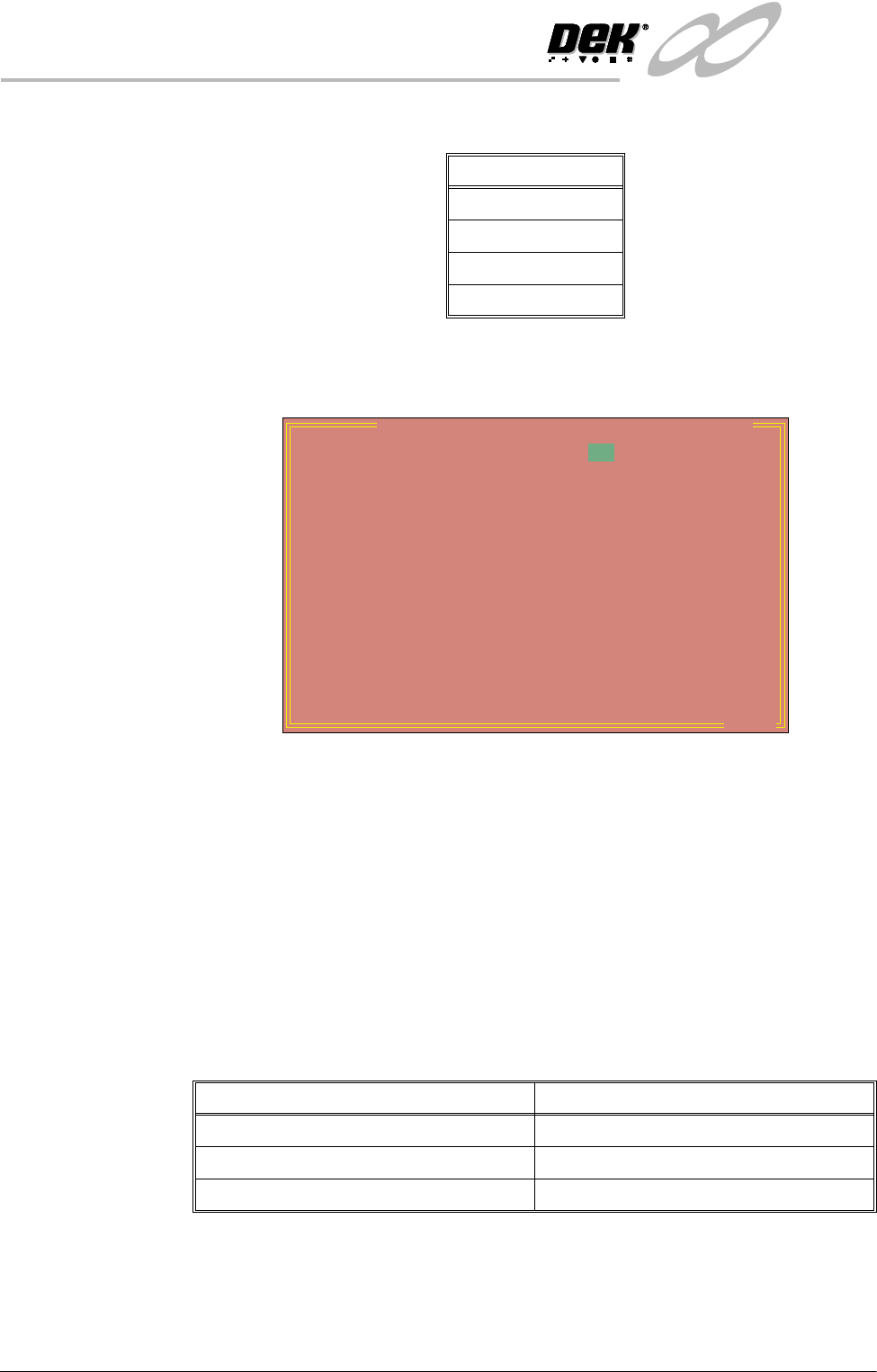
On selecting Custom the following set up window opens:
The window displays how each event is logged in three possible ways; Disk,
Host (not used) and Grp.
Disk This column lists which events are logged to the disk file. The events set to ‘on’
are logged, those set to ‘off’ are not logged.
Host This column lists which events are sent to the host computer. The option is only
active if a GEM host comms interface is fitted. The events set to ‘on’ are logged,
those set to ‘off’ are not. How the host computer deals with the event logging,
depends on the host software and is not controlled by the machine.
Grp This column lists the group an event is assigned. The user can select which of
the groups are to be recorded, as follows:
Options
Custom
Group 3
Group 2
Group 1
Event Report Setting: Disk Host Grp
System Power on
System Power down
Humidity
Temperature
Batch Count
Measured Cycle Time
Throughput Cycle Time
Front Print Pressure
Rear Print Pressure
Table Separation Speed
Stretch Error
X error
Y error
Theta Error
off
off
off
off
off
off
off
off
off
off
off
off
off
off
off
1
1
1
1
1
1
1
1
1
1
1
1
1
1
1
..more
on
on
on
on
on
on
on
on
on
on
on
on
on
on
on
Set Preference Selection Event Groups Recorded
Group 1 Groups 1, 2 and 3 (all events)
Group 2 Groups 2 and 3
Group 3 Group 3
INFINITY
6(735()(5(1&(6
35()(5(1&(6
Software Version 7 User Manual 2.5
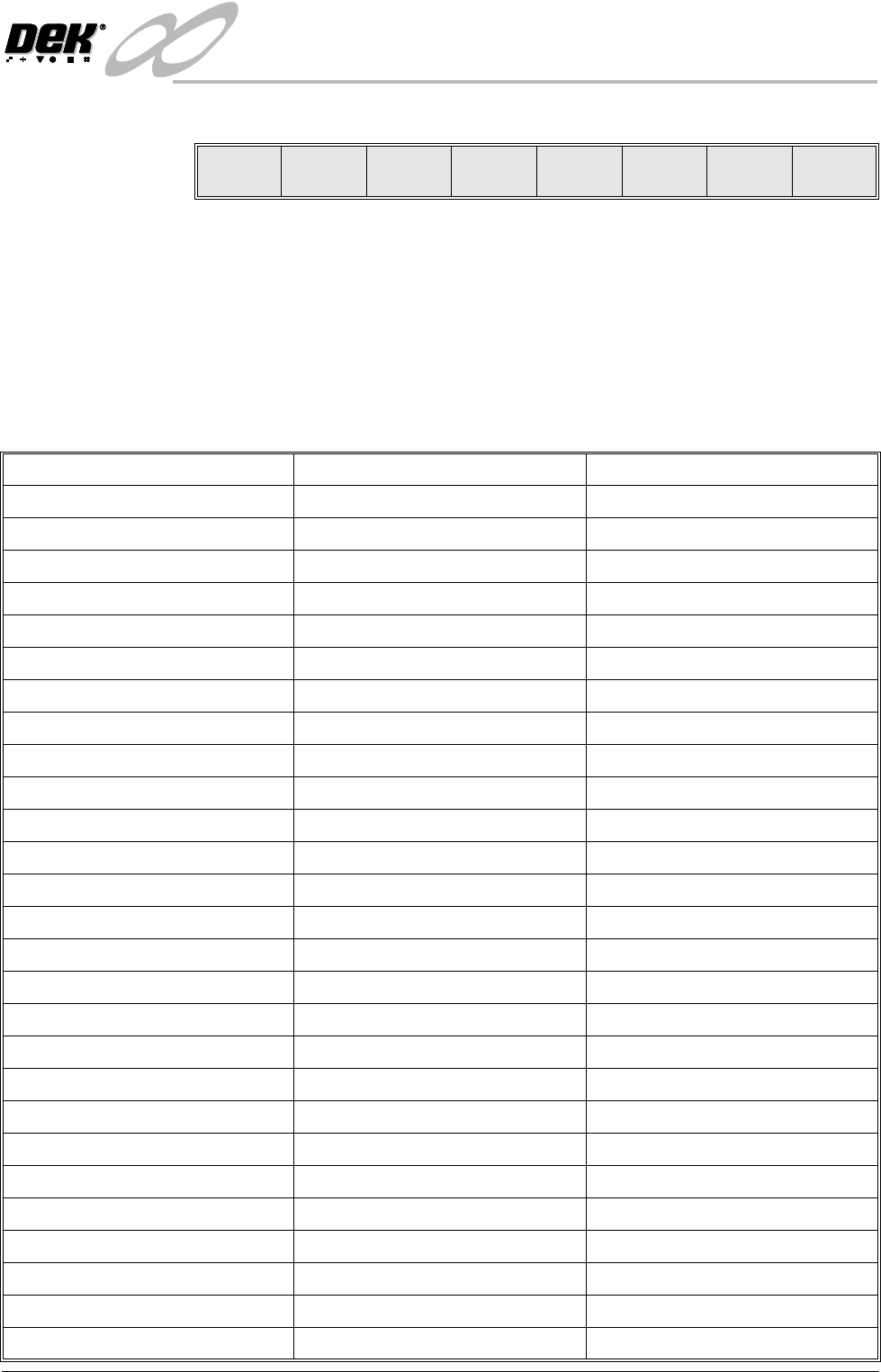
Setting Up Events The Event Recording menu is laid out as follows:
Use the Next and Previous keys to move to the event to be changed.
Use the Toggle key to toggle the Disk and Host parameters between on and off.
Use the Left and Right keys to move to the Disk, Host or Grp columns.
Use the Incr. and Decr. keys to change the value of the Grp parameter.
Use Exit to leave the Event Recording window.
Recordable Events The following tables show the events that can be selected for recording:
Toggle Left Right Next Previous Incr. Decr.
Exit
System Power On System Power Down Humidity
Temperature Batch Count Measured Cycle Time
Throughput Cycle Time Front Print Pressure Rear Print Pressure
Table Separation Speed Stretch Error X Error
Y Error Theta Error Board Fid 1 Score
Board Fid 2 Score Board Fid 3 Score Screen Fid 1 Score
Screen Fid 2 Score Screen Fid 3 Score ProFlow System Pressure
Pneumatic Power Down Front Squeegee Error Rear Squeegee Error
Rising Table Error Print Carriage Error Paste Carriage Error
Camera X Axis Error Camera Y Axis Error Rail Width Error
Screen XF error Screen XR Error Screen Y Error
Paste Cartridge Tilt Error Screen Changer Drive Error Board Stop Stuck
Board Clamp Stuck Board Stuck In Rails Unable To Find Fiducial
Rail Lifted Error Pressure Error File Error
Unable To Recover Recovery Started Recovered
Upline Transfer Error Downline Transfer Error Dual Shuttle Fault
Screen Elevator Comms Fault Screen Elevator Fault Screen Changer Fault
Lid Bolt Fault Alignment Out Of Range Line Power On
Line Power Off Cover Open Cover Closed
Printer Ready Head Raised Head Closed
Paste Dispensing Paste Cartridge Empty Cycle Aborted
Cycle Completed Cleaning Screen Parameter Adjusted
Setup Started Product Loaded New Product
Product Data Changed Screen Unloaded Screen Loaded
Tool Change Started Tool Change Complete Setup Ended
Start Print Cycle Board Received End Print Cycle
Printed Board Ready Board Printed Operator Log On
Operator Log Off Clear Batch Count Start Maintenance