DEK INFINITY USER MANUAL.pdf.pdf - 第152页
INFINITY +267 &2008 1,&$ 7,21 6 &2006 35272&2/ 237,216 3.2 User Manual Software Version 7 Editing NET_FILE Comms Options The NET_FILE comms editing window allows the user to change IP addre sses, user …
INFINITY
+267&20081,&$7,216
&200635272&2/237,216
Software Version 7 User Manual 3.1
CHAPTER 3 HOST COMMUNICATIONS
COMMS PROTOCOL OPTIONS
GEM This configuration implements the SMEMA standard for communications for
Surface Mount Equipment. GEM (Generic Equipment Model) is a standard sub-
set of the SECSII protocol. GEM is specifically designed for implementing
equipment automation in a production environment.
In this configuration, a host computer running GEM compatible software talks
to the machine via a Network cable.
If the Host is a PC, DEK’s Off-line editor software can be used to modify product
files. The Event Log can be read by a text editor. The flexibility of the GEM
interface allows data collection to be customized to meet the users requirements.
Net_Files This configuration allows users to redirect files away from the machines local
hard drive to a remote directory on a file server. The machine is configured to
access a ‘product’ directory for a product file and a ‘data’ directory for output
data files.
At the machine when a product file is loaded it is read from the ‘product’
directory on the network file server. When it is saved it is saved to the ‘product’
directory on the file server. Files cannot be read from the printer or sent to the
printer across the network.
Once the files are present on the server, they can be accessed from a networked
PC without interfering with the machine.
At a networked PC, DEK’s Off-line Editor software can be used to modify
product files. QC-Calc software can be used to access SPC data in the ‘READ-
INGS.DEK’ file. The Event Log can be read with a text editor.
Selecting Comms
Protocol Options
The Comms Protocol Set Preference SECS, GEM, and NET_FILE options each
display additional menu parameters if they are selected in the Set Preferences
window.
On selecting GEM the following menu bar is displayed:
On selecting NET_FILE the following menu bar is displayed:
If the Enable Comms key is pressed the following menu bar is displayed:
The user is given the option to Confirm or Exit their selection.
The NET_FILE option may cause a further window to appear requesting the
Network Password.
Enable
Comms
Next Previous Incr. Decr. Exit
Enable
Comms
Edit
Comms
Next Previous Incr. Decr. Exit
Confirm Exit
INFINITY
+267&20081,&$7,216
&200635272&2/237,216
3.2 User Manual Software Version 7
Editing NET_FILE
Comms Options
The NET_FILE comms editing window allows the user to change IP addresses,
user ID, file paths etc.
To enter the Edit Comms window from the set preferences window, select
NET_FILE from the Comms Protocol set preference and press the Edit Comms
menu bar option.
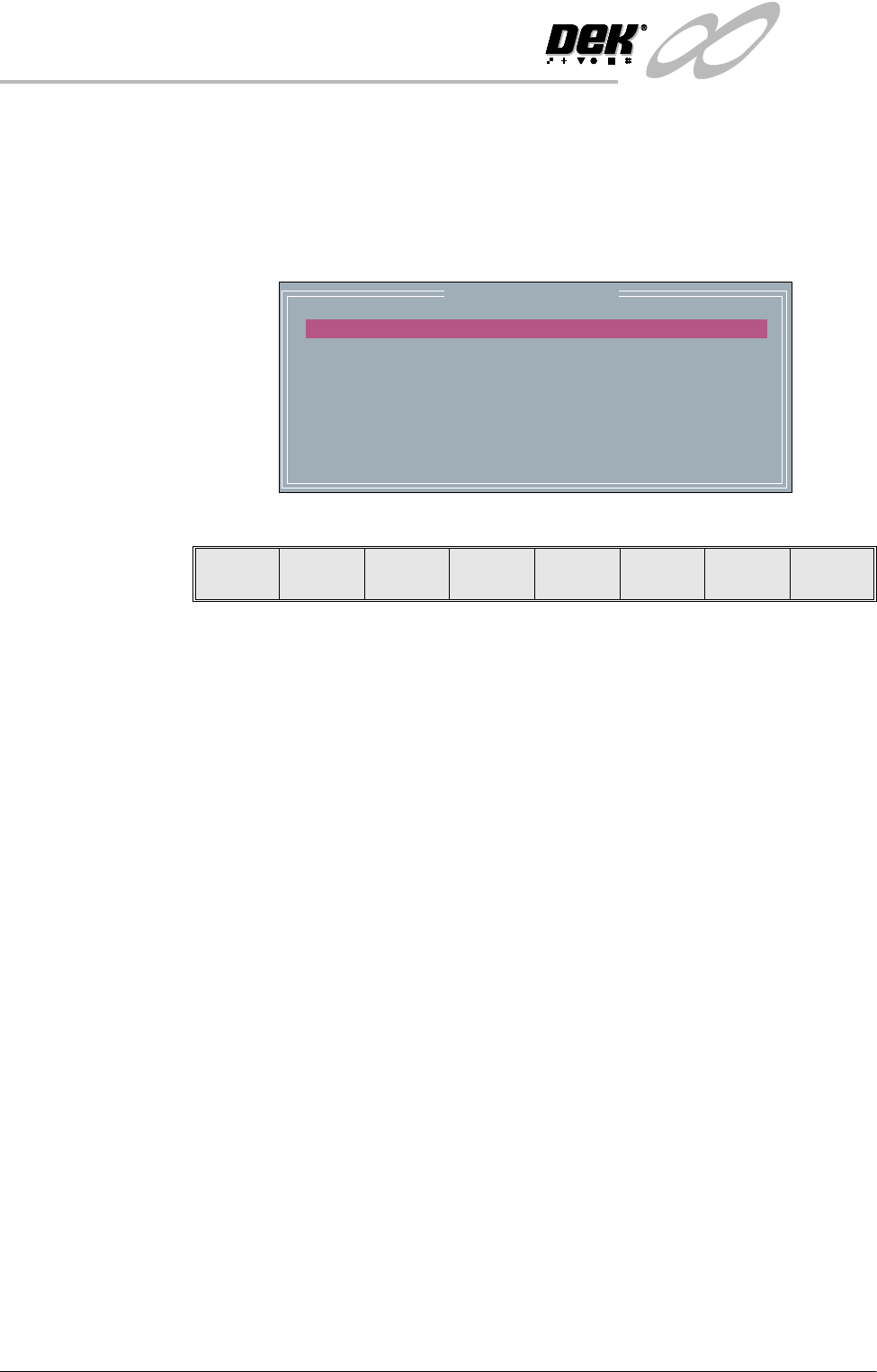
The Edit Comms window appears as follows:
To edit the Edit Comms window the following menu bar appears:
The Next and Previous keys are used to move the cursor up and down the
current column.
The Left and Right keys move the cursor between the two parameter columns.
The Edit keys makes the parameter under the cursor editable. When editing a
parameter the cursor keys and the delete keys can be used as well as the normal
alphanumeric keys. While editing a parameter (the cursor is still flashing),
pressing the Exit key finishes the current parameters editing.
The Exit key is used to leave the Edit Comms window.
Network Parameters
Remote Drive
User ID
Products Path
Data Path
Auto Login
Local Copies
Reconnect Period
Timeout
C:
DISABLED
DISABLED
60
30
Edit Next Previous Left Right Exit

INFINITY
+267&20081,&$7,216
,3$''5(66&21),*85$7,21
Software Version 7 User Manual 3.3
IP ADDRESS CONFIGURATION
For a machine to function in a network environment, correct setting of its IP
Address is necessary. The IP Address (Internet Protocol Address) provides a
unique global address for both the machine and the network.
NOTE
IP Addresses must be provided by the sites Line or Network Manager.
TCP/IP Driver
(GEM and
NET_FILES)
Windows NT Network Configuration option can be set up using the Network
icon in Control Panel. Select Protocols and highlight TCP/IP Protocol. From
Properties choose the appropriate adaptor and either obtain or specify a IP
address for the printer.
SDR Driver (GEM
Only)
The IP address of the printer must be set up in the SDR driver. To do this edit
the SDR configuration file ‘c:\printer\conf170.cfg’ (see next page) using a text
editor. The DOS program EDIT is suitable and can be used by typing the
following from the DOS prompt:
EDIT C:\printer\conf170.cfg
Set the PASSIVE ENTITY IPADDRESS to the printers ‘IP address’.
If there is more than one printer communicating with the GEM Host, set the
DEVICEID differently for each printer. The default value is 0x109 (265).
Alternative DEVICEID values should be chosen within the range
0x0000 - 0x7FFF (0 - 32767).
Configuration File /* SDR-DOS-170 Sample Configuration File*/
PORT 0:
PROTOCOL HSMS94
EQUIPMENT
PASSIVE ENTITY
PASSIVE ENTITY IPADDRESS 192.100.20.51
PASSIVE ENTITY TCPPORT 5265
T3 30
T5 5
T6 10
T7 5
T8 6
CONNECTION ESTABLISHMENT 5
CIRCUIT ASSURANCE 20
TGRACE 15
MEMORY STALL 5
WRITE STALL 7
START
DEVICE 0:
DEVICEID 0x109
PORT 0
START
Definitions of
Fields
The majority of the fields in the SDR configuration file never need to be
changed. They are described here to give an understanding of how to configure
the driver when changing IP addresses, Device ID’s or some of the timer values.