DEK INFINITY USER MANUAL.pdf.pdf - 第199页
INFINITY ',$*12 67, &6 $872)/(;72 2/,1*6 7$1'$5' Soft ware Ver sion 7 User Manual 5.31 AUTOFLEX T OOLING (ST ANDARD) Selecting this diagnostics module opens the following window: The menu bar chan…
INFINITY
',$*1267,&6
08/7,,17(5)$&(81,7
5.30 User Manual Software Version 7
MULTI INTERFACE UNIT
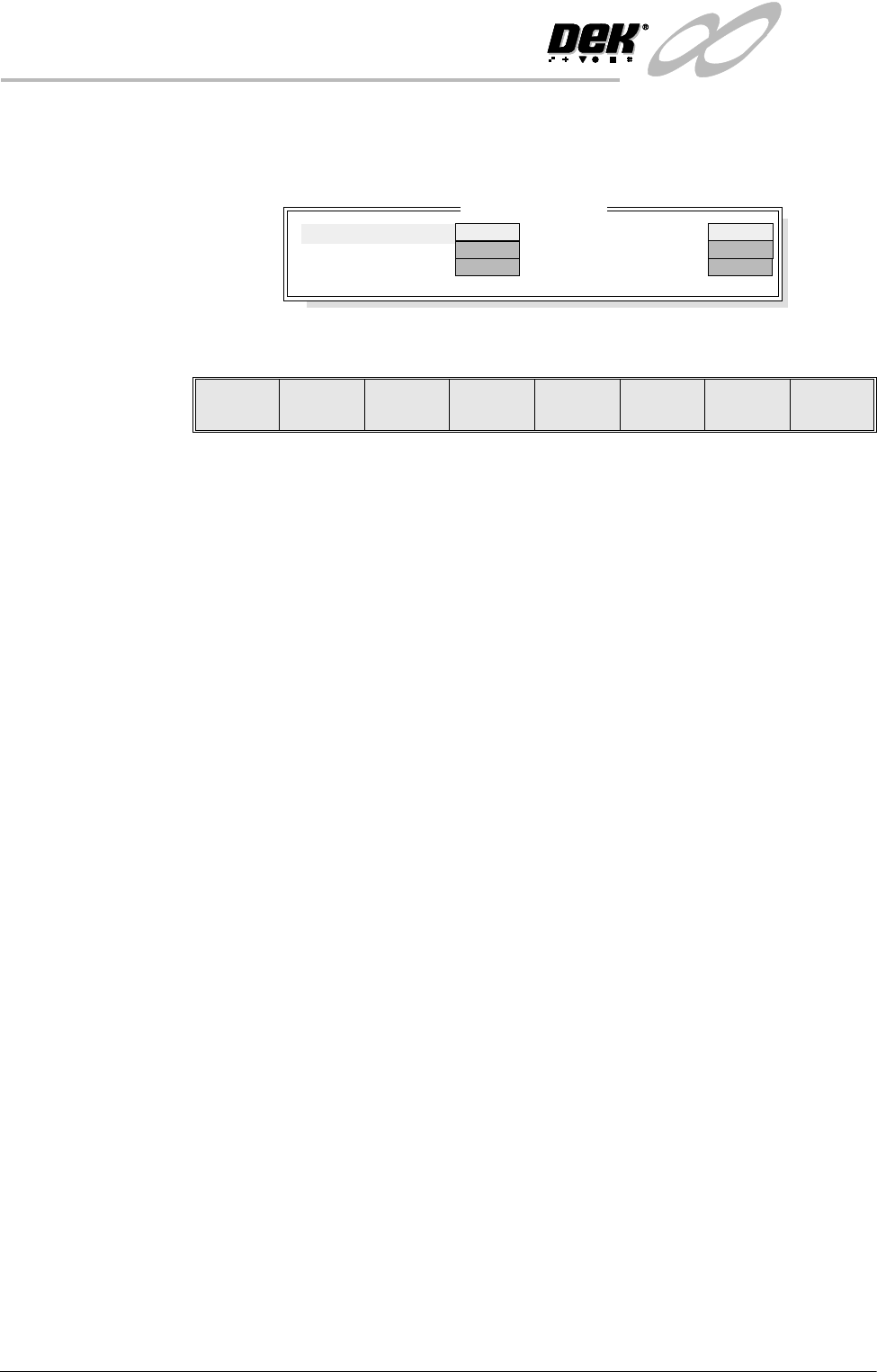
Selecting this diagnostics module opens the following window:
The menu bar changes to the following:
Next / Previous keys move the highlight bar up and down the list of selectable
diagnostic functions.
Toggle activates the diagnostic function, as selected by the highlight bar.
Exit returns operation to the module diagnostics page.
NOTE
This diagnostic can only be run when the machine is connected to an upline and
downline machine.
Toggle Available A This diagnostic function is currently not used.
Toggle Upline A Selecting this diagnostic function sends a request to the upline machine to send
a board.
Toggle Downline A Selecting this diagnostic function sends a request to the downline machine to
receive a board.
Machine Available
A
This diagnostic function is currently not used.
Downline Ready A This diagnostic function continuously displays whether the downline machine
is ready to receive a board.
Upline Ready A This diagnostic function continuously displays whether the upline machine is
ready to send a board.
MIU Diagnostics
CLEAR
OFF
Machine Available A
Downline Ready A
Upline Ready A
Toggle
Available A
Upline A
Downline A
OFF
ON
CLEAR
SET
Toggle Next Previous Exit
INFINITY
',$*1267,&6
$872)/(;722/,1*67$1'$5'
Software Version 7 User Manual 5.31
AUTOFLEX TOOLING (STANDARD)
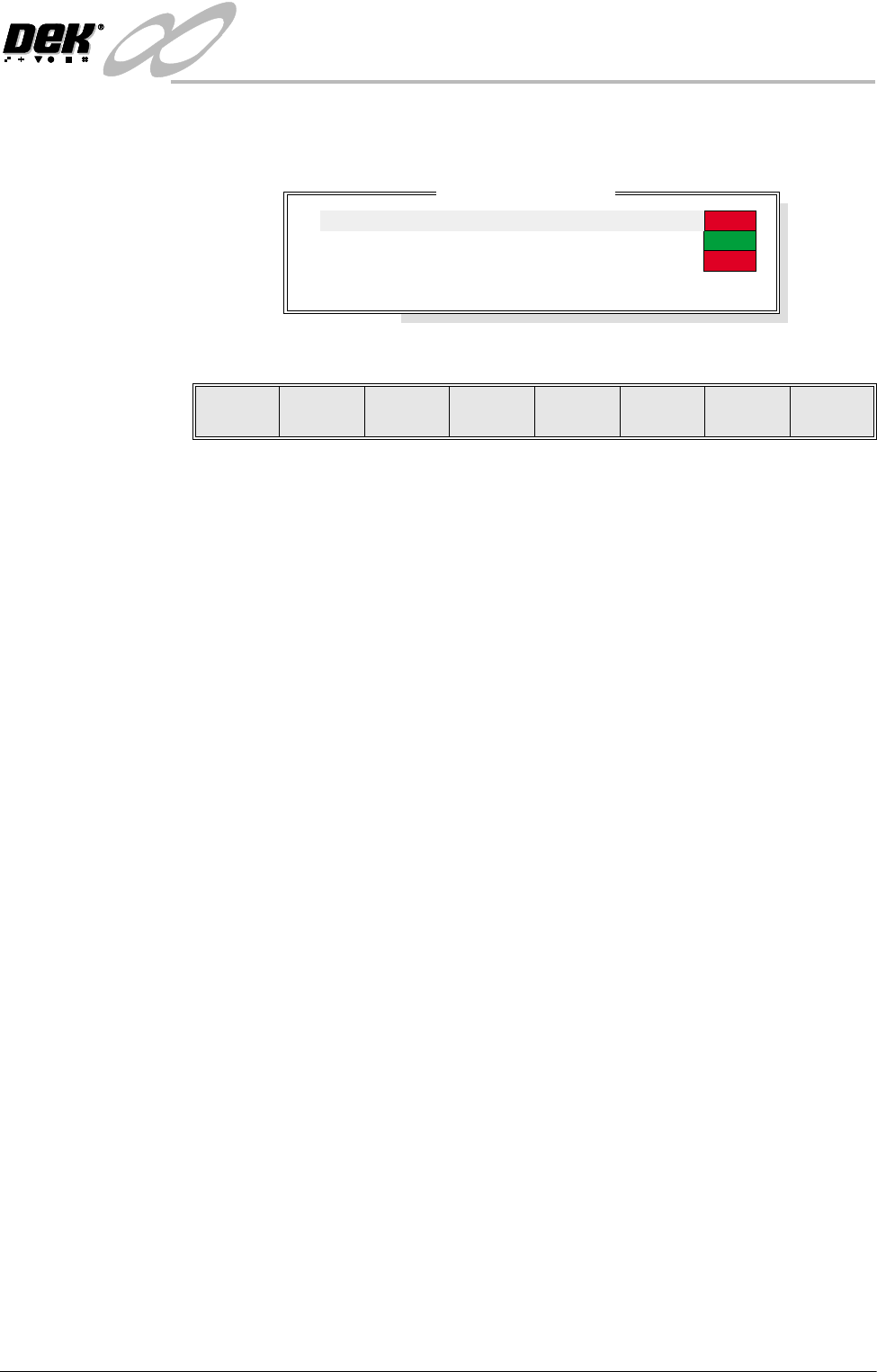
Selecting this diagnostics module opens the following window:
The menu bar changes displaying the following:
Next / Previous keys move the highlight bar up and down the list of selectable
diagnostic functions.
Run Diagnost activates the diagnostic function, as selected by the highlight bar.
Exit returns operation to the module diagnostics page.
Tooling Pins Selecting this diagnostic function alternately lifts and lowers all the pins,
continuously displaying the current status.
Clamp Enable Selecting this diagnostic function alternately switches the electromagnet clamps
on or off, continuously displaying the current status. Any pins that are up when
the clamp is switched off automatically lower.
Clamp Power Selecting this diagnostic function alternately switches the power through the
electromagnetic coils between high and low, continuously displaying the current
status.
Autoflex Diagnostics
ON
Down
LO
Tooling Pins
Clamp Enable
Clamp Power
Change Pin Status
Cycle Autoflex Tooling
Run
Diagnost
Next Previous Exit
INFINITY
',$*1267,&6
$872)/(;722/,1*67$1'$5'
5.32 User Manual Software Version 7
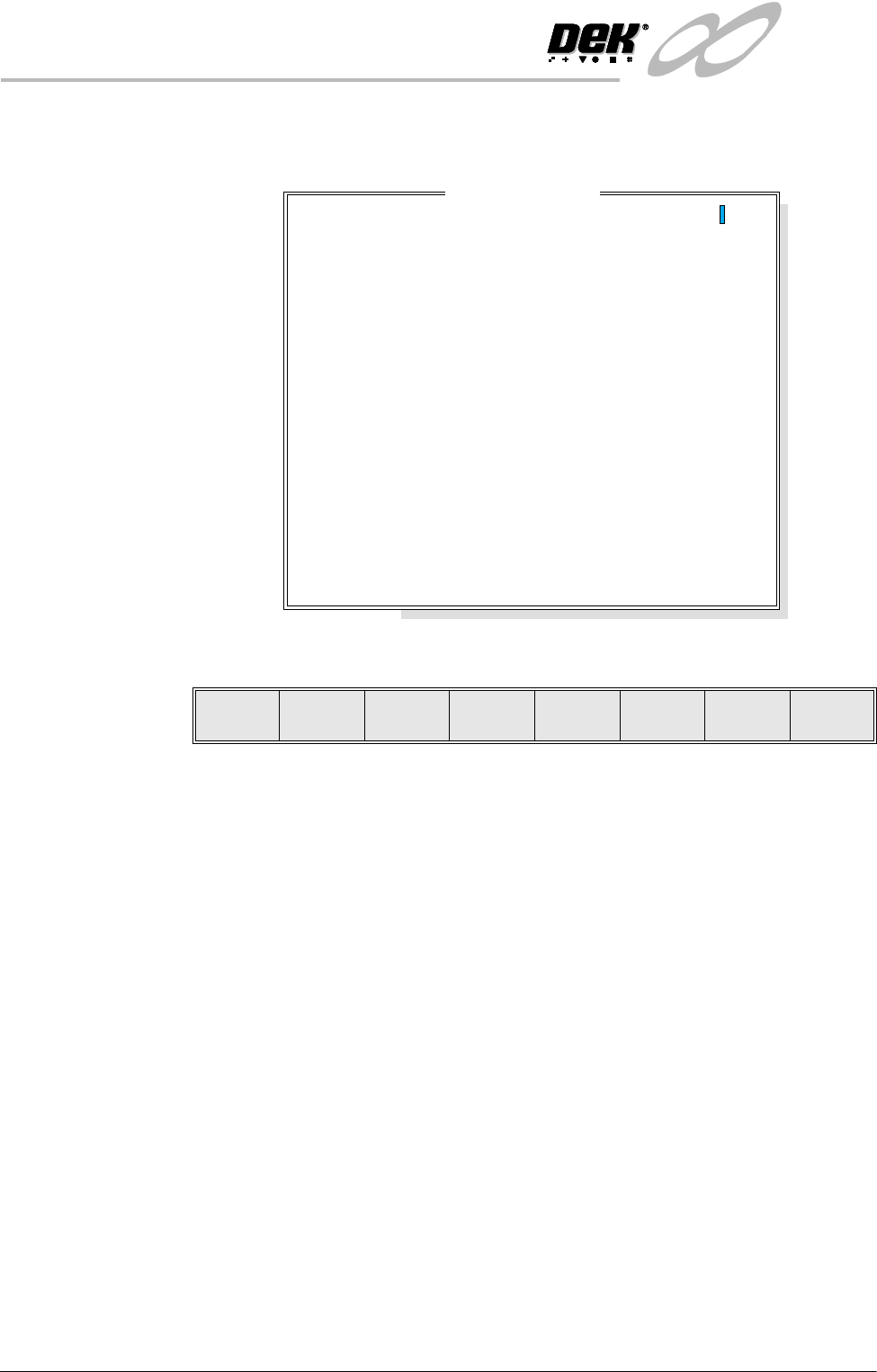
Change Pin Status Selecting this diagnostic function enables different pin patterns to be exercised.
On selection the following window opens:
The menu bar changes to the following:
Left, Right, Up and Down keys move the cursor to enable individual pins to be
selected.
Lower or Raise keys enable the selected pin to be raised or lowered.
Set Status key enables the AutoFlex to set the selected pin pattern. The message
‘Setting Up AutoFlex Tooling’ is displayed in the message window.
Exit returns operation to the AutoFlex diagnostics page.
Cycle AutoFlex
Tooling
Selecting this diagnostic function cycles the AutoFlex pins in a set pattern. The
pattern is as follows:
1. All the pins are raised.
2. The pins are lowered leaving a third raised, every third pin.
3. All the pins are raised.
4. The pins are lowered leaving a second third raised.
5. All the pins are raised.
6. The pins are lowered leaving the last third raised.
7. The process repeats until the Stop key is pressed.
Autoflex Matrix
14
13
12
11
10
9
8
7
6
5
4
3
2
1
A
B
C
D
E
F
G
H
I
J
K
L
M
N
O
---------------
---------------
---------------
---------------
---------------
---------------
---------------
---------------
---------------
---------------
---------------
---------------
---------------
---------------
Lower Raise
Set
Status
Left Right Up Down Exit