DEK INFINITY USER MANUAL.pdf.pdf - 第271页
INFINITY ',163(& 7,21 ',163(&7,2 16(7 83 Soft ware Ver sion 7 User Manual 8.31 Inspect 1. Select Exi t . 2. Select Step until board is printed. 3. Select Step until the Inspect Setup menu button is…
INFINIT
Y
',163(&7,21
',163(&7,216(783
8.30 User Manual Software Version 7
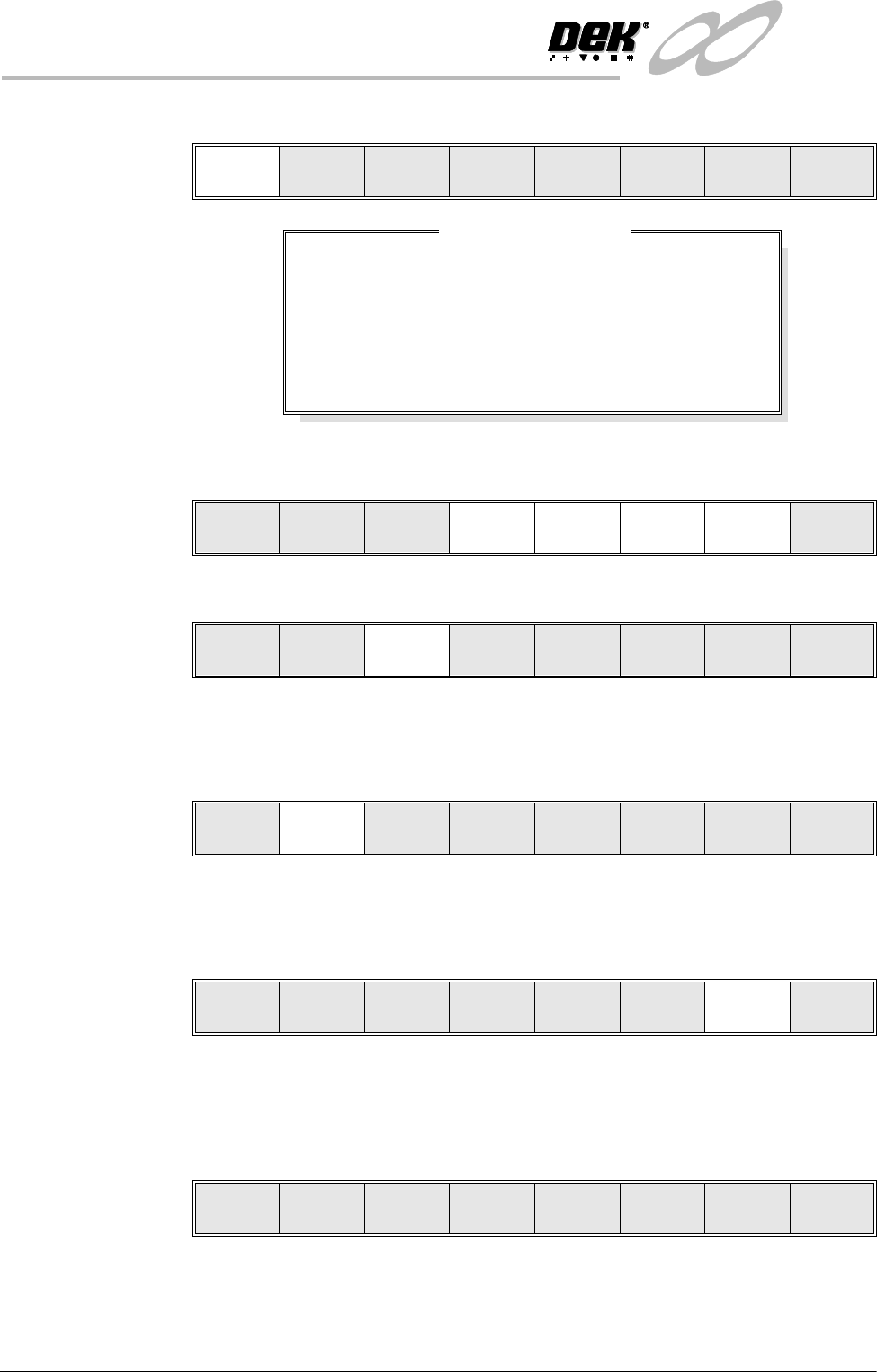
6. Select Adjust Site. The learn site parameters window is displayed.
7. Adjust site parameters as required using Next, Previous, Incr. and Decr.
keys.
8. Select Learn Screen.
9. The message ‘Screen Learnt’ is displayed. If message ‘....Screen Not
Learnt’ is displayed, edit the site parameters and select Learn Screen.
10.Select Learn Board.
11. The message ‘Board Learnt’ is displayed. If message ....‘Board Not
Learnt’ is displayed, edit the site parameters and select Learn Board.
12.Select Continue. The auto learn process continues.
The message bar reports the progress of the auto learn as the system searches
for a site, learns a site and moves to the next site.
13.On completion of a successful auto learn of the selected component, the
following menu bar is displayed:
14.Carry out Section Inspect for all sites.
Adjust
Site
Learn
Board
Learn
Screen
Continue Exit
SITE X COORD
SITE Y COORD
SITE WIDTH
SITE HEIGHT
SCREEN GRAPHIC X
SCREEN GRAPHIC Y
BOARD GRAPHIC X
BOARD GRAPHIC Y
52.0
36.5
2.00
2.00
-0.01
-0.01
0.00
0.00
mm
mm
mm
mm
mm
mm
mm
mm
Learn Site Parameters
Continue
Learn
Board
Learn
Screen
Next Previous Incr. Decr.
Continue
Learn
Board
Learn
Screen
Next Previous Incr. Decr. Exit
Adjust
Site
Learn
Board
Learn
Screen
Continue Exit
Adjust
Site
Learn
Board
Learn
Screen
Continue Exit
Edit
Global
Edit
Limits
Delete
Site
Edit
Site
Inspect
Site
Exit
INFINITY
',163(&7,21
',163(&7,216(783
Software Version 7 User Manual 8.31
Inspect 1. Select Exit.
2. Select Step until board is printed.
3. Select Step until the Inspect Setup menu button is displayed.
4. Select Inspect Setup.
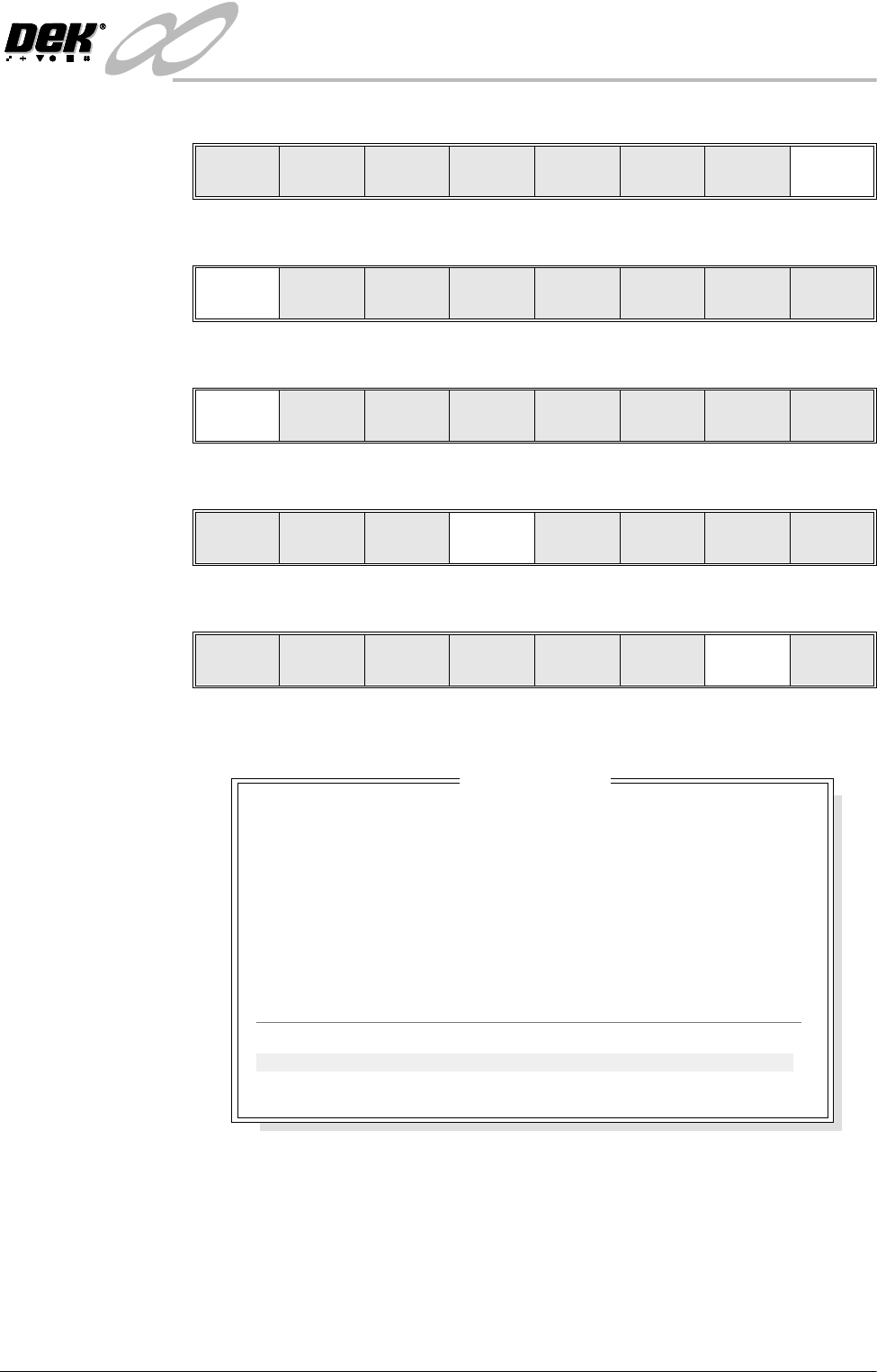
5. Select Inspect Site.
The following window is displayed:
NOTE
A reliable paste present reading is made only when the lighting is set
correctly.
6. If the board inspection type is set to advanced carry out Steps 6a and 6b. If
the board inspection type is set to none or basic carry out Step 6c.
Edit
Global
Edit
Limits
Delete
Site
Next
Site
Previous
Site
Edit
Site
Inspect
Site
Exit
Step
Inspect
Setup
Single Exit
Step Single Exit
Step
Inspect
Setup
Single Exit
Edit
Global
Edit
Limits
Delete
Site
Next
Site
Previous
Site
Edit
Site
Inspect
Site
Exit
SITE NAME
Maximum Blockage
Smear Area
Minimum Paste
X Alignment
YAlignment
Bridging
Minimum Paste Volume
Bridge Warnings
Bridge Alarms
SITE 1
0%
0.00 sq mm
94%
+0.007mm
-0.003mm
5.012mm
93%
0
0
Inspection Results
PASS
PASS
PASS
PASS
PASS
PASS
PASS
No. Blockage Paste Present Volume AlignX AlignY
1 0% 94% 93% +0.007 -0.003
2 0% 98% 97% +0.006 -0.002
INFINIT
Y
',163(&7,21
',163(&7,216(783
8.32 User Manual Software Version 7
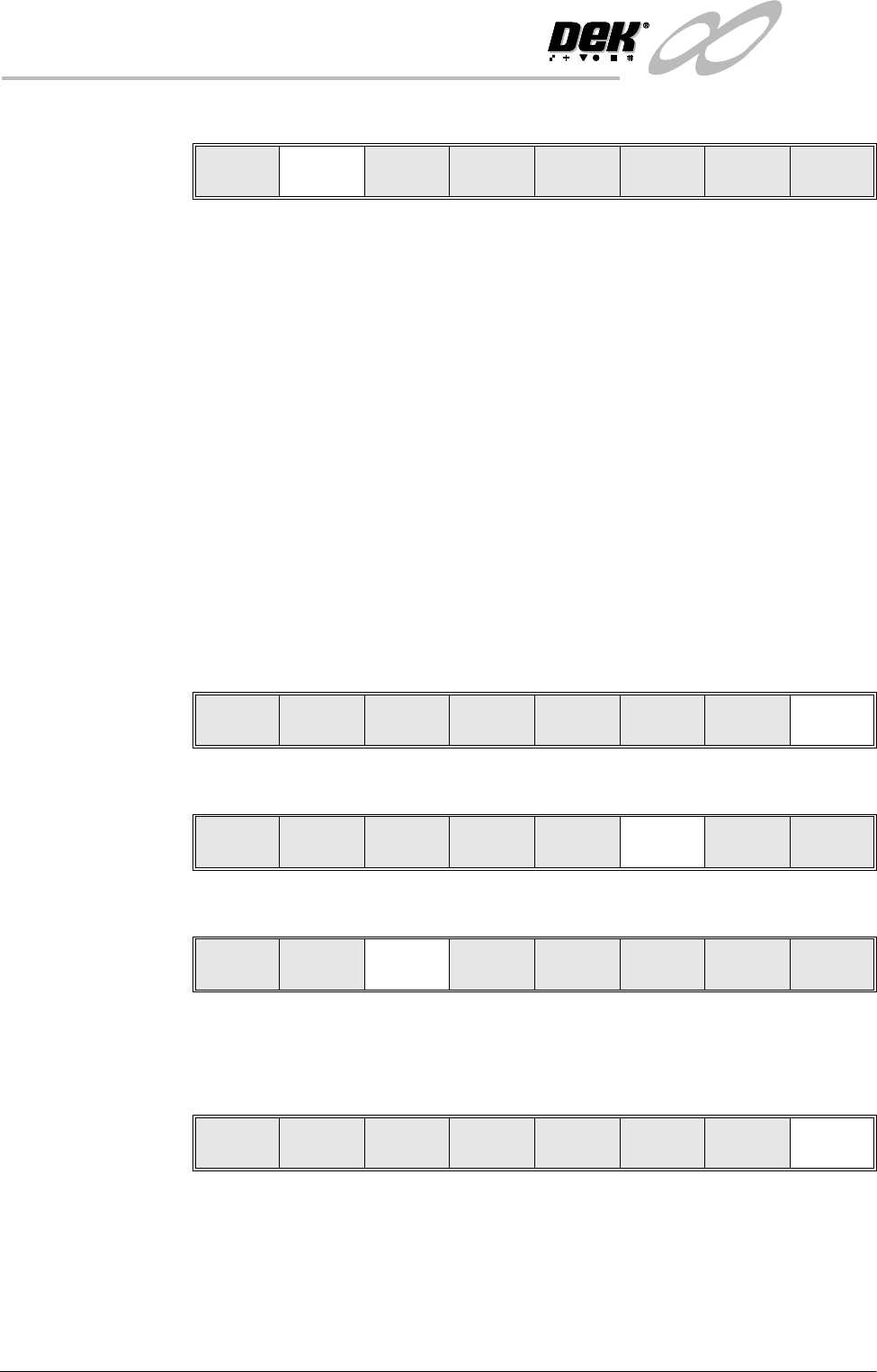
a. Select Toggle Paste.
NOTE
Selecting toggle paste either shows or hides the paste display overlay onto
the monitor. The toggle paste facility on the board image is only functional
with the board inspection type set to advanced. Toggling paste on the
stencil is only available on Horizon and Infinity machines and only with
the stencil inspect type set to advanced.
b. Ensure that the paste display overlay coincides with the presence of paste.
If this is correct go to Step 19. If this is incorrect, note the position of the
non-existent paste and continue with Step 7.
NOTE
If the paste display overlay coincides with the presence of paste, any poor
inspection results are due to process problems and not 2Di setup.
c. Ensure that the inspection results are consistent with the amount of paste
on the pad. If this is correct go to Step 19. If this is incorrect continue
with Step 7.
7. Select Exit.
8. Select Edit Site.
9. Select Light Setup.
10.Adjust the lighting parameters to improve the lighting conditions in the
suspect areas.
11. Select Exit.
NOTE
Record Image button is displayed if Image Recording is enabled in Set
Preferences.
Auto
Scale
Toggle
Paste
Next Previous
Save
Image
Exit
Auto
Scale
Toggle
Paste
Next Previous Exit
Edit
Global
Edit
Limits
Delete
Site
Next
Site
Previous
Site
Edit
Site
Inspect
Site
Exit
Light
Setup
Next Previous Incr. Decr. Exit
Record
Image
Next Previous Incr. Decr. Exit