DEK INFINITY USER MANUAL.pdf.pdf - 第283页
INFINITY ',163(& 7,21 0(18 3$5$ 0(7 (56 Soft ware Ver sion 7 User Manual 8.43 V olume Alarm This parameter sets the volume of pas te on pad required to i nitiate an alarm. Screen Graph ic X The position of th…
INFINIT
Y
',163(&7,21
0(183$5$0(7(56
8.42 User Manual Software Version 7
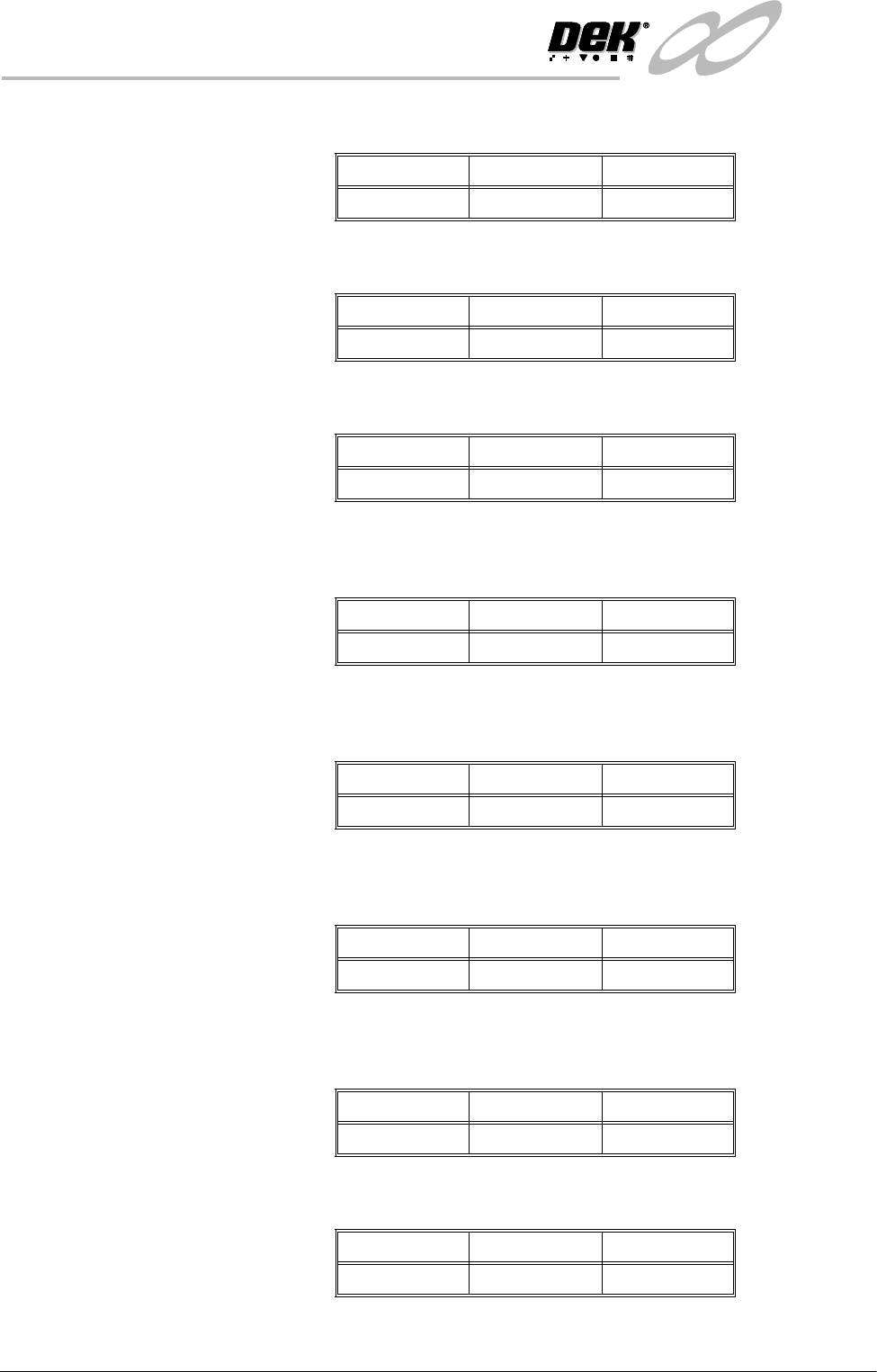
Smear Alarm This parameter sets the amount of stencil smear required to initiate an alarm.
Paste Warning This parameter sets the amount of paste on pad required to initiate a warning.
Paste Alarm This parameter sets the amount of paste on pad required to initiate an alarm.
Align Warning This parameter sets the amount of X or Y alignment error of the paste to initiate
a warning.
Align Alarm This parameter sets the amount of X or Y alignment error of the paste to initiate
an alarm.
Bridge Warning This parameter sets the distance between adjacent deposits of paste that if not
exceeded initiates a warning.
Bridge Alarm This parameter sets the distance between adjacent deposits of paste that if not
exceeded initiates an alarm.
Volume Warning This parameter sets the volume of paste on pad required to initiate a warning.
Minimum Maximum Increments
0.01 sq. mm 10 sq. mm 0.01 sq. mm
Minimum Maximum Increments
0% 100% 1%
Minimum Maximum Increments
0% 100% 1%
Minimum Maximum Increments
0.005mm 0.25mm 0.001mm
Minimum Maximum Increments
0.005mm 0.25mm 0.001mm
Minimum Maximum Increments
0.01mm 0.5mm 0.005mm
Minimum Maximum Increments
0.01mm 0.5mm 0.005mm
Minimum Maximum Increments
0% 100% 1%
INFINITY
',163(&7,21
0(183$5$0(7(56
Software Version 7 User Manual 8.43
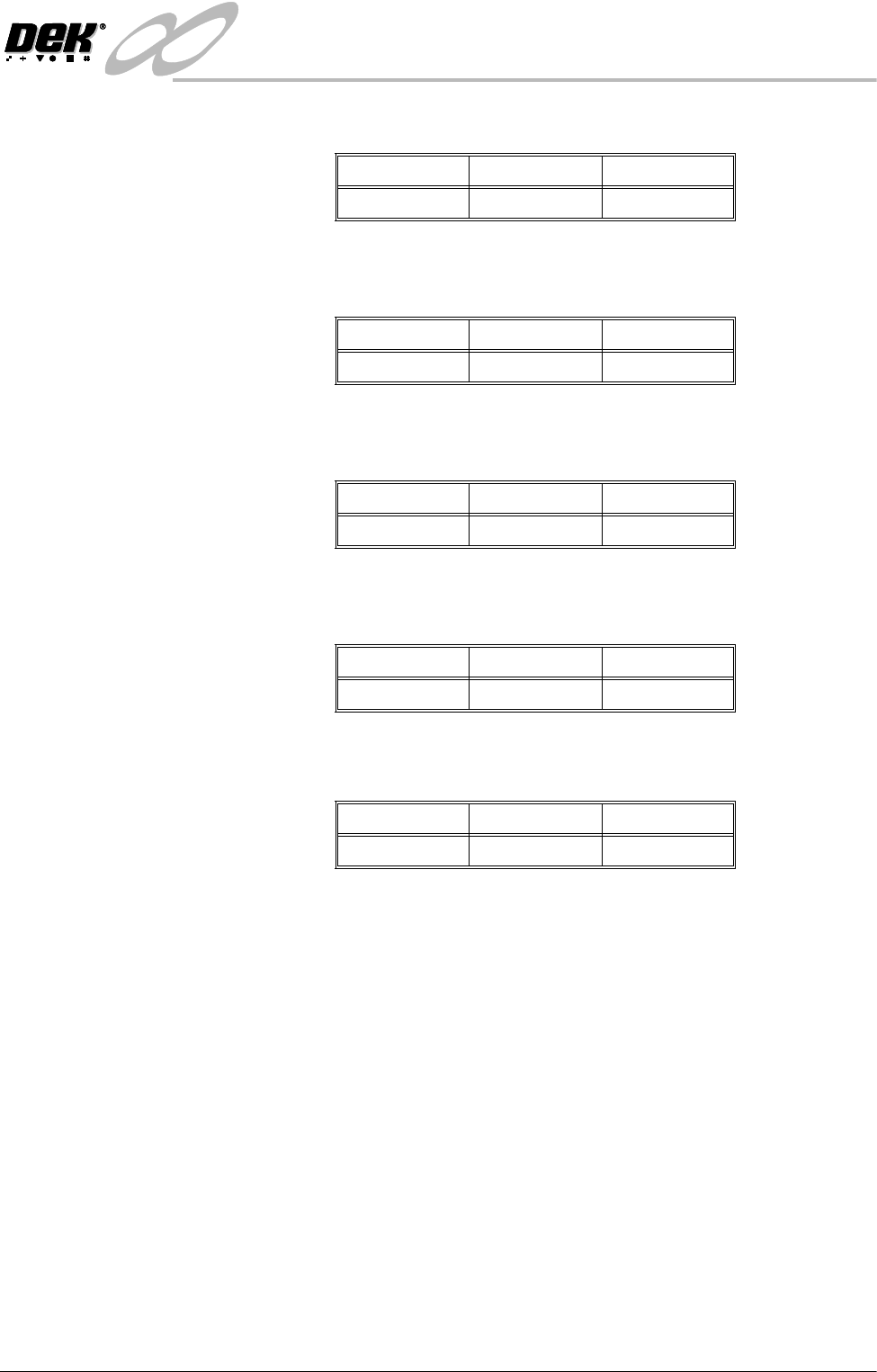
Volume Alarm This parameter sets the volume of paste on pad required to initiate an alarm.
Screen Graphic X The position of the inspection window on the stencil side. This parameter is used
to finely adjust the inspection window in the X direction..
Screen Graphic Y The position of the inspection window on the stencil side. This parameter is used
to finely adjust the inspection window in the Y direction.
Board Graphic X The position of the inspection window on the board side. This parameter is used
to finely adjust the inspection window in the X direction.
Board Graphic Y The position of the inspection window on the board side. This parameter is used
to finely adjust the inspection window in the Y direction.
Window Left This parameter sets the position of the histogram window relative to the centre
of the image.
The Minimum and Maximum values are calculated from the vision calibration
and vary from machine to machine. Increments - 0.1mm.
Window Top This parameter sets the position of the histogram window relative to the centre
of the image.
The Minimum and Maximum values are calculated from the vision calibration
and vary from machine to machine. Increments - 0.1mm.
Window Width This parameter sets the width of the histogram window.
The Minimum and Maximum values are calculated from the vision calibration
and vary from machine to machine. Increments - 0.1mm
Window Height This parameter sets the height of the histogram window.
The Minimum and Maximum values are calculated from the vision calibration
and vary from machine to machine. Increments - 0.1mm
Minimum Maximum Increments
0% 100% 1%
Minimum Maximum Increments
-3.5mm 3.5mm 0.01mm
Minimum Maximum Increments
-3.5mm 3.5mm 0.01mm
Minimum Maximum Increments
-3.5mm 3.5mm 0.01mm
Minimum Maximum Increments
-3.5mm 3.5mm 0.01mm
INFINIT
Y
',163(&7,21
0(183$5$0(7(56
8.44 User Manual Software Version 7
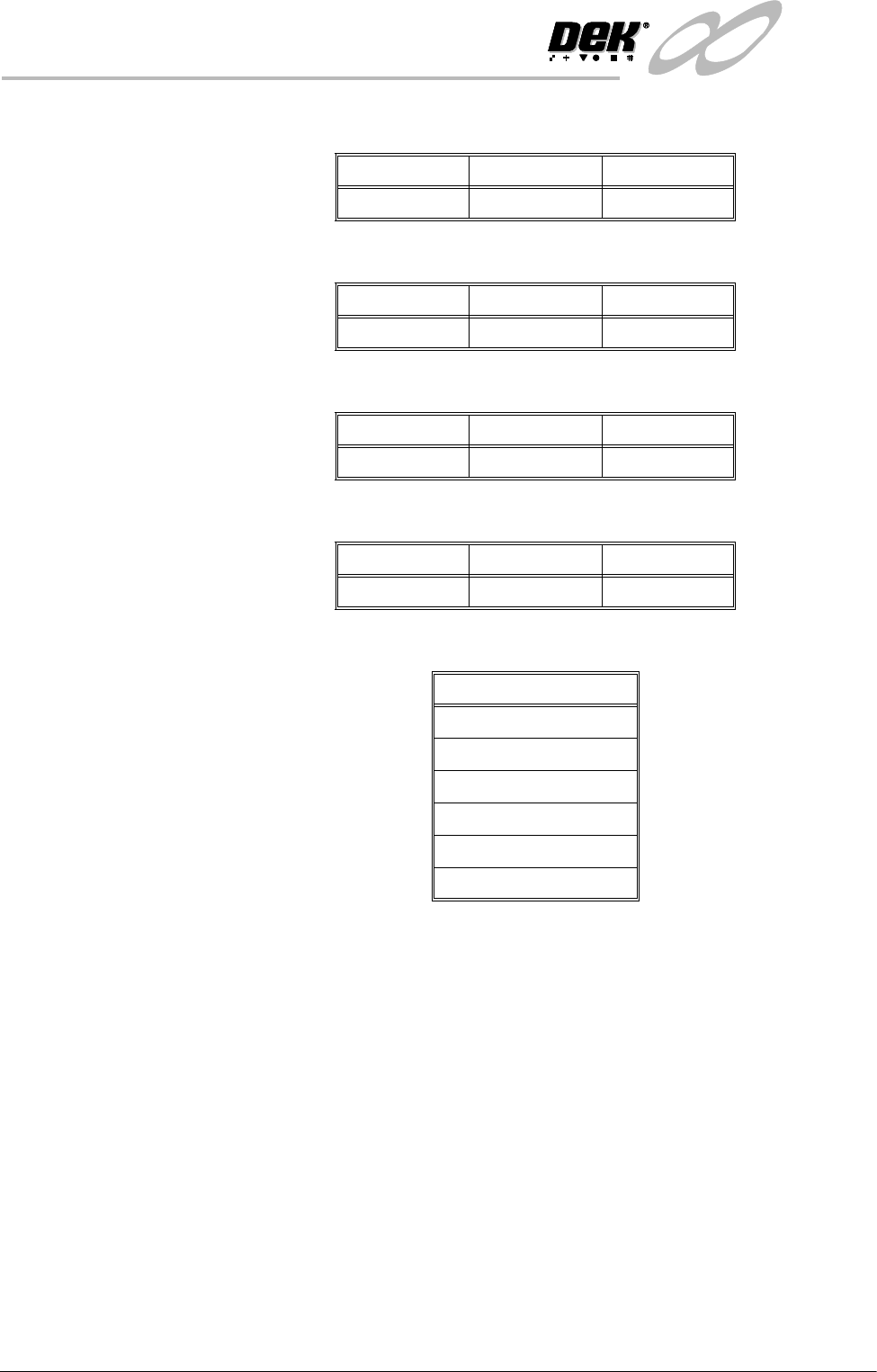
Screen Vertical This parameter sets the level of stencil vertical light.
Screen Oblique This parameter sets the level of stencil oblique light.
Board Vertical This parameter sets the level of board vertical light.
Board Oblique This parameter sets the level of board oblique light.
Limit Set Options This parameter enables the output of the following inspections:
Minimum Maximum Increments
0151
Minimum Maximum Increments
0151
Minimum Maximum Increments
0151
Minimum Maximum Increments
0151
Inspections
Blockage
Smear
Paste
Alignment
Bridging
Vo l um e