Printer 710-810 v9 ProFlow ATX.pdf - 第54页
PROFLOW ATX CALIBRATIONS 12.54 Technical Reference Manual Chapter Issue 6, Jan 16 T o configure the print medium cartridge le vels, carry out the following: 1. Open the machine cover . 2. Load a calibration screen onto t…

PROFLOW ATX
CALIBRATIONS
Chapter Issue 6, Jan 16 Technical Reference Manual 12.53
This PFLOW CONTACT POS. parameter sets the height of the ProFlow
transfer head.
16. Select Incr. or Dec. until the contact height reads 0.5mm.
17. Select Move to Position. The ProFlow ATx system is driven to the position
set by the contact height parameter.
18. Open the machine cover.
19. Check the shim to see if it is evenly held in place by the setting tool.
20. If the contact height is correct, go to Step 26.
21. Close the machine cover.
22. Press the System button.
23. Repeat Steps 18 to 24.
24. Close the machine cover.
25. Press the System button.
26. Select Exit.
27. Select Exit.
28. Select Exit.
29. From the Maintenance screen, select Back.
30. Select Unload Screen; the ProFlow ATx system performs a shake-off and
the print carriage returns to the Home position.
31. Select Continue.
32. Select Open Cover Commands.
33. Select Carriage to Front.
34. Select Continue.
35. Select Back.
36. Open the machine cover.
37. Remove the calibration shim.
38. Remove the calibration screen.
39. Remove the setting tool from the ProFlow ATx mount.
40. Close the machine cover.
41. Press the System button.
Print Medium Low
Sensor
On machines that do not have the Time-To-Go (TTG) feature, the Print Medium
Low state is triggered when the sensor reads a zero percent status (the print
medium cartridge is completely empty).
On machines fitted with the TTG feature, the machine triggers a Print Medium
Low state when the volume of remaining print medium in the cartridge reaches
10%.
For the machine to gauge the 0% or 10% levels, it must be calibrated using a
full cartridge (100%) and an empty cartridge (0%).
Minimum Maximum Increment Default
-10mm +10mm 0.1mm 0.0mm

PROFLOW ATX
CALIBRATIONS
12.54 Technical Reference Manual Chapter Issue 6, Jan 16
To configure the print medium cartridge levels, carry out the following:
1. Open the machine cover.
2. Load a calibration screen onto the chase.
3. Close the machine cover.
4. Press the System button.
5. Select Load Screen.
6. Select Continue.
7. Select Continue; the calibration stencil loads, and the print carriage stops
in the Ready position.
8. Select Open Cover Commands.
9. Select Carriage to Front.
10. Select Back.
11. Load a full print medium cartridge into the ProFlow ATx system.
12. Select Maintenance.
13. Select Calibrations.
14. Select ProFlow.
15. Select Transfer Material.
16. Select Set Full. The message Confirm: Transfer head is fitted and full? is
displayed.
17. Select Confirm. The message ProFlow Transfer Material Level set to full:
100% is displayed.
18. Remove the full print medium cartridge from the ProFlow ATx system.
19. Fit an empty print medium cartridge to the ProFlow ATx system.
20. Select Set Empty. The message Confirm: Transfer head is fitted and
empty? is displayed.
21. Select Confirm. The message ProFlow Transfer Material Level set to
empty: 0% is displayed.
22. Select Exit.
23. Select Exit.
24. Select Exit.
25. Select Back.
26. Remove the empty print medium cartridge from the ProFlow ATx mount.
27. Install a new print medium cartridge into the ProFlow ATx mount.
PROFLOW ATX
MAINTENANCE
Chapter Issue 6, Jan 16 Technical Reference Manual 12.55
MAINTENANCE
To ensure effective operation of the ProFlow ATx system, maintenance tasks
should be performed on both a daily, and an as required basis.
Daily Maintenance
WARNING
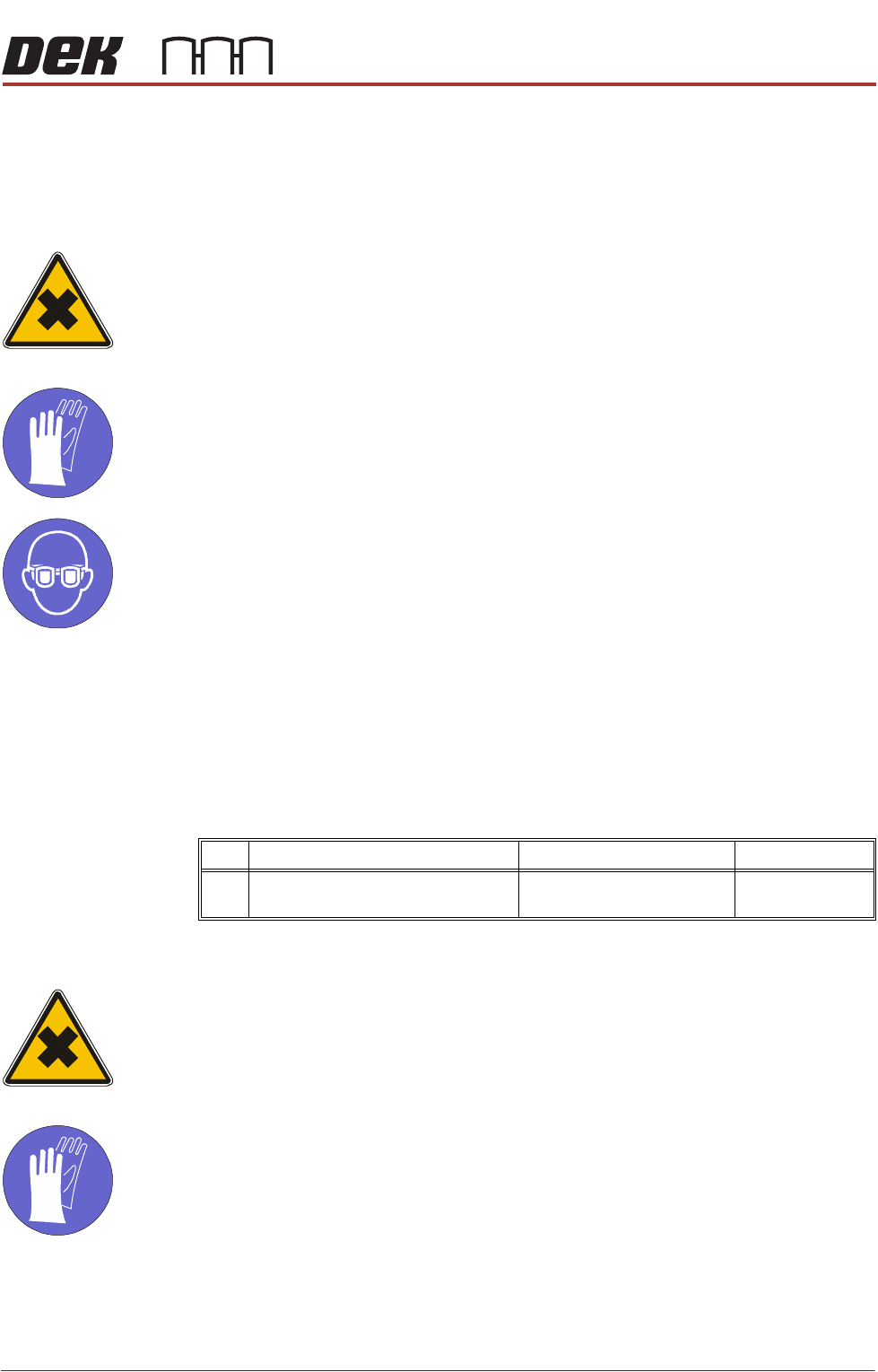
HARMFUL SUBSTANCES. CLEANING WIPES AND CLEANING SOLUTIONS MAY
CONTAIN SUBSTANCES HAZARDOUS TO HEALTH. WHEN USING CLEANING
WIPES AND CLEANING SOLUTIONS THE MANUFACTURERS’ SAFETY DATA
SHEETS MUST BE STRICTLY ADHERED TO.
MANDATORY
TOXIC CHEMICALS MAY BE PRESENT. SAFETY GLOVES MUST BE WORN.
MANDATORY
TOXIC CHEMICALS MAY BE PRESENT. EYE PROTECTION MUST BE WORN.
Preparation Before performing daily maintenance on the transfer head, first remove it from
ProFlow ATx mount.
NOTE
Fit the base cover to the transfer head before removing it from the ProFlow ATx
mount for daily maintenance.
Tasks
As Required Maintenance
WARNING
HARMFUL SUBSTANCES. CLEANING WIPES AND CLEANING SOLUTIONS MAY
CONTAIN SUBSTANCES HAZARDOUS TO HEALTH. WHEN USING CLEANING
WIPES AND CLEANING SOLUTIONS THE MANUFACTURERS’ SAFETY DATA
SHEETS MUST BE STRICTLY ADHERED TO.
MANDATORY
TOXIC CHEMICALS MAY BE PRESENT. SAFETY GLOVES MUST BE WORN.
No Task Tools Completed
1 Clean transfer head wiper blades. Spatula
IPA Impregnated Wipes