LA 404-2 Pattern Controller Manual.pdf - 第31页
LA 404-2 Pattern Control System 25 P/N 7 1 1 9995A 2006 Nordson Corporation LA 4 04- 2 Is sued 12/06 System Set up The pattern controller can be c ustomized with several setup options by using the Administrator , Setup o…
LA 404-2 Pattern Control System
24
P/N 7119995A
2006 Nordson Corporation
LA 404-2
Issued 12/06
Dly1: 251 Dur1: 25
Dly2: 277 Dur2: 25
Dly3: 303 Dur3: 25
Dly4: 329 Dur4: 25
Setup mode:
Program 1..100
Speed 60 m/min
Work rate 0/hr
Total 0
V3.26
Setup
Trigger Assignment
Channel 1 Active
Trigger 1
Trigger Assignment
Channel 2 Active
Trigger 1
Trigger Assignment
Channel 3 Active
Trigger 1
Trigger Assignment
Channel 4 Active
Trigger 2
Trigger 1 Settings
Prod.length 100 mm
GTO 50 mm
Masking 5 mm
Trigger 2 Settings
Prod.length 100 mm
GTO 50 mm
Masking 5 mm
Trigger 3 Settings
Prod.length 100 mm
GTO 50 mm
Masking 5 mm
Trigger 4 Settings
Prod.length 100 mm
GTO 50 mm
Masking 5 mm
Pressure 1 Settings
Speed1 0 P1 0%
Speed2 100 P2 80%
Min 0% Max 100%
Pressure 2 Settings
Speed1 0 P1 0%
Speed2 100 P2 80%
Min 0% Max 100%
Purge Pressure
Run−up 1 10%
Run−up 2 10%
Purge Mode Purge
Dly1: 251 Dur1: 25
Dly2: 277 Dur2: 25
Dly3: 303 Dur3: 25
Dly4: 329 Dur4: 25
Dly1: 251 Dur1: 25
Dly2: 277 Dur2: 25
Dly3: 303 Dur3: 25
Dly4: 329 Dur4: 25
Dly1: 251 Dur1: 25
Dly2: 277 Dur2: 25
Dly3: 303 Dur3: 25
Dly4: 329 Dur4: 25
Program 01
Save as 01 No
Recall 01 No
Copy CH# to CH# No
Warnings
Start
Start
Dly1: 251 Dur1: 25
Dly2: 277 Dur2: 25
Dly3: 303 Dur3: 25
Dly4: 329 Dur4: 25
Operator mode:
Program 1..100
Speed 60 m/min
Work rate 0/hr
Total 0
V3.26
Operator
Pressure 1 Settings
Speed1 0 P1 0%
Speed2 100 P2 80%
Min 0% Max 100%
Pressure 2 Settings
Speed1 0 P1 0%
Speed2 100 P2 80%
Min 0% Max 100%
Dly1: 251 Dur1: 25
Dly2: 277 Dur2: 25
Dly3: 303 Dur3: 25
Dly4: 329 Dur4: 25
Dly1: 251 Dur1: 25
Dly2: 277 Dur2: 25
Dly3: 303 Dur3: 25
Dly4: 329 Dur4: 25
Dly1: 251 Dur1: 25
Dly2: 277 Dur2: 25
Dly3: 303 Dur3: 25
Dly4: 329 Dur4: 25
Program 01
Save as 01 No
Recall 01 No
Copy CH# to CH# No
Warnings
Start
Start
Bead Type Channel 4
Normal Continuous
Modulation Seam
Autospot Random
Bead Type Channel 3
Normal Continuous
Modulation Seam
Autospot Random
Bead Type Channel 2
Normal Continuous
Modulation Seam
Autospot Random
Bead Type Channel 1
Type #type
Bead Type Channel 4
Normal Continuous
Modulation Seam
Autospot Random
Bead Type Channel 3
Normal Continuous
Modulation Seam
Autospot Random
Bead Type Channel 2
Normal Continuous
Modulation Seam
Autospot Random
Bead Type Channel 1
Type #type

LA 404-2 Pattern Control System
25
P/N 7119995A
2006 Nordson Corporation
LA 404-2
Issued 12/06
System Setup
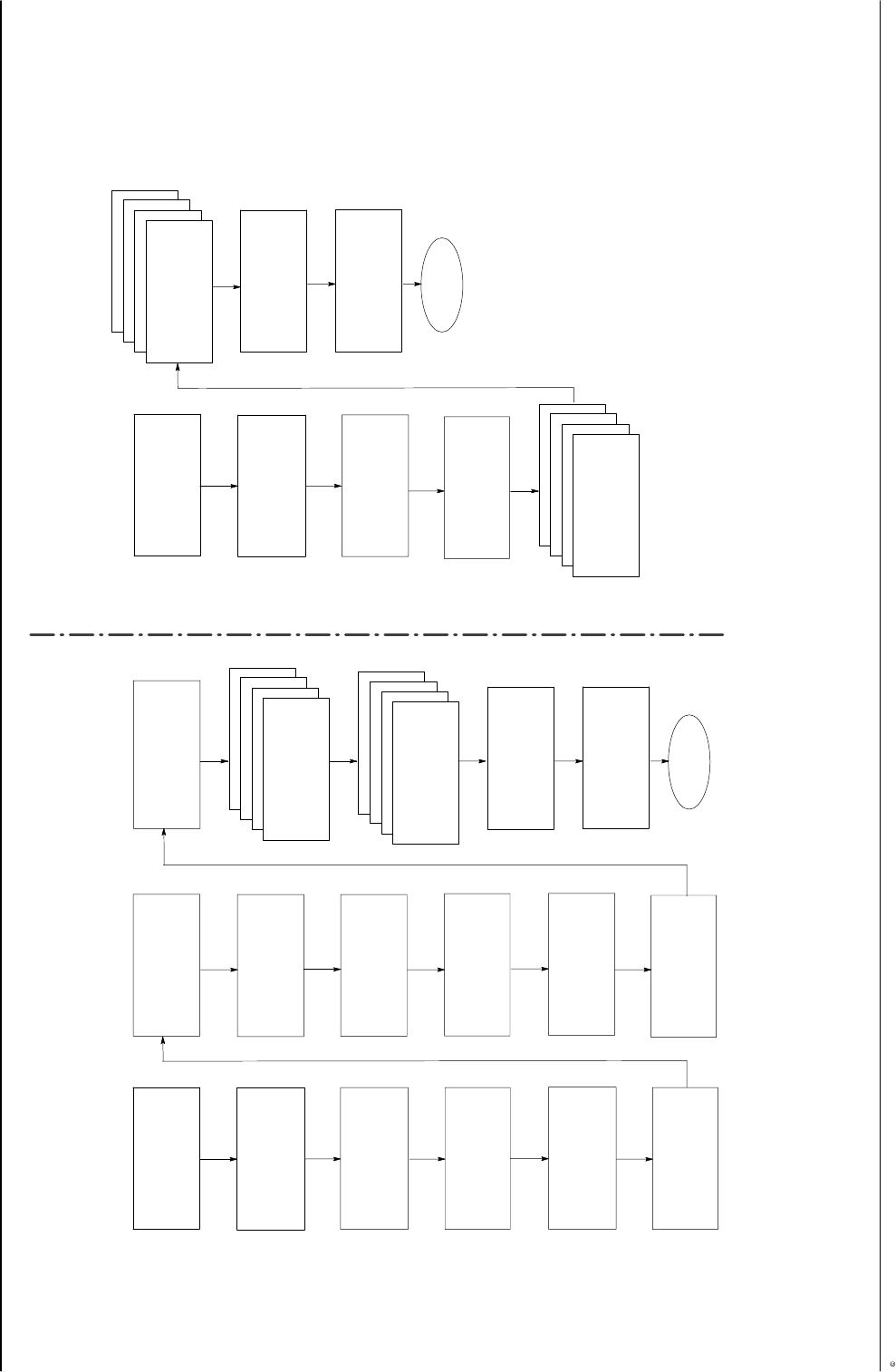
The pattern controller can be customized with several setup options by
using the Administrator, Setup or Operator modes. Refer to the Quick
Programming Guide for the sequence of menu screens that are used to
program the pattern controller. After switching the unit on, Operator mode is
always activated.
The cyclical sequence of modes is Operator, Setup, Administrator mode.
Setup mode can only be accessed through Operator mode. Administrator
mode can be accessed from Setup mode and Operator mode.
NOTE: After being switched on, the pattern controller perform a short
initializing procedure that includes a self-test and setup program. This
procedure takes between 10 - 15 seconds to complete.
Press the top SETUP button to access the next menu. Press the bottom
SETUP button to access the next menu.
Resetting the Default Settings
To reset the LA404-2 pattern controller to its default settings, press the two
SETUP-buttons while switching the unit on.
CAUTION: All the Administrator settings and program data from Program 1
are reset to their default values.
Not resetting all the data has the advantage that older working programs
are retained after the reset process. Resetting is only usually necessary
when the administrator settings have been changed and the settings are no
longer available.
LA 404-2 Pattern Control System
26
P/N 7119995A
2006 Nordson Corporation
LA 404-2
Issued 12/06
Operator mode
Operator mode is always active after switching the unit on. After exiting
from Setup mode, Operator mode is automatically activated.
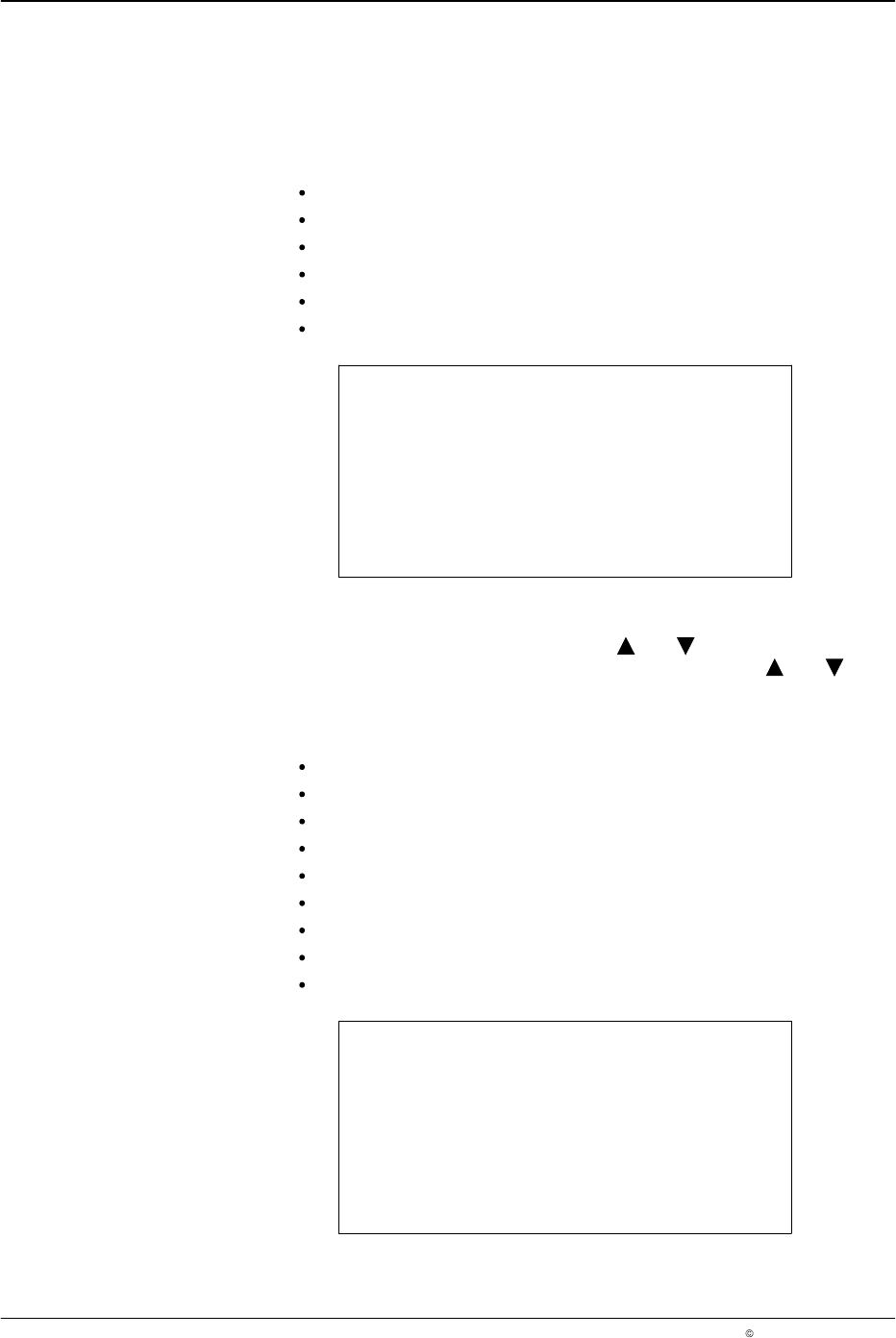
The following menus are available in Operator mode:
Production Data refer to Page 28
Pressure 1 Settings refer to Page 32
Pressure 2 Settings refer to Page 32
Normal Beads refer to Page 37
Program (1-100) refer to Page 48
Warnings refer to Page 49
V3.26
Initializing
Operator
O662
Setup Mode
To access Setup mode, press the buttons and for 2 seconds when in
Operator mode. Exit from the mode by pressing the buttons and again
for 2 seconds and Operator mode is reactivated.
The following menus are available in Setup mode:
Production Data refer to Page 28
Trigger Assignment refer to Page 29
Trigger (1-4) Settings refer to Page 31
Pressure 1 Settings refer to Page 32
Pressure 2 Settings refer to Page 32
Purge Pressure refer to Page 34
Bead Type (Channel 1-4) refer to Page 37
Program (1-100) refer to Page 48
Warnings refer to Page 49
V3.26
Initializing
Setup
O663