LA 404-2 Pattern Controller Manual.pdf - 第54页
LA 404-2 Patt ern Control Sys tem 48 P/N 7 1 19995A 2006 Nordson Corporation LA 4 04- 2 Is sued 12/06 Programs (1 - 10 0) This se tup menu screen can be used to save and recall any of the 100 programs, as well as copy on…
LA 404-2 Pattern Control System
47
P/N 7119995A
2006 Nordson Corporation
LA 404-2
Issued 12/06
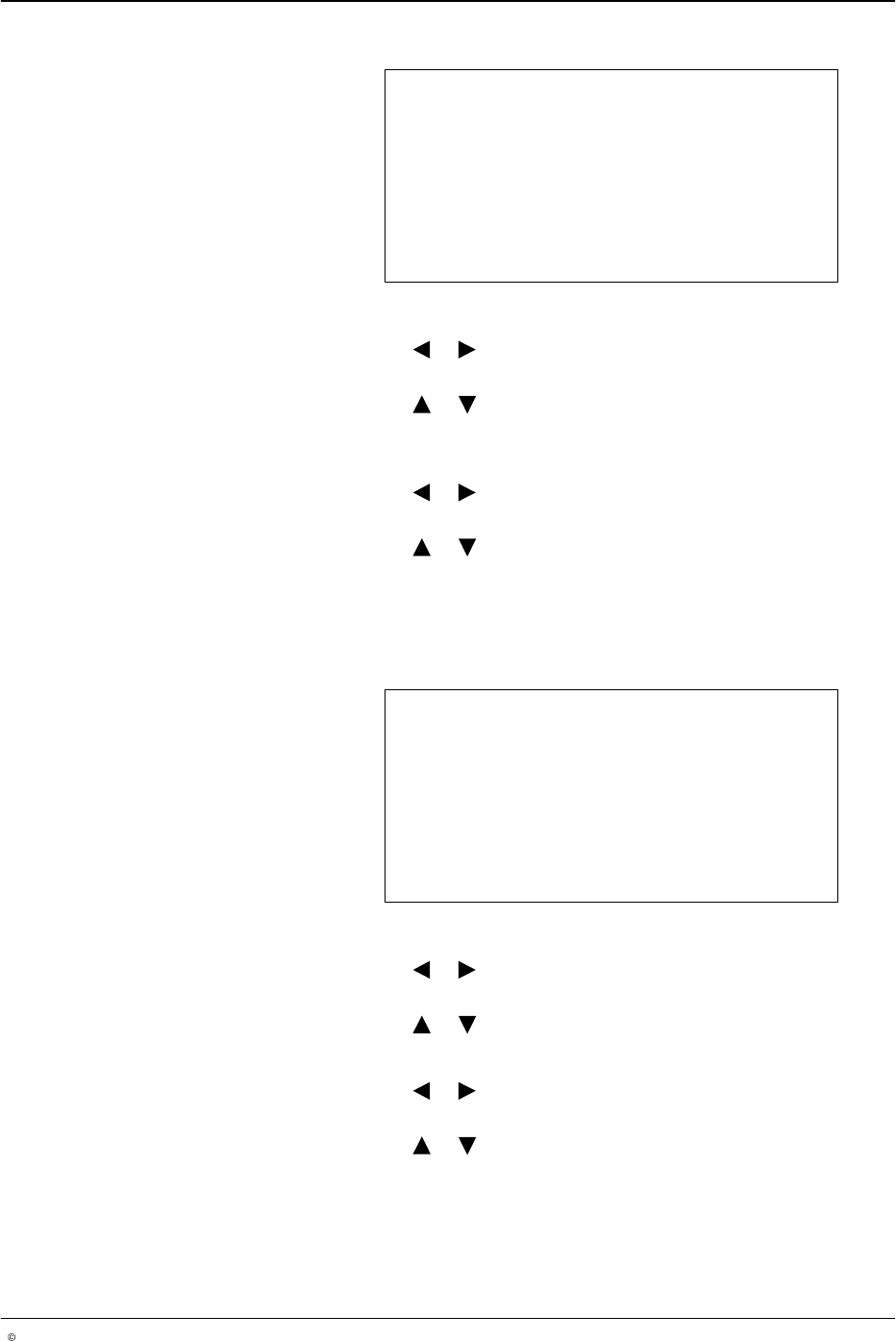
Random Dot Parameters
Time 5.0 ms
Pitch 3 mm
O679
1. To set the size of each dot (Time)
a. Press the or button for the cursor to appear beside the numeric
value.
b. Press the or button to enter the desired gun-on time value
from 0.1 - 50.0 ms.
2. To set the Pitch between dots
a. Press the or button for the cursor to appear beside the numeric
value.
b. Press the or button to enter the desired pitch value from
2 - 9999 mm.
3. After setting Time and Pitch, press the top SETUP button to open the
following menu.
Random Bead
Start Gap 0 mm
Stop Gap 0 mm
O680
1. To set Start Gap
a. Press the or button for the cursor to appear beside the numeric
value.
b. Press the or button to set the desired value from 0 - 9999 mm.
2. To set Stop Gap
a. Press the or button for the cursor to appear beside the numeric
value.
b. Press the or button to set the desired value from 0 - 9999 mm.
LA 404-2 Pattern Control System
48
P/N 7119995A
2006 Nordson Corporation
LA 404-2
Issued 12/06
Programs (1 - 100)
This setup menu screen can be used to save and recall any of the 100
programs, as well as copy one channel to another.
NOTE: The user can only call up programs. The other two options are not
available to users.
Program 01
Save as 01 No
Recall 01 No
Copy CH# to CH# No
O681
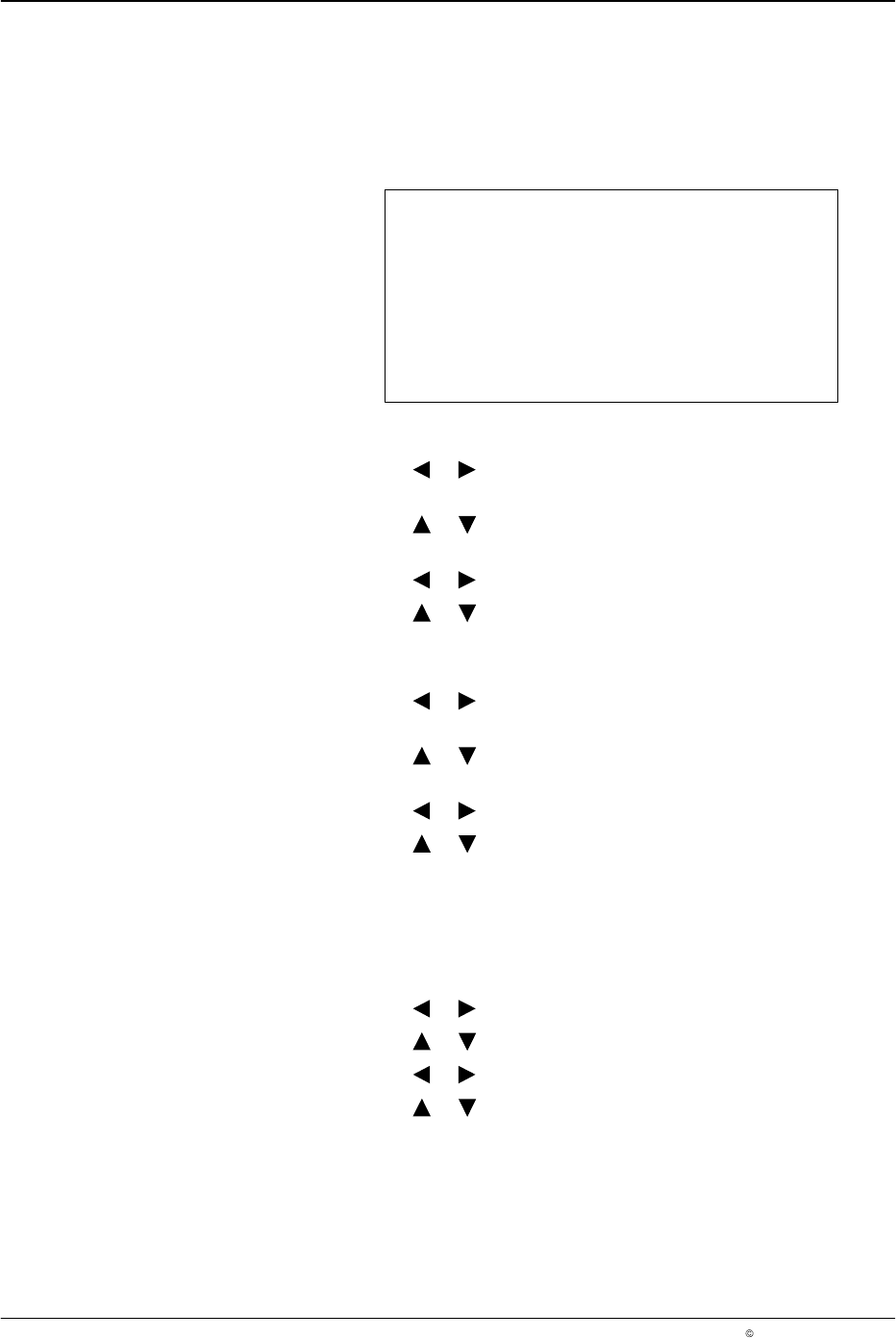
1. To save a program
a. Press the or button for the cursor to appear beside the
program number of Save as.
b. Press the or button to select the desired program from
01 - 100.
c. Press the or button for the cursor to appear beside No.
d. Press the or button to change from N to Y, and this will save or
recall the desired program.
2. To recall a program
a. Press the or button for the cursor to appear beside the
program number of Recall.
b. Press the or button to select the desired program from
01 - 100.
c. Press the or button for the cursor to appear beside No.
d. Press the or button to change from N to Y, and this will save
or recall the desired program.
3. To copy a channel to another channel:
a. Press the CHANNEL SELECT button on the front panel of the
pattern controller to select a channel number (Copy CH1 - 4) whose
settings you would like to copy to another channel number.
b. Press the or button for the cursor to appear beside CH1.
c. Press the or button to go from CH2 - CH4.
d. Press the or button for the cursor to appear beside No.
e. Press the or button to change N to Y and this will copy the
channel settings.
NOTE: The copy CH# to CH# feature copies the channel data and setup
parameters (like delay, duration, bead type and trigger assignment) from the
source channel to the destination channel.

LA 404-2 Pattern Control System
49
P/N 7119995A
2006 Nordson Corporation
LA 404-2
Issued 12/06
Warnings
The pattern controller monitors warning conditions like:
Trigger 1 - 4 too short (clipping), T1- 4 max distance exceeded (jamming),
Ch1 - 4 short circuit, etc.
NOTE: Warnings appear in the display. They remain visible until they are
acknowledged by pressing any button.
The pins A, B and C at the remote output (refer to Page 22) are wired as an
alarm output. The alarm output can be used for a machine stop signal or to
trigger a remote device.
When a fault occurs, there are two cases in which the alarm output is
activated. In all other cases, only a warning appears in the display.
1. Short circuit of the gun output
2. The jam detector signals a fault
Warnings
O682
Fault Condition
A fault condition occurs typically when there is a hardware or software
defect. When a fault condition occurs, the user will need to take immediate
action.
Warning Condition
A warning condition alerts the user that there may be an error with the
setup of the pattern controller. When a warning condition occurs, immediate
action may not be required.