LA 404-2 Pattern Controller Manual.pdf - 第41页
LA 404-2 Pattern Control System 35 P/N 7 1 1 9995A 2006 Nordson Corporation LA 4 04- 2 Is sued 12/06 Channel Driver Setup Each of the four channels has a programmable voltage-controlled gun driver . The user may program …
LA 404-2 Pattern Control System
34
P/N 7119995A
2006 Nordson Corporation
LA 404-2
Issued 12/06
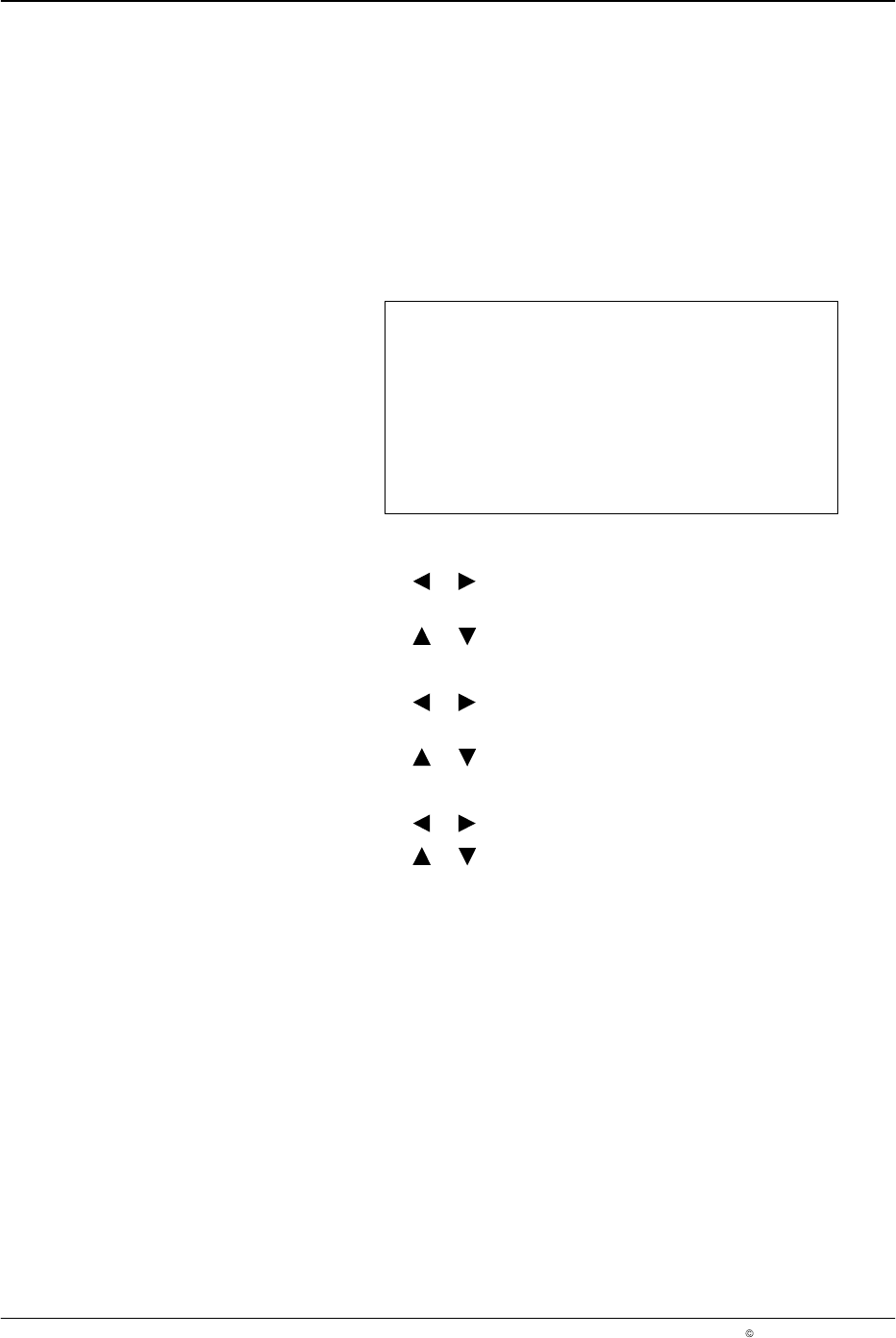
Purge Pressure
This menu is used to configure the run-up pressures when purge is
activated. In addition, the user can configure the Flush mode of the Purge
button on the front panel. When set to Purge, the gun outputs remain open
as long as the button is pressed. When set to Flush, pressing the button
activates the gun channel output, and pressing the button again deactivates
the gun channel output. This function is used for flushing systems using
cold liquid adhesive.
Purge Pressure
Run−up 1 10 %
Run−up 2 10 %
Purge Mode Purge
O669
1. To set Run−up 1:
a. Press the or button for the cursor to appear beside the
percentage value.
b. Press the or button to set the desired value from 0 - 100%.
2. To set Run−up 2:
a. Press the or button for the cursor to appear beside the
percentage value.
b. Press the or button to set the desired value from 0 - 100%.
3. To set Purge mode
a. Press the or button for the cursor to appear beside Purge.
b. Press the or button to set Flush or Purge.
NOTE: Flush mode stops automatically after 5 minutes if the user does not
press the PURGE button again.
Remote Purge
Each of the 4 channels is equipped with a contact at the remote purge input
for triggering remote purging. If the switch of the corresponding channel is
closed at the input, purging is activated for the selected channel.
LA 404-2 Pattern Control System
35
P/N 7119995A
2006 Nordson Corporation
LA 404-2
Issued 12/06
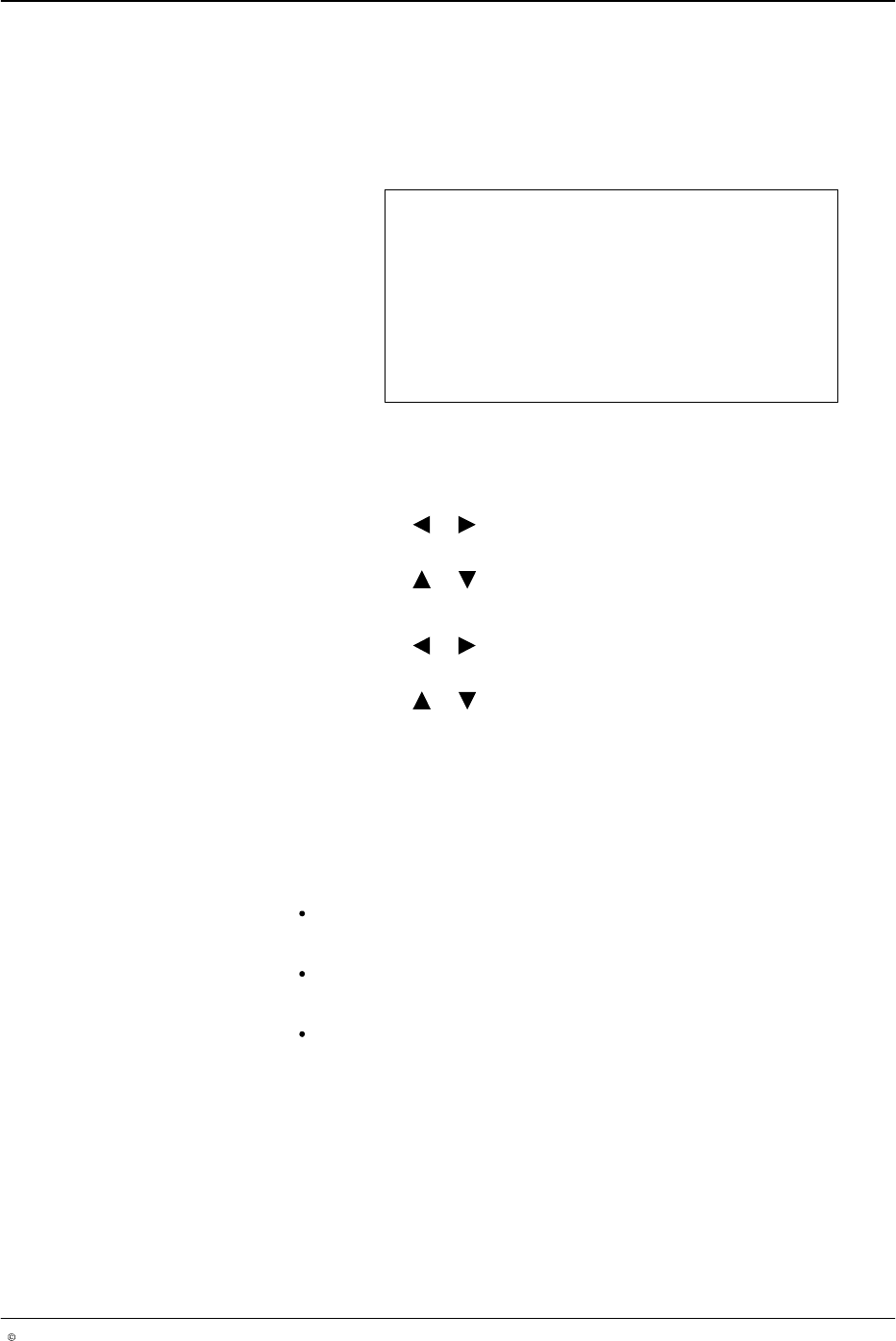
Channel Driver Setup
Each of the four channels has a programmable voltage-controlled gun
driver. The user may program the spike time duration and hold voltage for
each channel.
NOTE: The spike voltage is displayed and cannot be changed.
Chan 1 Driver Setup
Spike voltage 32 V
Spike time 1.8 ms
Hold voltage 5 V
O670
1. To select channels 1 - 4, press the CHANNEL SELECT button on the
front panel of the pattern controller.
2. To set Spike time
a. Press the or button for the cursor to appear beside the numeric
value.
b. Press the or button to set the desired value from 0.0 - 5.0 ms.
3. To set hold voltage
a. Press the or button for the cursor to appear beside the numeric
value.
b. Press the or button to set to 5 V, 10 V, or 24 V.
NOTE: On selecting a hold voltage of 5 V, the period of the overvoltage
is 0.1 - 5.0 ms. On selecting a hold voltage of 10 V, the period of the
overvoltage is 0.1 - 15 ms. On selecting a hold voltage of 24 V, the
period of the overvoltage is 0.1 - 15 ms.
Guns Supported By Pattern Controller Driver Boards
Electric guns:
LA 820, recommended settings:
Spike time: 1.8 ms/Hold voltage: 5 V
LA 844, recommended settings:
Spike time: 2 ms/Hold voltage: 5 V
LA 822, recommended settings:
Spike time: 2.5 ms/Hold voltage: 10 V
The pattern controller supports 24 V
DC
pneumatic guns, recommended
settings: Spike time: 0 ms/Hold voltage: 24 V
LA 404-2 Pattern Control System
36
P/N 7119995A
2006 Nordson Corporation
LA 404-2
Issued 12/06
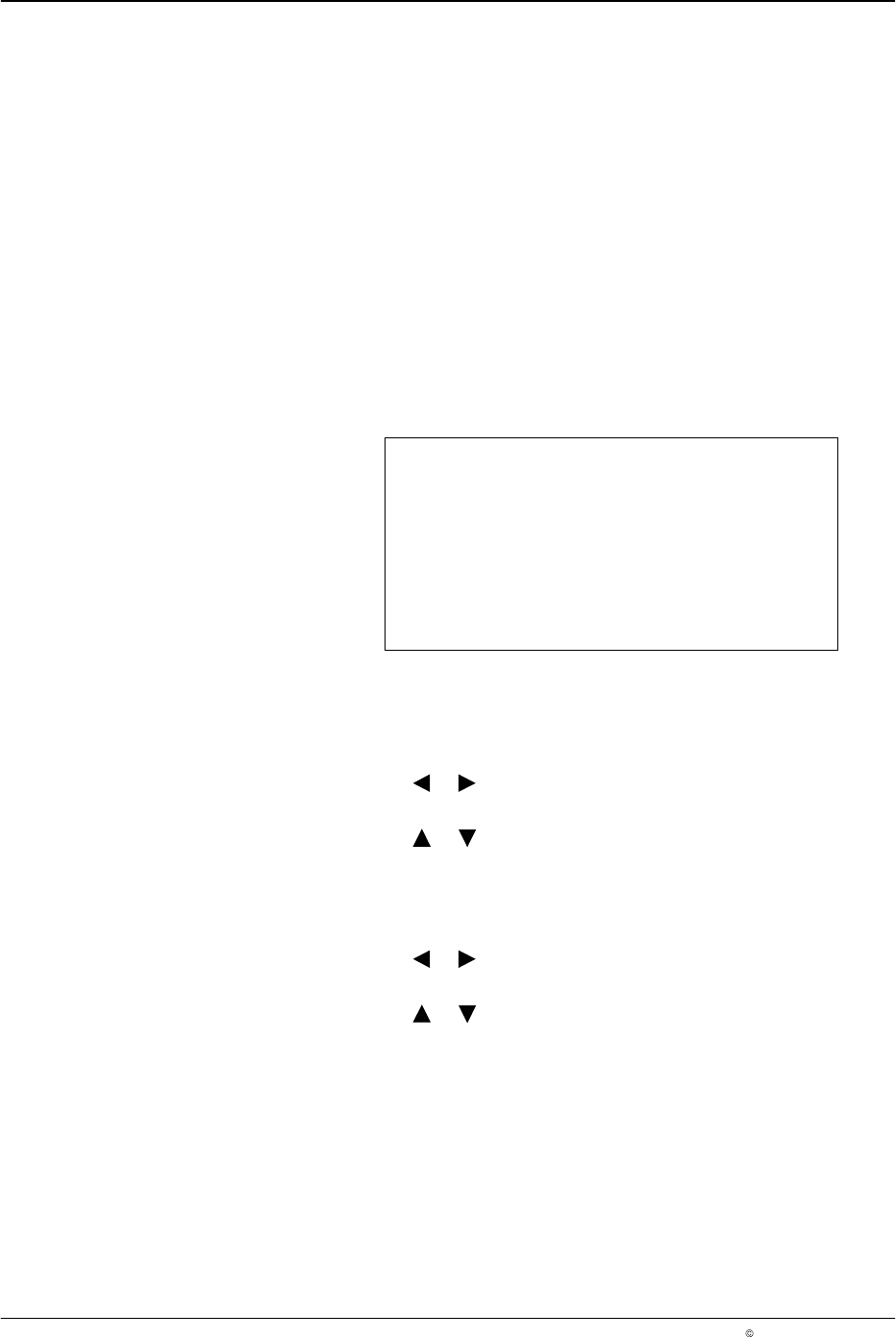
Channel Compensation
Entering channel compensation settings ensures accurate placement of the
beads in applications where the line speed varies. Manual entry of the time
required for each gun to open, and the time required for each gun to close
provides channel compensation. Different values of compensation for each
channel can be entered.
The compensation is entered in millimeters (mm).
The pattern controller provides a process with which compensation values
can be established and entered quickly. Set the Pull−in and Drop−out
compensation to zero, produce a Normal bead test pattern at production
speed. Enter the run speed under Set speed and measure the difference
between the actual bead placement and the programmed bead start. Enter
this value as the setting for Pull−in and measure the difference between the
actual bead end and the programmed bead end. Enter the measured value
for the Drop−out setting.
Chan 1 Compensation
Pull-in 00.0 mm
Drop-out 00.0 mm
Set Speed 60 m/min
O671
To select Chan (channel) 1 - 4, press the CHANNEL SELECT button on the
front panel of the pattern controller.
4. To set Pull−in
a. Press the or button for the cursor to appear beside the numeric
value.
b. Press the or button to set the desired Pull-in value from
00.0 − 500.0 mm.
NOTE: Pull−in is the amount of time prior to start of a bead.
5. To set Drop−out :
a. Press the or button for the cursor to appear beside the numeric
value.
b. Press the or button to set the desired Drop−out value from
00.0 - 500.0 mm.
NOTE: Drop−out is the amount of time prior to the finish of a bead.