LA 404-2 Pattern Controller Manual.pdf - 第53页
LA 404-2 Pattern Control System 47 P/N 7 1 1 9995A 2006 Nordson Corporation LA 4 04- 2 Is sued 12/06 Random Dot Parameters Time 5.0 ms Pitch 3 mm O679 1. T o set the size of each dot ( Time ) a. Press t he or button f or…
LA 404-2 Pattern Control System
46
P/N 7119995A
2006 Nordson Corporation
LA 404-2
Issued 12/06
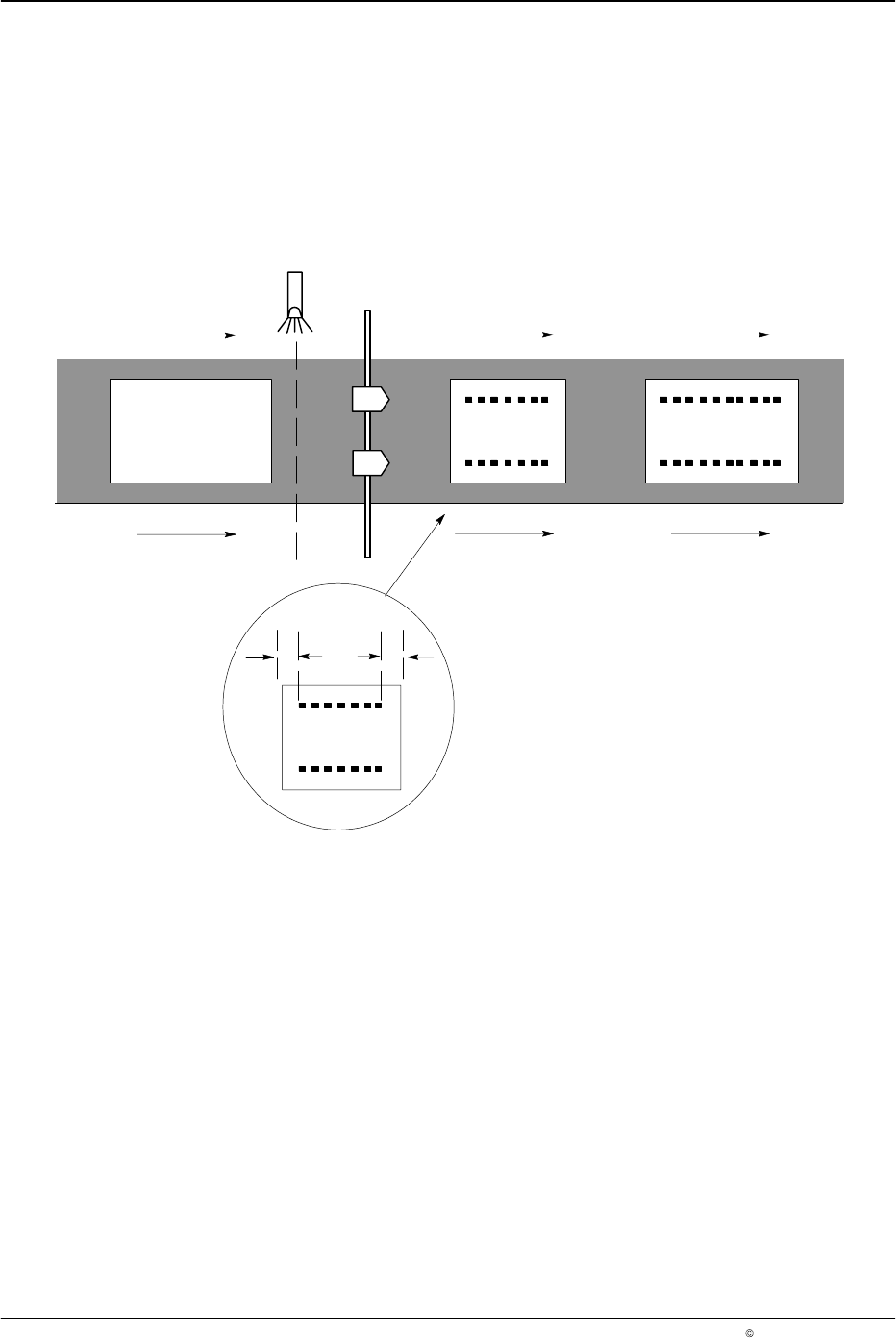
Random Dot Beads
When this bead type is enabled, the normal bead duration is broken into
dots. The size of each dot is programmed in 0.1 ma increments with a
maximum value of 50.0 ms. The spacing between the dots (pitch) is
programmed in millimeters from 2 - 9999 mm.
The pattern controller automatically determines the length of each product
as it passes the trigger and then sizes the beads to fit the product.
1
2
AB
O678
Fig. 10 Random-Length Bead Pattern (A: Start Gap./B: Stop Gap)
NOTE: If the production machine speed is above the maximum dot speed
(Max Dot), a long dot bead is applied (also refer to Page 51).
NOTE: When this mode is active, masking of the trigger has no effect (also
refer to Page 31).
LA 404-2 Pattern Control System
47
P/N 7119995A
2006 Nordson Corporation
LA 404-2
Issued 12/06
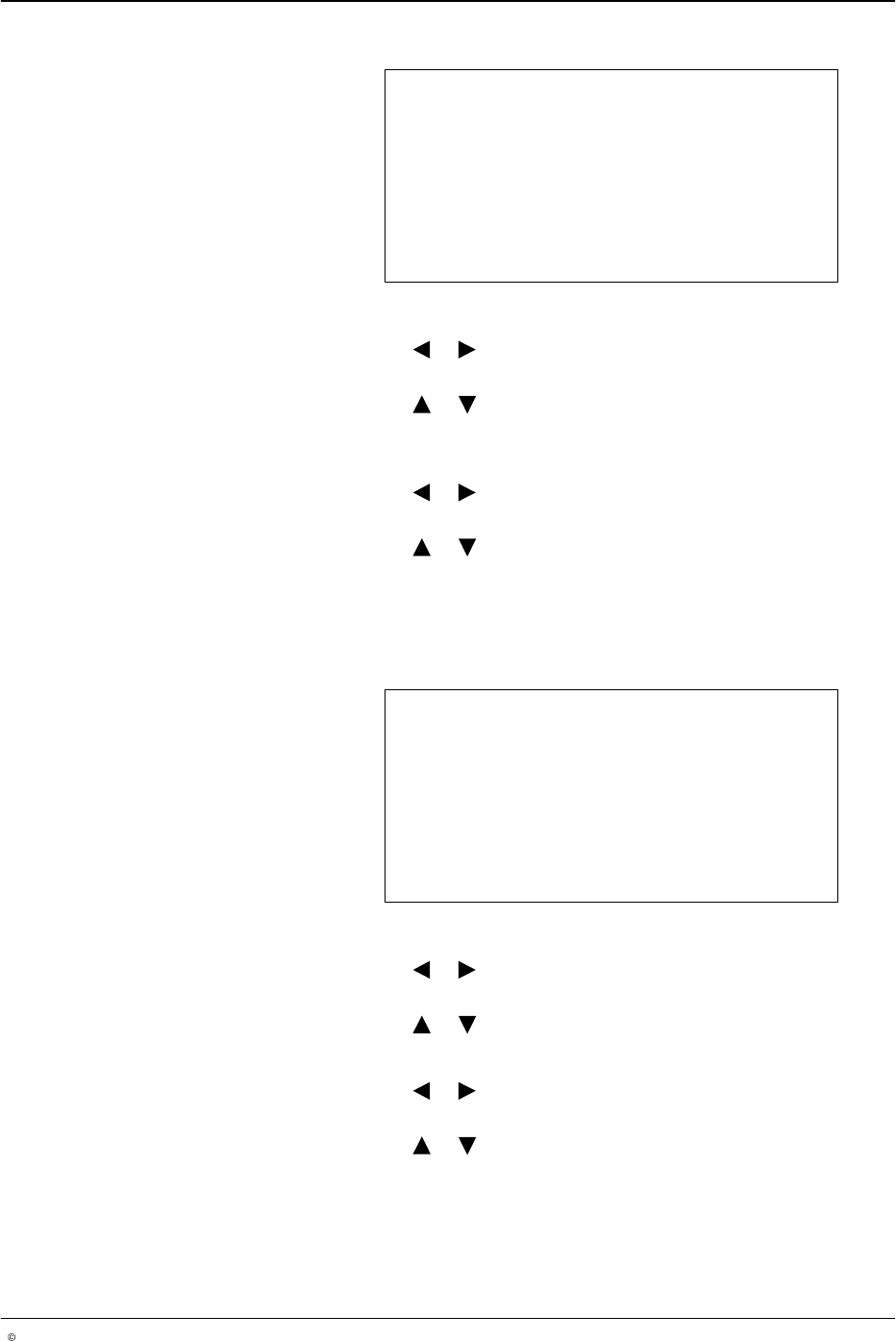
Random Dot Parameters
Time 5.0 ms
Pitch 3 mm
O679
1. To set the size of each dot (Time)
a. Press the or button for the cursor to appear beside the numeric
value.
b. Press the or button to enter the desired gun-on time value
from 0.1 - 50.0 ms.
2. To set the Pitch between dots
a. Press the or button for the cursor to appear beside the numeric
value.
b. Press the or button to enter the desired pitch value from
2 - 9999 mm.
3. After setting Time and Pitch, press the top SETUP button to open the
following menu.
Random Bead
Start Gap 0 mm
Stop Gap 0 mm
O680
1. To set Start Gap
a. Press the or button for the cursor to appear beside the numeric
value.
b. Press the or button to set the desired value from 0 - 9999 mm.
2. To set Stop Gap
a. Press the or button for the cursor to appear beside the numeric
value.
b. Press the or button to set the desired value from 0 - 9999 mm.
LA 404-2 Pattern Control System
48
P/N 7119995A
2006 Nordson Corporation
LA 404-2
Issued 12/06
Programs (1 - 100)
This setup menu screen can be used to save and recall any of the 100
programs, as well as copy one channel to another.
NOTE: The user can only call up programs. The other two options are not
available to users.
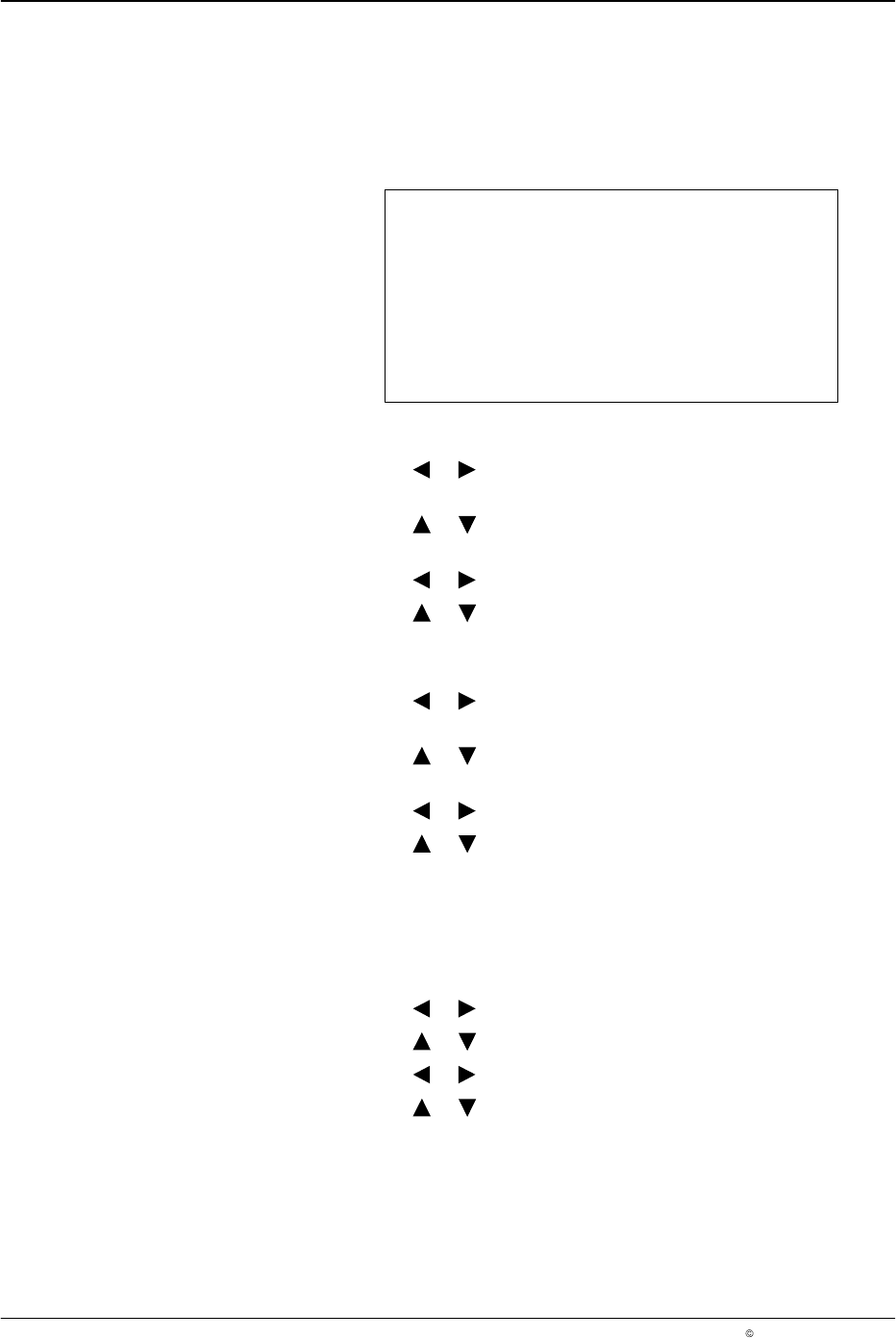
Program 01
Save as 01 No
Recall 01 No
Copy CH# to CH# No
O681
1. To save a program
a. Press the or button for the cursor to appear beside the
program number of Save as.
b. Press the or button to select the desired program from
01 - 100.
c. Press the or button for the cursor to appear beside No.
d. Press the or button to change from N to Y, and this will save or
recall the desired program.
2. To recall a program
a. Press the or button for the cursor to appear beside the
program number of Recall.
b. Press the or button to select the desired program from
01 - 100.
c. Press the or button for the cursor to appear beside No.
d. Press the or button to change from N to Y, and this will save
or recall the desired program.
3. To copy a channel to another channel:
a. Press the CHANNEL SELECT button on the front panel of the
pattern controller to select a channel number (Copy CH1 - 4) whose
settings you would like to copy to another channel number.
b. Press the or button for the cursor to appear beside CH1.
c. Press the or button to go from CH2 - CH4.
d. Press the or button for the cursor to appear beside No.
e. Press the or button to change N to Y and this will copy the
channel settings.
NOTE: The copy CH# to CH# feature copies the channel data and setup
parameters (like delay, duration, bead type and trigger assignment) from the
source channel to the destination channel.