LA 404-2 Pattern Controller Manual.pdf - 第34页
LA 404-2 Patt ern Control Sys tem 28 P/N 7 1 19995A 2006 Nordson Corporation LA 4 04- 2 Is sued 12/06 Production Data This menu offers the following parameters: The program number is displayed. The program number is chan…
LA 404-2 Pattern Control System
27
P/N 7119995A
2006 Nordson Corporation
LA 404-2
Issued 12/06
Administrator Mode
To access Administrator mode, press the buttons , and one of the
SETUP-buttons for 2 seconds when in Setup or Operator mode. Press the
, buttons and one of the SETUP-buttons for 2 seconds again to exit the
mode.
All the menus are available in Administrator mode:
Production Data refer to Page 28
Trigger Assignment refer to Page 29
Trigger (1-4) Configuration refer to Page 30
Trigger (1-4) Settings refer to Page 31
Pressure 1 Settings refer to Page 32
Pressure 2 Settings refer to Page 32
Purge Pressure refer to Page 34
Channel 1-4 Driver Setup refer to Page 35
Channel 1-4 Compensation refer to Page 36
Bead Type (Channel 1-4) refer to Page 37
Program (1-100) refer to Page 48
Warnings refer to Page 49
Encoder Scaling refer to Page 50
Low Speed Setting refer to Page 51
System Settings 1 refer to Page 52
System Settings 2 refer to Page 54
Tip Sealer Settings refer to Page 55
V3.26
Initializing
Administrator
O664

LA 404-2 Pattern Control System
28
P/N 7119995A
2006 Nordson Corporation
LA 404-2
Issued 12/06
Production Data
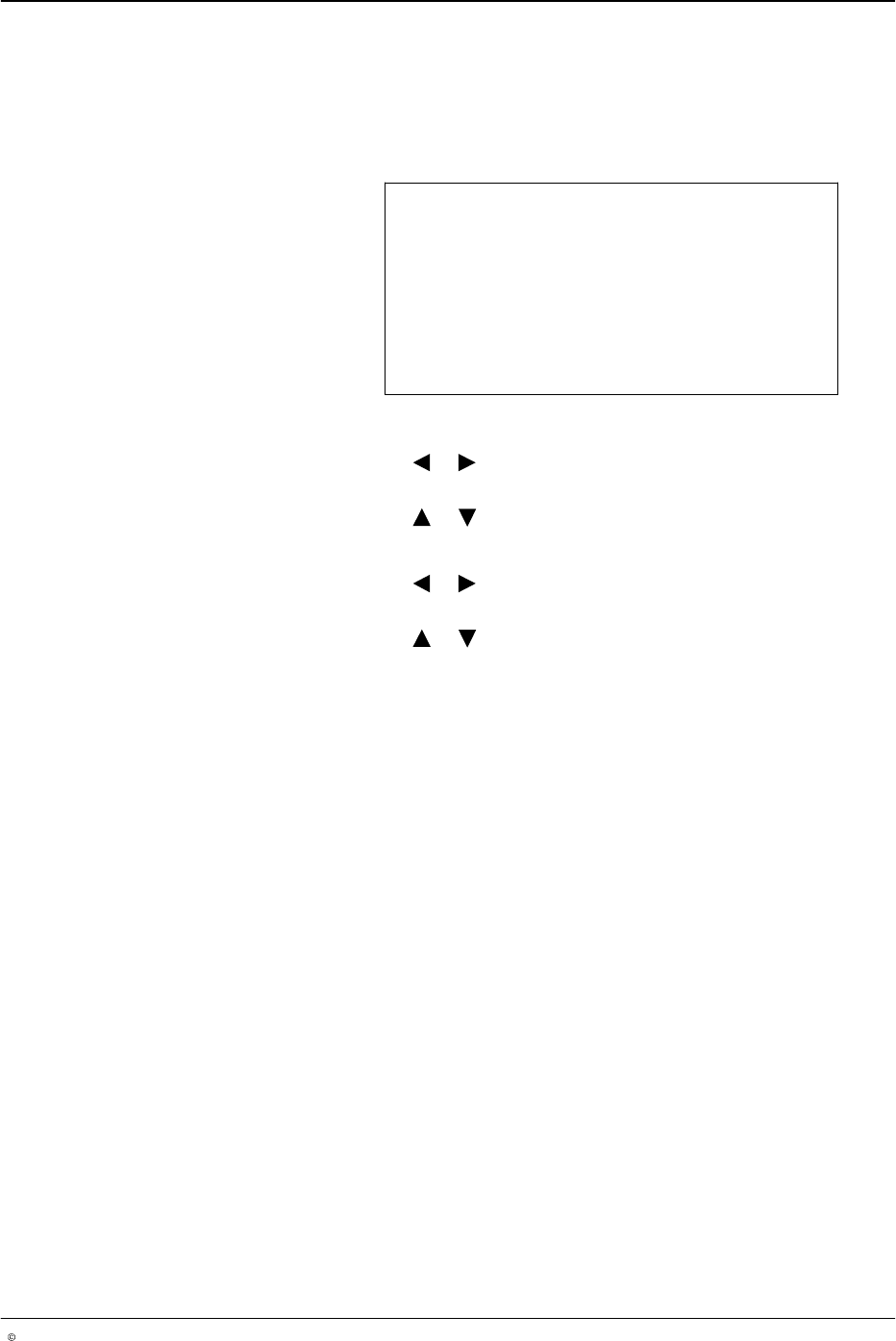
This menu offers the following parameters:
The program number is displayed. The program number is changed
after loading a different program.
Speed indicates the line speed measured by the encoder in meters
per minute. The speed is purely an indicator and cannot be altered.
Work rate is the production rate determined by Trigger 1.
Total is the number of products currently counted by Trigger 1.
Products below the low speed of the production line are not counted.
To reset Total, press the button on the front panel of the pattern
controller.
Program 1..100
Speed 60 m/min
Work rate 0/hr
Total 0
O665
LA 404-2 Pattern Control System
29
P/N 7119995A
2006 Nordson Corporation
LA 404-2
Issued 12/06
Trigger Assignment
In this menu, each of the four channels can be activated and assigned one
of the four trigger inputs.
Trigger Assignment
Channel 1 Active
Trigger 1
O666
1. To set Channel 1 to Active or Inactive
a. Press the or button for the cursor to appear beside Active or
Inactive.
b. Press the or button to select Active or Inactive.
2. To assign triggers 1 − 4 to a channel:
a. Press the or button for the cursor to appear beside the numeric
value.
b. Press the or button to select from trigger number’s 1 − 4.
NOTE: The assigned trigger number will be displayed in the Trigger
Settings menu.
3. Repeat steps 2 − 3 to set Channel number’s 2 − 4.