LA 404-2 Pattern Controller Manual.pdf - 第32页
LA 404-2 Patt ern Control Sys tem 26 P/N 7 1 19995A 2006 Nordson Corporation LA 4 04- 2 Is sued 12/06 Operator mode Operator mode is always active af ter switching the unit on. After exi ting from Setup mode , Operator m…

LA 404-2 Pattern Control System
25
P/N 7119995A
2006 Nordson Corporation
LA 404-2
Issued 12/06
System Setup
The pattern controller can be customized with several setup options by
using the Administrator, Setup or Operator modes. Refer to the Quick
Programming Guide for the sequence of menu screens that are used to
program the pattern controller. After switching the unit on, Operator mode is
always activated.
The cyclical sequence of modes is Operator, Setup, Administrator mode.
Setup mode can only be accessed through Operator mode. Administrator
mode can be accessed from Setup mode and Operator mode.
NOTE: After being switched on, the pattern controller perform a short
initializing procedure that includes a self-test and setup program. This
procedure takes between 10 - 15 seconds to complete.
Press the top SETUP button to access the next menu. Press the bottom
SETUP button to access the next menu.
Resetting the Default Settings
To reset the LA404-2 pattern controller to its default settings, press the two
SETUP-buttons while switching the unit on.
CAUTION: All the Administrator settings and program data from Program 1
are reset to their default values.
Not resetting all the data has the advantage that older working programs
are retained after the reset process. Resetting is only usually necessary
when the administrator settings have been changed and the settings are no
longer available.
LA 404-2 Pattern Control System
26
P/N 7119995A
2006 Nordson Corporation
LA 404-2
Issued 12/06
Operator mode
Operator mode is always active after switching the unit on. After exiting
from Setup mode, Operator mode is automatically activated.
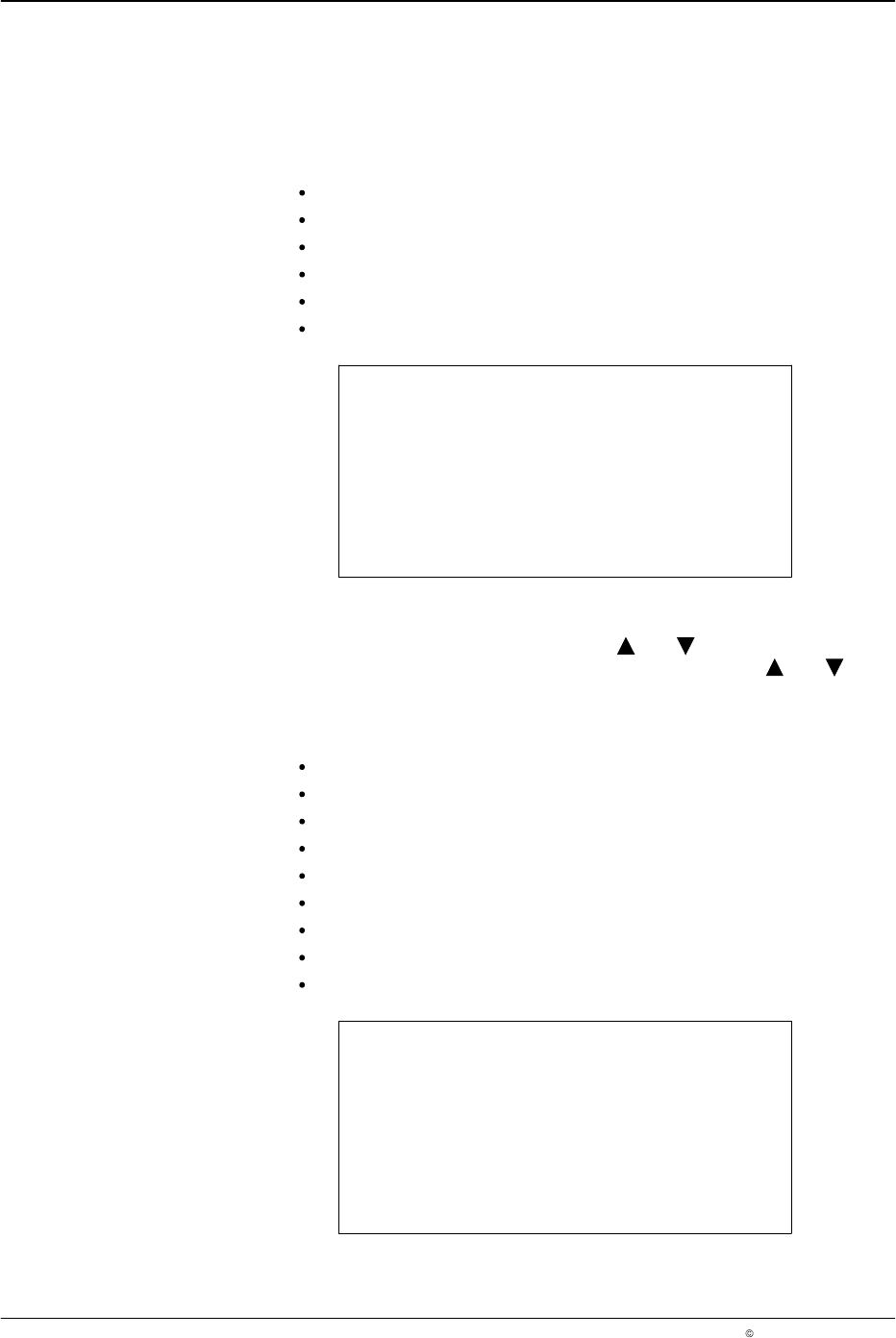
The following menus are available in Operator mode:
Production Data refer to Page 28
Pressure 1 Settings refer to Page 32
Pressure 2 Settings refer to Page 32
Normal Beads refer to Page 37
Program (1-100) refer to Page 48
Warnings refer to Page 49
V3.26
Initializing
Operator
O662
Setup Mode
To access Setup mode, press the buttons and for 2 seconds when in
Operator mode. Exit from the mode by pressing the buttons and again
for 2 seconds and Operator mode is reactivated.
The following menus are available in Setup mode:
Production Data refer to Page 28
Trigger Assignment refer to Page 29
Trigger (1-4) Settings refer to Page 31
Pressure 1 Settings refer to Page 32
Pressure 2 Settings refer to Page 32
Purge Pressure refer to Page 34
Bead Type (Channel 1-4) refer to Page 37
Program (1-100) refer to Page 48
Warnings refer to Page 49
V3.26
Initializing
Setup
O663
LA 404-2 Pattern Control System
27
P/N 7119995A
2006 Nordson Corporation
LA 404-2
Issued 12/06
Administrator Mode
To access Administrator mode, press the buttons , and one of the
SETUP-buttons for 2 seconds when in Setup or Operator mode. Press the
, buttons and one of the SETUP-buttons for 2 seconds again to exit the
mode.
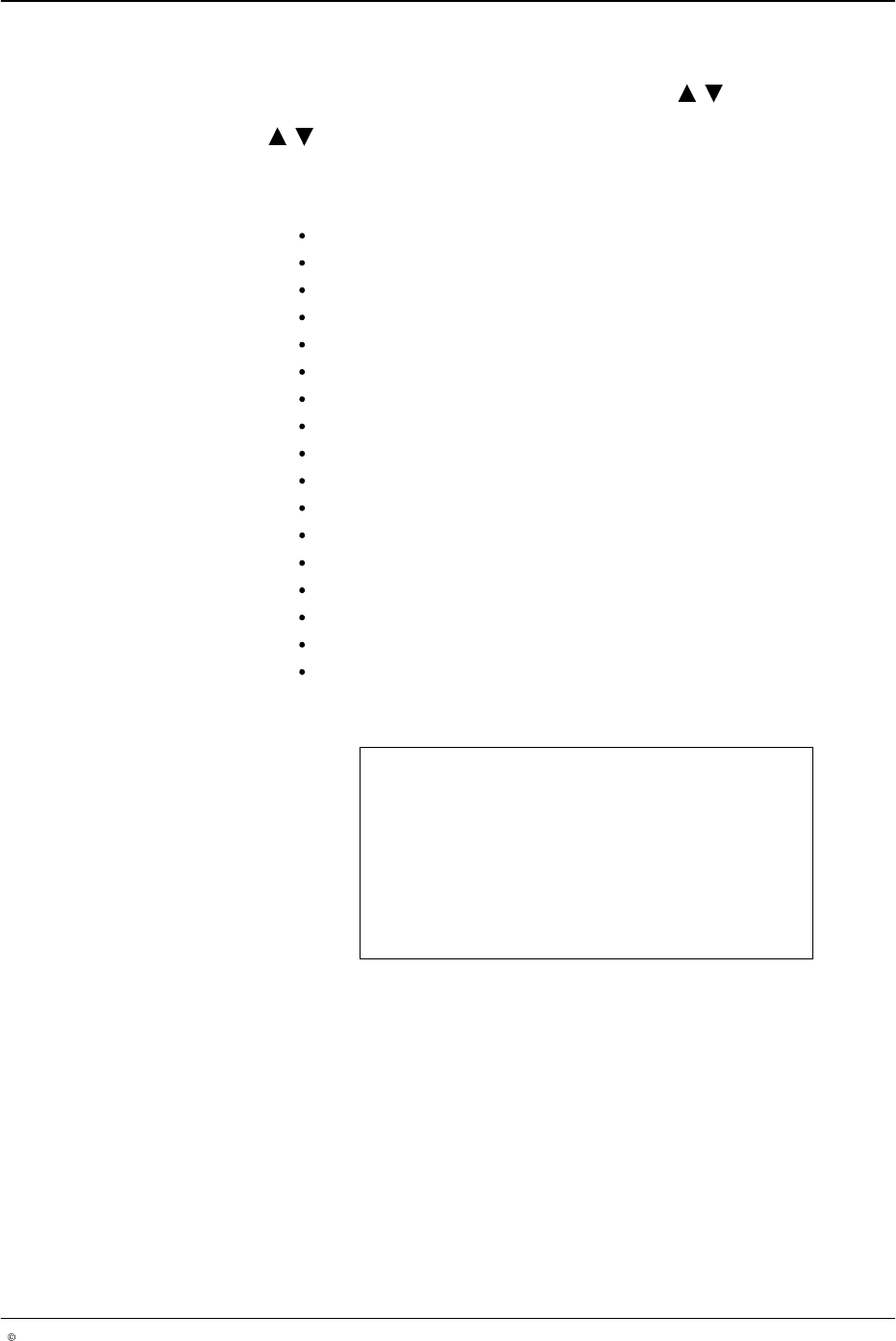
All the menus are available in Administrator mode:
Production Data refer to Page 28
Trigger Assignment refer to Page 29
Trigger (1-4) Configuration refer to Page 30
Trigger (1-4) Settings refer to Page 31
Pressure 1 Settings refer to Page 32
Pressure 2 Settings refer to Page 32
Purge Pressure refer to Page 34
Channel 1-4 Driver Setup refer to Page 35
Channel 1-4 Compensation refer to Page 36
Bead Type (Channel 1-4) refer to Page 37
Program (1-100) refer to Page 48
Warnings refer to Page 49
Encoder Scaling refer to Page 50
Low Speed Setting refer to Page 51
System Settings 1 refer to Page 52
System Settings 2 refer to Page 54
Tip Sealer Settings refer to Page 55
V3.26
Initializing
Administrator
O664