LA 404-2 Pattern Controller Manual.pdf - 第44页
LA 404-2 Patt ern Control Sys tem 38 P/N 7 1 19995A 2006 Nordson Corporation LA 4 04- 2 Is sued 12/06 1. T o set Dly (delay) a. Press t he or button f or the cursor to appear be side the numeric value. b. Press t he or b…
LA 404-2 Pattern Control System
37
P/N 7119995A
2006 Nordson Corporation
LA 404-2
Issued 12/06
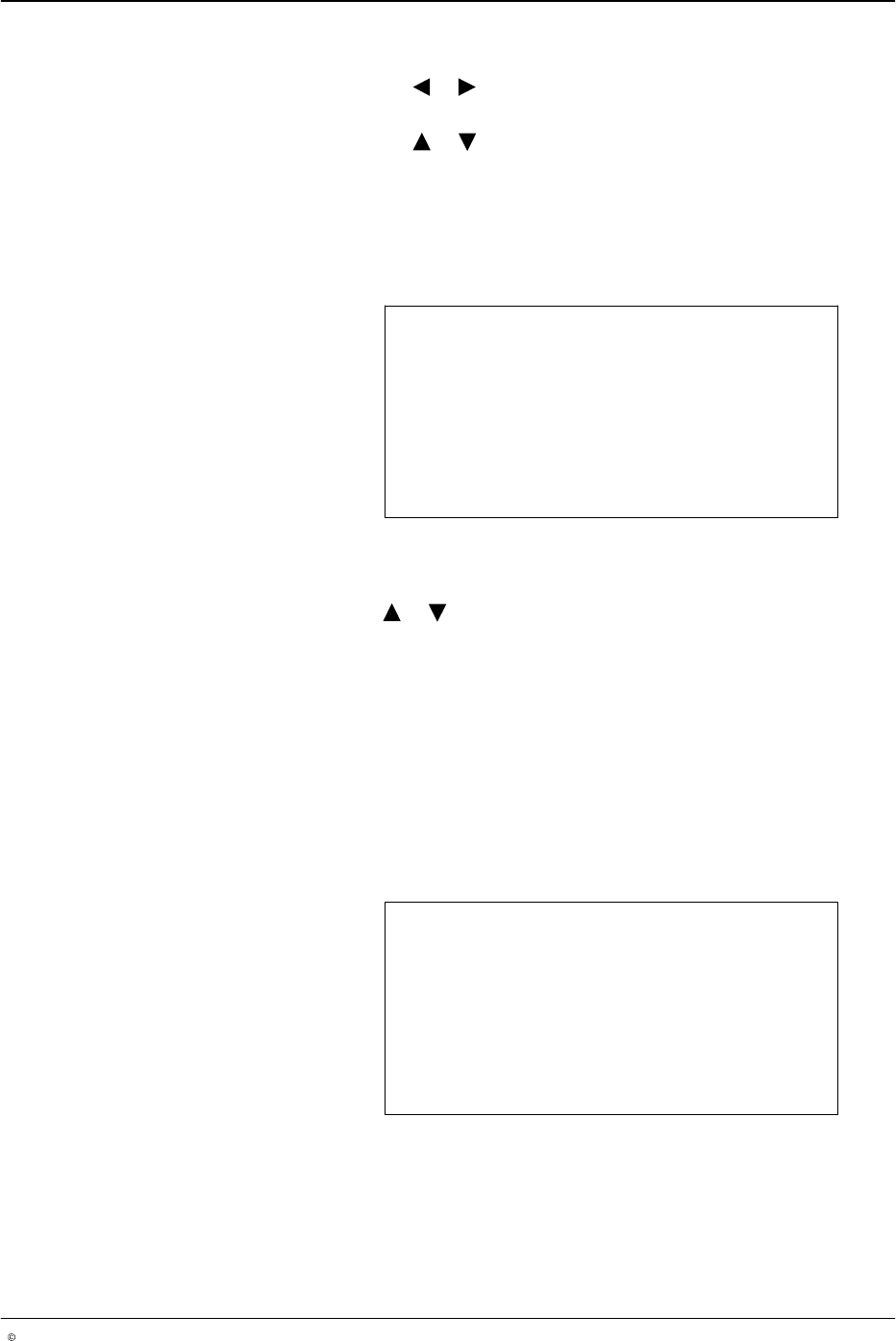
6. To set speed
a. Press the or button for the cursor to appear beside the numeric
value.
b. Press the or button to set the desired value from
1 - 600 m/min.
7. Repeat steps 2 − 3 to set channel 2 − 4.
Bead Type (Channel 1 - 4)
This setting allows the user to select one of the six different bead types.
Bead Type Channel 1
Type Normal
O672
To select channels 1 - 4, press the CHANNEL SELECT button on the front panel of
the pattern controller.
8. Press the or button to select the bead type required Normal,
Continuous, Autospot, Dot, Random, Random Dot.
9. After selecting the bead type, press the top SETUP button to program
the selected bead. The following section discusses programming each
bead type.
10. Repeat steps 2 − 4 to set the bead type for Channel 2 − 4.
Normal Beads
When the line velocity is above the start speed (refer to Low Speed
Settings), a normal or a solid bead is generated. This is the default bead
type for each channel.
Dly1: 251 Dur1: 25
Dly2: 277 Dur2: 25
Dly3: 303 Dur3: 25
Dly4: 329 Dur4: 25
O673
LA 404-2 Pattern Control System
38
P/N 7119995A
2006 Nordson Corporation
LA 404-2
Issued 12/06
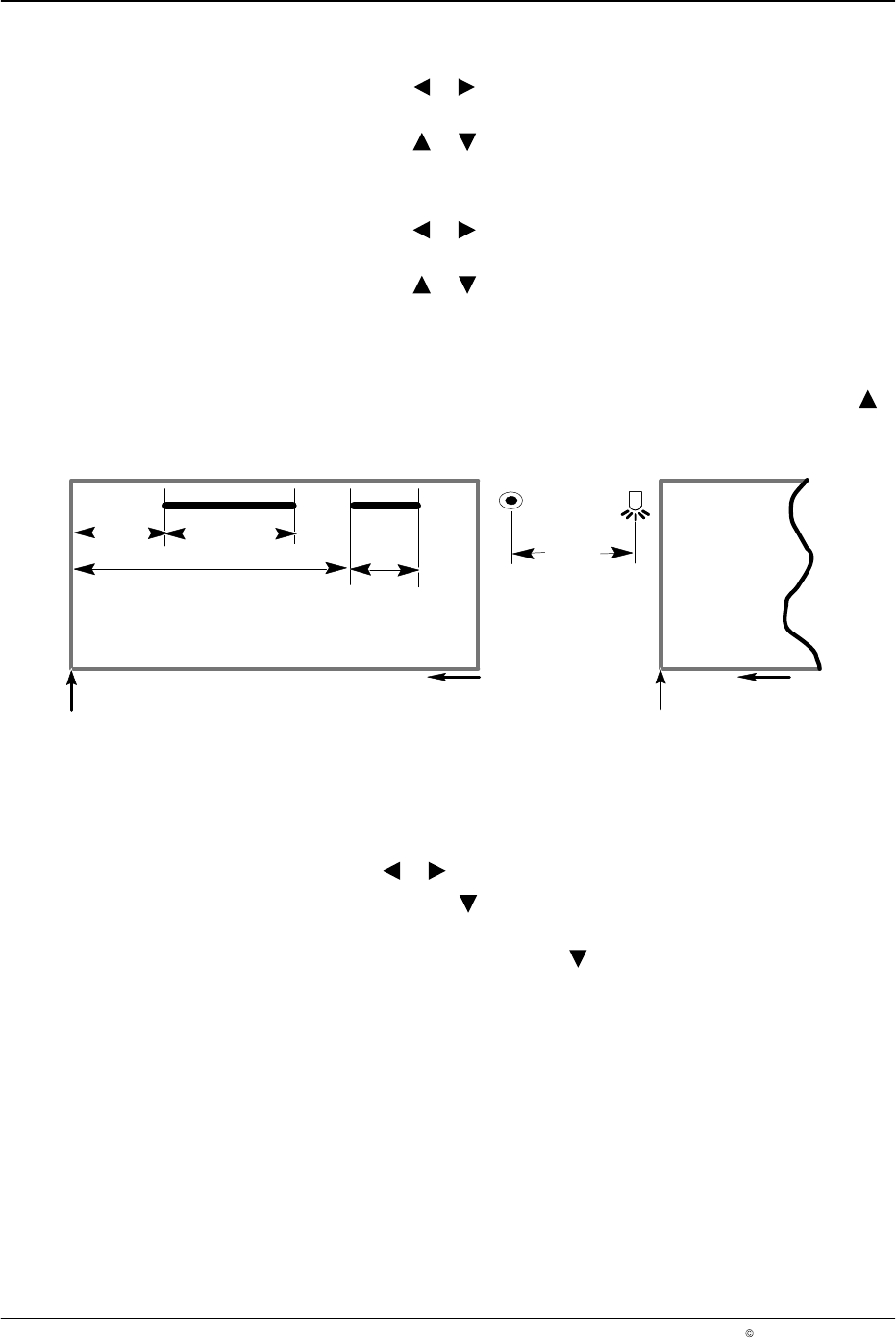
1. To set Dly (delay)
a. Press the or button for the cursor to appear beside the numeric
value.
b. Press the or button to set the desired delay value from 00.0
- 9999 mm.
2. To set Dur (duration or length)
a. Press the or button for the cursor to appear beside the numeric
value.
b. Press the or button to set the desired duration value from 00.0
- 9999 mm.
NOTE: This menu screen automatically adjusts the start of successive
intervals during setup to prevent overlapping of bead. When incrementing
delay or duration settings, the bead editor will stop at the overlap value. To
continue incrementing delay or duration settings, release and press the
button.
Gun Trigger
Dur1
Dly1
Dur2
Dly2
6640037A
Bead 1 Bead 2
Direction of travel
Next product
Direction of travel
Leading edge Leading edge
Gun-Trigger Offset
(GTO)
Fig. 6 Bead Patterns
To delete a bead
1. Press the or button for the cursor to appear beside Dur 1 - 4.
2. Press and hold the button, the numeric value will be decrement to 1
(one).
3. To delete, release and press the button again for the numeric value to
go down to zero. The bead will be replaced by the subsequent bead.
LA 404-2 Pattern Control System
39
P/N 7119995A
2006 Nordson Corporation
LA 404-2
Issued 12/06
Continuous Beads
When this bead type is selected, the outputs are activated if the line speed
is above the start speed and deactivated if the line speed drops below the
stop speed. With continuous gluing, no pattern is programmed and no
trigger signal is required.
NOTE: Low speed settings will override the line speed settings for
continuous bead patterns.
Continuous Bead
Start 5 m/min
Stop 5 m/min
O674
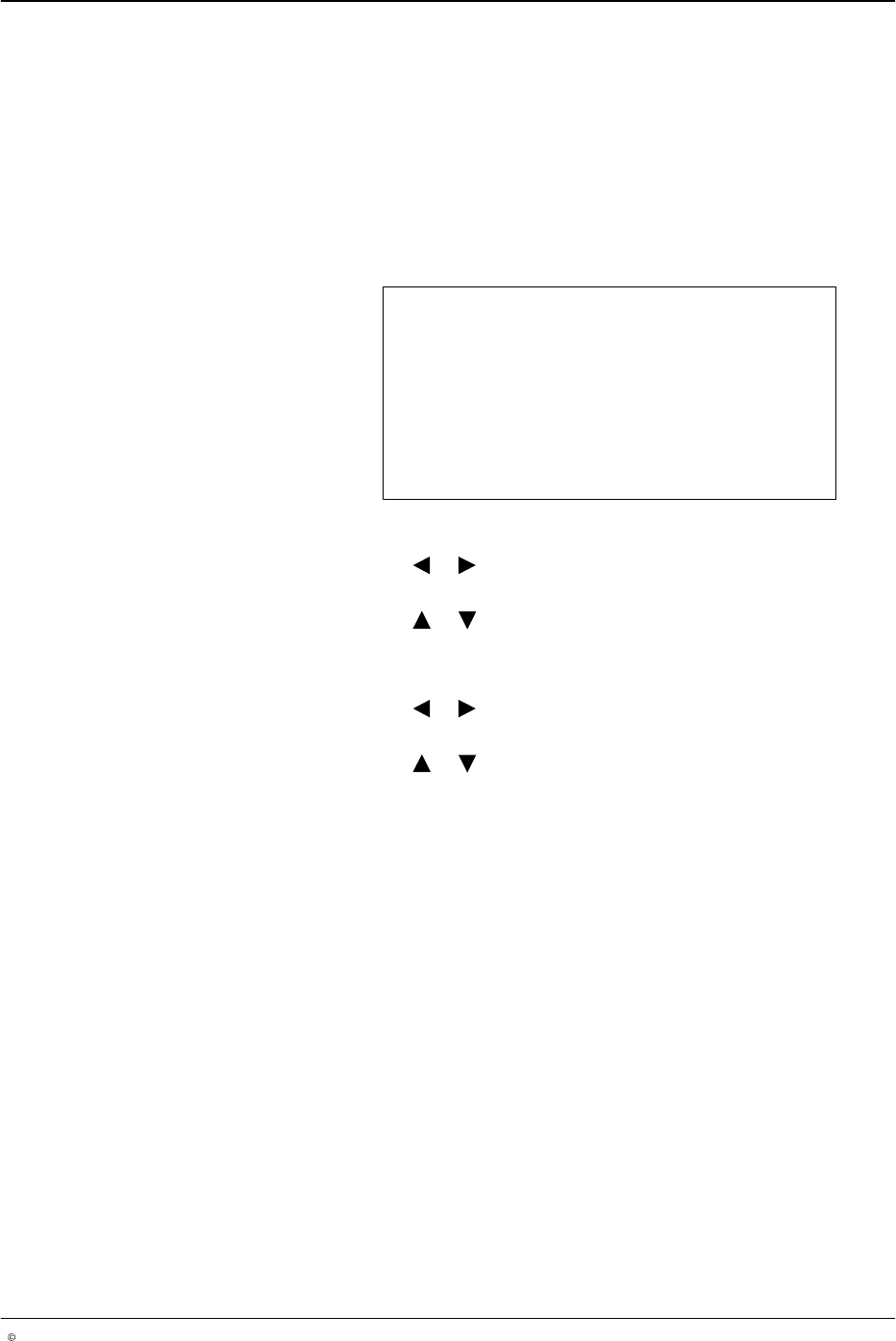
1. To set Start:
a. Press the or button for the cursor to appear beside the numeric
value.
b. Press the or button to set the desired Start value from
0 - 600 m/min.
2. To set Stop
a. Press the or button for the cursor to appear beside the numeric
value.
b. Press the or button to set the desired Stop value from
0 - 600 m/min.