LA 404-2 Pattern Controller Manual.pdf - 第57页
LA 404-2 Pattern Control System 51 P/N 7 1 1 9995A 2006 Nordson Corporation LA 4 04- 2 Is sued 12/06 Low Speed Settings This setup menu is used to configure the minimum operational line speed above which the guns will be…
LA 404-2 Pattern Control System
50
P/N 7119995A
2006 Nordson Corporation
LA 404-2
Issued 12/06
Encoder Scaling
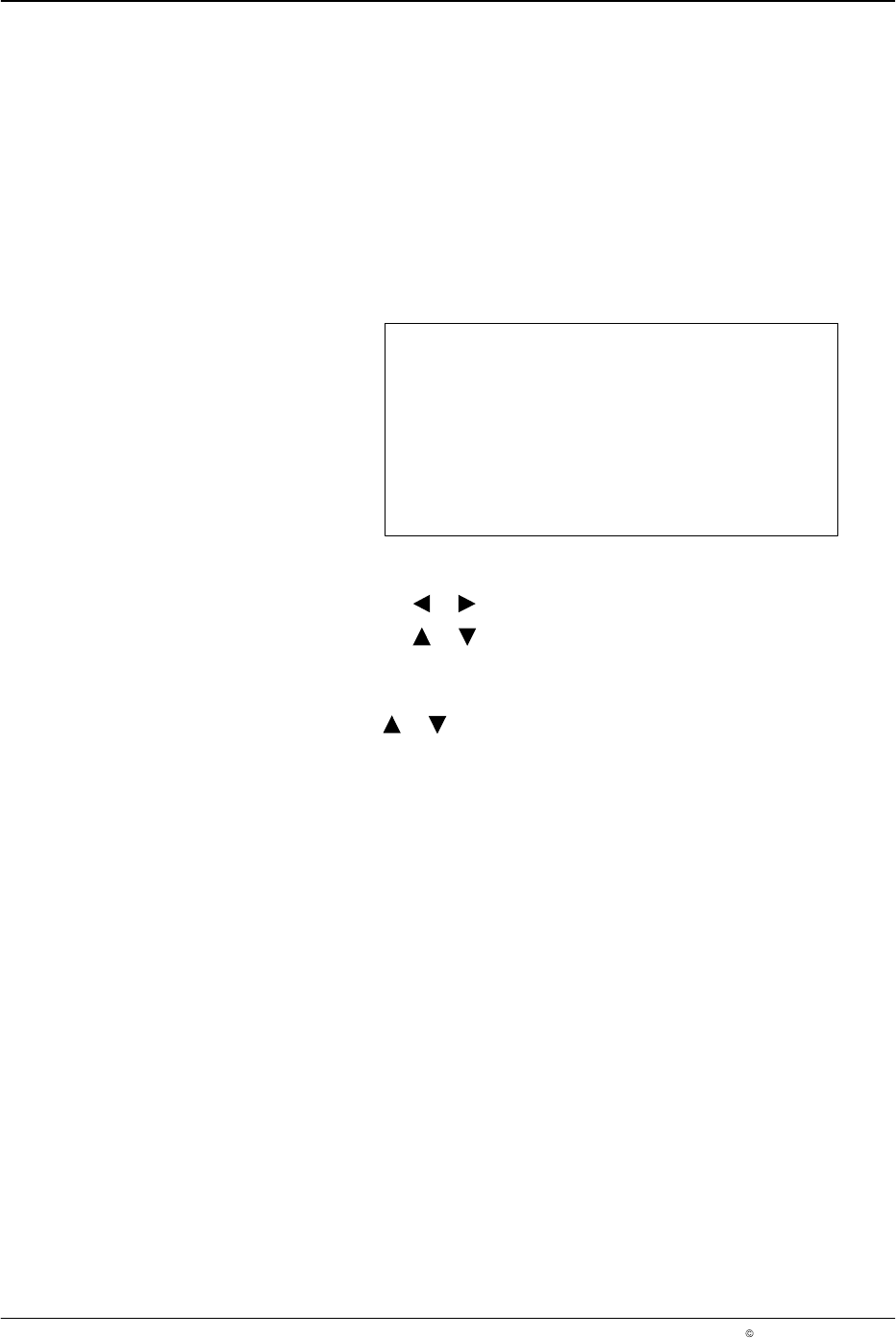
This menu is used to display the encoder type and configure the encoder
scaling. The pattern controller automatically detects the type of encoder
installed. If no encoder is detected, the Not connected message appears in
the display.
The encoder scaling ratio is determined by entering the number of pulses
per millimeter that the encoder outputs when installed. If a quadrature
encoder is used, the direction of rotation travel maybe reversed.
Encoder Scaling
Encoder Single
Custom 1,000 ppmm
Direction Forward
O683
1. To set the encoder scaling
a. Press the or button for the cursor to appear beside Custom.
b. Press the or button to set the encoder gearing ratio from
0.1 - 20,000 ppmm (pulses per millimeter).
2. To set the encoder direction
Press the or button to set Direction to Forward or Backward.
NOTE: The direction parameter is used only if a quadrature encoder is
detected.
LA 404-2 Pattern Control System
51
P/N 7119995A
2006 Nordson Corporation
LA 404-2
Issued 12/06
Low Speed Settings
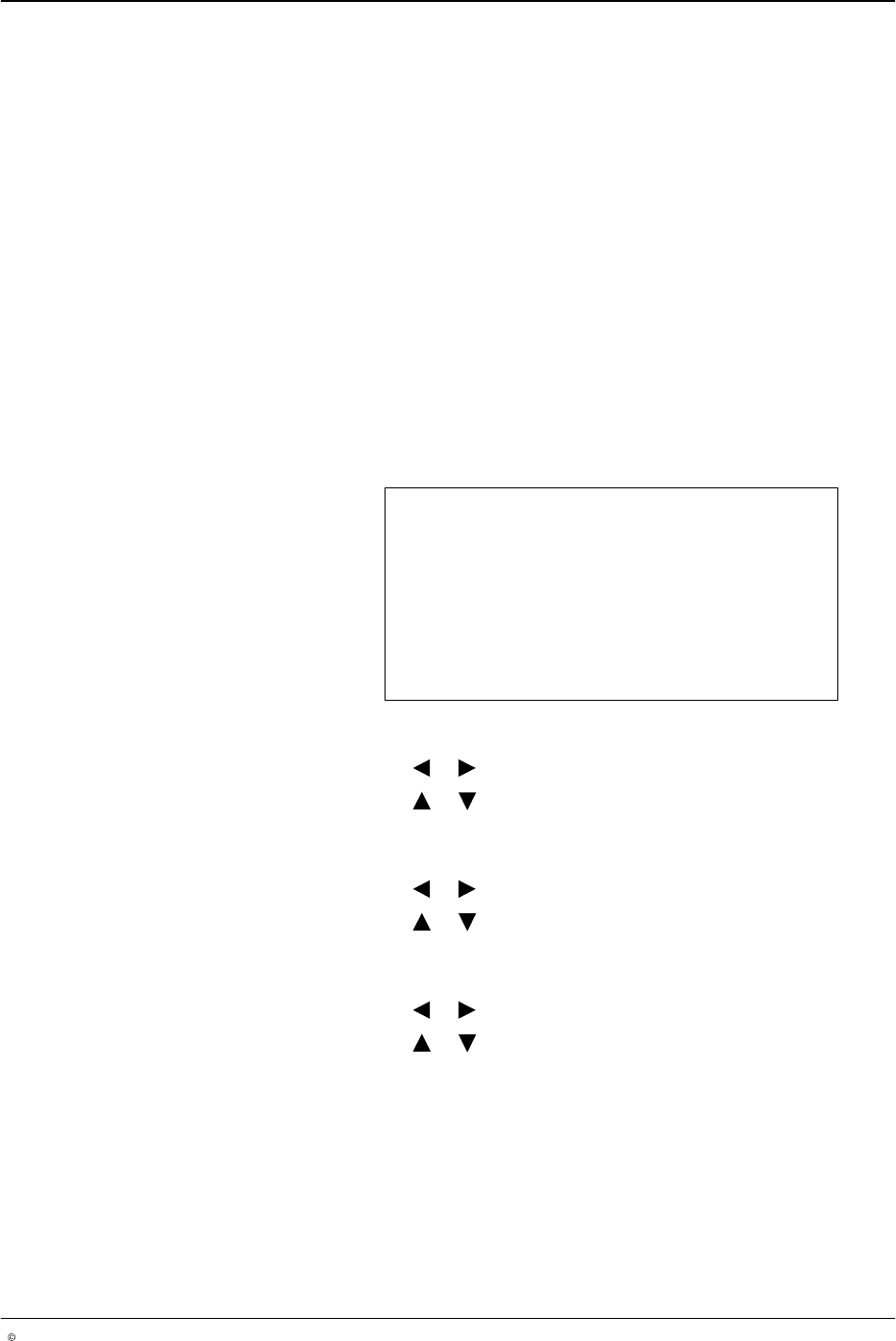
This setup menu is used to configure the minimum operational line speed
above which the guns will begin dispensing, and below which the guns will
stop dispensing adhesive. Setting this feature prevents a puddle of
adhesive from forming when the line stops.
CAUTION: When using the Random Dot and Dot Bead modes, it is
recommended to set a maximum speed (Max Dot) which must not be
exceeded due to the risk of the guns overheating. The standard value is
100 m/min, but it can be adjusted.
NOTE: If the production machine speed is above the maximum dot speed
(Max Dot), a normal bead is applied (also refer to Page 15).
NOTE: Low speed settings override the line speed settings for continuous
bead patterns.
Low Speed Setting
Start 0 m/min
Stop 1 m/min
Max Dot 100 m/min
O684
1. To set start speed
a. Press the or button for the cursor to appear beside Start.
b. Press the or button to set the desired value from
0 - 600 m/min.
2. To set stop speed
a. Press the or button for the cursor to appear beside Stop.
b. Press the or button to set the desired value from
0 - 600 m/min.
3. To set max dot speed
a. Press the or button for the cursor to appear beside Max Dot.
b. Press the or button to set the desired value from
0 - 600 m/min.
NOTE: The Max Dot speed is relevant for the following bead types:
Autospot, Dot and Random Dot.
LA 404-2 Pattern Control System
52
P/N 7119995A
2006 Nordson Corporation
LA 404-2
Issued 12/06
System Settings 1
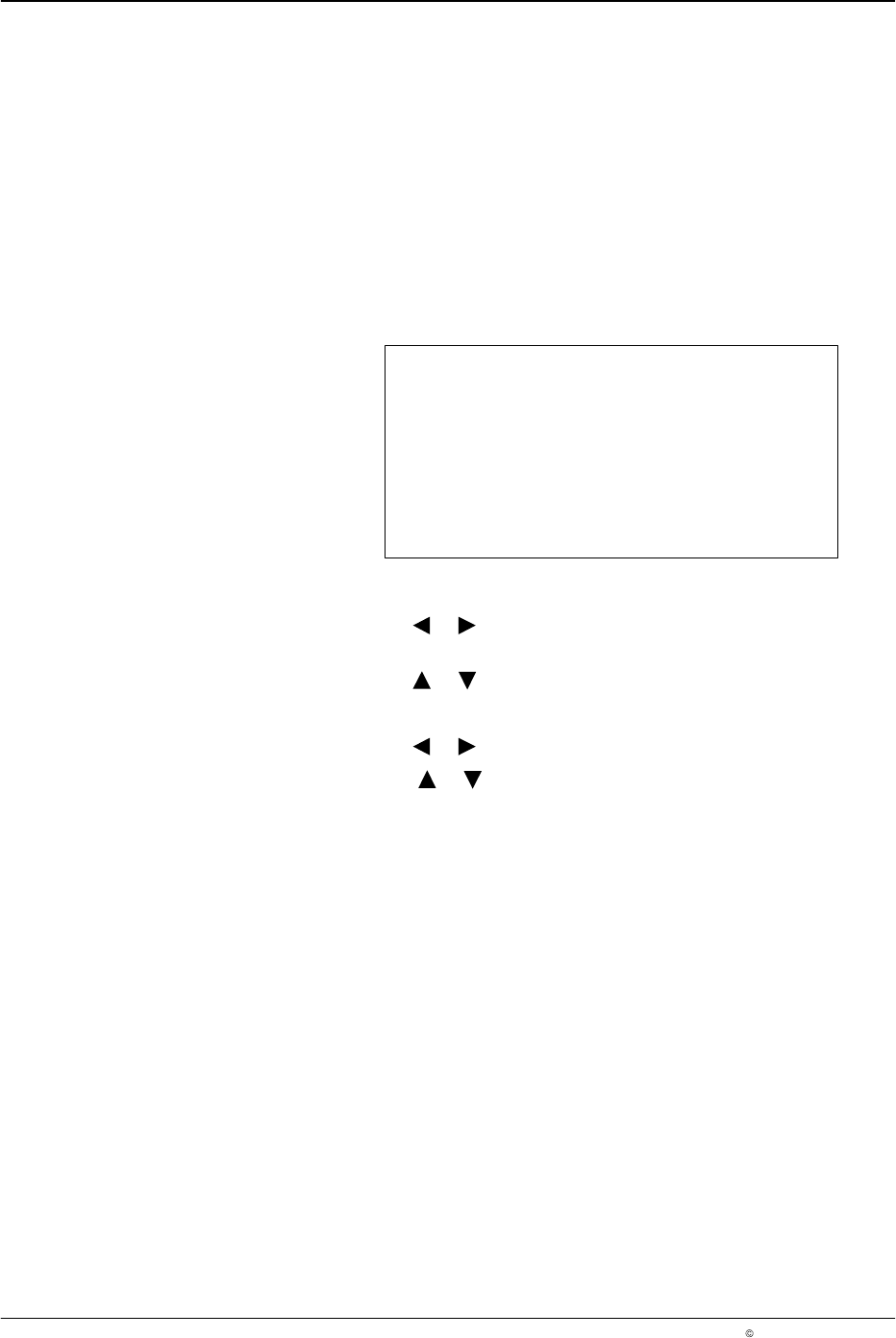
This setup menu is used to configure the operating language, automatic
and manual pattern controller runup and remote activation.
When the Autostart function is on, the pattern controller is automatically set
to Run mode when the unit is switched on. When set to off, the pattern
controller always enters STAND BY when the unit is switched on.
If remote enable is set to Active, an external contact closure is required on
the remote input plug to activate pattern generation.
System Setting 1
Language English
Autostart Off
Rem enable Active
O685
1. To set the language
a. Press the or button for the cursor to appear beside the
language.
b. Press the or button to select the appropriate language.
2. To set Autostart
a. Press the or button for the cursor to appear beside On or Off.
b. Press the or button and select On or Off.
NOTE: The Autostart feature controls the enabling and disabling of
pattern generation after switching on. If it is disabled, all the channels
are set to STAND BY after switching on. If it is enabled, all the channels
that were in running when the system was switched off start running
again when switched on again. The default setting is Autostart Off.