LA 404-2 Pattern Controller Manual.pdf - 第59页
LA 404-2 Pattern Control System 53 P/N 7 1 1 9995A 2006 Nordson Corporation LA 4 04- 2 Is sued 12/06 3. T o set remote enable a. Press t he or button f or the cursor to appear beside Active . b. Press t he or button to s…
LA 404-2 Pattern Control System
52
P/N 7119995A
2006 Nordson Corporation
LA 404-2
Issued 12/06
System Settings 1
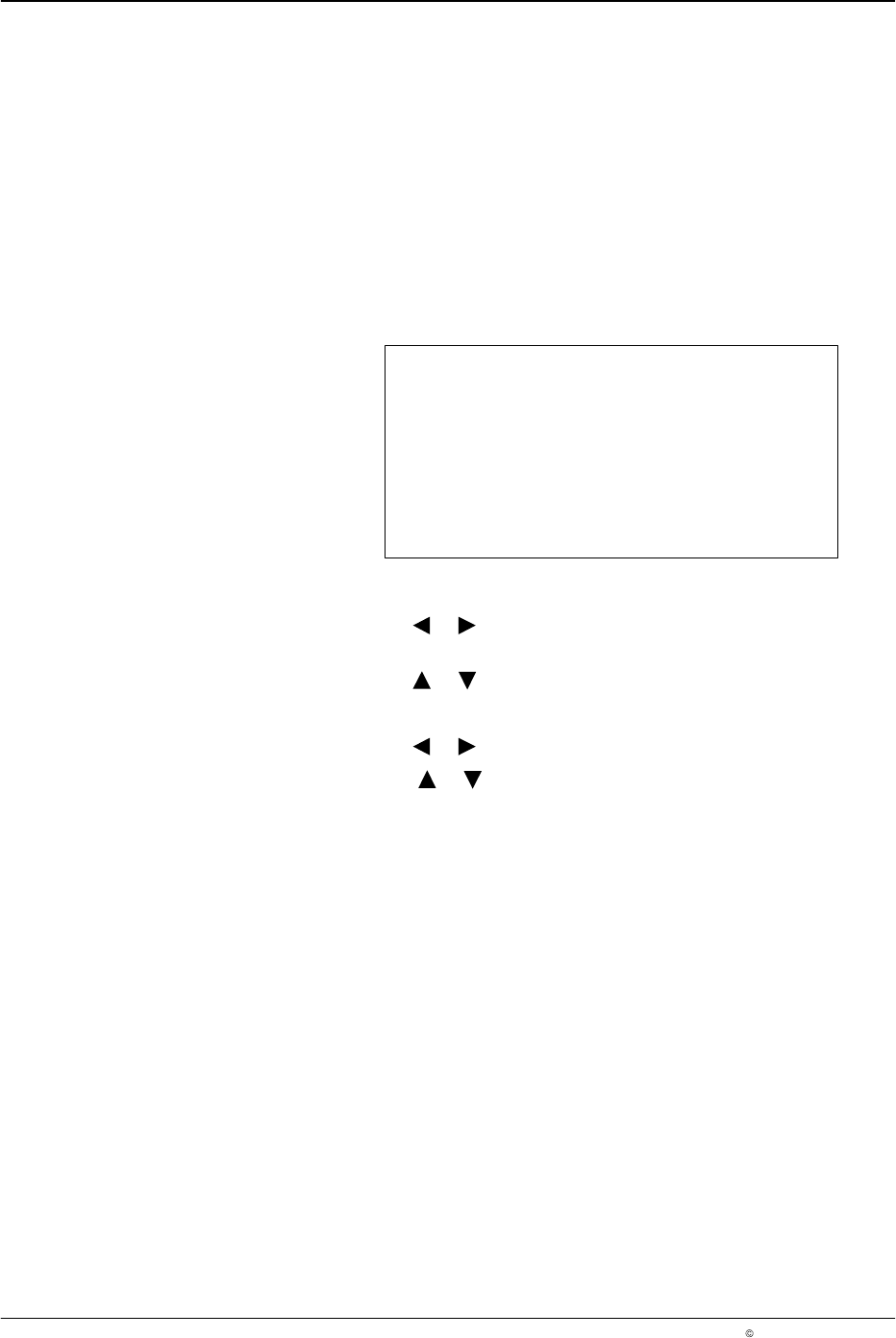
This setup menu is used to configure the operating language, automatic
and manual pattern controller runup and remote activation.
When the Autostart function is on, the pattern controller is automatically set
to Run mode when the unit is switched on. When set to off, the pattern
controller always enters STAND BY when the unit is switched on.
If remote enable is set to Active, an external contact closure is required on
the remote input plug to activate pattern generation.
System Setting 1
Language English
Autostart Off
Rem enable Active
O685
1. To set the language
a. Press the or button for the cursor to appear beside the
language.
b. Press the or button to select the appropriate language.
2. To set Autostart
a. Press the or button for the cursor to appear beside On or Off.
b. Press the or button and select On or Off.
NOTE: The Autostart feature controls the enabling and disabling of
pattern generation after switching on. If it is disabled, all the channels
are set to STAND BY after switching on. If it is enabled, all the channels
that were in running when the system was switched off start running
again when switched on again. The default setting is Autostart Off.

LA 404-2 Pattern Control System
53
P/N 7119995A
2006 Nordson Corporation
LA 404-2
Issued 12/06
3. To set remote enable
a. Press the or button for the cursor to appear beside Active.
b. Press the or button to select Active or Inactive.
When set to Active, ensure the following:
Connect the plug provided in the ship-with kit to the Remote
Input connector, refer to Remote Enable Plug explained earlier
in the manual.
Connect the 24 V
DC-
plug (Remote input, pin 1) on the input
Remote enable (Remote input, pin 7) with an electrically isolated
contact; refer to plug Remote input.
To bypass this function, set the Remote enable parameter to
Inactive.
LA 404-2 Pattern Control System
54
P/N 7119995A
2006 Nordson Corporation
LA 404-2
Issued 12/06
System Settings 2
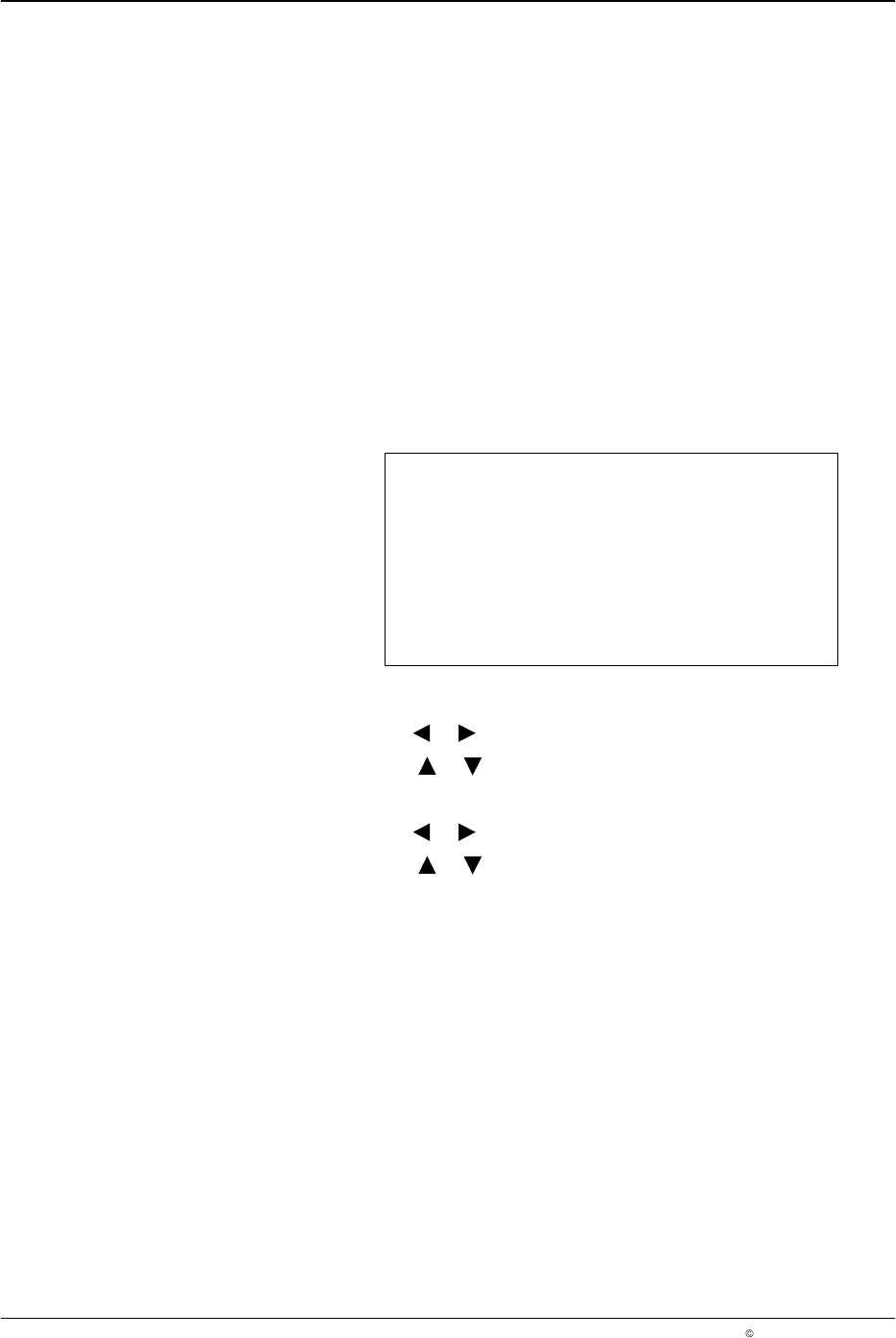
This setup menu is used to configure the trigger memory and trigger
clipping functions.
The trigger memory function allows the user to either apply or not apply
adhesive to products between the trigger and the guns when line speed
recovers after falling below the stop speed setting. When set to off, the
pattern is terminated, and when set to on the pattern resumes when the line
speed is above the start speed setting.
Clipping inhibits the pattern output if the product length measured by the
photosensor is shorter than the programmed pattern for a specific channel.
This feature is typically used to prevent glue from being applied to skewed
products. When pattern clipping is detected, a warning is displayed in the
Warnings screen and the warning relay is activated.
System Setting 2
Trigger Memory Off
Clipping Off
O686
1. To set the trigger memory
a. Press the or button for the cursor to appear beside On or Off.
b. Press the or button and select On or Off.
2. To set clipping
a. Press the or button for the cursor to appear beside On or Off.
b. Press the or button and select On or Off.