KE2040Instruction Manual Ver2.01,REV04.2003.6.25.pdf - 第382页
5 − 19 5.2.3 Detailed description of operation W hen you invoke V ision data for the f irst t ime, data appears in t he “Component name”, “ T ype”, “SizeX” and “SizeY” cells only . Figure 5.2.3. 1 V ision data i nitial s…
5 − 18
② Vision data of a lead connector component
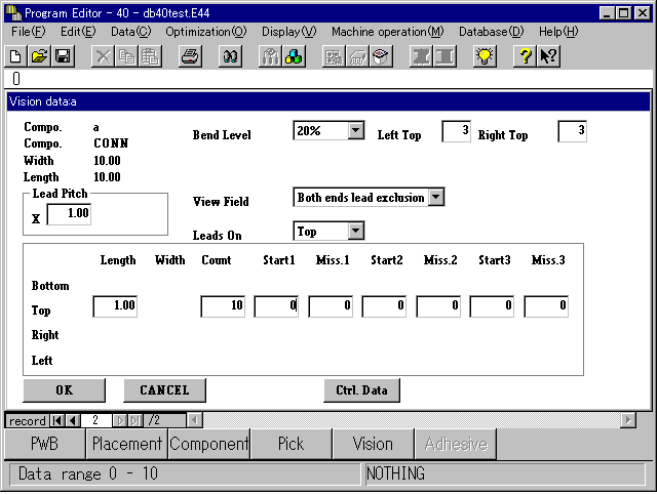
When you select “Only the both ends lead” or “Both ends lead exclusion” in
the “View Field” field for a unidirectional lead connector, bi-directional lead
connector or Z lead connector, the “Left Top” and “Right Top” edit boxes
appear on the screen, in which you can enter the number of leads located on
the upper left-hand, upper right-hand, lower left-hand and lower right-hand
sides.
(See Figure 5.2.2.2.4 “Example 3.”)
Enter the number of leads located on the upper left-hand and right-hand sides
for a unidirectional lead connector, or that on the lower left-hand, upper
right-hand, lower left-hand and lower right-hand sides for a bi-directional lead
connector or Z lead connector.
Figure 5.2.2.2.4 Example 3
5 − 19
5.2.3 Detailed description of operation
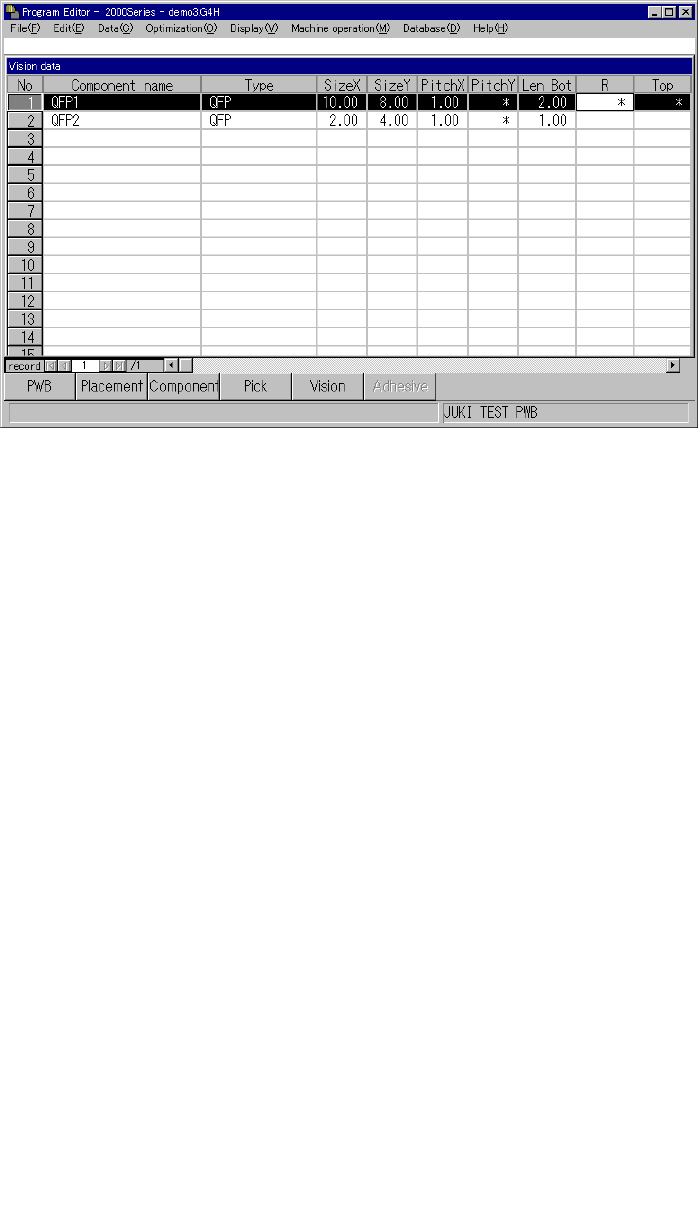
When you invoke Vision data for the first time, data appears in the “Component
name”, “Type”, “SizeX” and “SizeY” cells only.
Figure 5.2.3.1 Vision data initial screen
(1) How to set the items
① Component name
A component name entered on the Placement data screen appears in this cell.
② Type
A component type entered on the Component data screen appears in this cell.
③ Size X
The width of a component, which was entered on the Component data screen,
appears in this cell.
④ Size Y
The length of a component, which was entered on the Component data screen,
appears in this cell.
⑤ 1) PitchX
Enter the horizontal pitch between two consecutive leads (balls) from the
formula bar. The input range varies depending on the component type.
2) PitchY
Enter the vertical pitch between two consecutive leads (balls) from the
formula bar. The input range varies depending on the component type.
Figure 5.2.3.2 Pitches applied to each component type
Ball pitch
(Normal assignment)
Ball pitch
(Stagger assignment)
5 − 20
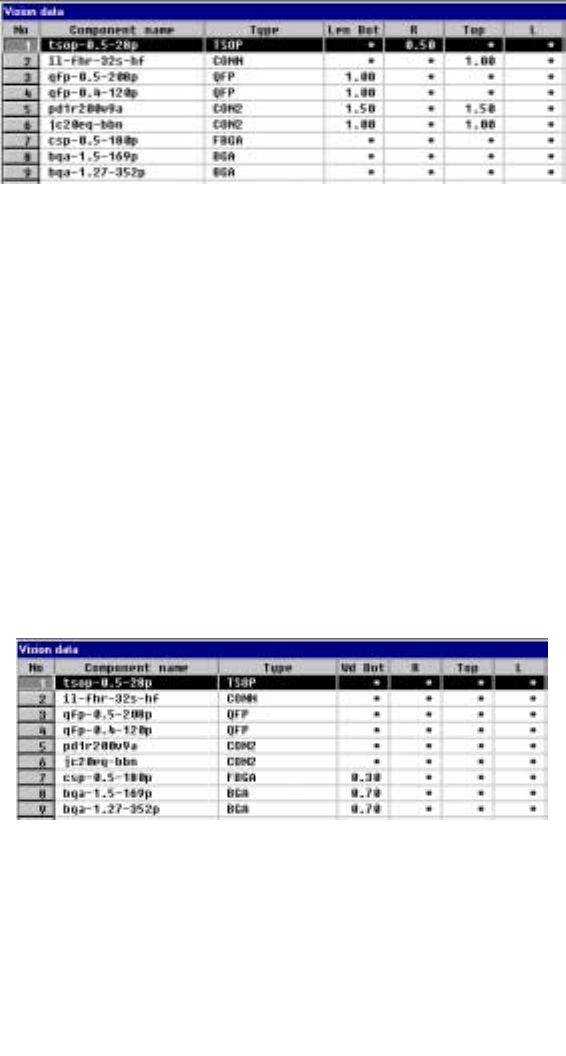
⑥ Len Bot, R, Top and L
Enter the length of a lead section that is in contact with a board from the
formula bar. When an asterisk mark * is displayed in a cell, you do not have
to enter any data to this cell.
- When a component has leads on its two or more sides, enter the length of
a lead on one side only if the length of leads on each side is the same as
each other.
- Data in the “Bot, R, Top and L” cells is based on the component feeding
angle with referring the final component feeding direction.
• The side whose lead length should be entered and the range of
the lead length vary depending on the setting of the “Type” item.
Figure 5.2.3.3 Entering the lead length from the formula bar
Figure 5.2.3.4 Range of the lead length
⑦ Wd Bot, R, Top, L (lead or ball width)
Set the width of leads on each side: bottom, right, top and left sides in this
order. The side whose lead width should be entered and the range of the
lead width vary depending on the setting of the “Type” item.
• For a ball component, enter the diameter of a ball.
Figure 5.2.3.5 Entering the lead (ball) width
Figure 5.2.3.6 Lead (ball) width