00195988-02_IM_SWS-Software-2.1_DE_EN.pdf - 第129页
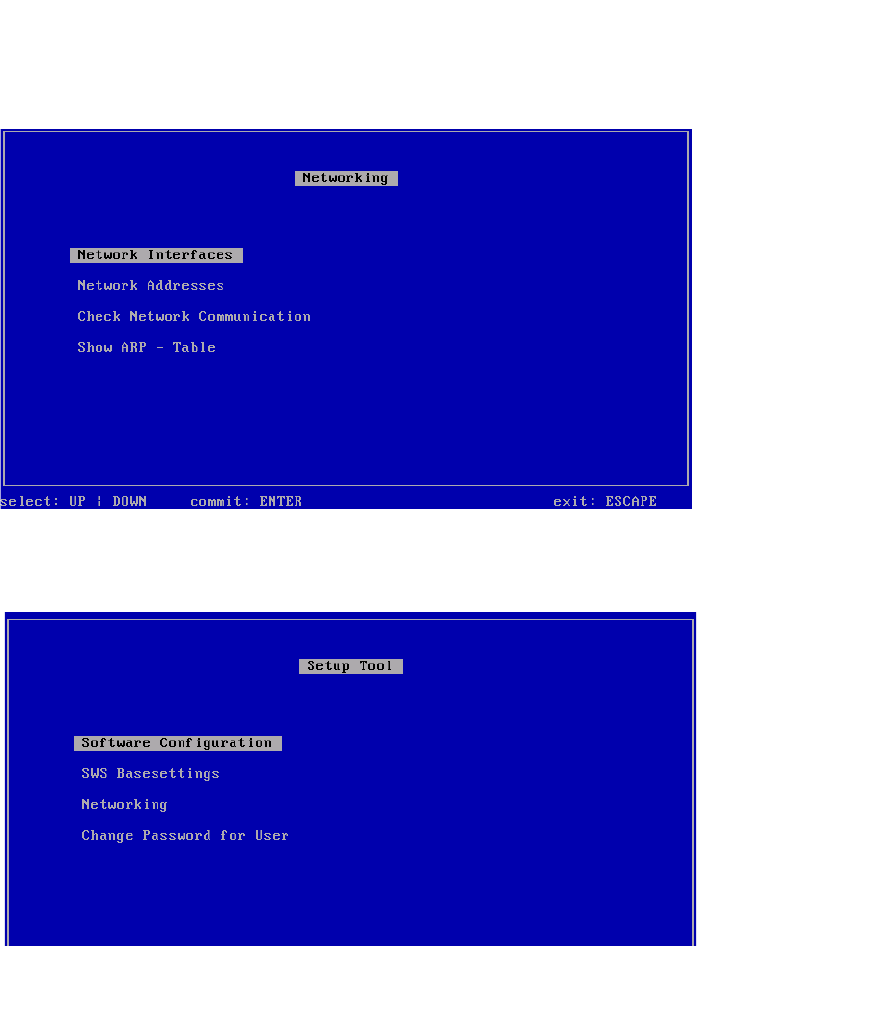
Installation Manual SIPLACE SWS Software 2.1 Edition 05/2014 129 3 Fig. 76 Networking menu Press ESC. 3 Fig. 77 Setup tool menu Press ESC.
Installation Manual SIPLACE SWS Software 2.1
Edition 05/2014
128
3
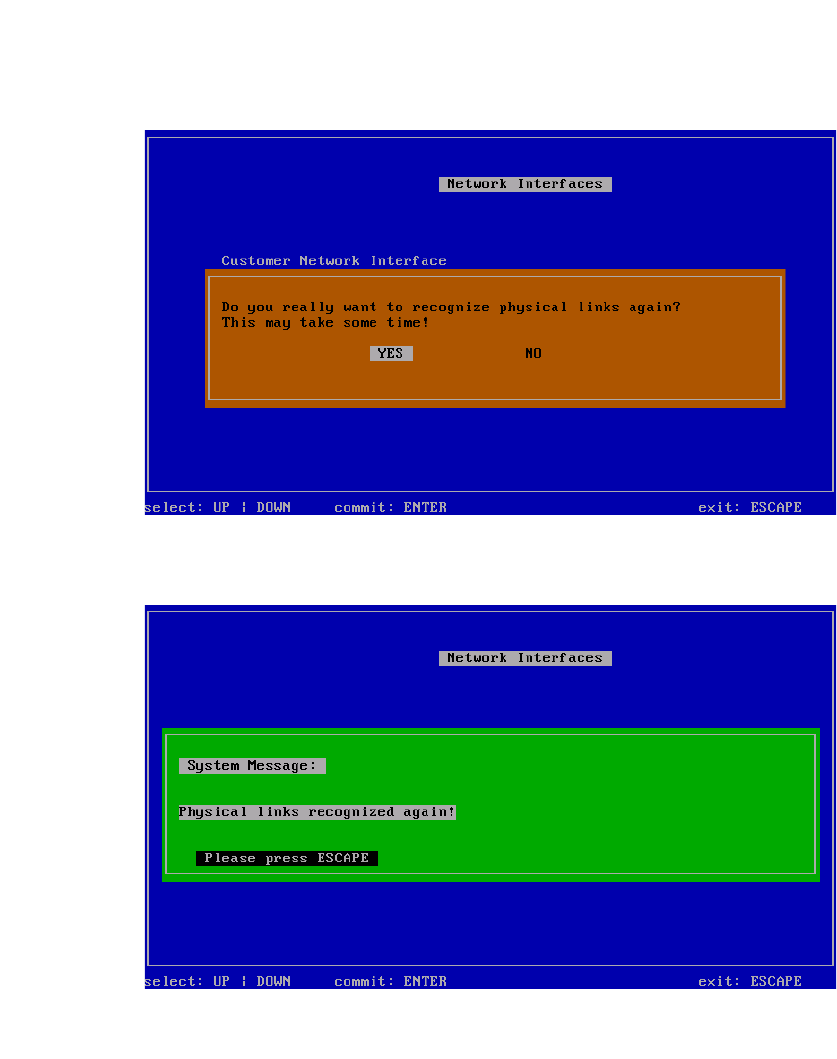
Fig. 74 Recognize network interfaces - notifications menu
Select Yes and confirm with Enter.
3
Fig. 75 Recognize network interfaces - confirmation menu
Press ESC.
Installation Manual SIPLACE SWS Software 2.1
Edition 05/2014
129
3
Fig. 76 Networking menu
Press ESC.
3
Fig. 77 Setup tool menu
Press ESC.