00195988-02_IM_SWS-Software-2.1_DE_EN.pdf - 第88页
Installation Manual SIPLACE SWS Software 2.1 Edition 05/2014 88

Installation Manual SIPLACE SWS Software 2.1
Edition 05/2014
87
1.5.2 SIPLACE on the World Wide Web (WWW)
You can also log onto our SIPLACE website at http://www.siplace.com. 1
The menu navigation and information are available in two languages. You can choose between
the German and English versions. 1
The various headings contain information on 1
Our products 1
Services 1
Contact persons etc. 1
Registered customers can also access the SIPLACE User Group. There you can call up special
information on our placement machines, such as 1
Technical documentation 1
Technical informations 1
Spare parts lists etc. 1
Registering for access to the User Group is sheer child’s play: 1
Click on 'Register’.
Fill in the registration form and send it off to us.
Soon afterwards, you will receive a access authorization with USER-ID and password. 1
1.6 Overview of the Editions
1
1
Guide
SWS Software
version
Operating
system version Edition
First edition Installation Guide
V 2.0 1.1.0 10/2013
Revision Installation Guide
V 2.1 1.1.1 05/2014

Installation Manual SIPLACE SWS Software 2.1
Edition 05/2014
88
Installation Manual SIPLACE SWS Software 2.1
Edition 05/2014
89
2 Installing the Operating System
2
2.1 Creating a Backup of the Installed SWS Software
2
Proceed as follows:
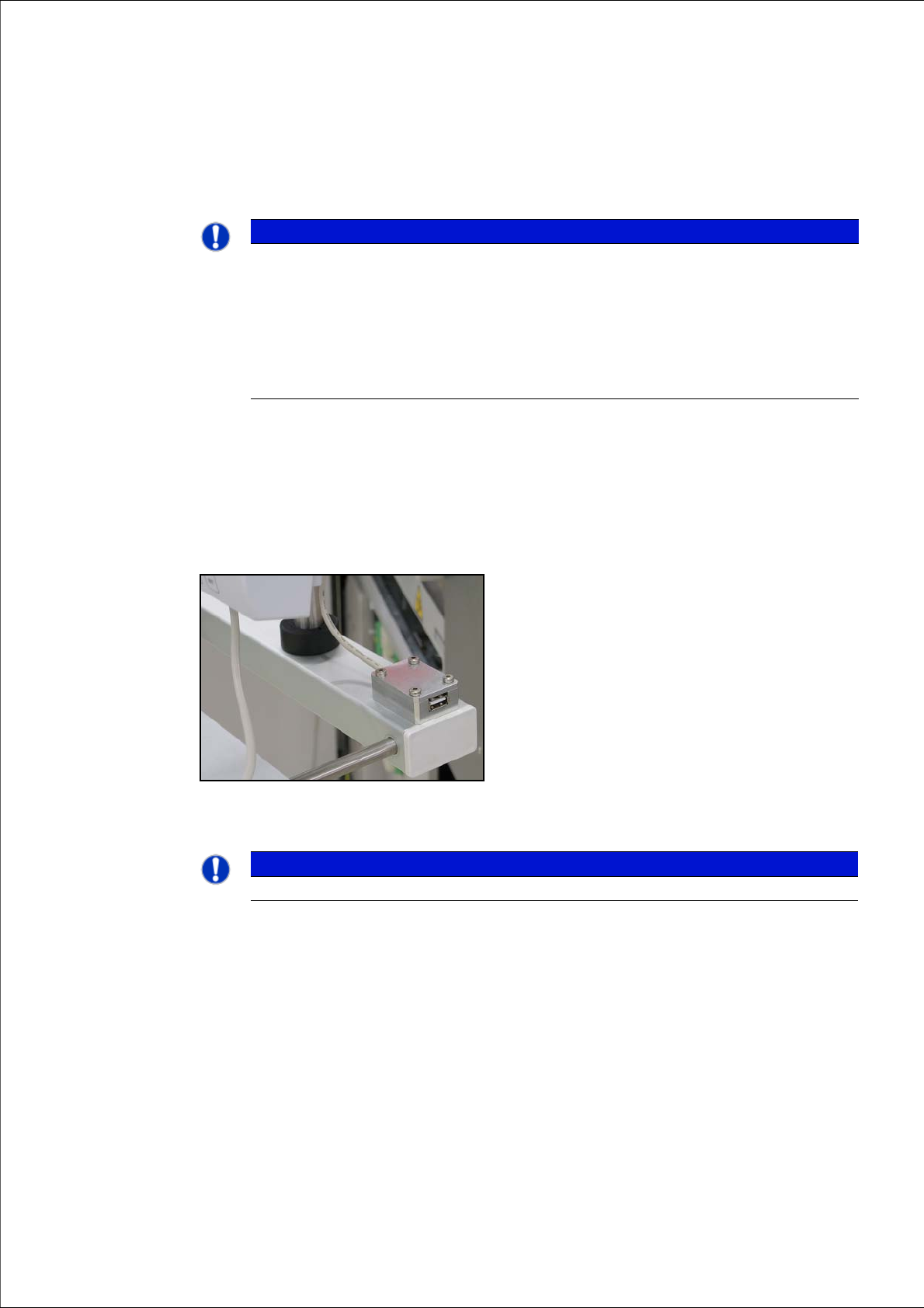
Connect a USB stick to the port provided on your computer.
2
Fig. 1 USB port on SWS monitor
2
2
PLEASE NOTE
Backup of installed SWS software version
If you replace the computer, first perform a backup of the operating system and the SWS
control (see “Backup des Betriebssystems und der SWS-Software” auf Seite 66). This
backup can then be used to install the operating system (see Installing the Operating
Systemon page 93) and the control software.
If you need to perform a backup of the operating system at the customer site, you will first
need to back up the installed SWS software.
PLEASE NOTE
To achieve the required effect, confirm each entry with Enter.