00195988-02_IM_SWS-Software-2.1_DE_EN.pdf - 第84页
Installationsanleitung SIPLACE SWS Software 2.1 Ausgabe 05/2014 84
Installationsanleitung SIPLACE SWS Software 2.1
Ausgabe 05/2014
83
5 Troubleshooting
Ursache: Ausgaben an der Konsole 5
Konsequenz/Fehlerart: Anzeige des Setup Tools zerstört 5
5
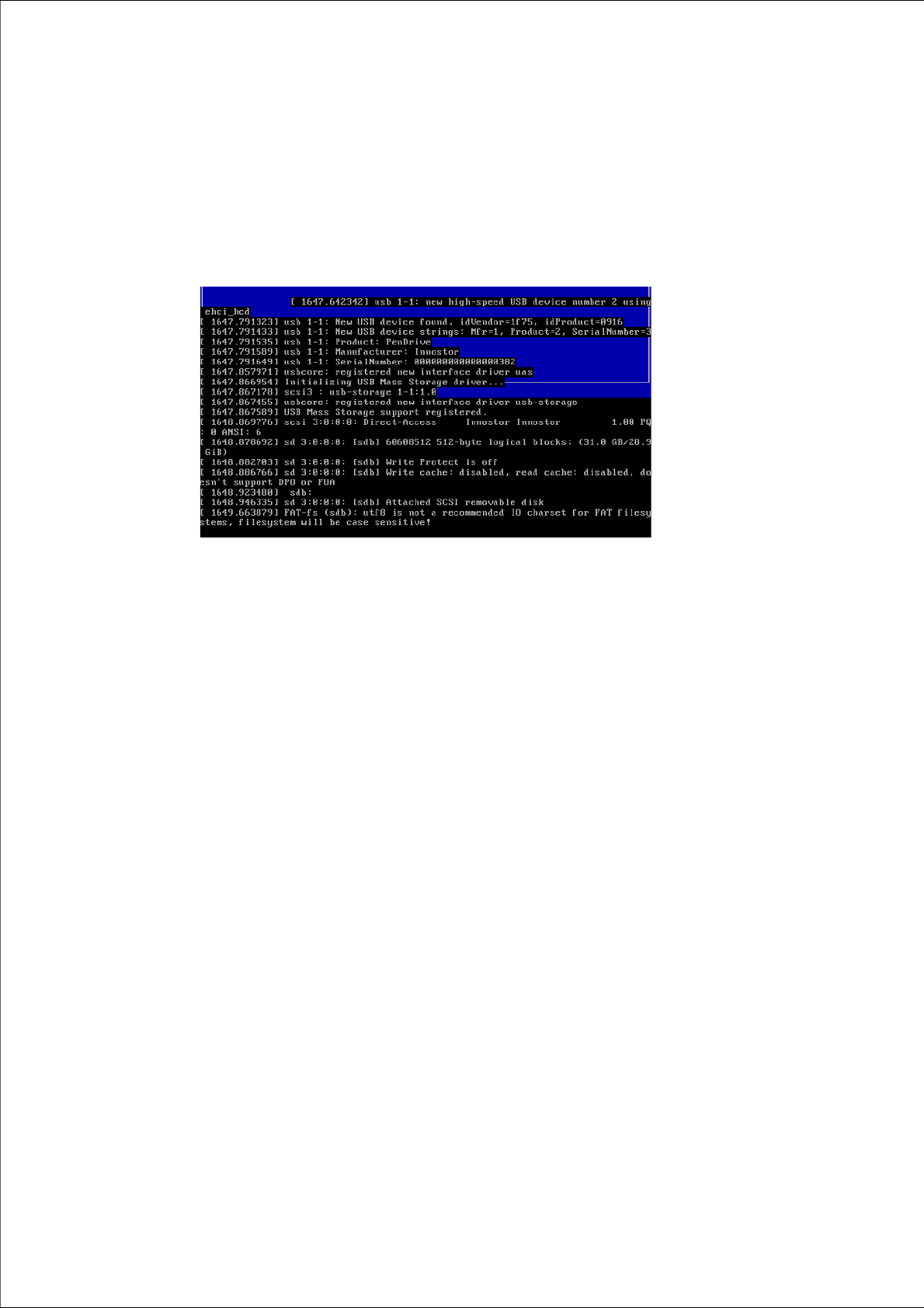
Abb. 138 Anzeige des Setup Tools zerstört
Lösung: 5
Drücken Sie CTRL + L.
– Die aktuelle Seite des Setup Tools wird neu aufgebaut.

Installationsanleitung SIPLACE SWS Software 2.1
Ausgabe 05/2014
84

Installation Manual SIPLACE SWS Software 2.1
Edition 05/2014
85
1 General
1.1 Brief Description
This manual contains the installation guide for the operating system and the software (control and
operating software ) for the SIPLACE Wafer Systems (SWS). It also includes a description of the
backup and restore scenarios. 1
1.2 Scope of Delivery
The operating system and the software (control and operating software) for the SIPLACE Wafer
Systems (SWS) is preinstalled and will be supplied with the SWS module. 1
1.2.1 SWS Software Package
You need two files for installation of the current SWS software. These need to be on a USB stick.1
– SIPLACE SWS Software 2.1
– SWS_<versionsnummer>_bin.tgz
– update_sw.tgz
– Halcom license on USB stick (software is preinstalled)
1.2.2 Operating System Package SWS
You need an iso file for installation of the current SWS operating system. This is on a DVD. 1
– SWS operating system version 1.1.1
– ISO image (*.iso)
1.3 Requirements
The computer hardware with the relevant system requirements is supplied together with the
SIPLACE Wafer System (SWS). 1