00195988-02_IM_SWS-Software-2.1_DE_EN.pdf - 第91页
Installation Manual SIPLACE SWS Software 2.1 Edition 05/2014 91 T o store the wafer feeder SW packages on the USB stick, ente r the following: ta r -cvzf /med ia/usbdi sk0/wfBackup.tgz ./wf 2 2 Fig. 5 Entry of tar -cvz…
Installation Manual SIPLACE SWS Software 2.1
Edition 05/2014
90
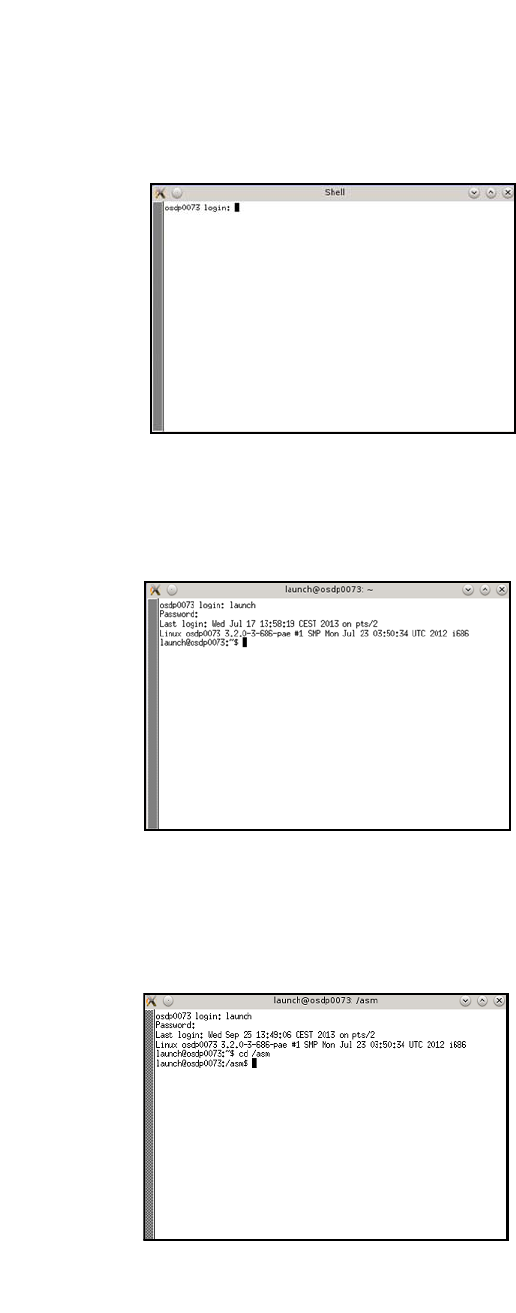
Open the terminal with CTRL + ALT + X.
2
Fig. 2 Opened terminal
Enter the following at the terminal: Launch
Enter your password.
2
Fig. 3 Entry of launch and password
2
To change the test USB disk folder, enter the following: cd /asm
Enter the following: ls /media/usbdisk0
2
Fig. 4 Entry of cd/ asm and ls /media/usbdisk0
– The USB stick contents will be shown.
Installation Manual SIPLACE SWS Software 2.1
Edition 05/2014
91
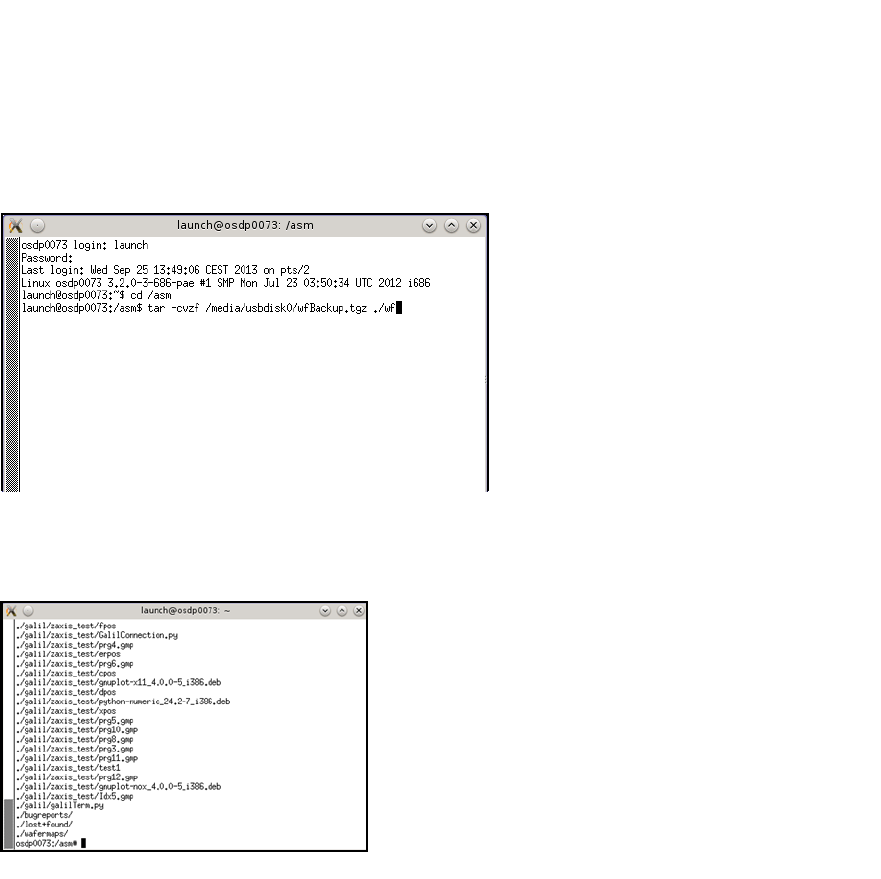
To store the wafer feeder SW packages on the USB stick, enter the following:
tar -cvzf /media/usbdisk0/wfBackup.tgz ./wf 2
2
Fig. 5 Entry of tar -cvzf /media/usbdisk0/wfBackup.tgz ./wf
– After the process has been executed, the following will appear on your screen:
2
Fig. 6 Screen after process execution
Installation Manual SIPLACE SWS Software 2.1
Edition 05/2014
92
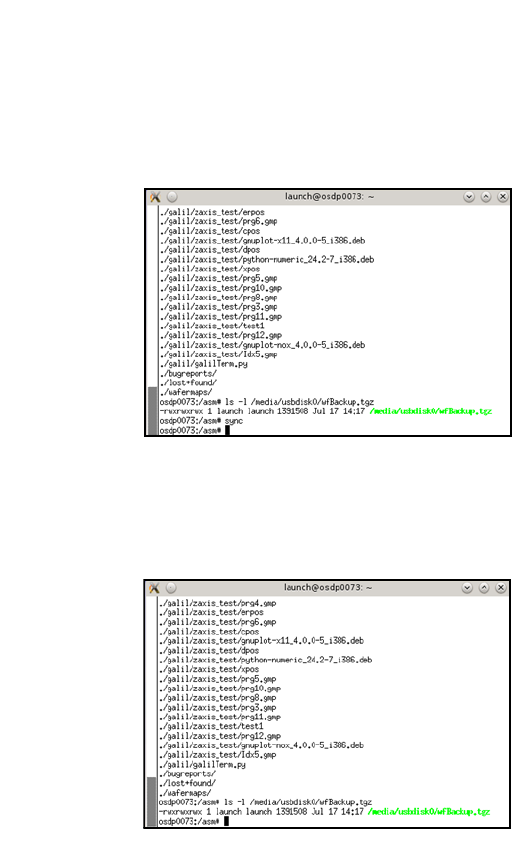
To prepare the USB stick for removal, enter the following: sync
2
2
Fig. 7 Entry of sync
To test whether the backup was generated, enter the following:
ls -l /media/usbdisk0/wfBackup.tgz 2
2
Fig. 8 Entry of ls -l /media/usbdisk/wfBackup.tgz