00197184-03_IM_Celsius_W520LLC_Windows7_EN.pdf - 第17页
Celsius W 520 w ith W indows 7 03/2014 Editio n 17 The com puter will co ntinue pr eparing for first us e, as s hown in the f ollowin g pictur e. Figure 3- 16 : Setup continues preparing for firs t use After a while, th …
Celsius W520 with Windows 7 03/2014 Edition
16
NOTICE
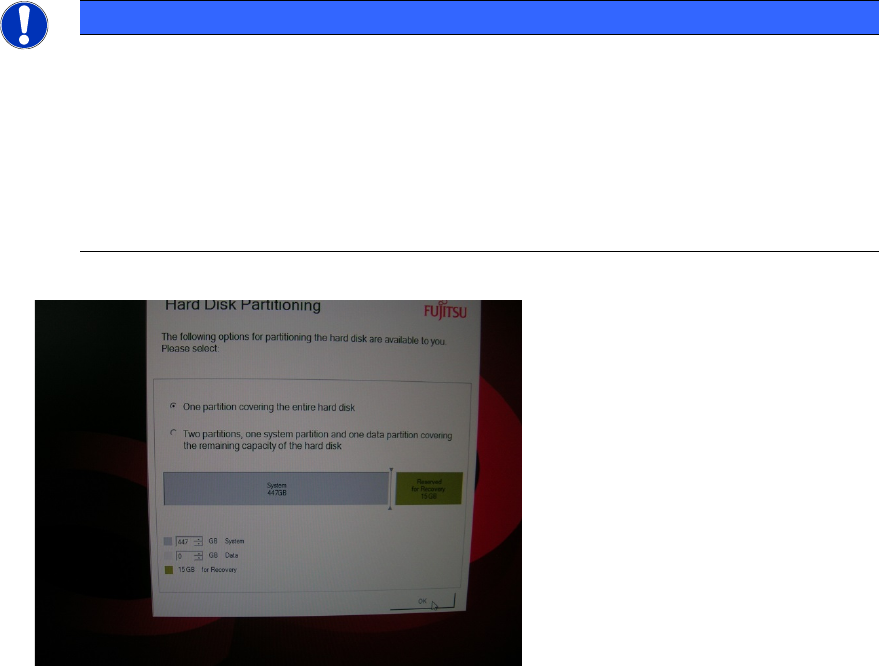
No additional Partitioning required for this Computer
Since this computer has two or three hard disks installed by default, we recommend
choosing the one partition option. This way you still have an additional drive letter (D: or
E:) for data backup or other purposes.
If this computer has an SSD hard disc, please use the first hard disc for the operating
system, the second hard disk for the product database and the third hard disk for
backup.
Figure 3-15: Selecting one partition
► Click the OK button to continue.
Celsius W520 with Windows 7 03/2014 Edition
17
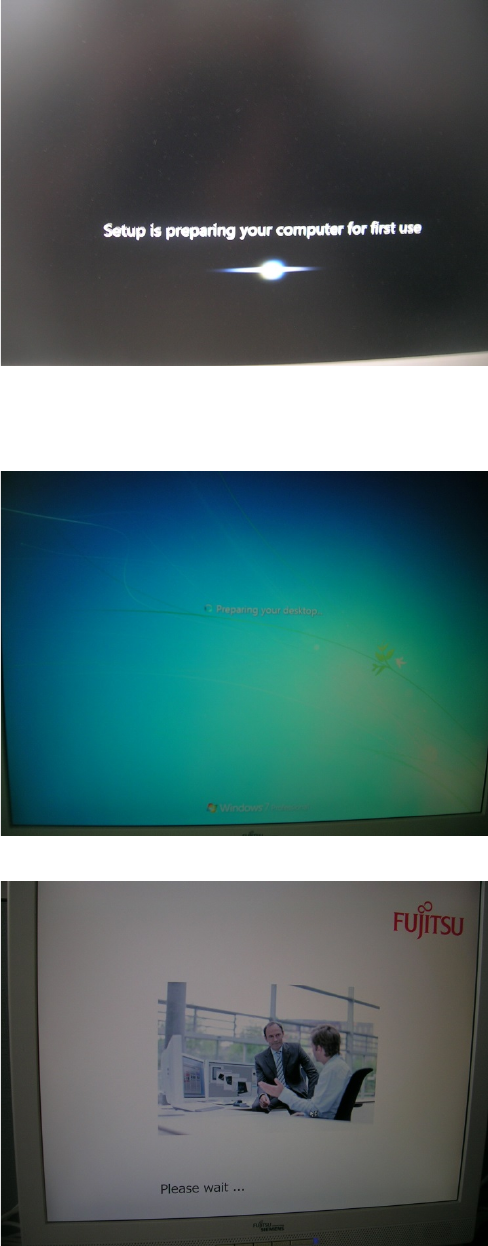
The computer will continue preparing for first use, as shown in the following picture.
Figure 3-16: Setup continues preparing for first use
After a while, the computer will reboot and automatically login and continue preparation (takes
some time).
Figure 3-17: Computer logging in automatically
Figure 3-18: Fujitsu “Please wait…” screen
Celsius W520 with Windows 7 03/2014 Edition
18
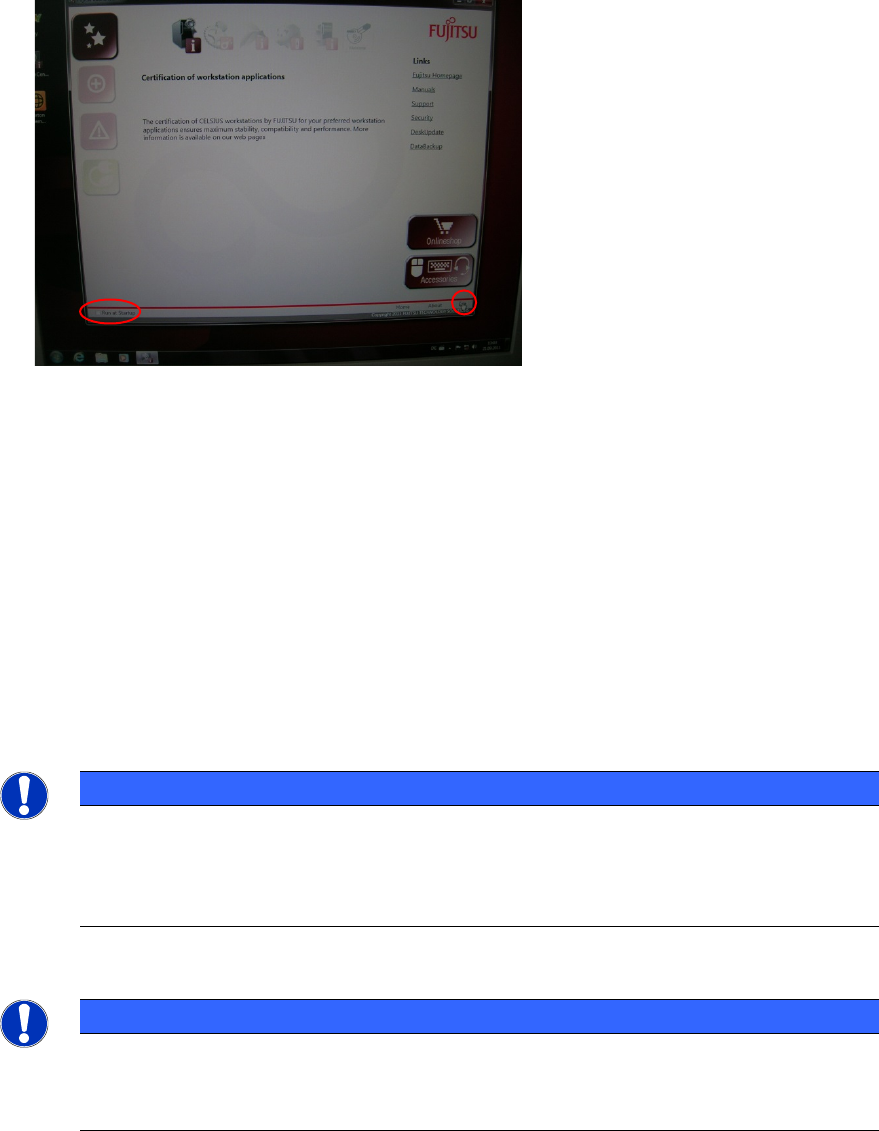
After preparation, you will see the following window.
Figure 3-19: Fujtisu Options
This tool provides you with links helping you to perform some common tasks.
► If you don’t want this tool to show again, ensure the checkbox besides Run at Startup in the
lower left corner isn’t selected.
► Click the Exit link in the lower right corner to close the tool.
► Continue with the next chapter
3.1 Uninstall unused Tools
In the pre-installed image, there are some tools not required by SIPLACE which we recommend to
uninstall before proceeding.
NOTICE
Screens may look slightly different
The screens taken in this chapter may look slightly different from your computer
installation, since they were taken from a previous computer installation. Nevertheless
their meaning is still the same.
NOTICE
Security Tools might conflict with SIPLACE Software
Some anti-virus or firewall tools might conflict with SIPLACE software. We recommend
uninstalling them as described in this chapter.