00197184-03_IM_Celsius_W520LLC_Windows7_EN.pdf - 第42页
Celsius W 520 w ith W indows 7 03/2014 Editio n 42 After f inalization, W indo ws will log you on autom atically. Figure 4- 28 : Computer logging in automatical ly ► Please cont inue w ith the ne xt chapter.
Celsius W520 with Windows 7 03/2014 Edition
41
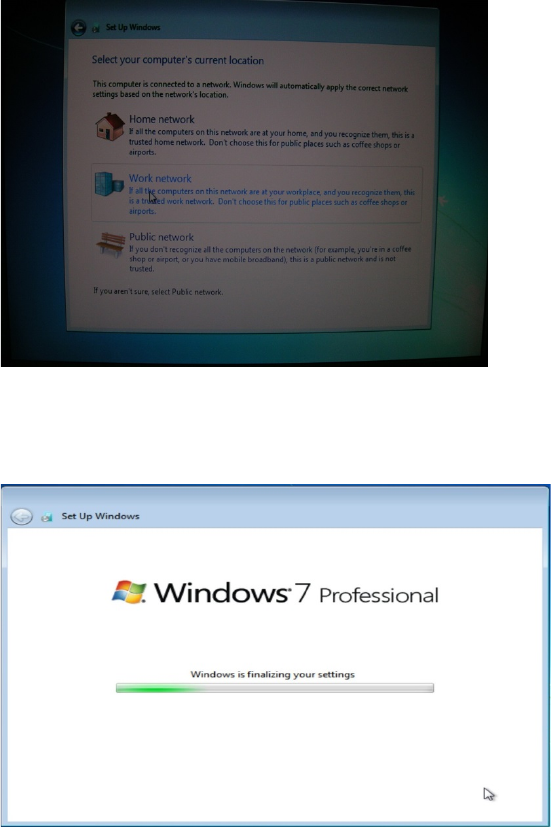
Figure 4-26: Network Location Setting
► Click on Work network.
After that, Windows will finalize the settings.
Figure 4-27: Windows finalizing the settings
Celsius W520 with Windows 7 03/2014 Edition
42
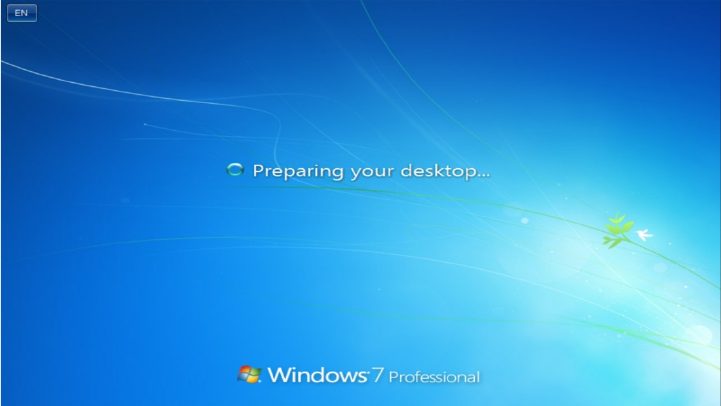
After finalization, Windows will log you on automatically.
Figure 4-28: Computer logging in automatically
► Please continue with the next chapter.
Celsius W520 with Windows 7 03/2014 Edition
43
4.2 Installing Drivers for the Computer
This section describes the installation of all required drivers.
► Ensure that you are logged in with an account with administrative permissions (if you followed
this guide step by step, this is the case).
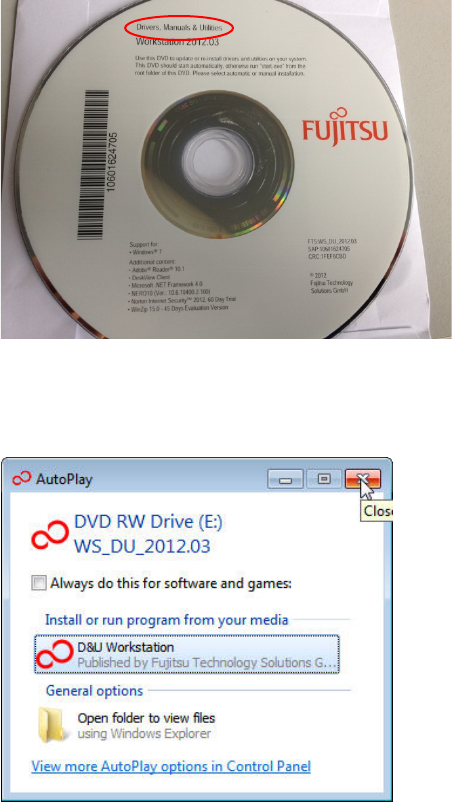
Figure 4-29: Drivers DVD
► Insert the "Drivers, Manuals & Utilities" DVD into the DVD drive.
The auto play window may appear.
Figure 4-30: Closing the AutoPlay window
► Close the AutoPlay window by clicking on the X.